The Problem No One Talks About: Takeoff Time
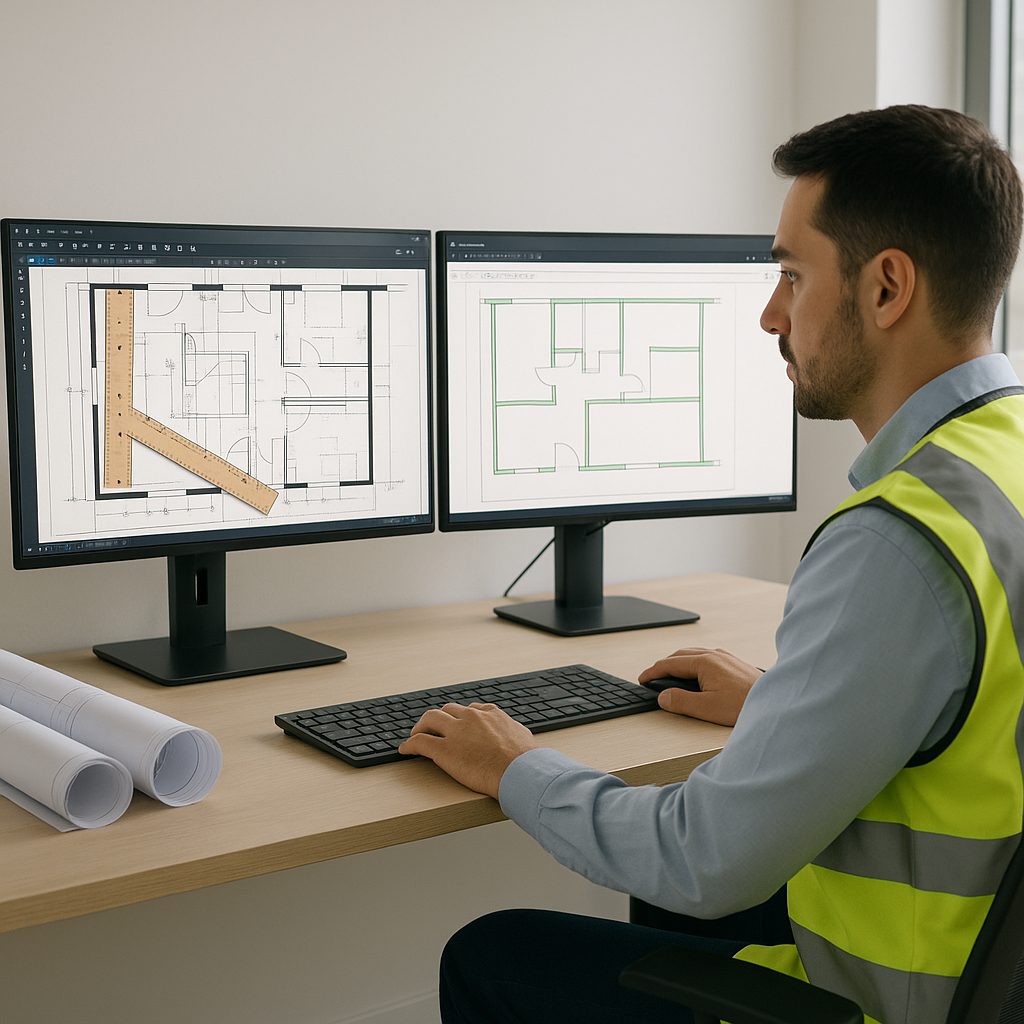
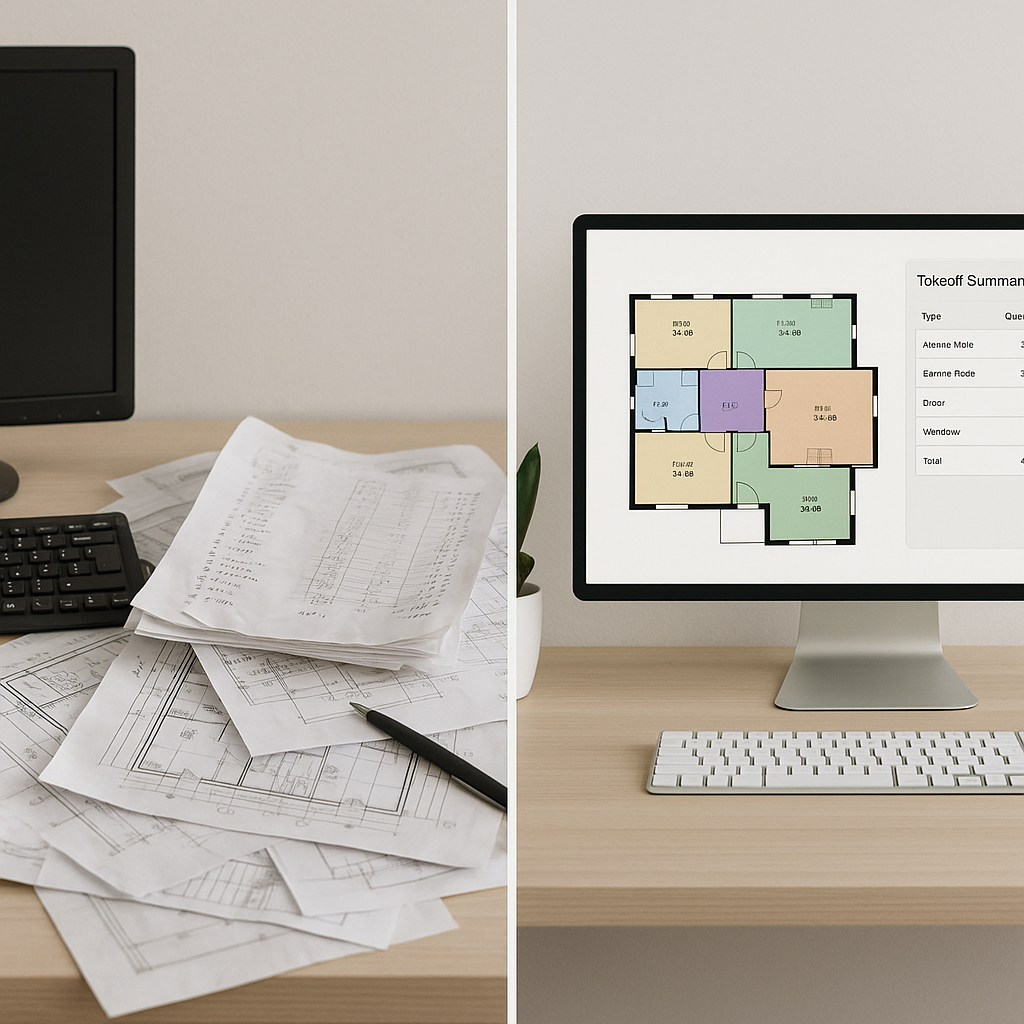
Let’s be honest—the time spent on manual quantity takeoffs is absurd. If you’re a general contractor or an estimator, you know the drill: two estimators, two full days, and 40 hours later, you’ve traced every wall, beam, and door on those PDFs. That’s time you’ll never get back. And the kicker? It’s still prone to human error. Miss one measurement, and your entire bid might be underpriced.
This inefficiency isn’t just annoying; it’s costing you money. According to McKinsey, early adopters of AI in construction see cost savings of 10-20% per project. But most firms are still stuck in the past, clinging to manual methods or outdated tools.
The Hidden Costs of Manual Takeoffs
Manual quantity takeoffs aren’t only time-consuming; they’re also expensive. Multiply the 40 hours spent on takeoffs by your team’s hourly rate—say, $130 per hour—and you’re looking at $5,200 per project just for labor. For firms handling five bids a year, that’s $26,000 annually. Factor in potential errors due to miscalculations, missed quantities, or incorrect assumptions, and the financial impact can spiral even further.
For example, a small subcontractor in Florida recently lost a $2 million contract because their manual takeoff underestimated concrete quantities by 5%. That single error resulted in a bid that was too low, forcing them to absorb additional material costs. Had they used automation tools, they could have avoided the mistake altogether.
The AI Fix: 10 Minutes, Not 40 Hours
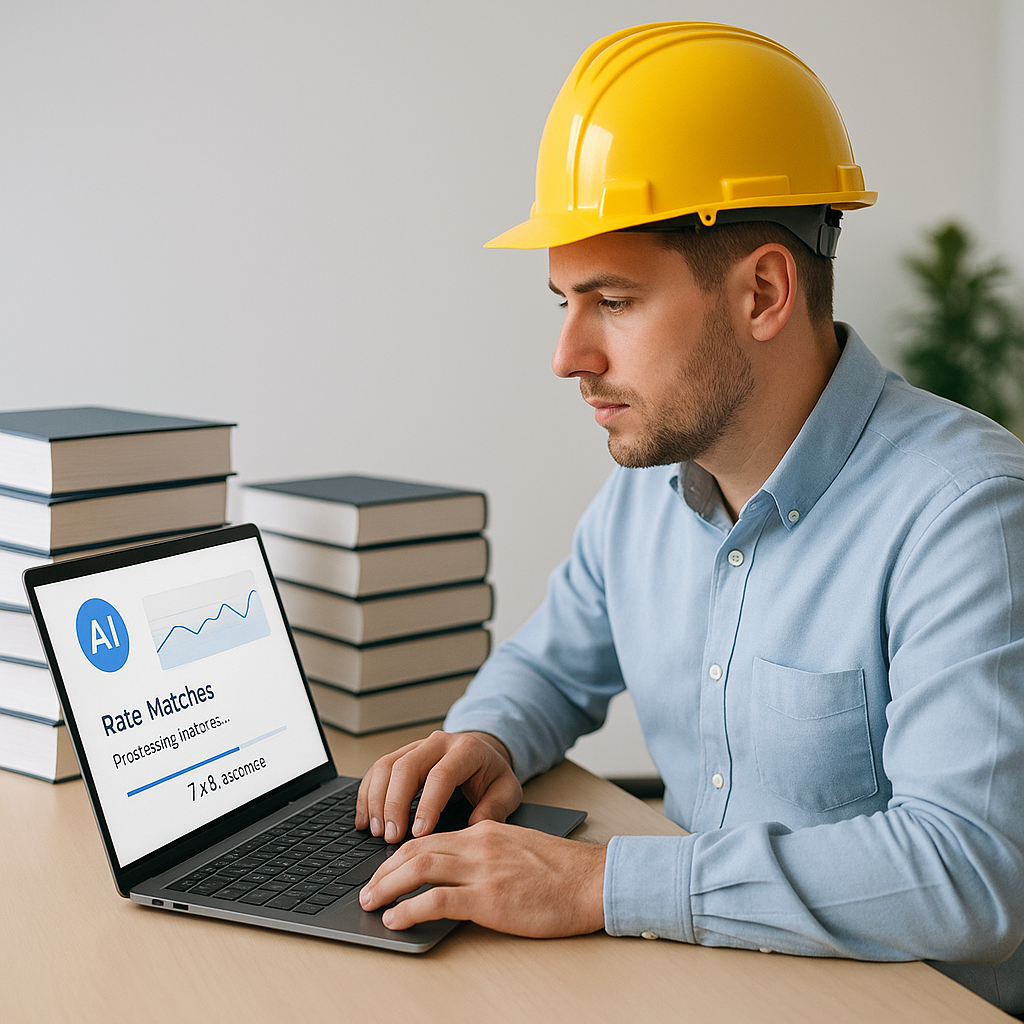
AI-powered tools like EstimateNext are rewriting the rules. Their Vision AI feature can extract quantities from PDF drawings in just 10 minutes. Yes, 10 minutes. Upload the drawing set, and the AI identifies room areas, wall lengths, door counts, and more. It even flags areas where confidence is low, so you can double-check critical measurements.
Think about what that means. Instead of spending two days on takeoffs, your team can move on to higher-value tasks: refining the bid strategy, negotiating with subs, or running more what-if scenarios. In one case, a mid-sized GC saved 120 hours on a high-rise project using this exact feature. That’s three full weeks of estimator time freed up.
Case Study: High-Rise Project Success
A mid-sized general contractor (GC) working on a $50 million high-rise project leveraged AI tools for takeoffs. The results were staggering:
- Time Saved: 120 hours, equivalent to three weeks of estimator time.
- Error Reduction: Manual miscalculations that could have cost up to $50,000 were entirely avoided.
- Improved Accuracy: The AI flagged low-confidence areas that needed closer inspection, ensuring no critical details were overlooked.
This case underscores the transformative power of AI. It’s not just about saving time—it’s about safeguarding margins and avoiding costly mistakes.
How It Works
AI takeoff tools aren’t magic—they’re smartly engineered systems designed to enhance efficiency. Here’s a step-by-step breakdown:
- Upload Your PDFs: Drag and drop your drawing set into the platform. Vision AI reads the files and starts extracting quantities immediately.
- Automated Detection: The AI identifies key elements like walls, windows, and floors. It even accounts for different drawing scales.
- Confidence Scoring: Low-confidence areas are flagged for manual review, ensuring no critical details are missed.
- Export & Integrate: Once validated, export the data into Excel, Procore, or your preferred estimating tool.
Beyond speed, these tools also excel in accuracy. A 2023 McKinsey report found that AI reduces takeoff discrepancies by up to 80%. That means fewer requests for information (RFIs), fewer change orders, and fewer headaches during construction.
Actionable Steps to Get Started
- Evaluate Your Current Process: Track how much time and money your team spends on manual takeoffs.
- Research AI Tools: Compare platforms like EstimateNext, Togal.AI, and On-Screen Takeoff to find the best fit for your needs.
- Run a Pilot Project: Test AI tools on a small project to evaluate speed, accuracy, and ROI.
- Train Your Team: Invest in training to ensure your estimators are comfortable using the software.
The Pushback: “AI Can’t Think Like an Estimator”
I hear this all the time. The argument goes, “Sure, AI is fast, but it doesn’t understand the nuances of construction.” And you know what? That’s true. AI isn’t replacing your expertise; it’s amplifying it. You’re still the one making judgment calls, negotiating with subs, and deciding on markup. The AI just handles the grunt work.
Think of it like hiring a junior estimator who’s lightning-fast but still needs your oversight. The difference? This one doesn’t take lunch breaks or make calculation errors.
The ROI Math
Let’s break it down. If you’re saving 40 hours per estimate and your team’s hourly rate is $130, that’s $5,200 saved per bid. Multiply that by five GMP pursuits a year, and you’re looking at $26,000 in savings annually. And that’s just for time saved—factor in the potential to bid on more projects and win more work, and the numbers get even better.
Comparison Table: Manual vs. AI Takeoffs
| Feature | Manual Takeoffs | AI Takeoffs |
|---|---|---|
| Time Required | 40 hours | 10 minutes |
| Error Rate | High (human error) | Low (AI validation) |
| Scalability | Limited | Unlimited |
| Cost per Takeoff | ~$5,200 | ~$500 |
| Integration with Tools | Manual input | Seamless export |
What About Smaller Firms?
You might be thinking, “This sounds great for big GCs, but what about us?” The beauty of AI tools is that they scale. Whether you’re pricing a $1 million renovation or a $1 billion rail project, the process is the same. In fact, smaller firms might see an even bigger impact because every hour saved is another hour you can spend growing your business.
FAQ
Q: How accurate are AI takeoffs?
AI tools like EstimateNext are highly accurate, often reducing discrepancies by up to 80%. However, human oversight is still essential for critical details.
Q: Does AI work for custom projects?
Yes. You can upload custom rate catalogs or define specific parameters for unique projects. The AI adapts to your needs.
Q: Is it hard to learn?
Not at all. Training usually takes less than two weeks, and the interface is intuitive. If you can use Excel, you can use AI takeoff tools.
Q: What if I already use tools like Bluebeam?
AI tools integrate seamlessly with platforms like Bluebeam, Procore, and Excel. You don’t have to change your entire workflow to see the benefits.
Q: Is AI expensive?
While there’s an upfront cost, most firms see a quick ROI. For example, saving $26,000 annually on labor easily offsets subscription fees.
Ready to Save 40 Hours?
If you’re tired of wasting two days on manual takeoffs, it’s time to make a change. EstimateNext can help you cut takeoff time to 10 minutes, reduce errors, and free up your team for the work that really matters. Get started free →