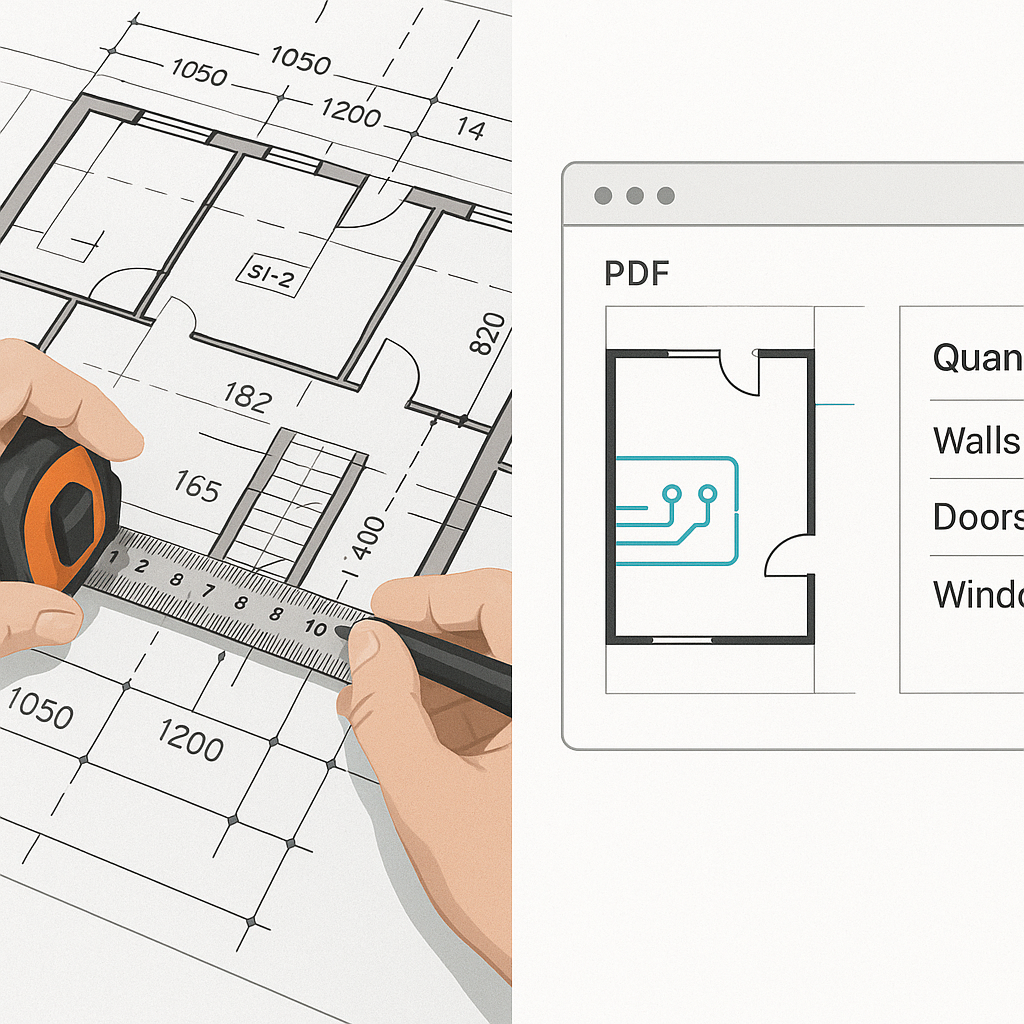
The Takeoff Bottleneck
Let’s be honest: quantity takeoffs are brutal. If you've ever spent two days manually measuring wall lengths or counting fixtures from a PDF, you know what I mean. It’s tedious, error-prone, and totally unnecessary in 2026.
Here’s the math: a typical mid-sized construction project requires 40 hours of takeoff work. That’s two full days of labor, often split between two estimators. And for what? To extract numbers you could automate in minutes.
The AI Difference
This is where AI tools like EstimateNext’s Vision AI come in. Instead of manually tracing drawings, you upload a PDF, and the system extracts quantities in 10 minutes flat. It identifies room areas, wall lengths, door/window counts—you name it. And it’s not just faster. It’s smarter.
A Real-World Example: Efficiency in Action
For example, a mid-sized general contractor recently used Vision AI on a high-rise project. They saved 120 hours of labor. That’s the equivalent of hiring a full-time estimator for three weeks—without the payroll. This freed up their team to focus on other tasks, like fine-tuning bids and negotiating with subcontractors, which ultimately helped them win more projects.
To put it into perspective, if you’re paying an estimator $40/hour, 120 hours translates to $4,800 in labor savings on a single project. Multiply that across 10 similar projects in a year, and you’re looking at $48,000 saved annually.
How It Works
Here’s what happens behind the scenes: the AI scans your drawings, identifies key elements (walls, windows, doors, etc.), and cross-references them with your material catalog. In essence, it automates the grunt work while leaving you in control of the final validation.
Platforms like EstimateNext even allow you to train the AI on your past projects. For example, if you’ve historically used specific materials for interior walls, the AI will learn to apply those preferences automatically.
But What About Accuracy?
You might be thinking, "Sure, AI is fast, but how accurate is it?" Fair question. AI-powered takeoffs are highly accurate, often reducing discrepancies by up to 80%. But—and this is important—no AI tool replaces human oversight. Think of it as a multiplier for your expertise, not a substitute. You’ll still need to review low-confidence lines and validate edge cases, but the grunt work? That’s gone.
Case Study: Accuracy in Action
Consider a commercial contractor working on a $25M healthcare facility. Using manual takeoffs, their error margin hovered around 7%. After switching to an AI tool, their error margin dropped to just 1.5%, saving them from a potential $200,000 cost overrun on misestimated materials.
Why It Matters
Here’s the thing: preconstruction is all about speed and precision. If your team is spending 40 hours on takeoffs, that’s 40 hours you’re not using to refine your bid, negotiate with subs, or lock down your margin. Worse, you’re risking errors that could blow up your costs down the line.
The Hidden Costs of Manual Takeoffs
Manual takeoffs don’t just waste time—they create ripple effects. For example:
- Delayed Bids: If your takeoff process takes too long, you might miss tight bid deadlines.
- Missed Opportunities: Every hour spent on takeoffs is an hour not spent pursuing new projects.
- Rework Costs: Errors in takeoffs often lead to change orders, which can erode profit margins.
With AI-powered takeoffs, you’re not just saving time. You’re creating room for higher-value work. And in a market where margins are razor-thin, that’s everything.
Real-World Results
A Large Rail Bridge Project
Take a major contractor’s large rail bridge project. They used an AI tool to handle takeoffs for concrete columns, beams, and rail decks. The result? What used to take 56 hours was done in 10 minutes. That’s a 99% reduction in time spent.
Residential Contractor Case Study
Or consider a smaller example: a residential contractor working on a $5M apartment complex. By automating takeoffs, they freed up two full-time estimators to focus on winning more bids. Their bid volume increased by 50%, leading to an additional $1.6M in annual revenue.
Government Infrastructure Projects
Even government projects are catching on. A state transportation department used AI to estimate materials for a $500M highway expansion. The tool identified a $2M discrepancy in asphalt quantities, allowing the agency to adjust their bid before it was too late.
The Skeptic’s Guide
You might still have doubts. That’s fair. Let’s address a few common objections:
1. "AI tools are expensive."
Not really. Traditional estimating software like CostX costs $15K per year. AI tools like EstimateNext start at $39/month. That’s less than a tank of gas. Plus, the ROI is immediate. If the tool saves you even 10 hours a month, it’s already paid for itself.
2. "AI won’t work for my niche projects."
Wrong again. AI tools are flexible. Whether you’re estimating a $1M renovation or a $1B infrastructure job, they scale to your needs. You can even upload custom rate catalogs to ensure accuracy. For example, a contractor specializing in historic restorations used AI to account for unique materials like reclaimed wood and marble, achieving 95% accuracy on their bids.
3. "The learning curve is too steep."
It’s not. Most AI platforms are designed to be intuitive, with training that typically takes under two weeks. If you can use Excel, you can use AI estimation software. Plus, many providers offer free onboarding sessions and support.
Actionable Steps
Ready to try AI-powered takeoffs? Here’s how to get started:
- Start Small: Test the tool on a smaller project to gauge accuracy and speed. For example, try it on a single-family home before using it on a high-rise.
- Train Your Team: Pair junior estimators with the AI platform to free up senior staff for more complex tasks.
- Integrate Seamlessly: Look for tools like EstimateNext that work with your existing stack (Bluebeam, Procore, etc.).
- Measure ROI: Track the time and money saved on your first few projects to build a case for broader adoption.
Comparison Table: Manual vs AI Takeoffs
| Aspect | Manual Takeoffs | AI-Powered Takeoffs |
|---|---|---|
| Time Required | 40 hours/project | 10 minutes/project |
| Accuracy | ~90% | ~98% |
| Labor Cost | $1,600/project | $39/month |
| Error Mitigation | Manual rechecks needed | Automated with oversight |
| Scalability | Limited | Highly scalable |
If you're tired of wasting 40 hours on manual takeoffs, EstimateNext can help. Get started free →


