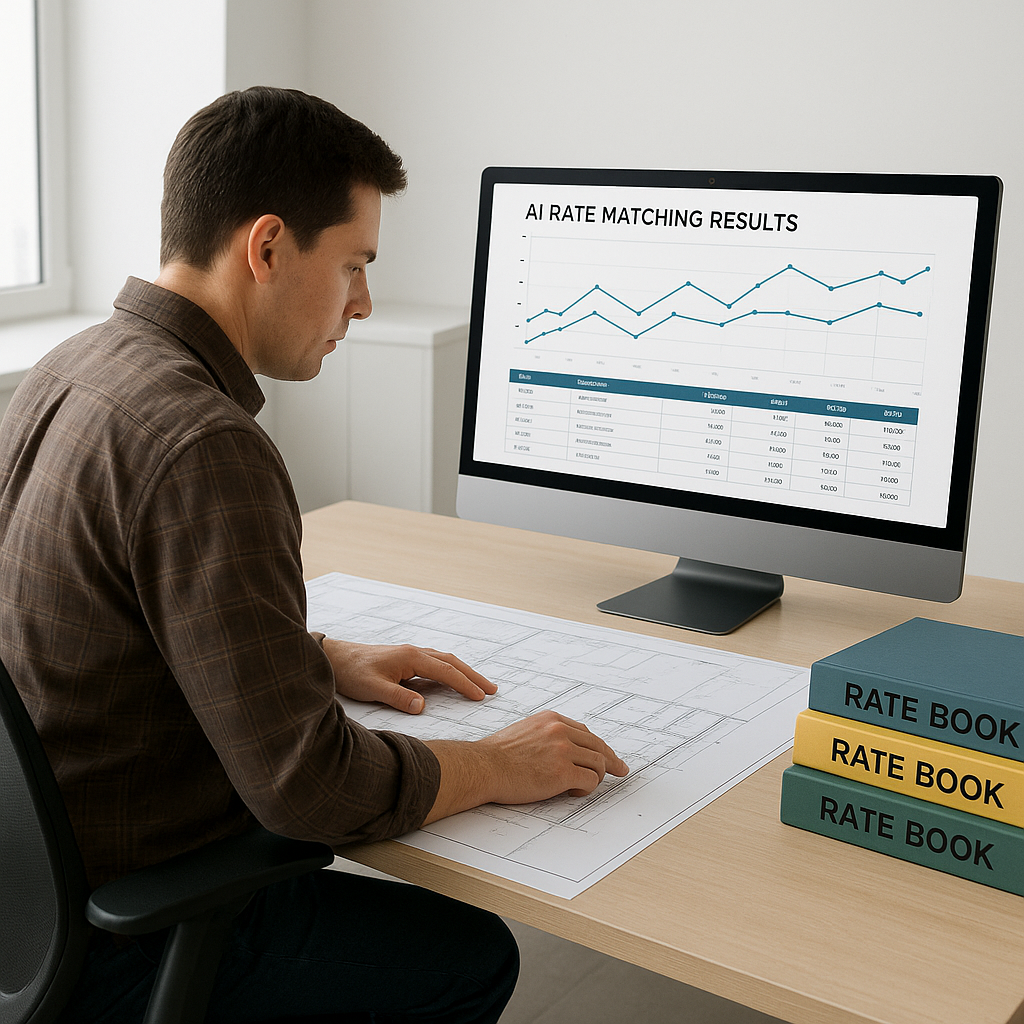
Why Rate Matching is Every Estimator's Nightmare
Imagine this: you're pricing a bid for a $200M commercial project, and the BOQ includes over 300 line items. To get accurate rates, you're flipping through a 2,000-page RSMeans PDF or a state SOR catalog. You burn five hours just finding rates for labor, materials, and equipment. And that’s before double-checking compliance with local standards.
Sound familiar? It should. This manual process is slow, error-prone, and frankly outdated. In today's preconstruction world, time is money. Every hour spent manually matching rates is an hour you’re not refining scopes, negotiating with subs, or improving margin strategies.
But here's the fix: AI-powered semantic search. Tools like EstimateNext are cutting rate lookup times from hours to seconds. Let’s break down how this works — and why it matters.
How Semantic Search Changes the Game
Traditional rate matching relies on human effort. You scroll through pages, Ctrl+F keywords, or manually cross-reference catalogs. AI flips this on its head. Instead of searching for exact text, semantic search understands the meaning behind your query. For example:
- Manual Process: You search “labor rate for reinforced concrete slab pouring” and get 50 irrelevant results. Now you need to skim through each one to find the right match.
- AI Process: Type the same query into an AI-powered tool. It instantly pulls the most relevant rates — labor, materials, equipment — even if the exact phrasing isn’t in the catalog.
This isn’t just faster; it’s smarter. You’re not spending time interpreting vague catalog entries or wondering if you missed a better option. The AI brings it all to you.
Actionable Steps to Adopt Semantic Search
- Start Small: Begin by using AI tools for one project. This allows you to test the functionality without overhauling your entire workflow.
- Upload Custom Content: If you work with proprietary rate catalogs, integrate them into the platform. Tools like EstimateNext allow you to upload and customize catalogs for your specific needs.
- Leverage Training Resources: Most AI platforms offer tutorials and customer support to help users get started. Dedicate a few hours to learning the tool before diving into live projects.
- Combine AI with Manual Review: Use AI for rate matching and follow up with manual checks for critical items. This ensures accuracy while saving time.
Real-World Example: Saving 12 Hours on a 300-Line BOQ
Let’s take a real case. A mid-sized contractor pricing a $1B rail project used EstimateNext’s semantic search feature to match rates across federal DOT-approved catalogs. Before AI, this would have taken 12+ hours — a full day’s work for an estimator. With AI, the rates were matched in under 10 minutes.
The estimator didn’t just save time. They avoided human error (no missed items), identified cost-saving alternatives (better material rates), and delivered the bid ahead of schedule. For a project of this size, those hours were worth thousands in labor costs and potentially millions in margin.
Case Study: Regional Contractor in India
A contractor bidding for a government project in India faced a similar challenge: pricing a 500-line BOQ using the CPWD DSR catalog. This catalog spans over 2,000 pages and includes 78,000+ items. By using EstimateNext, the contractor reduced rate-matching time from 18 hours to 45 minutes. The AI tool even flagged material substitutions that saved an additional 7% on costs.
This wasn’t just a win for efficiency. It allowed the contractor to bid competitively on a high-stakes tender without sacrificing accuracy.
The Obvious Objection: “AI Can’t Know Local Nuances”
You might be thinking, “Sure, AI is fast, but it doesn’t understand local standards or project-specific quirks.” You’re half right. AI doesn’t replace human expertise — it amplifies it.
Most AI tools, including EstimateNext, allow you to upload custom catalogs. If your rates differ from the standard SORs or RSMeans, you can integrate them directly. Over time, the AI learns from this input, making future matches even smarter.
And for edge cases? Tools like EstimateNext include manual overrides. You can adjust rates, flag discrepancies, and add notes for review. AI handles the grunt work; you handle the judgment calls.
Comparison Table: AI Rate Matching vs. Manual Process
| Feature | Manual Process | AI-Powered Semantic Search |
|---|---|---|
| Speed | 5-12 hours per BOQ | 10-30 minutes per BOQ |
| Error Rate | High (human oversight required) | Low (AI flags discrepancies) |
| Customization | Limited | Full catalog integration |
| Learning Curve | N/A | 1-2 days |
| Scalability | Time-intensive | Scales easily for large BOQs |
Why This Matters for Every Persona
AI-powered rate matching isn’t just for billion-dollar projects. It scales to any estimator’s needs:
- GC Directors: Save 40+ hours per estimate. That’s $5,200 saved per pursuit (assuming $130/hr labor costs).
- MEP Subcontractors: Respond to 50% more bids. Faster rate matching means quicker quote turnarounds, which directly impacts win rates.
- Regional Contractors (India): Stop flipping through 2,000-page CPWD DSR PDFs. Semantic search across 78K+ items simplifies even the most complex government tenders.
In short, no matter your role, AI makes rate matching faster, smarter, and less frustrating.
FAQ: Common Questions About AI Rate Matching
Q: How accurate are AI-powered rate matches?
A: Highly accurate, but input quality matters. Tools like EstimateNext improve reliability with every project you price. Semantic search ensures relevance, and manual overrides catch edge cases.
Q: Can I use AI tools with custom rate catalogs?
A: Yes. Most platforms let you upload your own catalogs and integrate custom rates. This ensures your estimates reflect real project costs.
Q: What’s the learning curve for AI rate matching?
A: Minimal. Most users report proficiency within a day or two. The interface is intuitive, and training resources are readily available.
Q: Does AI replace estimators?
A: No. AI handles repetitive tasks like rate matching and takeoffs, freeing estimators to focus on high-value activities like scope refinement and subcontractor negotiations.
Q: What’s the ROI for AI rate matching tools?
A: McKinsey reports 10-20% cost savings per project for early adopters. For smaller firms, the time saved alone pays off the subscription cost within weeks.
Call to Action
If you’re tired of wasting hours flipping through rate books, EstimateNext can help. Its AI-powered semantic search matches rates in seconds across 78,000+ items, saving time and reducing errors.