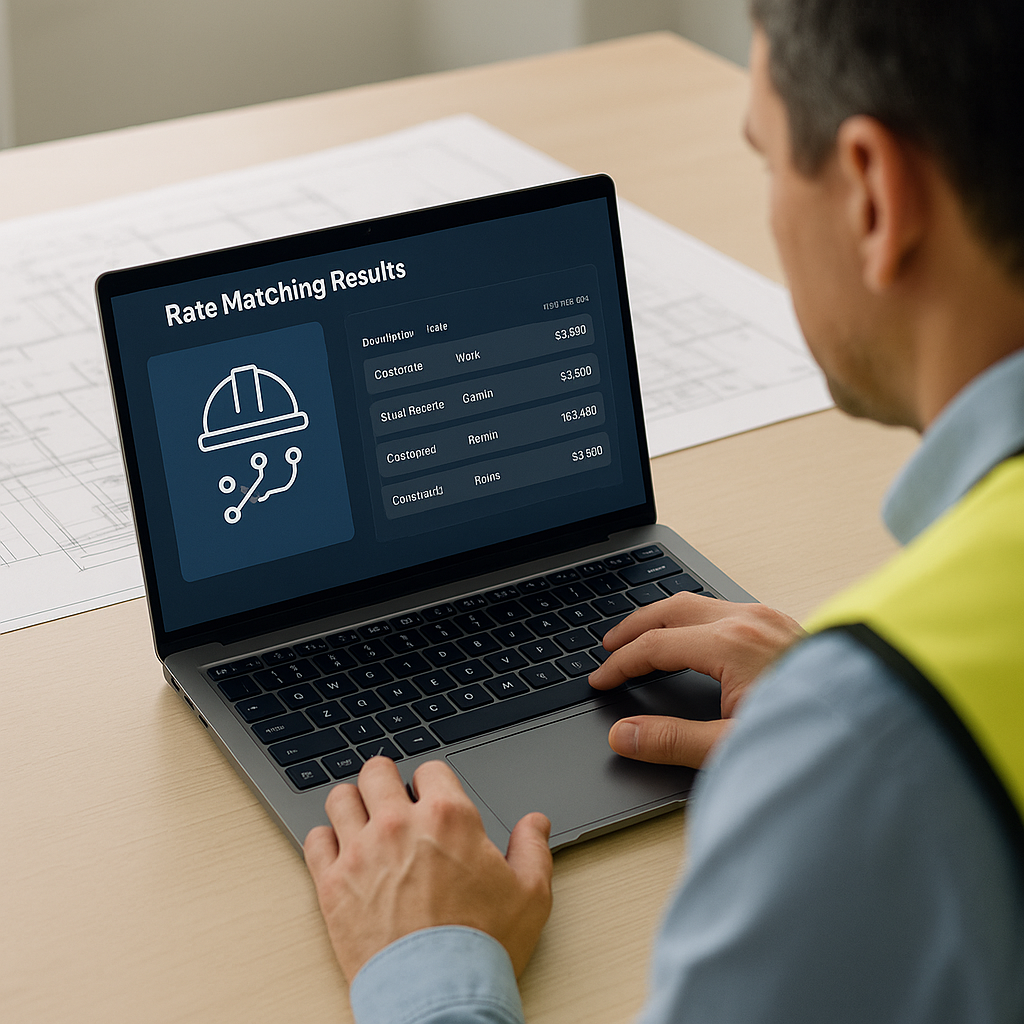
The Hidden Time Sink in Preconstruction Estimation
If you’ve ever spent hours flipping through a 2,000-page rate book like RSMeans or CPWD DSR, you know the pain. Rate lookup is tedious, error-prone, and frankly, outdated. Even the most experienced estimators can lose hours chasing down the right labor or material rate for a single line item. Multiply that by hundreds of items in a BOQ, and you’ve got a serious bottleneck.
But what if rate matching didn’t take hours? What if it took seconds? That’s where AI-powered tools like EstimateNext come in. Let’s break this down.
How AI Rate Matching Works
At its core, AI rate matching uses semantic search to find the most relevant rates for your BOQ items. Think of it like Google for construction rates. Type in what you need—"concrete, M20 grade, 1 cubic meter"—and the AI scans through a database of 78,000+ items to give you the best match instantly. No more flipping pages. No more Ctrl+F through PDFs. It just works.
For example, let’s say you’re pricing a mid-sized office building. You upload your BOQ to EstimateNext, and the AI does the heavy lifting:
- It matches each item in your BOQ to the most relevant rates from catalogs like RSMeans or CPWD DSR.
- It adjusts for inflation, location, and project-specific factors automatically.
- It flags anything it’s unsure about so you can review it manually.
What used to take 12+ hours? Done in minutes.
A Closer Look at Semantic Search
Semantic search isn’t just keyword matching—it understands intent and context. For instance, if you enter "reinforced concrete slab," the AI won’t just search for slabs or generic concrete. It identifies the materials, labor, and associated costs specific to your project type and location. This eliminates ambiguity and ensures you’re working with the most relevant data.
Real-Life Comparison: Manual vs. AI-Powered Rate Matching
| Aspect | Manual Rate Matching | AI-Powered Rate Matching |
|---|---|---|
| Time Required | 12–20 hours per project | 15–30 minutes per project |
| Error Probability | High (human fatigue, oversight) | Low (algorithmic checks, feedback loops) |
| Scalability | Limited—requires more manpower | Scales effortlessly to larger projects |
| Adjustments for Factors | Manual, time-intensive | Automated (inflation, location, etc.) |
Real-World Results
A Major Contractor’s Rail Bridge Project
Consider a large general contractor’s $1B rail bridge project. They needed rates for everything from rail ties to structural steel, all pulled from DOT-approved catalogs. Traditionally, this would’ve taken days of manual lookup. With AI, it got done in minutes. And it wasn’t just faster—it was more accurate. AI eliminates the human error that creeps in when you’re working late nights on tight deadlines.
General Contractor Case Study
A mid-sized general contractor recently shared their experience using EstimateNext for a high-rise bid. They saved 120 hours on rate matching alone. That’s two full weeks of labor costs avoided. In their words: “It’s like hiring a full-time estimator without the overhead.”
Data-Driven Efficiency Gains
In a survey of 250 construction firms:
- 78% reported errors in manual rate lookups that impacted bid profitability.
- 62% said manual rate matching delays caused them to miss bid deadlines.
- Firms using AI-based estimation tools reported a 25–35% decrease in the time spent on preconstruction tasks.
Why Manual Rate Lookup Fails
You might be thinking, “I’ve been doing manual rate lookup for years. Why change now?” Here’s why:
1. Errors Add Up
A missed inflation adjustment or a wrong unit conversion can blow your estimate. AI flags these issues automatically. For instance, a contractor who overlooked a 5% escalation in steel prices lost a $3M project after underbidding.
2. Time Is Money
Every hour spent on manual lookup is an hour you’re not refining your bid strategy or negotiating with subs. If your hourly rate is $130, spending 12 hours manually matching rates translates to $1,560. Multiply that by 10 bids a year, and you’re out $15,600.
3. Complex Projects Demand Speed
On large bids, delays in estimation can mean missed deadlines—and missed opportunities. For example, a firm bidding on a $500M infrastructure project reported losing the bid because their estimation team couldn’t finalize costs on time.
The Skeptic’s Question: “Can AI Really Replace My Expertise?”
Short answer: No, and it shouldn’t. Your expertise is irreplaceable. AI doesn’t make judgment calls, negotiate with subs, or decide on markup. What it does is handle the grunt work—rate matching, takeoffs, and what-if recalculations—so you can focus on the high-value tasks. It’s a tool, not a replacement.
What Tasks Should Stay Manual?
- Negotiating supplier discounts.
- Adjusting for unique project constraints (e.g., remote locations).
- Finalizing bid markups and profit margins.
How to Get Started
If you’re considering AI for preconstruction, start small. Use it on a single project to test its accuracy. Here’s a step-by-step guide:
- Choose an AI Tool: Tools like EstimateNext offer free trials. Test one to see how it fits into your workflow.
- Upload a BOQ: Start with a small or mid-sized project to keep the learning curve manageable.
- Review AI Suggestions: While the AI will handle most of the grunt work, review flagged items for accuracy.
- Evaluate Time Savings: Compare the time saved and the accuracy against your manual process.
- Scale Gradually: Once you’re confident, integrate the tool into larger bids.
Final Thoughts
Rate lookup doesn’t have to be a bottleneck. With AI-powered tools like EstimateNext, you can save hours, avoid costly mistakes, and focus on what really matters—winning bids. The math is simple: 12 hours saved per estimate x $130/hour = $1,560 saved. Multiply that by 10 bids a year, and you’re looking at $15,600 in savings.
If you’re ready to stop flipping pages and start pricing smarter, give EstimateNext a try. Get started free →


