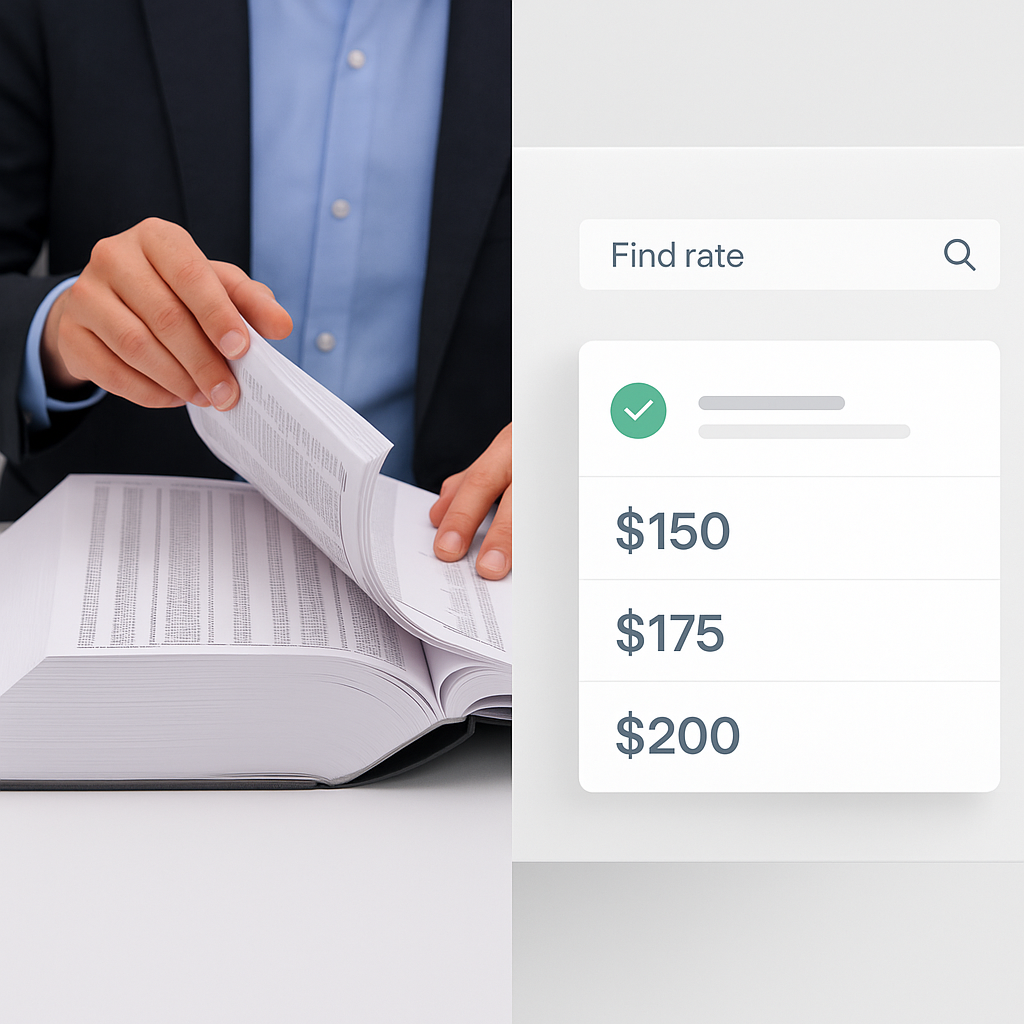
78K Rates Matched in Seconds: The AI Shortcut Estimators Need
Ever spent a full day flipping through a rate book, trying to find the right unit cost for a niche material or labor item? Of course you have. Every estimator knows the grind of rate lookup. It’s tedious, error-prone, and—let’s face it—an awful use of your time.
Enter AI-powered rate matching. Tools like EstimateNext have completely changed the game. Instead of hours, you’re looking at seconds to find the exact rate you need. And we’re not talking about basic keyword searches. This is semantic search across 78,000+ Schedule of Rates (SOR) items. Let’s break down why this matters and how you can leverage it.
The Manual Grind: Why Rate Lookup Is Broken
Here’s how rate lookup works for most estimators today:
- You’ve got a BOQ item, like “Plastering 12mm thick with 1:4 cement mortar.”
- You grab your CPWD DSR or RSMeans book (often a 1,000+ page PDF).
- You scroll endlessly, searching for a match. If you’re lucky, you find it in 10 minutes. If you’re not, you’re cross-referencing multiple catalogs for hours.
- Once you find a rate, you still need to adjust for inflation, regional modifiers, and project-specific factors.
Sound familiar? This manual process isn’t just slow—it’s risky. A missed rate or outdated figure can tank your bid margins. For example, a mismatched unit rate on a $10M infrastructure project might lead to a $50,000 margin loss, according to industry studies.
Hidden Costs of Manual Processes
- Time Drain: A single estimator might spend 16 hours on rate lookup for a mid-sized project. Multiply that across multiple bids per month, and you’re wasting hundreds of hours per year.
- Error Risks: Human error is inevitable. A wrongly matched rate can lead to underpricing or overpricing—both of which hurt your chances of winning the job.
- Opportunity Loss: Time wasted on manual lookup could be better spent refining pricing strategies or negotiating subcontractor deals.
How AI Fixes It
AI-powered rate matching tools completely flip the script. But how do they actually work?
Step-by-Step Process
- Upload Your BOQ: Drag and drop your BOQ file (Excel, CSV, or even a messy PDF) into the platform.
- Semantic Matching: The AI scans your BOQ and maps each line item to the closest matching rate in its database. For EstimateNext, that’s 78,000+ items across CPWD DSR, RSMeans, state DOT catalogs, and more.
- Custom Catalog Integration: Got your own rates? The AI integrates them seamlessly for future use.
- Real-Time Adjustments: Within seconds, you get a fully matched BOQ with rates adjusted for inflation, region, and project-specific factors.
Key Features That Set AI Apart
- Semantic Search: Unlike keyword-based tools, semantic AI understands context. For example, “12mm plastering” and “thin cement coating” will both match the same underlying rate.
- Confidence Scoring: Outputs include confidence percentages for each matched rate, helping you prioritize manual reviews for lower-confidence items.
- Historical Learning: The system learns from your overrides. If you correct a mismatched rate, the AI remembers it for future projects.
Real-World Example: Saving Time on a Mid-Sized Project
Let’s say you’re bidding on a $15M mixed-use building. The BOQ has 1,200 line items, ranging from common materials like concrete to niche items like decorative cladding. For a manual rate lookup, you’re looking at 6-8 hours of work per estimator. Multiply that by two estimators, and you’ve burned through 16 hours—just on rate matching.
With AI, that same task takes under 10 minutes.
Case Study: A Mid-Sized GC
A general contractor bidding on a $20M infrastructure project used EstimateNext’s AI rate matching. By automating rate lookup, they saved 120 hours across their team. The time saved allowed them to:
- Improve Accuracy: Focus on validating critical rates with low confidence scores.
- Negotiate Better: Reallocate time to sourcing competitive subcontractor quotes.
- Win More Work: Submit bids earlier, giving them a competitive edge.
Addressing Skepticism: Is AI Really That Accurate?
You might be thinking, “Sure, AI is fast, but can it really match rates accurately?” Fair question. Here’s the deal:
AI Accuracy in Practice
- 85-90% Out of the Box: Initial accuracy for most AI tools is high but not perfect. However, the system improves with use.
- 95%+ After Training: Most users report 95%+ accuracy by the third project.
- Manual Overrides: You maintain control. If something looks off, you can override it.
Built-In Safeguards
- Confidence Scoring: Each rate match includes a confidence score, allowing you to double-check lower-confidence matches.
- Audit Trails: The system logs every rate lookup and adjustment for future reference.
Why This Matters for Your Bottom Line
Let’s talk hard numbers. If rate lookup currently takes your team 16 hours per bid, here’s what AI can do:
Time Savings Breakdown
| Metric | Manual Process | AI-Powered Process |
|---|---|---|
| Time per Bid | 16 hours | 10 minutes |
| Annual Time Savings | 192 hours/year | 99% reduction |
| Cost Savings | $25,000/year | Up to $24,800 saved |
Error Reduction
Every rate mismatch on a $10M project can cost tens of thousands in lost margin. AI reduces errors by automating 95% of lookup tasks, leaving you to review only the edge cases.
Getting Started Without Overcommitting
Not ready to overhaul your entire workflow? Start small. Most AI platforms, including EstimateNext, offer free trials or entry-level plans. Upload a single BOQ, test the rate matching, and see how it stacks up against your current process. Worst case? You’ve spent an hour experimenting. Best case? You’ve found a way to save hundreds of hours a year.


