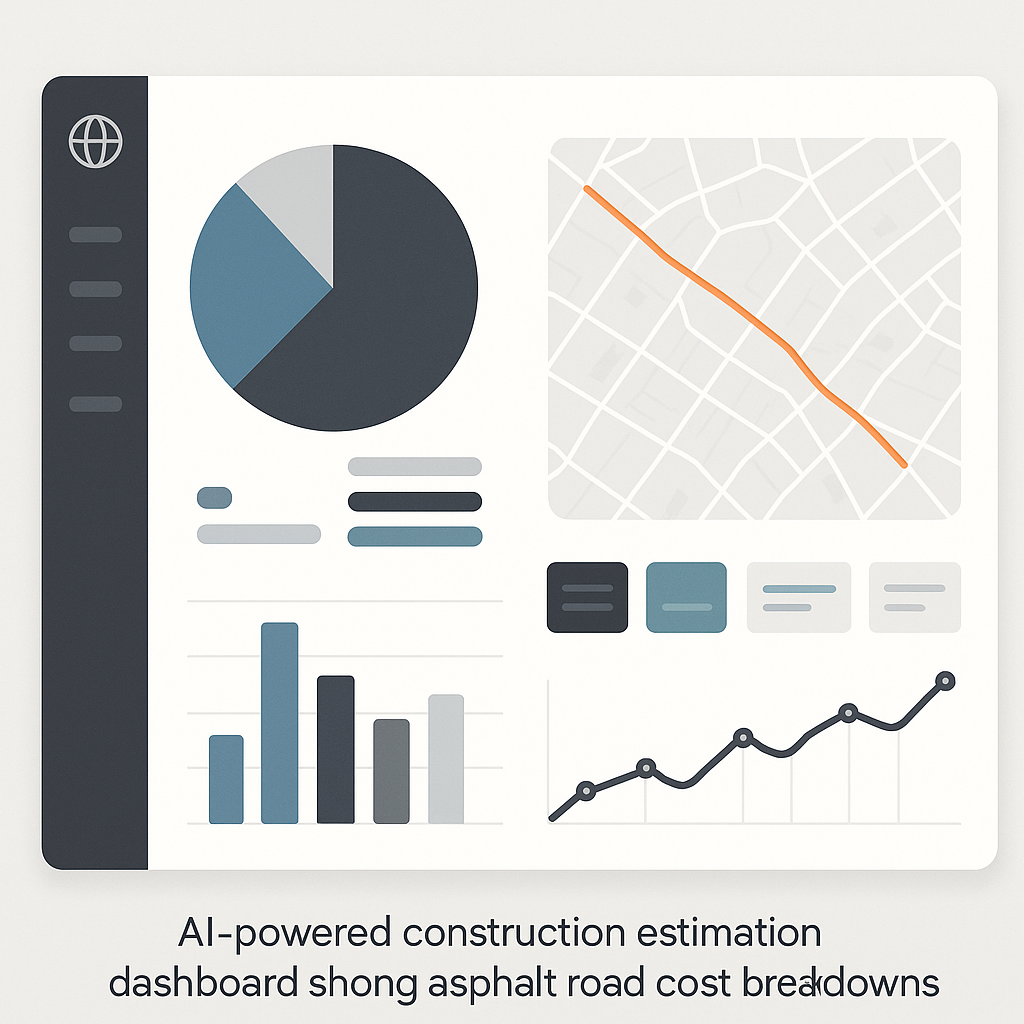
Rate Analysis for Road Construction: AI-Powered Methods to Save Time
Manual rate analysis is painful. If you've ever spent hours flipping through asphalt price catalogs or recalculating labor costs for roadwork, you know what I'm talking about. It’s not just tedious—it’s risky. One mistake, and your bid could tank.
We’ve seen this firsthand. Rate analysis for road construction is where many contractors bleed time and money. For example, estimating the cost of materials, labor, and equipment for an asphalt road can take more than 10 hours if you’re doing it manually. And that’s just for a single stretch of road. Multiply that across a full project, and you’re looking at days lost.
But AI changes everything. Tools like EstimateNext take this process and cut it down to minutes. Here’s how.
The Pain of Manual Rate Analysis
Let’s start with asphalt. It’s one of the most common materials in road construction, but pricing it accurately is harder than it seems. Here’s a typical workflow:
- Material Cost: You need to account for asphalt, aggregate, and binder. Prices vary by region and supplier, so you spend hours calling vendors or cross-referencing catalogs.
- Labor Rates: Roadwork requires specialized crews. You pull labor rates from union sheets or regional wage surveys, then adjust for overtime and productivity factors.
- Equipment Costs: Asphalt pavers, rollers, and trucks need to be factored in. This means digging through equipment rental rates and calculating fuel costs.
And don't forget overhead and profit margins. Many contractors guess these percentages, which can lead to underpricing (and lost profits) or overpricing (and lost bids).
Real-World Example: Manual Rate Analysis Gone Wrong
A contractor working on a 2-mile stretch of road in Florida underestimated labor costs by 12%. They had manually calculated crew productivity based on outdated union wage sheets. On top of that, fuel costs for equipment were miscalculated due to fluctuating diesel prices. The result? A bid that was $25,000 too low, forcing the contractor to absorb the difference.
The result? A manual process that eats up your time and leaves room for errors. Construction Executive reports that estimators spend up to 40% of their time on rate analysis alone. That’s thousands of dollars in wasted labor hours per year.
The AI Formula: Faster, Smarter Rate Analysis
AI-powered tools like EstimateNext simplify this process dramatically. Instead of spending hours on manual lookup and calculations, you can analyze rates in minutes. Here’s what makes it work:
1. Smart Rate Matching
EstimateNext uses semantic search across 78,000+ SOR items. Need to find the labor rate for laying asphalt on a four-lane highway? Type it in, and the AI instantly pulls the right match from your catalog. No flipping through books. No manual cross-referencing.
Case Study: Rate Matching in Real-Time
A contractor bidding for a highway resurfacing project in Texas used EstimateNext to analyze the BOQ (Bill of Quantities). The AI instantly matched labor rates from their regional catalog and adjusted for local wage trends. This saved the team 6 hours of manual lookup—and allowed them to submit their bid 24 hours early.
2. Rate Breakdown
Once matched, the tool breaks down rates into material, labor, and equipment costs. This transparency is a game-changer. You can see exactly where each number comes from, making it easier to justify to clients.
For example, the AI might show:
- Material Cost: Asphalt @ $65/ton
- Labor Cost: Crew @ $45/hour
- Equipment Cost: Paver rental @ $2,000/day
3. Inflation Adjustment
Rates change. Asphalt costs today aren't the same as they were last year. EstimateNext auto-suggests inflation adjustments based on the Consumer Price Index (CPI) for your region. No guessing required.
Example: Inflation in Materials
In 2022, asphalt prices rose by 9% due to crude oil volatility. Contractors who didn’t adjust for inflation ended up underbidding projects, losing tens of thousands of dollars. EstimateNext helps avoid this by applying real-time inflation data to every material estimate.
4. Productivity Factors
Roadworks depend heavily on productivity. How fast can your crew lay asphalt? How many tons can your paver handle per hour? EstimateNext helps you factor these into your analysis, ensuring your estimates reflect real-world conditions.
Example: Productivity Adjustments
A construction team in Ohio needed to account for rain delays and equipment downtime. The AI factored in weather patterns and adjusted productivity rates accordingly, ensuring their estimates were realistic and profitable.
Real-World Example
Imagine you’re pricing a bid to resurface a 5-mile stretch of road. Here’s what the process looks like with AI:
- Upload the BOQ (Bill of Quantities) to EstimateNext.
- The AI parses the BOQ, identifies asphalt-related items, and matches rates from your catalog.
- It auto-applies inflation adjustments and productivity factors.
- You review the breakdown, tweak margins, and export the final estimate.
Time saved? At least 8 hours. Accuracy? Significantly better, thanks to transparent rate breakdowns and real-time adjustments.
Why Speed Matters in Road Construction
Road construction bids are highly competitive. If your rate analysis takes too long, you risk missing deadlines. If it’s inaccurate, you risk losing the bid—or worse, winning it at a loss.
AI-powered tools fix both problems. By slashing analysis time by 90%, EstimateNext ensures you can respond to bids faster. For MEP subs and regional contractors juggling dozens of projects, this is a huge advantage.
Comparison Table: Manual vs. AI Rate Analysis
| Feature | Manual Rate Analysis | AI-Powered Rate Analysis |
|---|---|---|
| Time Spent | 8-10 hours per estimate | 15-30 minutes per estimate |
| Error Rate | High (manual calculations) | Low (automated algorithms) |
| Inflation Adjustment | Manual research | Automated CPI adjustments |
| Productivity Factors | Manual and inconsistent | AI-calculated and real-time |
| Cost | Labor-intensive | Low monthly subscription fee |
Call-to-Action
If manual rate analysis is slowing you down, AI can help. EstimateNext cuts analysis time by 90%, saving you hours—and thousands—on every bid. Get started free →


