Why Marking Up Drawings Is Still a Mess
Let’s be honest: marking up construction drawings is a pain. Whether you're squinting at PDFs on Bluebeam or Acrobat, trying to measure, annotate, and highlight changes, the process is slow, error-prone, and frankly boring. On a typical project, this process eats up 6-10 hours per set. Multiply that by 5 GMP pursuits a year, and you’re losing weeks of productivity.
And the real kicker? Most tools don’t speed it up much. Sure, Bluebeam lets you calibrate scales, but it’s still manual. Want to compare revisions? You’re flipping back and forth between files, hoping you caught every change. It’s not ideal. Even worse, the time spent on tedious manual markups means less time for strategic tasks like cost analysis and bid refinement.
The AI Shortcut: Vision AI Extraction
This is where AI steps in. Tools like EstimateNext’s Vision AI can reduce markup time by up to 80%. How? By automating the tedious parts. Here’s what it does:
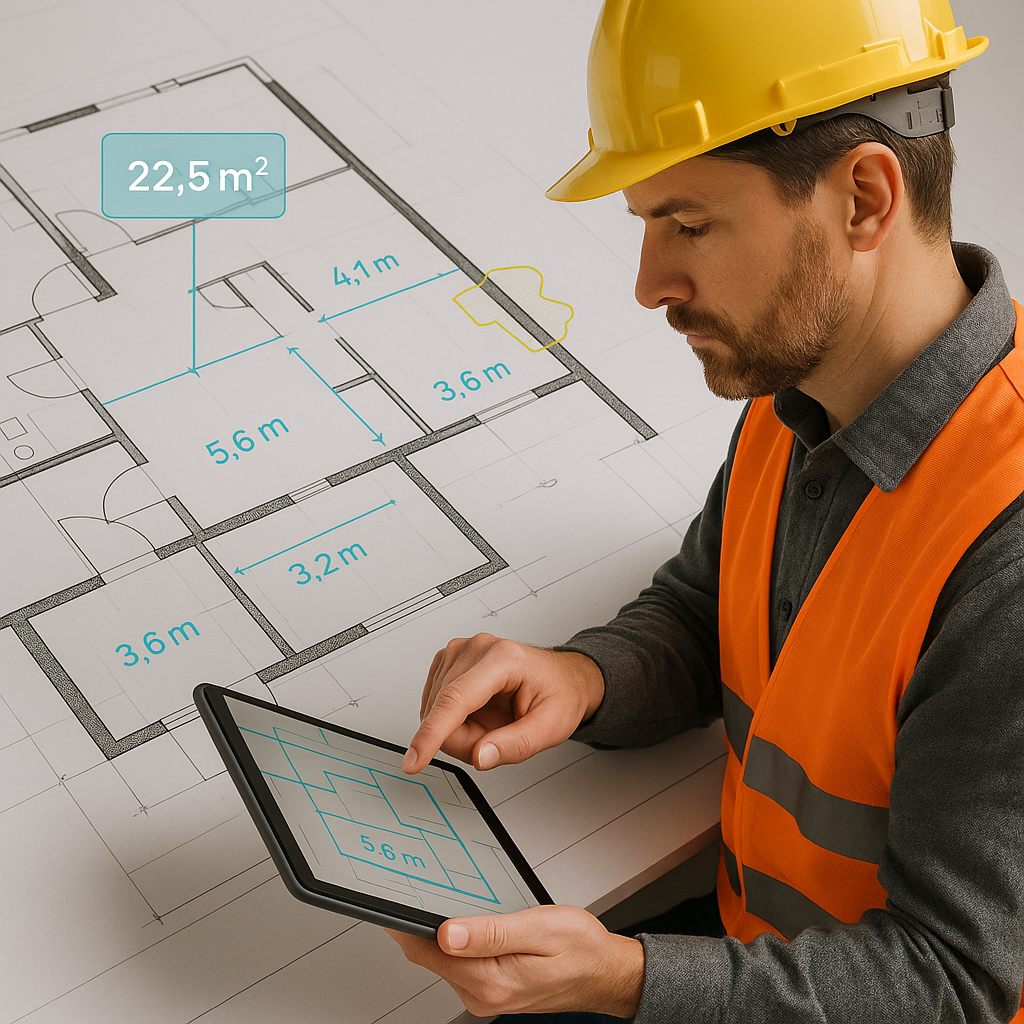
- Auto-Extract Quantities: Upload a PDF drawing set, and the AI reads it like a human. It pulls out room areas, wall lengths, door/window counts—everything you’d normally measure manually.
- Revision Comparison: Got a new drawing set with changes? Vision AI highlights what’s different, so you don’t have to guess. That means no missed updates.
- Error Flagging: The tool flags low-confidence measurements (e.g., blurry lines or overlapping elements) and lets you remeasure with a click.
In short, it transforms what used to be a mind-numbing process into something fast, accurate, and actionable.
Real-World Impact: 10 Minutes vs. 10 Hours
Let’s break it down with a real example. A GC estimator working on a $2M interior fit-out project spent 10 hours manually marking up the drawings for takeoff and revisions. With Vision AI, that same process took just 10 minutes. That’s a 60X improvement.
The estimator also found three missing measurements the AI flagged—small errors that could have led to rework costs down the line. According to a study by FMI Corporation, rework can account for up to 9% of a project’s total cost. Catching those errors early isn’t just about saving time; it’s about saving money.
Here’s another case study:
- Case Study: Subcontractor’s Electrical Takeoff A subcontractor preparing an electrical bid for a commercial office build used Vision AI to extract conduit lengths, junction box counts, and wiring estimates. What normally took 6 hours was completed in 20 minutes. Not only was the process faster, but it also improved accuracy by cross-referencing symbols across multiple pages.
Addressing Skepticism: “Can AI Really Read Drawings?”
You might be thinking, “AI reading drawings sounds too good to be true.” Fair question. Here’s the deal: Vision AI is trained on thousands of real-world construction drawings. It uses pattern recognition to interpret symbols, scales, and annotations. And yes, it occasionally needs human input for complex projects. But even with that, it’s still faster than manual processes.
Let’s compare:
| Manual Markups | AI-Powered Markups |
|---|---|
| Time-Intensive (6-10 hours) | Automated (10-30 minutes) |
| Prone to Human Error | Error Flagging System |
| Requires Scale Calibration | Auto-Detects Common Scales |
| Limited Revision Comparison | Highlights Revisions |
| No Audit Trail | Editable Audit Logs |
What About Edge Cases?
No tool is perfect, so let’s talk edge cases:
- Blurry PDFs: If your drawings are scanned poorly, the AI might flag items as “low confidence.” You can remeasure these manually.
- Custom Symbols: Proprietary annotations might not be recognized immediately. But the system learns every time you correct it.
- Non-Standard Scales: Odd scales (e.g., 1:125) take longer to calibrate. The AI handles most common ones like 1:20 or 1:50 without issue.
These limitations are manageable, and the system improves over time as it learns from user input.
Why Faster Markups Matter
Speed isn’t just a convenience—it’s a competitive edge. Faster markups mean faster takeoffs, which means faster estimates. For subs responding to bid packages, this can be the difference between meeting a deadline or missing it. For GCs, it means fewer bottlenecks in preconstruction.
On larger projects, where the volume of drawings can be overwhelming, Vision AI allows teams to scale their workflows efficiently. For example, a large hospital construction project might have hundreds of pages of drawings. Tackling this manually could take weeks, while Vision AI can condense the process into a matter of hours.
How to Get Started
If your team spends hours marking up drawings, it’s time to try AI. EstimateNext’s Vision AI handles the heavy lifting, so you can focus on strategy—not tedious measurement tasks. Get started free →
Final Thoughts
Marking up drawings doesn’t have to drain your time and energy. AI-powered tools like Vision AI are transforming the way construction professionals handle takeoffs and revisions. Whether you’re a subcontractor racing to submit bids or a general contractor juggling multiple projects, automating the markup process is a game-changer. The technology isn’t perfect, but the gains in speed, accuracy, and scalability are undeniable.
It’s time to stop wasting hours hunched over PDFs—and start using tools that work smarter, not harder.


