The Hidden Pain of Rate Analysis
Rate analysis sounds simple on paper. You take the material, labor, equipment, and overhead costs, break them down, and calculate the total. But anyone who's done it manually knows the truth: it’s an exhausting slog. Flipping through thick rate books, cross-referencing catalogs, and updating formulas in bloated spreadsheets—it’s a full-time job.
If you’re pricing a bid for a general contractor (GC), missing a single rate adjustment can throw off your entire estimate. For MEP subs? A mistake here means you either lose the job or bleed margin. And let’s not even talk about how long it takes to adjust rates for inflation or regional differences.
In fact, studies show that estimators spend up to 40% of their time on manual rate analysis. For companies bidding on dozens of projects per year, that inefficiency adds up to tens of thousands of dollars in wasted labor hours (Source: Construction Executive).
So, what’s the fix? AI-powered platforms like EstimateNext are rewriting the formula.
The AI Rate Analysis Formula: How It Works
At its core, rate analysis boils down to a simple formula:
Rate = (Material Cost + Labor Cost + Equipment Cost) × (Overhead % + Profit %)
But applying it to real-world projects is anything but simple. Rates vary by region, inflation, and catalog. For example:
- CPWD in India has 78,000+ Schedule of Rates (SOR) items across 19 catalogs. Picking the wrong one means non-compliance, which could disqualify your bid.
- RSMeans in the US updates costs every year for 42 cities. Miss an uplift adjustment? You’re undervaluing your bid and potentially losing profit.
EstimateNext’s AI automates this nightmare. Here’s how:
1. Smart BOQ Parser
Upload your bill of quantities (BOQ), whether it’s in Excel, CSV, or even ODS. The AI auto-detects merged cells, section headers, and hierarchies. No need to clean your file—it does the grunt work for you.
2. 4-Step SOR Matching
The platform searches across 135+ catalogs (like RSMeans or CPWD DSR), matching the items based on:
- Tenant history
- Your user catalog
- Country-level widening
- AI fallback for unmatched items
A manual lookup that used to take hours now takes seconds.
3. Rate Breakdown
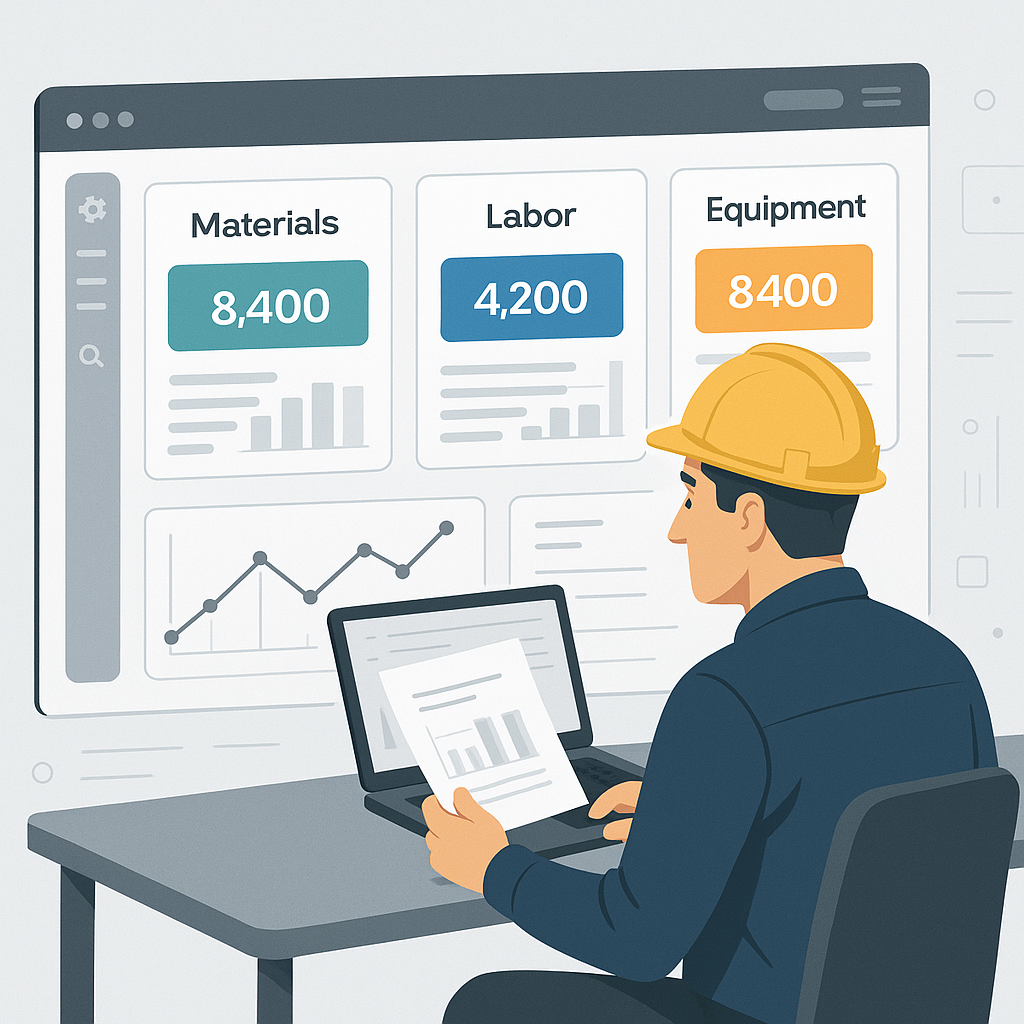
Once matched, the tool breaks down rates into material, labor, and equipment costs with a full audit trail. You can see exactly where each number comes from, making it easier to justify to clients.
4. Inflation Adjustment
Need to apply a compound inflation adjustment for multi-year bids? The AI auto-suggests the Consumer Price Index (CPI) percentage for your catalog and region.
Actionable Steps for Implementation
If your team is considering AI tools for rate analysis, here’s how to get started:
- Identify Bottlenecks: Track how long your team spends on rate analysis versus other preconstruction tasks. Quantify wasted hours.
- Catalog Audit: Ensure you have access to relevant catalogs, whether it’s RSMeans, CPWD, or city-specific SORs. AI platforms work best when paired with comprehensive data.
- Pilot with Small Projects: Test AI tools like EstimateNext on a single bid to evaluate accuracy and time savings. Scale up once you’re confident.
Real-World Example: MEP Subcontractor Pricing
Imagine you’re an HVAC subcontractor responding to a bid package. You’re pricing ductwork installation for a 40,000-square-foot office building. Here’s the manual approach:
- Spend 4 hours flipping through SMACNA catalogs for duct sizing costs.
- Add 2 more hours calculating labor rates using MCAA references.
- Manually adjust for regional inflation, which takes another hour.
That’s 7 hours just to produce one rate breakdown. It’s slow, and you’re still prone to mistakes.
With EstimateNext, the process looks like this:
- Upload the BOQ.
- The AI matches your ductwork item to SMACNA rates in seconds.
- Labor costs are factored automatically using MCAA references.
- Inflation adjustments are applied without you lifting a finger.
The result? A full breakdown in under 10 minutes. And because the AI provides an audit trail, you can confidently share your price with the GC.
Case Study: General Contractor Success
A mid-sized GC working in Chicago adopted EstimateNext to streamline preconstruction. Before AI, their estimators spent up to 30 hours per bid manually calculating rates from RSMeans. After implementation:
- Time spent per bid dropped to 8 hours.
- Their win rate improved by 22%, as faster bids allowed them to respond to more opportunities.
- Annual preconstruction savings exceeded $150,000 in labor costs.
Addressing Skeptics: Can AI Really Be Trusted?
You might be thinking, “Can AI get it right every time?”
Fair question. No tool is perfect, and edge cases exist. For example, unusual items that aren’t in standard catalogs might still need manual input. That’s why EstimateNext includes a fallback AI matcher and allows you to override rates or add custom items. It’s designed to be flexible—not rigid.
The other common concern is transparency. Many estimators feel nervous relying on a black-box algorithm. That’s why the platform includes a full audit trail for every rate. You see the exact catalog match, inflation percentage applied, and the formula used. No guessing.
Comparison Table: Manual vs. AI-Driven Rate Analysis
| Feature | Manual Process | AI-Powered Process |
|---|---|---|
| Time per estimate | 7–30 hours | 10–60 minutes |
| Error rate | High (prone to human error) | Minimal (AI audit trails) |
| Inflation adjustments | Manual, prone to oversight | Auto-suggested by AI |
| Catalog matching | Hours of lookup | Seconds with AI matching |
| Scalability | Limited by human labor | Respond to more bids easily |


