The Problem: Manual Rate Lookups Are a Productivity Killer
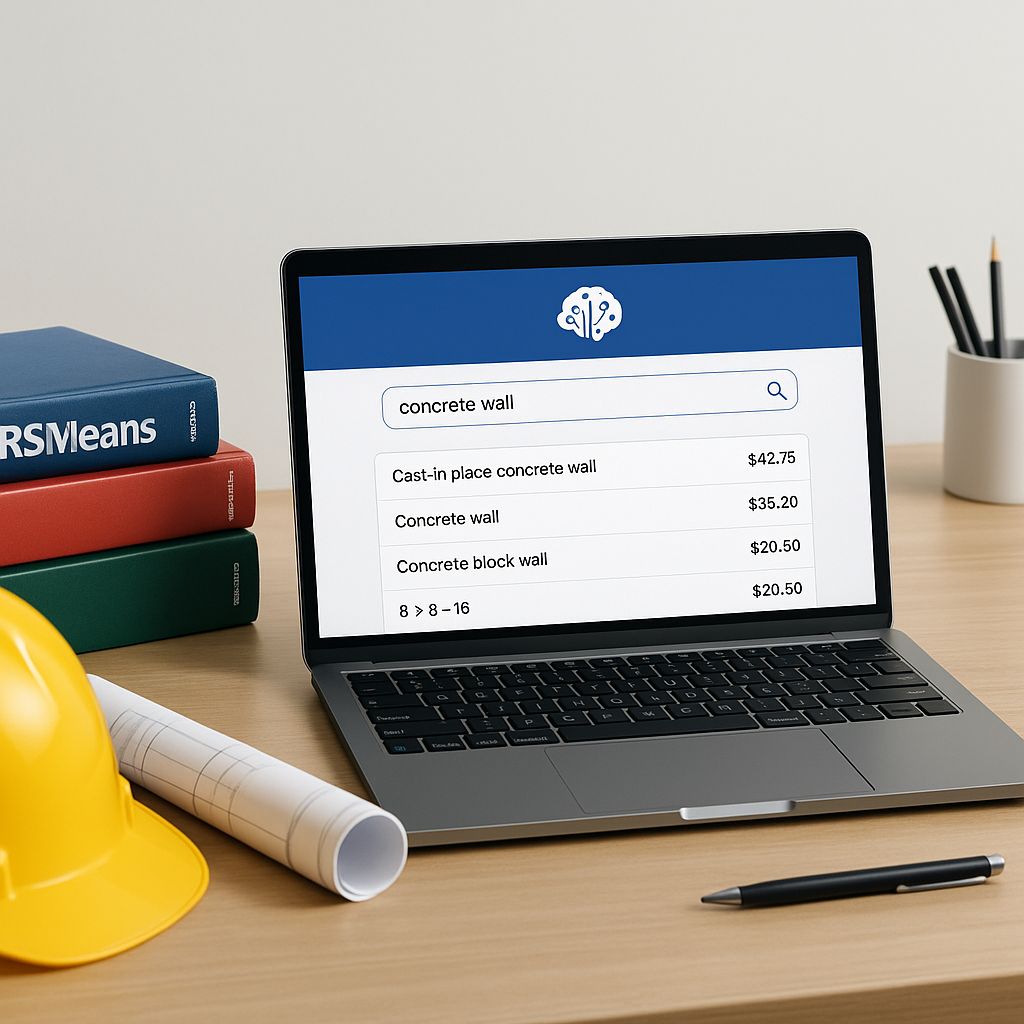
If you’ve ever priced a bid manually, you know the pain. Flipping through 2,000-page CPWD or RSMeans rate books, trying to find the exact line item you need, is slow and error-prone. Manual lookups are also inconsistent—two estimators working on the same BOQ can come up with different rates for the same line item. This can lead to inefficiencies and risks, especially when margins are tight.
Why does this still happen in 2023? Because most preconstruction teams are stuck with outdated tools. Excel is great for calculations, but it doesn’t do semantic search. RSMeans PDFs? They’re static. And even if you’re using Bluebeam or Procore, they don’t solve the rate lookup problem. So, you’re left with a patchwork process.
The Fix: AI-Powered Rate Matching
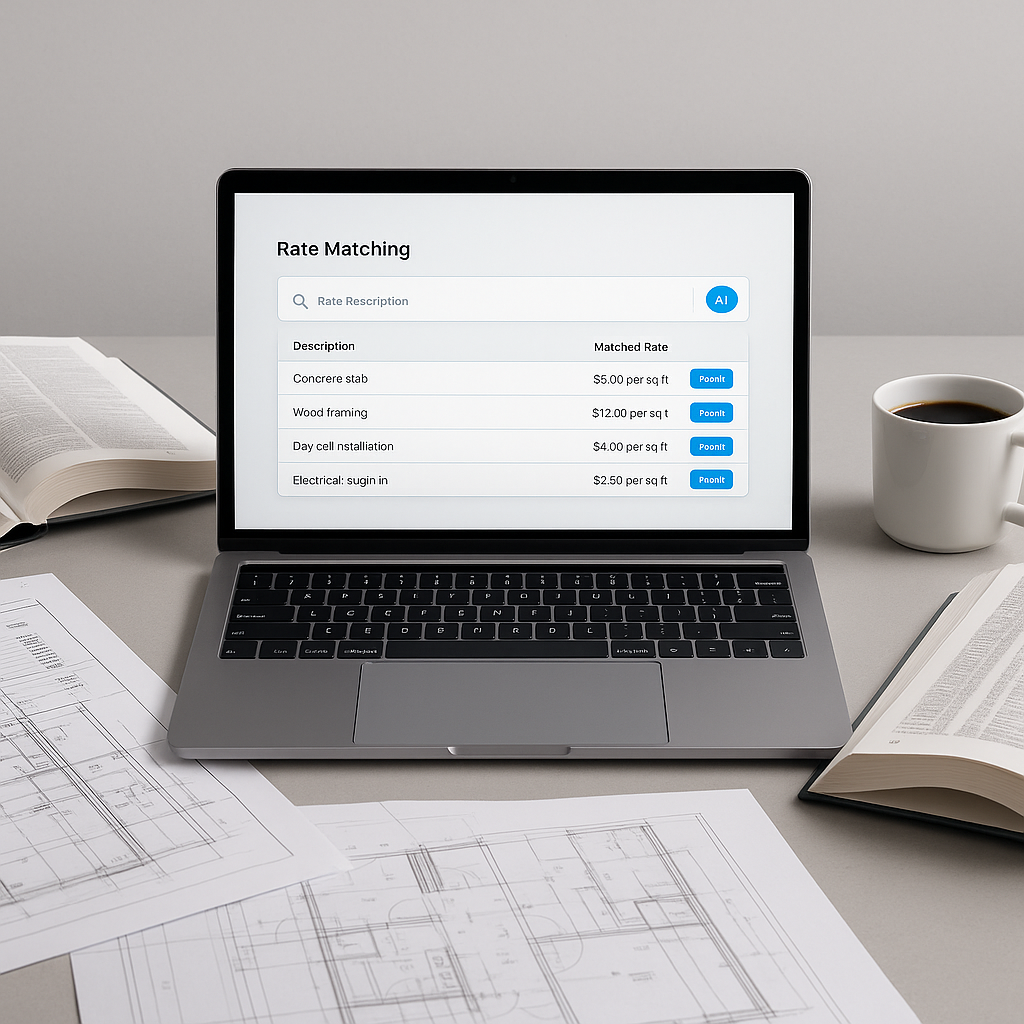
AI changes the game here. Tools like EstimateNext use semantic search algorithms to scan massive rate catalogs—like CPWD DSR, RSMeans, or custom user catalogs—and return precise matches in seconds. Need the labor rate for installing a split AC unit? Type it in, and you’ll get the exact match, plus material and equipment breakdowns if available.
What sets AI apart isn’t just speed; it’s the context. AI doesn’t just match based on keywords; it understands the intent behind your query. For example, if you search for “steel reinforcement,” the tool knows to group related items like TMT bars, binding wire, and labor costs for placement. That’s something no manual lookup can replicate.
How It Works: The Four-Step Matching Process
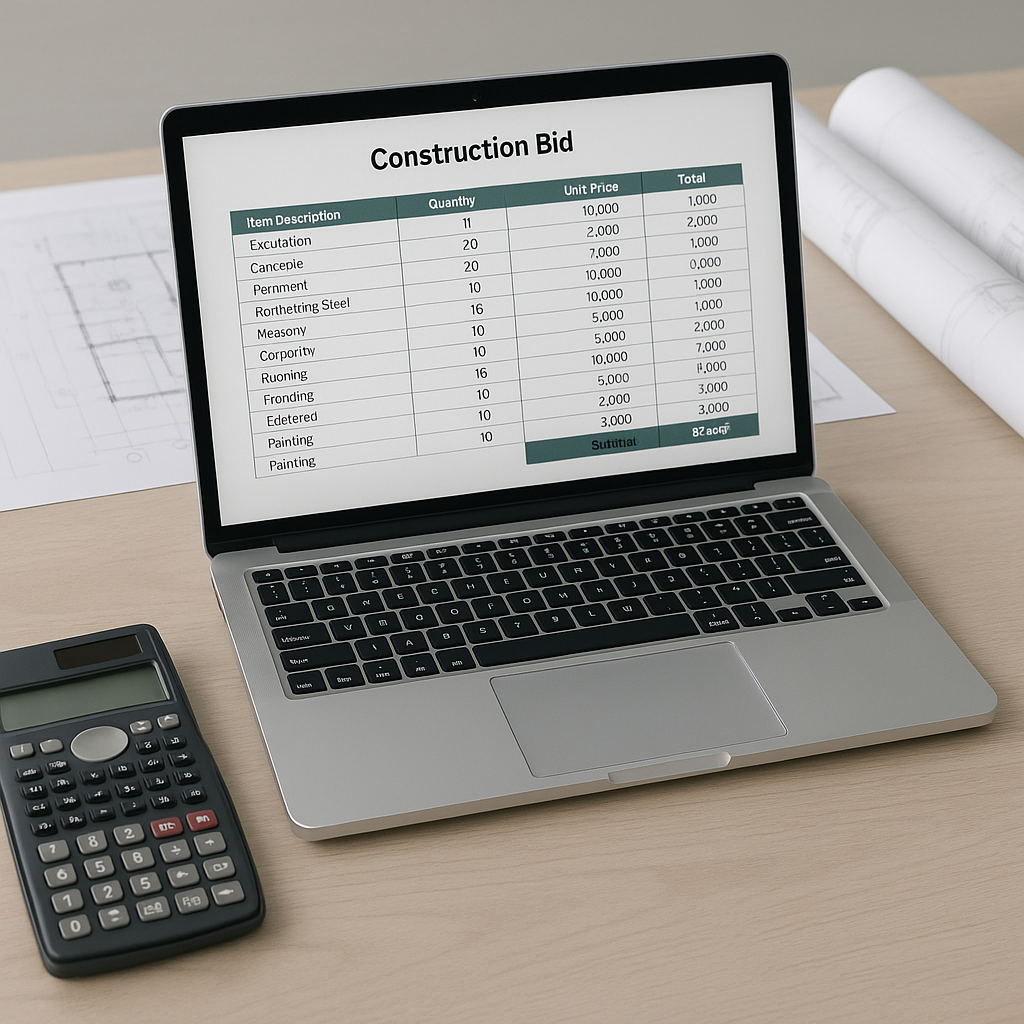
- BOQ Parsing: Upload your Excel or PDF BOQ. The AI parses the document, identifying line items, headers, and hierarchies automatically.
- Catalog Search: The system scans all available rate catalogs using semantic search.
- Contextual Matching: Rates are matched based on intent, not just keywords. The AI considers material, labor, and equipment breakdowns.
- Feedback Loop: You can review and adjust matches. The system learns from your overrides, getting smarter with each project.
Common Objection: “AI Can’t Handle Custom Rates”
This is a fair concern. Not every project uses standard rates, especially for custom materials or finishes. But AI tools address this by allowing you to upload your own rate catalogs. For example, if you’re a fit-out contractor with specific FF&E costs, you can integrate those into the system. The AI will then prioritize your custom rates over generic ones.
The ROI: Why It’s Worth It
Illustrative example — Let’s say your team spends significant time manually looking up rates for each project. By automating this process with AI, you could potentially free up hours of labor per estimate. This allows your team to focus on higher-value tasks, reduces the risk of errors, and enables faster bid preparation. Over multiple projects, the cumulative time savings could be substantial.
McKinsey estimates that early adopters of AI in construction see cost savings of 10-20% per project. Even at the lower end of that range, the impact can be significant for GCs and subcontractors alike.
FAQ: What Estimators Want to Know
Q: How accurate are AI-generated matches?
AI tools like EstimateNext are designed to provide highly accurate matches, but human oversight remains crucial for edge cases.
Q: Can I use my own rate catalogs?
Yes. Most AI tools allow you to upload custom catalogs, ensuring your estimates reflect your actual costs.
Q: What if I need to adjust a rate?
You can manually override any AI-suggested rate. The system will learn from these adjustments for future projects.
Q: How long does it take to train a team on AI tools?
Most platforms are designed for ease of use. Training typically takes a short amount of time, and many tools offer on-demand support.
Common Mistakes to Avoid
- Relying Solely on AI: AI is a tool, not a replacement for expertise. Always review high-impact line items manually.
- Ignoring Feedback Loops: The system gets smarter with use. Don’t skip the feedback process—it’s how the AI learns.
- Forgetting Custom Rates: Upload your rate catalogs upfront to ensure accurate estimates.
Call to Action
If manual rate lookups are slowing down your bids and eating into your margins, it’s time to upgrade. EstimateNext’s AI-powered rate matching can save you time while improving accuracy. Get started free →