Why Most Risk Registers Fail
Let’s start with a brutal truth: 35% of construction projects overshoot their budgets due to poor risk management Dodge Construction Network. Why? Because most risk registers are either overly simplistic or hopelessly complex. They become a checkbox exercise instead of a decision-making tool.
Here’s what usually happens: someone adds generic risks like “delays” or “material cost escalation” without quantifying their impact. Others over-engineer it—creating a 50-row spreadsheet that nobody updates after the kickoff meeting. Neither approach works.
We’ve seen it firsthand. A GC on a $2.4M commercial project applied a risk register without tailoring it to scope creep or inflation risks. They missed a $52K cost swing because their contingency percentages were guesswork.
Instead of making the same mistakes, let’s focus on building a risk register that’s actionable and tied directly to your estimate.
Step 1: Identify Risks During Estimation, Not After
Risks aren’t an afterthought—they’re baked into your estimate. Think about it: if material costs spike 10% next month, your bid could turn into a loss-making contract. Yet, most estimators don’t realize how easily these risks can be quantified during the preconstruction phase.
How to Do It:
-
Use Historical Data:
- Look at your past projects. What went wrong? If your last office fit-out project saw a 15% labor overrun, factor that into your current estimate.
- For example, a roofing subcontractor working on a $500K project noticed recurring delays due to weather conditions in winter months. They started adding a 7% contingency to bids submitted between November and February.
-
What-If Scenarios:
- EstimateNext’s real-time cost impact analysis lets you test worst-case scenarios—like material price hikes or compressed timelines—without rebuilding your workbook. This saves hours and gives you a range of outcomes to plan for.
- For instance, if steel prices rise by 5%, what’s the ripple effect on your structural framing costs? Predicting this upfront helps avoid surprises.
-
Collaborate with Stakeholders:
- Pull in your procurement team and subcontractors during the estimation phase. They often have real-time information about supply chain bottlenecks or labor shortages.
- For example, an estimator on a $1.2M renovation project worked with their plumbing subcontractor to identify potential lead time issues for specialty fixtures, which were then added as a risk.
Addressing the "No Time" Objection:
The obvious objection here is, "But I don’t have time to run multiple scenarios for every bid." That’s valid. Tools like EstimateNext automate this process, analyzing multiple risks with audit trails in minutes. If you’re using Excel, it’s doable but slower—block off extra time for this step.
Step 2: Build a Risk Register That’s Actually Useful
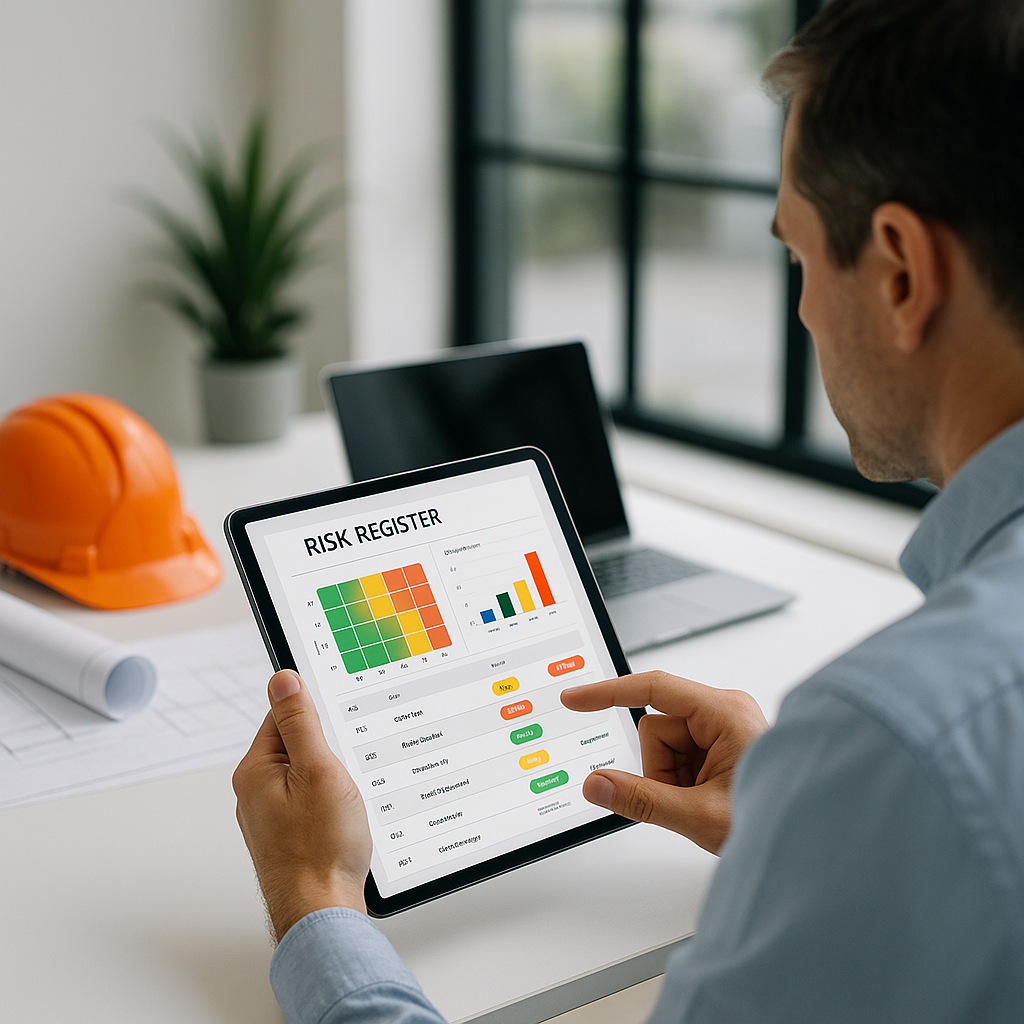
A good risk register isn’t just a list. It’s a living document that ties risks to costs and decisions. Here’s a simple template:
| Risk Description | Likelihood | Impact ($) | Mitigation Plan | Owner |
|---|---|---|---|---|
| Material cost escalation | High | $25,000 | Lock supplier rates | PM |
| Delayed approvals | Medium | $10,000 | Expedite permit review | Estimator |
| Labor shortages | High | $35,000 | Increase contingency | GC |
Best Practices for a Useful Risk Register:
-
Tie Risks to Specific Costs:
- Avoid vague entries like “delays” or “price increases.” Break them down into measurable impacts. For example:
- "Concrete delivery delays" → $8,000 impact on labor downtime.
- "Steel price increase" → $12,000 impact on framing materials.
- Avoid vague entries like “delays” or “price increases.” Break them down into measurable impacts. For example:
-
Prioritize the Top Risks:
- A 100-row risk register will never get updated. Focus on the top 10-15 risks with the highest likelihood and impact. This keeps the document manageable.
-
Assign Ownership:
- Ensure every risk has an owner responsible for monitoring and mitigation. For example, the project manager may oversee material cost risks, while the estimator handles permit delays.
-
Leverage Technology:
- Use tools like EstimateNext’s risk adjustment functionality, which lets you add premiums for volatile markets, tight deadlines, or scope creep. For instance, a GC adjusted their overhead and contingency rates during estimation and saved $52,000 on a $2.4M bid.
Step 3: Update the Register Throughout the Project
The risk register isn’t static. Risks evolve. Material rates spike, labor suppliers pull out, or design changes introduce scope creep. If you don’t update your register regularly, you’re working blind.
Actionable Steps:
-
Set Regular Checkpoints:
- During preconstruction: Weekly updates.
- During execution: Monthly updates or more frequently for high-risk phases.
-
Integrate with Your BOQ:
- EstimateNext simplifies this by propagating changes in real-time. If you adjust a rate in your BOQ because of material inflation, the system recalculates downstream impacts automatically.
-
Monitor Trigger Events:
- Keep an eye on external factors like commodity price reports, weather forecasts, or regulatory changes. For example, a $10M bridge project in California added wildfire risks to their register after monitoring seasonal trends.
-
Document Lessons Learned:
- At the end of the project, review which risks materialized and how effective your mitigations were. Use this data to refine your approach for future bids.
Real-World Example: The GC Who Avoided a $1M Change Order
Let’s talk specifics. A GC bidding on a $50M hospital project used a Class 2 estimate to lock in subcontractor pricing. They identified discrepancies in HVAC quantities early, avoiding a $1M change order down the line.
What They Did Differently:
- Flagged “Design Revisions” as a High-Impact Risk:
- Their risk register assigned a $750,000 potential impact to design revisions. This prompted early coordination with the design team.
- Used Drawing Intelligence Tools:
- They uploaded revision sets to EstimateNext and automatically compared changes, catching a 12% increase in HVAC ductwork quantities.
- Mitigated Risks Proactively:
- Adjusted their bid and locked in pricing with the subcontractor before the change order could materialize.
Common Pitfalls to Avoid
-
Generic Risks:
- “Delays” or “price increases” aren’t actionable. Tie them to specific costs, probabilities, and owners.
-
Over-Engineering:
- A 100-row risk register will never get updated. Focus on the top 10 risks.
-
Ignoring Feedback Loops:
- If your projects keep running into the same issues (e.g., labor shortages), your register isn’t doing its job. Use historical data and adjust your risk categories.
Call to Action
If you’re tired of guesswork in your risk management process, EstimateNext’s tools can help. From automated risk adjustment to drawing intelligence, we make risk registers actionable and tied directly to your estimate. Try EstimateNext free →


