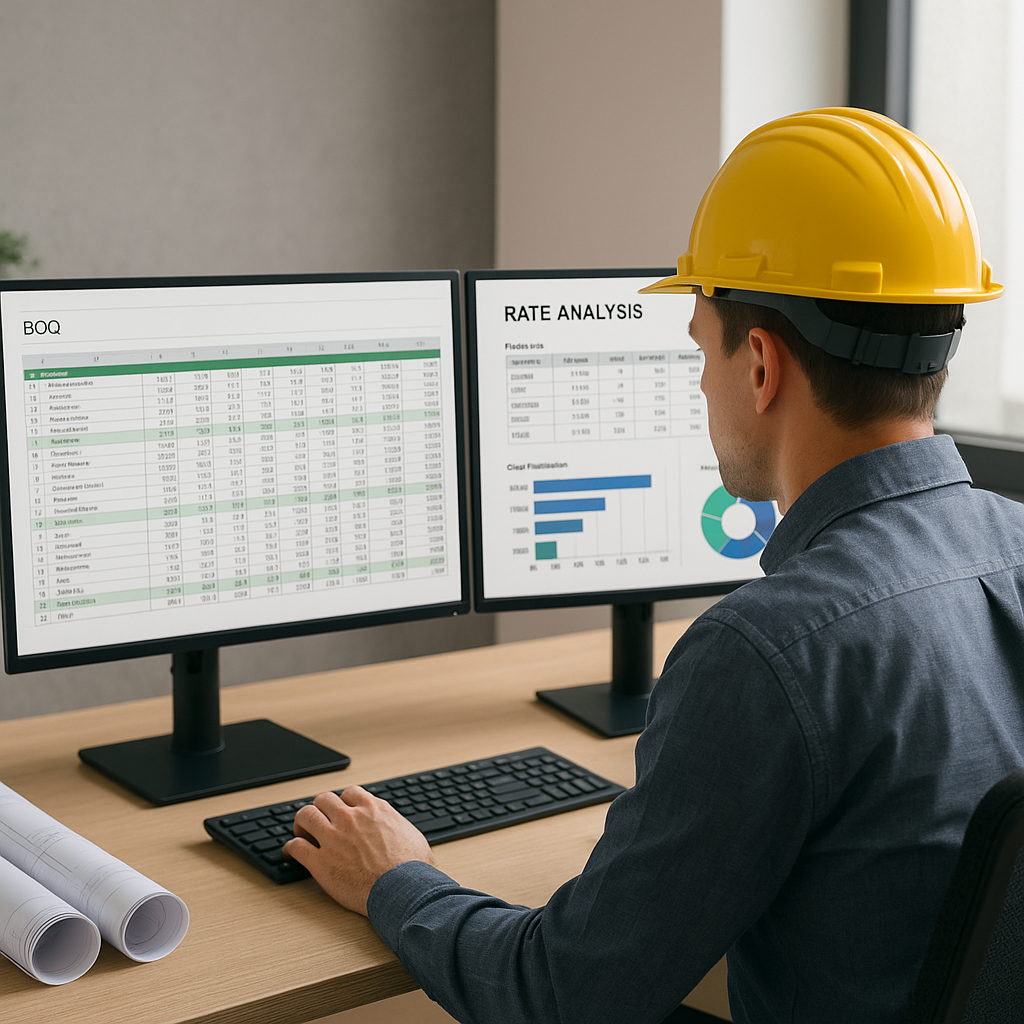
Why Rate Analysis Feels Like a Never-Ending Slog
If you've ever manually priced a BOQ, you know the pain. Rate analysis for civil works isn't rocket science, but it's incredibly tedious. You need to break down material, labor, equipment, and overhead costs for every activity. Then, you cross-check these rates against bloated PDFs, outdated state SORs, or vendor quotes that might not even cover your region. Sound familiar?
For a typical mid-sized project, you're likely dealing with 500+ BOQ items. Each one requires you to:
- Look up the correct rate in a 2,000-page CPWD DSR or RSMeans PDF.
- Adjust for inflation, region, and project-specific factors.
- Build a breakdown that satisfies the engineer's sanctioning requirements.
Multiply that by the number of tenders you're chasing, and it’s no wonder your QS team is drowning. For many contractors in India and the GCC, this adds up to 1,500 hours per tender. That’s time you could spend winning more bids or refining your pricing strategy.
But here’s the good news: You don’t have to waste those hours anymore.
The Hidden Time Sink: Rate Lookup in PDFs
Let’s get specific. Say you’re pricing a 250-bed hospital project in Bihar under the PM-ABHIM scheme (₹150 Cr target). You open the CPWD DSR Civil Volume I 2023, looking for an analysis of rates for a 150mm thick PCC slab. Here’s what happens next:
- Manual Search: You scroll endlessly through the PDF, navigating poorly indexed sections.
- Rate Gaps: If the DSR doesn’t include a breakdown (material, labor, T&P, etc.), you’re stuck building it manually.
- Inflation Adjustments: You manually apply a 5.2% inflation uplift for 2023.
This process takes 20–30 minutes per line item. For 500 items, that’s over 250 hours.
Now imagine a tool that lets you upload the BOQ as-is and generates a complete rate breakdown in seconds. That’s exactly what EstimateNext’s AI-powered Smart BOQ Parser does. It doesn’t just match rates; it builds the analysis with material, labor, and overhead components — all adjusted for your region.
Real Example: Generating a Rate Analysis in Seconds
Here’s how it works, step-by-step:
- Upload Your BOQ: Drag and drop your Excel file or PDF. The parser detects sections, headers, and merged cells automatically.
- Match Rates: The AI engine scans 78K+ SOR items (CPWD, state PWDs, RSMeans, etc.) and finds the closest match.
- Break It Down: For items without published rates, the tool generates an analysis based on material, labor, and equipment factors.
- Adjust for Inflation: It applies catalog-year inflation uplifts (e.g., 5.2% for CPWD 2023) and lets you tweak profit margins and overheads.
Let’s go back to our PCC slab example. After uploading the BOQ, you click "Generate Rate Analysis." In under 10 seconds, you get:
| Activity Code | Description | Material Cost | Labor Cost | Overheads | Total Rate |
|---|---|---|---|---|---|
| 1501 | PCC, 150mm thickness | ₹1,200/m³ | ₹800/m³ | ₹200/m³ | ₹2,200/m³ |
This isn’t just a lump sum rate. The report includes a full audit trail, showing how each component was calculated and where the rates came from. Need to remeasure? Upload revised drawings, and the analysis updates instantly.
Case Study: A Real-World Success
A leading contractor in Kerala used EstimateNext to price a ₹120 Cr residential project with over 350 BOQ items. What usually took them over 1,000 hours was completed in just 35 hours. The AI-powered tool not only saved time but also helped them identify cost-saving opportunities in cement procurement and labor allocation.
Why Manual Adjustments Are Killing Your Margins
Most contractors rely on Excel for rate adjustments. That’s fine for small changes but a nightmare for complex projects. Here’s why:
- Error-Prone: One wrong formula can throw off your entire estimate.
- Slow Iterations: Changing a single rate means recalculating every dependent cell.
- Zero Transparency: Clients want to see how you arrived at your numbers, not just the final rate.
EstimateNext eliminates these issues with real-time propagation. When you adjust a rate, it updates across the BOQ instantly and logs every change for audit purposes. No more second-guessing.
Example Comparison: Manual vs. Automated Rate Updates
| Feature | Manual Adjustments (Excel) | EstimateNext BOQ Parser |
|---|---|---|
| Time per adjustment | 15–20 minutes | 5 seconds |
| Error probability | High | Low |
| Transparency for clients | Minimal | Full audit trail |
| Regional adjustments | Manual | Automated |
| Inflation calculations | Manual | Built-in |
Common Objections (And Why They Don’t Hold Up)
“We already use RSMeans/Excel for this.”
That’s great until you need to adjust for region-specific factors or inflation. RSMeans doesn’t account for India’s CPWD norms or GCC labor rules. And Excel? It’s not built for multi-line rate analysis at this scale.
“AI can’t handle our custom rates.”
True, no AI is perfect. But EstimateNext lets you upload your own rate catalogs, whether they’re vendor-specific or entirely custom. The AI learns from your inputs, improving accuracy with each project.
“We’re a small contractor; this feels overkill.”
If you’re pricing more than 10 bids a year, the ROI is undeniable. Even at $39/month, saving 20 hours per bid pays for itself many times over.


