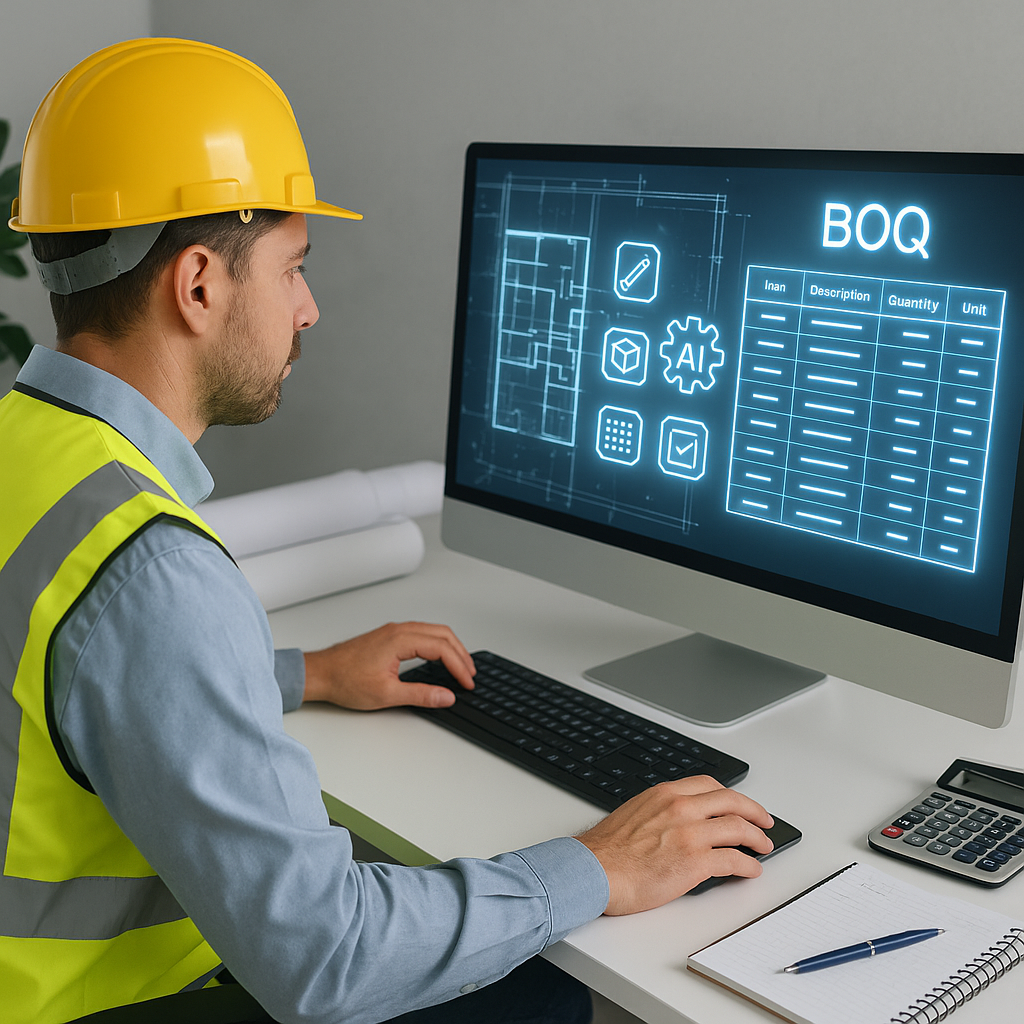
Why Manual BOQs Are a Time Sink
If you've spent any time in preconstruction, you know the pain of building a Bill of Quantities (BOQ) from scratch. It's tedious, repetitive, and prone to human error. A single mistake—like misplacing a decimal in a rate lookup—can throw your entire estimate off. And yet, most of us continue doing it the old-fashioned way: flipping through PDFs, manually inputting data, and rechecking formulas in Excel. Why? Because we’ve been doing it this way for decades.
But let’s be honest—manual BOQs are killing productivity. For a typical general contractor, a single BOQ can take 40 hours or more to prepare. That’s the equivalent of two full days of work from two estimators. Multiply that by five or six bids a month, and you’re losing hundreds of hours annually. Not to mention, this process is riddled with opportunities for errors, which can cost you even more time and money down the road.
To put this into perspective, consider a small construction firm that completes an average of 60 bids a year (5 bids per month). If each bid takes 40 hours, that’s 2,400 hours annually just for building BOQs—essentially a full-time position dedicated to this one task. But what if some of those hours could be redirected toward more strategic tasks, like value engineering or client relationship management?
In my opinion, it’s time to stop wasting time and start working smarter. The reality is, AI has evolved to the point where it can handle 90% of the heavy lifting when it comes to takeoffs and BOQ creation. If you’re not already using AI tools to speed up this process, you’re falling behind.
The AI Edge: How EstimateNext Transforms BOQs
Let’s talk specifics. One of the biggest challenges in BOQ preparation is takeoff speed. You’ve got hundreds of pages of drawings to sift through, with room dimensions, wall lengths, and material counts to extract. Traditionally, this involves a ruler, a highlighter, and a lot of coffee. It’s a grind.
With AI-powered tools like EstimateNext, that entire process can be automated. For example, EstimateNext’s Vision AI Extraction can read PDF drawings and extract quantities in just 10 minutes. It doesn’t matter if you’re dealing with room areas, wall lengths, or fixture counts—the AI handles it all. And it’s not just about speed; it also flags areas where it’s less confident, so you can double-check specific measurements without combing through every line.
Let’s break this down further with an actionable example:
- Traditional Method: A junior estimator at a mid-sized construction firm spends 8 hours reviewing a set of architectural drawings. They manually measure room dimensions, tally up fixtures, and input data into Excel. By the time they’re done, they feel confident—but they’ve had to work late to meet a deadline.
- AI-Powered Method: Using EstimateNext, that same estimator uploads the PDF drawings and gets quantified data in under 10 minutes. They spend the next hour reviewing flagged areas for accuracy. The rest of their day is free to focus on refining the bid strategy or collaborating with the design team.
The efficiency gains are undeniable.
But the real game-changer? You can upload your BOQ in Excel, CSV, or even a messy ODS file, and the Smart BOQ Parser will clean it up for you. It auto-detects merged cells, section headers, and hierarchies. No more spending hours formatting spreadsheets. It’s all done for you, instantly.
Still skeptical? Consider this scenario: a large contractor working on a $500M+ floodwater infrastructure project used AI-powered preconstruction tools to save weeks of manual work. By automating their BOQ and takeoff processes, they not only saved time but also improved accuracy, ensuring that they stayed competitive without sacrificing profitability.
If it works for a mega-project like that, it can work for your next bid too.
The Hidden Cost of Errors
You might be thinking, "Sure, manual BOQs are slow, but we’ve been doing fine so far." Have you, though? Let’s not forget about the hidden cost of errors. A missed quantity here or an incorrect rate there can lead to underpricing or overpricing your bid. Either way, you lose—whether it’s profit margin or the job itself.
Let’s quantify this. A 2023 McKinsey report found that construction projects globally lose an average of 13% of their value due to inefficiencies, including estimation errors. For a $1 million project, that’s $130,000 down the drain. Imagine the compounded impact across multiple projects over the course of a year.
This is where tools like EstimateNext shine. With its 4-Step SOR Matching, the platform cross-references your BOQ against 78,000+ items from 135+ catalogs to find the most accurate rates. It even breaks down each rate into materials, labor, and equipment, giving you a transparent audit trail. For example:
| Feature | Manual Method | EstimateNext AI |
|---|---|---|
| Rate Selection | Manual lookup from catalogs | Automated matching from 135+ catalogs |
| Error Mitigation | Manual rechecks | Flags low-confidence areas automatically |
| Rate Breakdown | Requires manual computation | Transparent breakdown of labor, materials, and equipment |
No more guessing. No more mistakes.
What About Flexibility?
Another common issue with BOQs is handling what-if scenarios. You’re in the middle of a bid review, and someone asks, "What happens if we use a different flooring material?" Cue the groans. Now you’re stuck redoing the entire workbook because changing one rate throws everything off.
EstimateNext eliminates this headache with real-time propagation. You change one rate, and the system updates everything instantly, complete with an audit trail. Want to compare different scenarios? No problem. The platform lets you toggle between options without breaking a sweat.
This kind of flexibility is a lifesaver, especially for interior fit-out specialists who need to make 45-minute iterations to meet client expectations. I’ve seen firms go from losing hours to running multiple scenarios in minutes. It’s a game of speed, and AI gives you the edge.
Here’s a quick comparison of traditional vs. AI-based flexibility:
| Scenario Type | Manual BOQs | AI-Powered BOQs |
|---|---|---|
| Rate Changes | Entire sheet recalculation | Instant updates |
| Scenario Comparisons | Requires saving multiple files | Toggle between scenarios easily |
| Audit Trail | Manual notes | Automated and detailed records |
The Bottom Line
If you’re still relying on manual methods for BOQs, you’re not just wasting time—you’re risking your bottom line. AI tools like EstimateNext are here to change that. Imagine turning 40 hours of work into 10 minutes. Imagine eliminating errors that cost you money. Imagine responding to bid packages in hours instead of days.
This isn’t about replacing your team; it’s about empowering them to focus on what really matters—winning more bids and delivering successful projects. In my view, that’s a win-win.
Want to See It in Action?
If you’re tired of grinding through BOQs the old way, it’s time to try something new. Upload your first BOQ on EstimateNext and get a priced estimate in minutes →


