Manual Takeoffs Are Killing Your Productivity
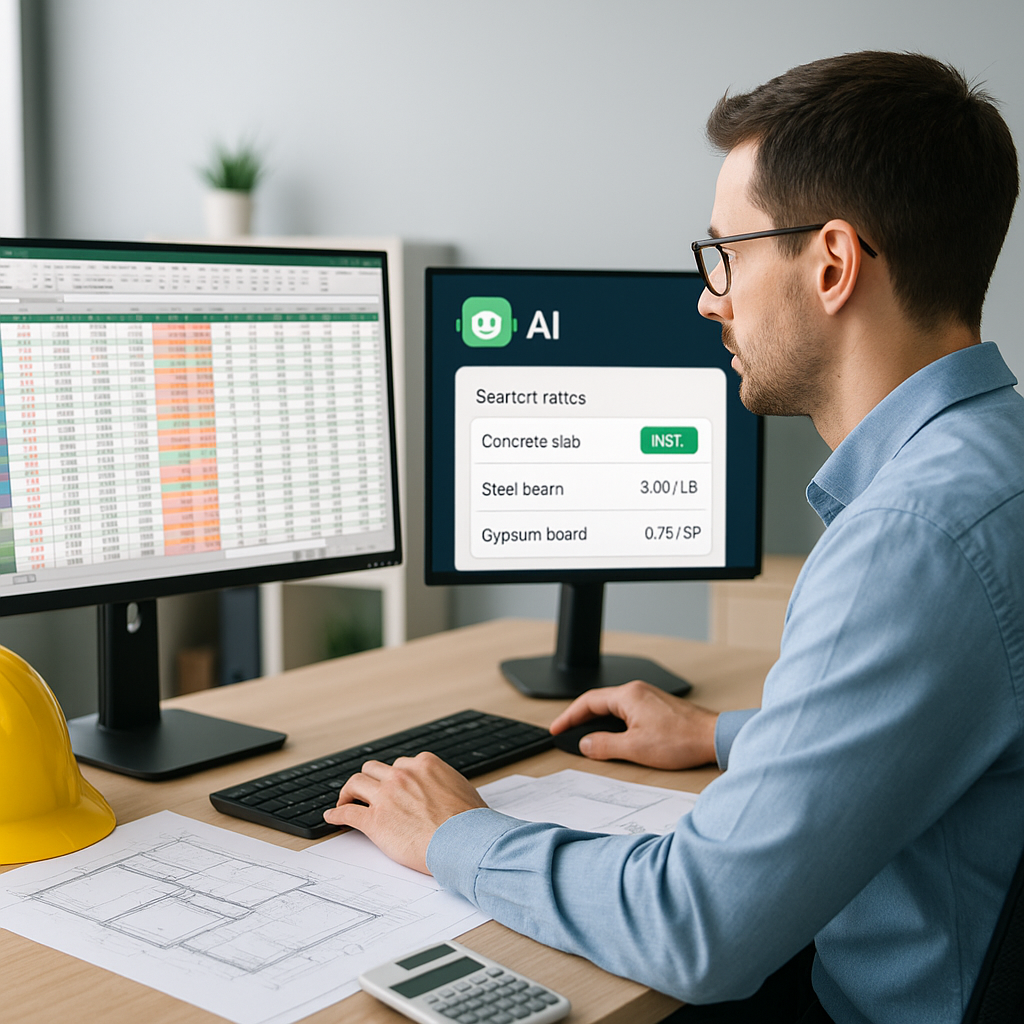
Ever spent two full days on quantity takeoffs for a single project? If you're a preconstruction director or estimator, you know the drill: flipping through PDF drawings, tracing areas by hand, counting doors and windows, and rechecking every measurement twice. It's exhausting, and frankly, it's not the best use of your time.
Here's the brutal math: manual takeoffs typically take 40 hours per project. That's 5 full workdays. And if you're handling multiple bids simultaneously, you're either pulling late nights or missing deadlines. Neither is sustainable.
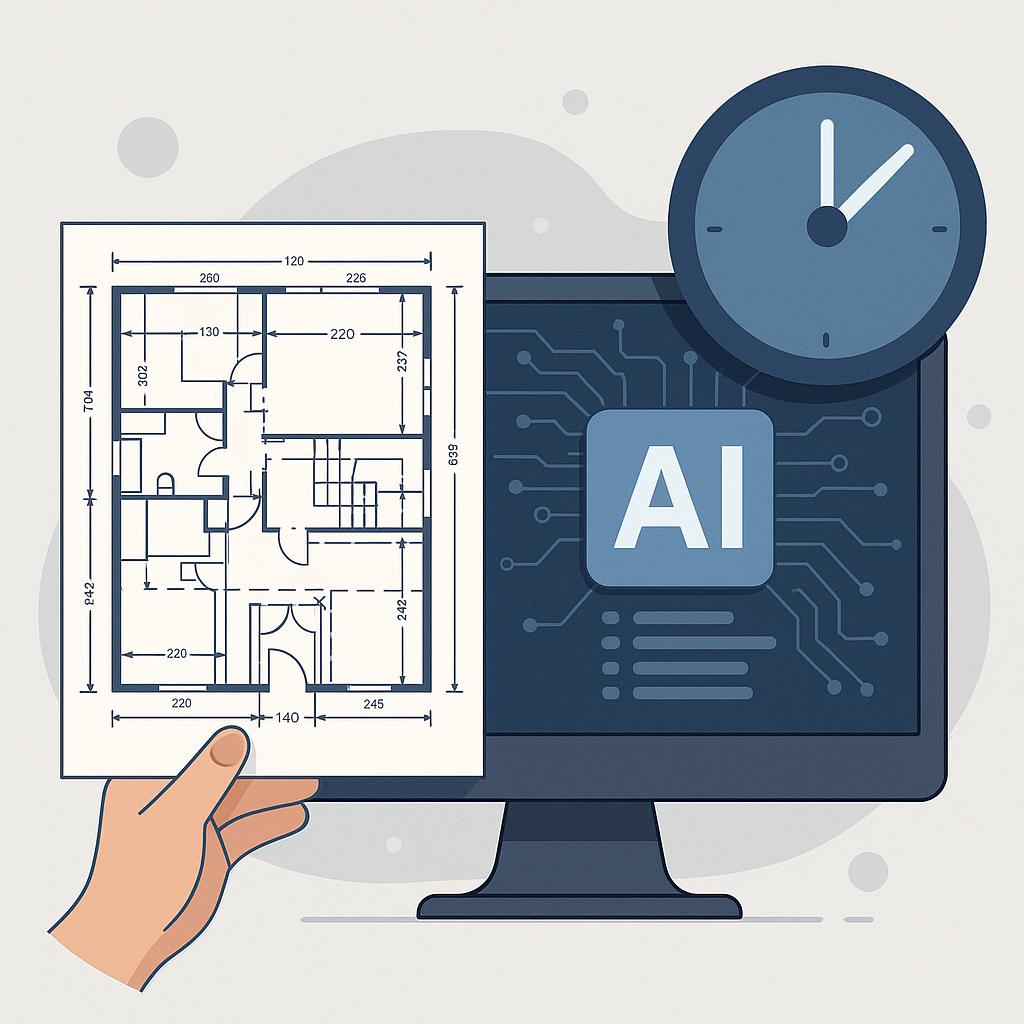
Now imagine cutting that process down to 10 minutes. It sounds impossible, but AI-powered tools like EstimateNext are making it a reality.
How AI Takeoffs Work
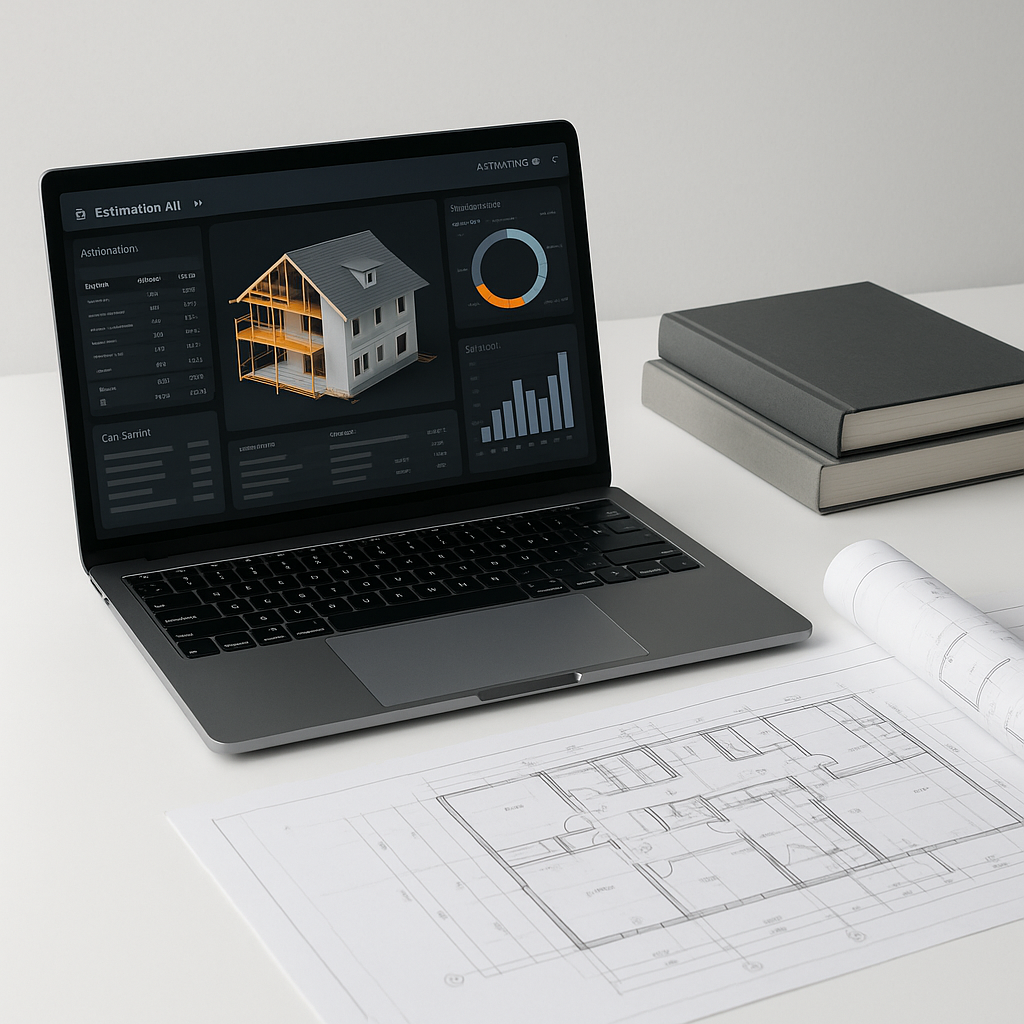
AI tools use machine learning to scan project drawings and extract quantities automatically. For example, EstimateNext's Vision AI can read PDF blueprints and identify areas, lengths, and counts with remarkable accuracy. Here's what it does:
- Upload Your Drawings: Drag and drop your PDF files. Vision AI processes multi-page documents in minutes.
- Automatic Detection: The system identifies elements like room areas, wall lengths, and fixture counts. No tracing required.
- Confidence Scoring: Low-confidence measurements are flagged for manual review. This ensures nothing slips through.
- Export to Excel or Procore: Once you're done, export your quantities directly into your existing workflow.
Actionable Steps to Get Started
- Digitize Your Workflow: If you’re still working with printed drawings, make the shift to digital formats like PDFs or CAD files. AI tools require digital inputs to function.
- Test on a Pilot Project: Before rolling out AI across your organization, start with a small, manageable project to measure the time savings and accuracy.
- Train Your Team: While AI tools are user-friendly, a short onboarding session ensures your team utilizes all features effectively.
Comparison: Manual vs. AI Takeoffs
| Aspect | Manual Takeoffs | AI-Powered Takeoffs |
|---|---|---|
| Time Required | 40 hours per project | 10 minutes per project |
| Error Rate | High (human fatigue) | Low (automated, with reviews) |
| Scalability | Limited by human resources | Scales effortlessly |
| Cost per Project | ~$5,200 (based on hourly rates) | ~$99 (EstimateNext subscription) |
| Flexibility on Revisions | Time-consuming | Automatic updates |
With numbers like these, it’s clear why AI takeoffs are becoming essential for competitive contractors.
Real-World Example: Saving 120 Hours on a High-Rise Bid
A mid-sized general contractor recently tackled a high-rise bid using Vision AI. Typically, their team of two estimators would spend 60 hours each on manual takeoffs. By switching to AI, they completed the process in under 2 hours—saving 120 hours in total.
This wasn’t just about saving time. With those 120 hours freed up, the team:
- Reviewed subcontractor bids in greater detail, identifying cost-saving opportunities.
- Optimized their cost factors, ensuring the proposal was both competitive and profitable.
- Submitted their bid earlier than competitors, giving them an edge.
In their words: “It’s like hiring an extra estimator without adding to payroll.”
Another Case Study: A Small Contractor’s Perspective
Even smaller firms are seeing big benefits. A three-person renovation company working on a $1.5 million project recently adopted EstimateNext. While they were skeptical at first, they eventually cut their takeoff process from 3 days to just 1 hour. The owner reported using the extra time to meet with clients, secure new projects, and improve cash flow planning.
The Obvious Objection: "But AI Can’t Think Like an Estimator"
You might be skeptical. "Sure, AI is fast, but it doesn’t understand the nuances of construction." Fair point. AI won’t replace your expertise—it amplifies it.
Why Human Expertise Still Matters
- Contextual Decision-Making: AI can count doors, but it doesn’t know which ones need fire ratings or soundproofing. That’s your call.
- Negotiation Skills: AI won’t negotiate with subcontractors or adjust for market trends. Your experience drives the final numbers.
- Risk Assessment: Identifying high-risk items (like fluctuating material costs) still requires a human touch.
Think of AI as your apprentice. It handles the repetitive, time-consuming tasks, freeing you up to focus on strategy and value engineering.
Edge Case: What About Complex Revisions?
Revisions are a nightmare. You finally finish your takeoffs, and then the architect sends a new drawing set. Back to square one, right?
Not with AI. Tools like EstimateNext allow you to upload revision sets and compare changes automatically. The system highlights differences—like added doors or modified wall lengths—so you can adjust your quantities without redoing the entire takeoff.
Step-by-Step Process for Handling Revisions
- Upload the Revised Drawings: Simply add the updated blueprint files to the tool.
- Run the Comparison Feature: The AI will detect changes and flag them for review.
- Approve Adjustments: Review flagged items and approve or modify as needed.
- Export Updated Quantities: Save and share your revised takeoff instantly.
Revisions that used to take hours can now be handled in minutes.
Why This Matters Now
Construction deadlines are getting tighter, and skilled labor is harder to find. According to a 2023 McKinsey report, early adopters of AI estimation tools see average cost savings of 10-20% per project. If you’re not using AI, you’re leaving money—and time—on the table.
ROI Breakdown
Let’s talk numbers. EstimateNext costs $99/month for general contractors. Saving 40 hours per project at an average hourly rate of $130 means you’re saving $5,200 per bid. That’s a 52X return on investment.
Here’s how the savings add up over time:
| Projects Per Month | Manual Cost (40 hrs x $130/hr) | AI Cost ($99/month) | Monthly Savings |
|---|---|---|---|
| 1 Project | $5,200 | $99 | $5,101 |
| 3 Projects | $15,600 | $99 | $15,501 |
| 5 Projects | $26,000 | $99 | $25,901 |
The more projects you handle, the greater the ROI.
FAQ
Q: How accurate are AI-generated takeoffs?
AI tools like EstimateNext reduce discrepancies by up to 80%. For best results, always review flagged items manually.
Q: Can AI handle smaller projects?
Absolutely. Whether it’s a $1 million renovation or a $1 billion infrastructure bid, AI scales to your needs.
Q: What happens if my drawings are messy or incomplete?
Vision AI includes confidence scoring and manual override tools. You can correct errors without restarting the process.
Q: Does this integrate with my existing software?
Yes. EstimateNext offers API integrations with Procore, Autodesk Build, and Excel to keep your workflow seamless.
Q: How long does it take to learn the tool?
Most users get up to speed in under two weeks. Training resources and support are available.
Stop Wasting Time on Manual Takeoffs
If you're tired of losing days to tedious drawing measurements, AI-powered tools like EstimateNext can help. Upload your first BOQ today and see the difference. Get started free →