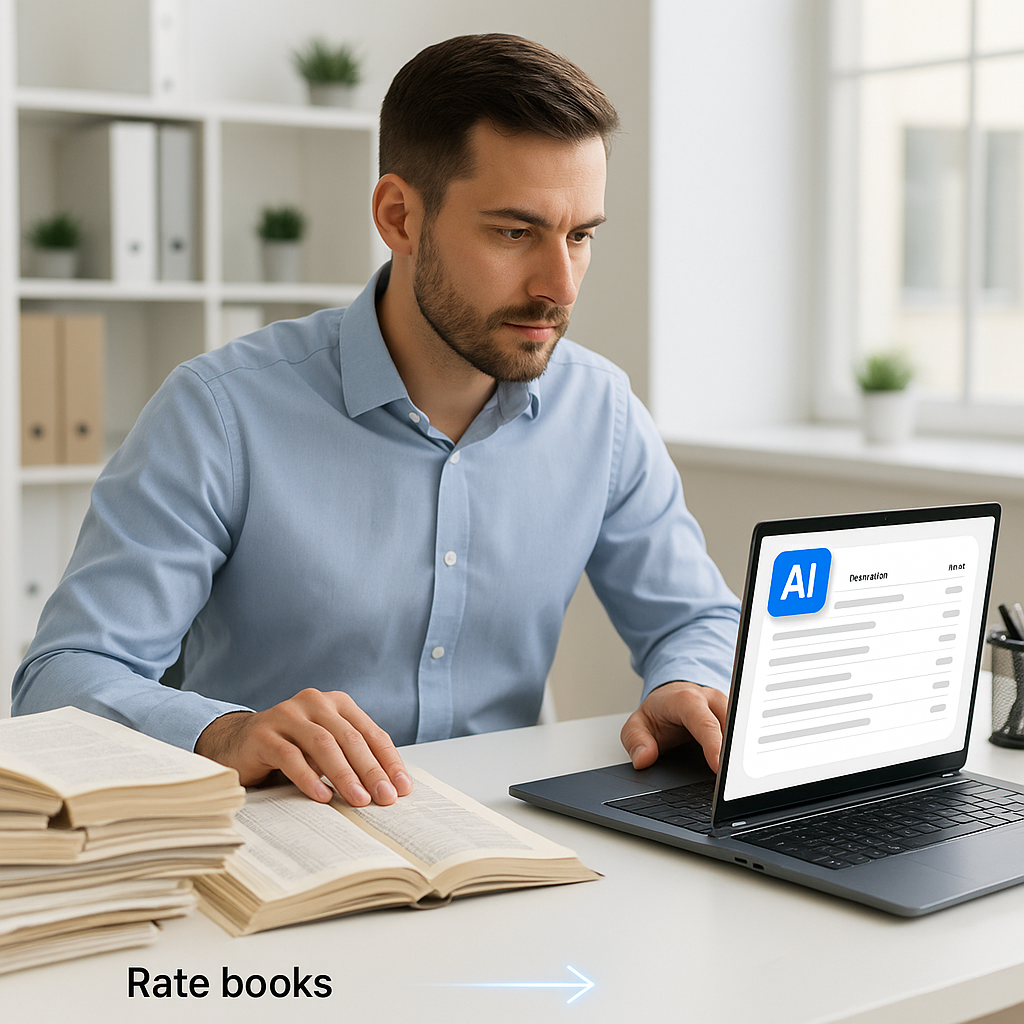
Why 78,000 Rates in Seconds Beat Manual Estimation Every Time
Let’s talk about one of the most frustrating parts of a construction estimator's job: rate lookups. If you’ve ever spent hours flipping through a 2,000-page RSMeans book or a massive CPWD DSR PDF, you know exactly what I mean. It’s tedious, error-prone, and eats up precious time. Yet, most teams still rely on this outdated process. Why?
Because that’s what’s always been done. But here’s the thing: it doesn’t have to be.
With AI-powered tools like EstimateNext, you can match rates across 78,000+ items from various catalogs in seconds. Let’s break this down and see why this is a game-changer for preconstruction estimation.
The Pain of Manual Rate Lookups
Picture this: you’re working on a $200M hospital project. You have labor, material, and equipment costs to estimate across 12 trades. You crack open your RSMeans book (or its local equivalent) and start manually searching for rates. Each lookup takes 5-10 minutes because:
- You’re navigating overly complex indexes.
- The formatting is clunky, making it hard to cross-reference items.
- You’re double-checking to make sure you didn’t miss a more applicable rate.
Now multiply that by 500 line items in your BOQ. That’s 50-80 hours of work just for rate lookups. Add in revision cycles, and you’re easily looking at over 100 hours spent on a single estimate. And let’s not even get into situations where you accidentally pull a rate from the wrong region or catalog section—it happens more often than anyone likes to admit.
Anecdotally, I’ve seen teams miss bid deadlines because they got buried in this mess. It’s not just inefficient; it’s risky. A study by McKinsey found that inefficiencies in preconstruction can lead to cost overruns of 10-15%, and manual rate lookups are a key culprit in this inefficiency.
Example: A Missed Opportunity
A contractor bidding on a $75M infrastructure project realized too late that they had used rates from the wrong region in their estimate. The error inflated their costs by 12%, making their bid uncompetitive. By the time the mistake was caught, the deadline had passed, and they lost the opportunity. This isn’t just a one-off horror story—it’s a recurring theme for teams stuck with manual processes.
AI to the Rescue: Semantic Rate Matching
This is where AI flips the script. Instead of manually searching for rates, you upload your BOQ into EstimateNext. The platform uses semantic search to match each line item to the most relevant rates from a database of 78,000+ items. Here’s how it works:
- Upload the BOQ: Whether it’s an Excel sheet, CSV, or ODS file, the system reads it instantly.
- Contextual Matching: The AI understands the description of each line item (e.g., “12-inch reinforced concrete pipe, Class III”) and matches it to the best-fit rate.
- Catalog Flexibility: It pulls from multiple sources—RSMeans, CPWD DSR, or even your custom rate library—depending on your region and project type.
- Audit Trail: Every match comes with a confidence score and links back to the source catalog. No blind trust—just transparent results.
The whole process takes seconds, not hours. And if something doesn’t look right? You can override the AI’s suggestion manually.
Actionable Steps to Implement AI Rate Matching
- Digitize Your BOQs: Ensure all your BOQs are in digital formats like Excel or CSV. This makes them AI-ready.
- Consolidate Rate Libraries: If you use custom rates, upload them into the AI tool to create a unified, searchable database.
- Train Your Team: Most AI tools are intuitive, but a brief training session can help your team understand how to review matches and use confidence scores effectively.
- Set Up Quality Control: Establish a process for reviewing high-risk or unique items to ensure accuracy.
Real-World Example: A Mid-Sized Contractor’s Experience
Let’s look at a real case study. A mid-sized GC working on a $50M high-rise project needed to estimate rates for over 1,000 items. Using their old manual process, this would have taken two estimators roughly 60 hours.
Instead, they used EstimateNext. Here’s what happened:
- Time Saved: Rate matching took 15 minutes, not 60 hours.
- Error Reduction: They caught 12 items where their manual process had historically used incorrect rates.
- Cost Savings: Conservatively, this saved them $7,800 in labor costs (60 hours × $130/hour).
Additional Insight: Scaling Savings
For larger firms handling multiple projects simultaneously, the savings multiply. For example, a company working on five $100M projects in a quarter could save over 300 hours using AI rate matching. That’s the equivalent of hiring a full-time estimator.
The Skeptic’s Objection: “AI Can’t Handle Custom Rates”
You might be thinking, “Yeah, but my rates are custom. AI can’t handle that.” Fair point. But here’s the answer: it can.
EstimateNext lets you upload your own rate catalogs. The system integrates these seamlessly, so your custom rates become part of the searchable database. And the more you use it, the smarter it gets. By the third project, most users report noticeable accuracy improvements.
Example: Custom Rates in Action
A specialty contractor focusing on waterproofing uploaded their proprietary rate catalog into EstimateNext. The AI matched 98% of their BOQ items correctly on the first try. For the remaining 2%, manual overrides were used. Over six months, the system learned from these overrides, reducing manual intervention by 60%.
Sure, AI isn’t perfect. You’ll still need to review some matches, especially for unique or high-risk items. But it eliminates 95% of the grunt work, leaving you to focus on the critical stuff.
Why Speed Matters in Preconstruction
Let’s zoom out for a moment. Why does this speed even matter? Because preconstruction is a race.
Every hour you save on rate matching is an hour you can spend refining your bid strategy, negotiating with subs, or running what-if scenarios. In competitive markets like the US or GCC, shaving even a day off your bid prep time can be the difference between winning and losing a project.
Data-Driven Benefits
- More Accurate Estimates: Faster rate lookups mean you’re less likely to pick the wrong rate under time pressure.
- Better Collaboration: Your team isn’t stuck waiting for rates to be finalized before moving on to other tasks.
- Higher Win Rates: A faster, more accurate bid process positions you as a more reliable contractor.
Comparison Table: Manual Lookups vs AI Rate Matching
| Feature | Manual Lookups | AI Rate Matching |
|---|---|---|
| Time Per Rate Lookup | 5-10 minutes | Seconds |
| Error Rate | High (10-15%) | Low (<3%) |
| Scalability | Limited by manpower | Unlimited |
| Cost Efficiency | Labor-intensive | Cost-effective |
| Custom Rate Support | Manual integration | Seamless integration |


