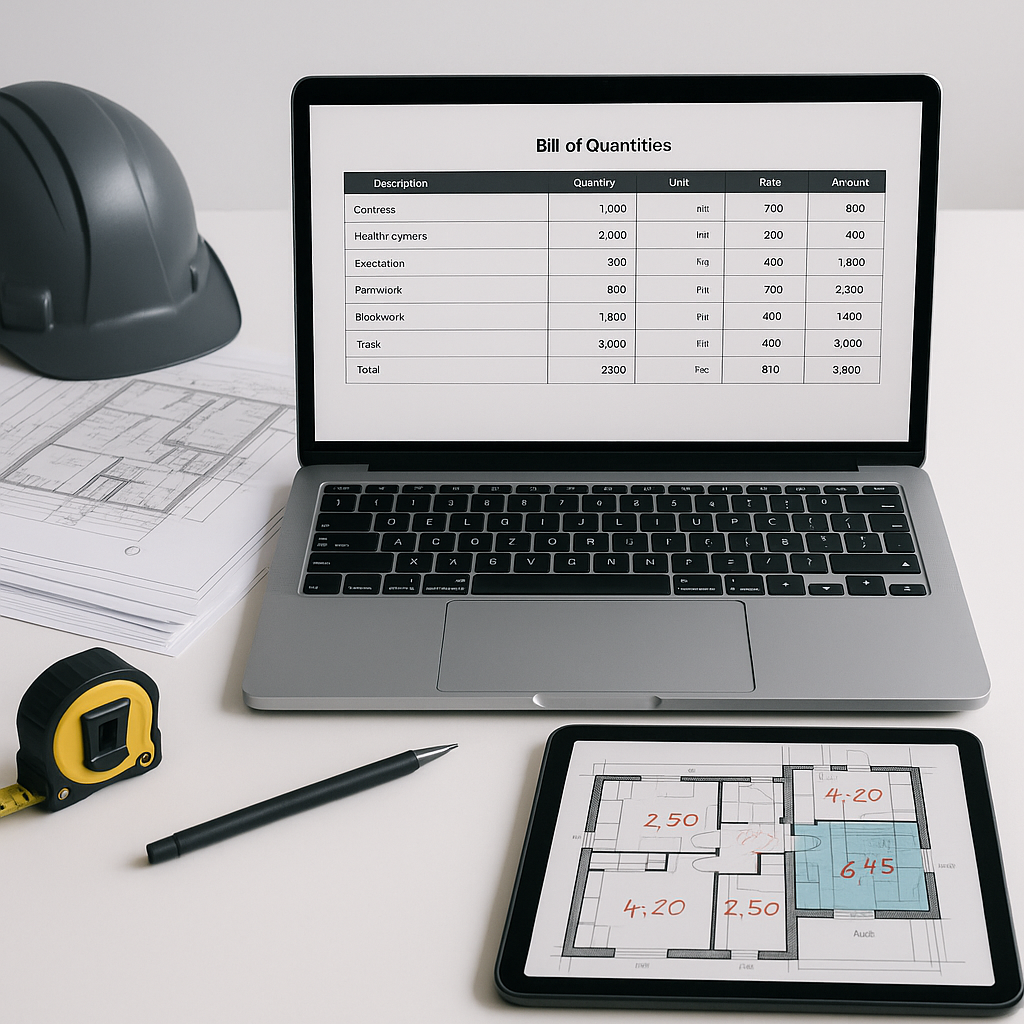
Stop Wasting Hours on BOQs: The 5-Step Template GCs Actually Use
If you’re a GC preconstruction director, you probably don’t need me to tell you how painful building a Bill of Quantities (BOQ) can be. Every project feels like reinventing the wheel. You’re pulling rates from RSMeans, applying inflation adjustments, manually checking labor factors, and praying your Excel formulas don’t implode at 11 PM. Sound familiar?
Here’s the brutal truth: most GCs waste at least 40 hours per estimate on BOQs. And it’s not just time—you’re burning focus, increasing errors, and leaving money on the table when bids go out late or overpriced.
But it doesn’t have to be that way.
In this guide, we’ll walk through a proven, 5-step process to create a reusable BOQ template that actually works. Plus, we’ll show how tools like EstimateNext can cut this down to minutes—not hours.
Why Most BOQs Fail (And How to Avoid It)
Let’s start with the common pitfalls:
- Overcomplicated Formats: Too many tabs, nested formulas, or irrelevant line items.
- Rate Mismatches: Pulling outdated rates from PDFs or relying on guesswork.
- Version Chaos: Changes to one section don’t cascade properly, creating inconsistencies.
- No Standardization: GCs managing multiple projects often lack a consistent BOQ format, leading to rework.
Here’s an example: One GC we worked with had 12 different BOQ templates across their projects. Every time a change was needed—like updating concrete rates—they had to manually adjust all 12 templates. This led to misaligned bids and repeated errors that cost them thousands in lost contracts.
But the fix isn’t some magic trick—it’s about building a clear, flexible template that balances detail with usability.
Step 1: Define Your BOQ Structure
Every solid BOQ starts with a clear hierarchy. A typical structure includes:
- Main Work Categories (e.g., Civil Works, MEP, Finishes)
- Subcategories (e.g., Concrete, Masonry, HVAC)
- Line Items (e.g., 200mm RCC Slab, 50mm Plaster, AHU Installation)
Pro tip: Stick to CSI MasterFormat or NRM2 standards if your clients expect those formats. It’s better to align with industry norms than to invent your own.
Actionable Steps
- Use Industry Standards: Download free CSI MasterFormat or NRM2 templates online to kickstart your structure.
- Template Consistency: Apply the same hierarchy across all projects to reduce confusion.
- Digital Tools: Tools like EstimateNext can auto-parse messy Excel files or PDFs to detect sections and hierarchies.
Case Study: Simplifying Structure for Scale
One mid-sized GC in Florida standardized all their BOQs using the CSI MasterFormat. As a result, they cut project setup time by 30% and delivered bids 2 weeks faster than their competitors.
Step 2: Import Standard Rates (The Right Way)
Rates are where most BOQs derail. Flipping through a 2,000-page RSMeans or CPWD DSR PDF is painfully slow. And copy-pasting rates? That’s a recipe for typos.
Better Approach
- Use a Searchable Database: Platforms like EstimateNext have over 78,000 SOR items from 135+ catalogs (RSMeans, CPWD, state SORs, etc.). Searching for “200mm RCC slab” gives you accurate rates instantly.
- Adjust for Inflation: Rates from 2021 won’t cut it in 2024. Apply compound inflation factors by catalog year.
- Break Down Rates: A winning BOQ doesn’t just show a lump-sum rate—it breaks it down into material, labor, and equipment. Transparency builds trust.
Concrete Example
Imagine your client asks for a rate on 200mm RCC slab. With EstimateNext, you get:
| Component | Cost/Unit ($) |
|---|---|
| Material | 45 |
| Labor | 30 |
| Equipment | 20 |
| Total | 95 |
Instead of providing a single lump sum, you give them a detailed breakdown that reinforces the value of your bid.
Step 3: Automate Quantity Takeoff
Here’s a stat that should make you cringe: manual quantity takeoff takes 40 hours per project, on average.
Why? Because traditional tools like Bluebeam and Excel weren’t built for speed. You’re manually tracing drawings, double-checking measurements, and hoping your numbers align.
The Modern Fix
AI-driven tools like EstimateNext flip the script. Their Vision AI extracts quantities directly from PDFs or CAD files in under 10 minutes. It identifies room areas, wall lengths, door counts—you name it. And if it’s unsure about a line, it flags it for manual review.
Case Study: Saving Time with AI Takeoff
A GC in Texas used Vision AI for a 300,000 sq. ft. commercial project. Instead of spending 40 hours on manual takeoff, they completed it in under 2 hours. The saved labor costs alone paid for the software subscription.
Step 4: Build Flexibility for What-If Scenarios
Ever had a client ask, “What happens if we swap material X for material Y?” Or, “What’s the cost impact of scaling down by 10%?”
If your BOQ can’t handle these scenarios without hours of rework, it’s not a good BOQ.
Key Features for Flexibility
- Linked Formulas: Ensure every rate and quantity cascades through your BOQ.
- Configurable Cost Factors: Overhead %, profit %, and W&E % should be adjustable sliders.
- Real-Time Testing: Tools like EstimateNext let you tweak rates or quantities and see the impact immediately.
Example: Material Swap
A client wants to replace standard concrete with fiber-reinforced concrete. Your BOQ adjusts instantly:
| Material Type | Cost Impact (%) |
|---|---|
| Standard Concrete | Base Cost |
| Fiber-Reinforced Concrete | +15% |
Step 5: Standardize Outputs
Clients hate messy deliverables. Whether it’s a GMP bid package or a cost plan, your BOQ needs to look professional.
Essential Output Formats
At a minimum, include:
- Summary Sheets: High-level cost breakdown by category.
- Detailed Sheets: Line-by-line rates, quantities, and totals.
- Audit Trails: Show where your rates came from and how they were calculated.
Tools for Standardization
EstimateNext simplifies this with one-click exports to CSI MasterFormat, NRM2, CPWD DSR, or AIA G703 formats. No more wrestling with Excel layouts.
The Bottom Line
A good BOQ template doesn’t just save time—it reduces errors, improves client trust, and increases your chances of winning bids. But building one manually? That’s a slog.
If you’re tired of wasting hours (or days) on BOQs, tools like EstimateNext can help. From instant rate matching to AI-driven takeoff, it’s designed to make preconstruction faster and smarter.


