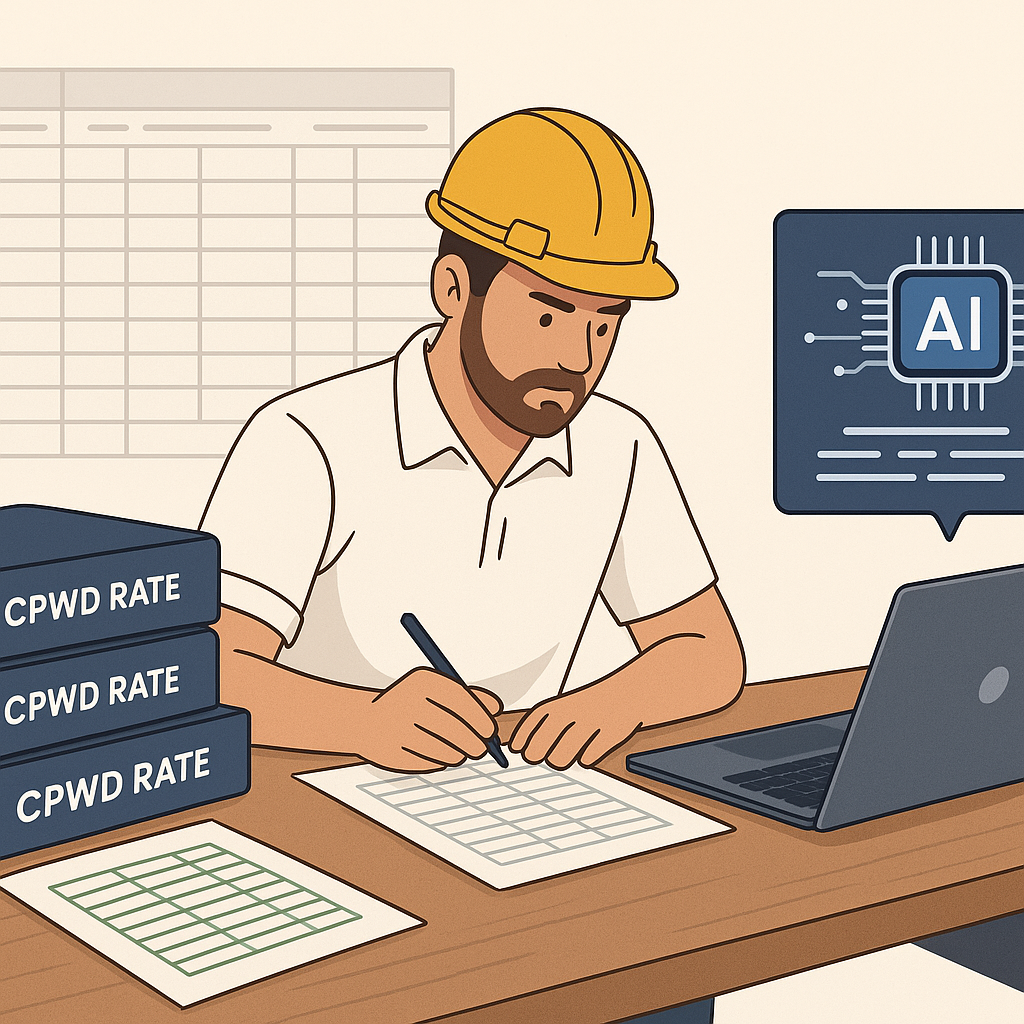
Why CPWD DSR Updates Are a Nightmare for Contractors
If you’ve worked on public projects in India, you already know the drill. The CPWD (Central Public Works Department) updates their Schedule of Rates (DSR) with inflation adjustments and market changes. These updates are critical for compliance and accurate bidding. But let’s be honest—keeping up with them is a mess.
Here’s what typically happens: CPWD issues a circular with cost index adjustments. You then spend hours flipping through PDFs, applying percentage changes to every line item in your BOQ (Bill of Quantities). It’s tedious and prone to error. Miss a single update, and your bid risks being outdated or non-compliant. For a ₹10-crore project, that’s a mistake you can’t afford.
In my experience, just finding the right circular on the CPWD website can take an hour. Then comes the real grind—manually recalculating rates for hundreds or thousands of items. For a mid-sized project, this easily eats up 12-16 hours.
The Hidden Costs of Manual Updates
Let’s talk about what this inefficiency really costs you. First, there’s the obvious time sink—time that could be spent on more bids or refining your strategy. Then there’s the financial impact. If your rates are outdated, you either underprice and lose money or overprice and lose the bid. Neither is a good look.
Time and Labor Costs
Consider this: for a ₹10-crore project with 1,000 BOQ line items, manually recalculating rates takes an average of 12-16 hours. If you’re paying your estimator ₹1,000 per hour, that’s ₹12,000-₹16,000 in direct labor costs per project. Multiply that by 10 bids a month, and you’re looking at ₹1.2-₹1.6 lakh in wasted effort every month.
Compliance Risks
And let’s not ignore compliance. Government tenders are unforgiving. An incorrect rate can get your bid thrown out, or worse, flagged for audit. In 2022 alone, over 15% of rejected public construction bids were due to non-compliance with updated DSR. The stakes are high, and the manual process doesn’t cut it anymore.
Opportunity Cost
If you’re spending 12-16 hours recalculating rates, that’s time you could’ve spent preparing another bid or building client relationships. Smaller contractors especially feel this pinch, as they often lack dedicated estimation teams.
The AI Shortcut: How EstimateNext Fixes This
Here’s where AI tools like EstimateNext come in. Instead of spending hours sifting through CPWD DSR PDFs and recalculating rates, you upload your BOQ, and the platform does the rest.
How It Works:
- BOQ Upload: Drag and drop your BOQ in Excel, CSV, or even ODS format. The tool automatically cleans up messy files—merged cells, section headers, and all.
- Smart SOR Matching: The AI matches your BOQ items against 78,000+ SOR entries from CPWD DSR and 26 state catalogs. It even factors in the latest cost index updates.
- Rate Adjustment: Inflation uplifts are applied automatically. No more manual percentage calculations.
- Audit Trail: Every rate adjustment comes with a full breakdown—material, labor, equipment—so you’re always audit-ready.
What used to take 12-16 hours now happens in minutes. And because the tool updates nightly with the latest CPWD circulars, you’re never caught off guard.
Bonus Features
- Custom Rate Libraries: You can upload your own rate library, and the AI will prioritize your rates over the platform’s catalog.
- Confidence Scoring: Low-confidence matches are flagged for review, so you can double-check critical items.
- Learning Algorithm: The tool learns from your corrections, improving accuracy with each use.
Real-World Example: Bidding on a ₹10-Crore Project
Imagine you’re bidding on a ₹10-crore CPWD project. The tender requires you to submit an updated BOQ based on the latest DSR. Here’s the difference:
| Step | Manual Process | With EstimateNext |
|---|---|---|
| Locate Circular | 2 hours | 2 minutes |
| Apply Cost Adjustments | 10 hours | 8 minutes |
| Error Checking | 3 hours | 30 minutes |
| Total Time | 15 hours | 40 minutes |
That’s 14 hours saved on one project. Multiply that across 10 bids a month, and you’re saving 140 hours—almost 18 full workdays—every month.
Financial Impact
Let’s translate that into rupees. At ₹1,000/hour, that’s ₹1.4 lakh saved on labor costs monthly. For a small contractor, this could mean the difference between breaking even and turning a profit.
Addressing Skepticism: “What If the AI Gets It Wrong?”
You might be thinking, “AI isn’t perfect—what if it matches the wrong rate?” Fair question. EstimateNext handles this with a confidence scoring system. Low-confidence matches are flagged for review, so you’re always in control. Plus, the platform learns from your corrections over time, getting smarter with each project.
Case Study: Avoiding Costly Errors
One contractor reported that before using EstimateNext, they submitted a bid with outdated rates for a ₹5-crore project. The error led to a 10% underestimation, resulting in a ₹50-lakh loss over the project’s duration. With EstimateNext, they’ve avoided similar mistakes, ensuring every bid is accurate and compliant.
The Bigger Picture: Why This Matters
This isn’t just about saving time (though that’s a big deal). It’s about leveling the playing field. Smaller contractors who can’t afford dedicated estimation teams now have access to the same efficiency as the big players. And for larger firms, it’s a way to scale without adding headcount.
Industry Trends
The construction industry is moving toward automation. According to a 2023 report by McKinsey, firms that adopt AI-powered estimation tools see an average 20% improvement in bid accuracy and a 15% reduction in project delays. Those who stick with manual processes risk falling behind.
The Bottom Line
If you’re still manually updating CPWD rates, you’re wasting time and risking errors. AI tools like EstimateNext make the process faster, easier, and more reliable. Ready to try it? Get started free →


