Bid Markup Math: Why Most Contractors Get It Wrong
Here’s a brutal truth: most contractors confuse markup with profit margin. They’re not the same thing. And it’s costing them real money.
Let’s break it down. Say your total project costs are $100,000. You want a 20% profit margin. What do you do? Add 20% to $100,000, right? Wrong. If you markup $100,000 by 20%, your price is $120,000. But your actual profit margin is only 16.67%. Why? Because markup is based on cost, while margin is calculated on the final price.
The formula you actually need is:
Price = Cost ÷ (1 - Desired Margin)
So, for a 20% margin:
$100,000 ÷ (1 - 0.20) = $125,000
That’s the correct bid price. And yes, this simple mistake can tank your margins if you’re not careful.
The Bigger Problem: Manual Markup = Errors
Knowing the formula is one thing. Applying it consistently is another. Most estimators are juggling spreadsheets, rate books, and emails from subcontractors. Mistakes happen. A decimal in the wrong place. A line item missed. You’ve got hours of work—and a bid that’s still wrong.
Even seasoned general contractors (GCs) admit to these errors. A preconstruction director at a regional firm told us, “We’ve missed bids by 5-10% just because of bad markup calculations. Multiply that across five GMP pursuits a year, and it’s six figures down the drain.”
Common Markup Errors:
- Assuming consistent overhead: Overhead varies by project size, location, and complexity. Ignoring these factors leads to inaccurate bids.
- Failing to adjust for subcontractor costs: Subcontractor changes are common, but many estimators forget to update markup when new subs are added.
- Overlooking small errors: A 0.5% discrepancy on a $1M bid is $5,000. These add up fast.
Actionable Steps to Reduce Errors:
- Double-check your formulas: Use spreadsheet templates with locked cells for calculations.
- Automate wherever possible: Look for estimating software that dynamically updates calculations.
- Conduct pre-submission reviews: Have at least one other team member review the bid before submission.
Enter EstimateNext: Real-Time Markup Confidence
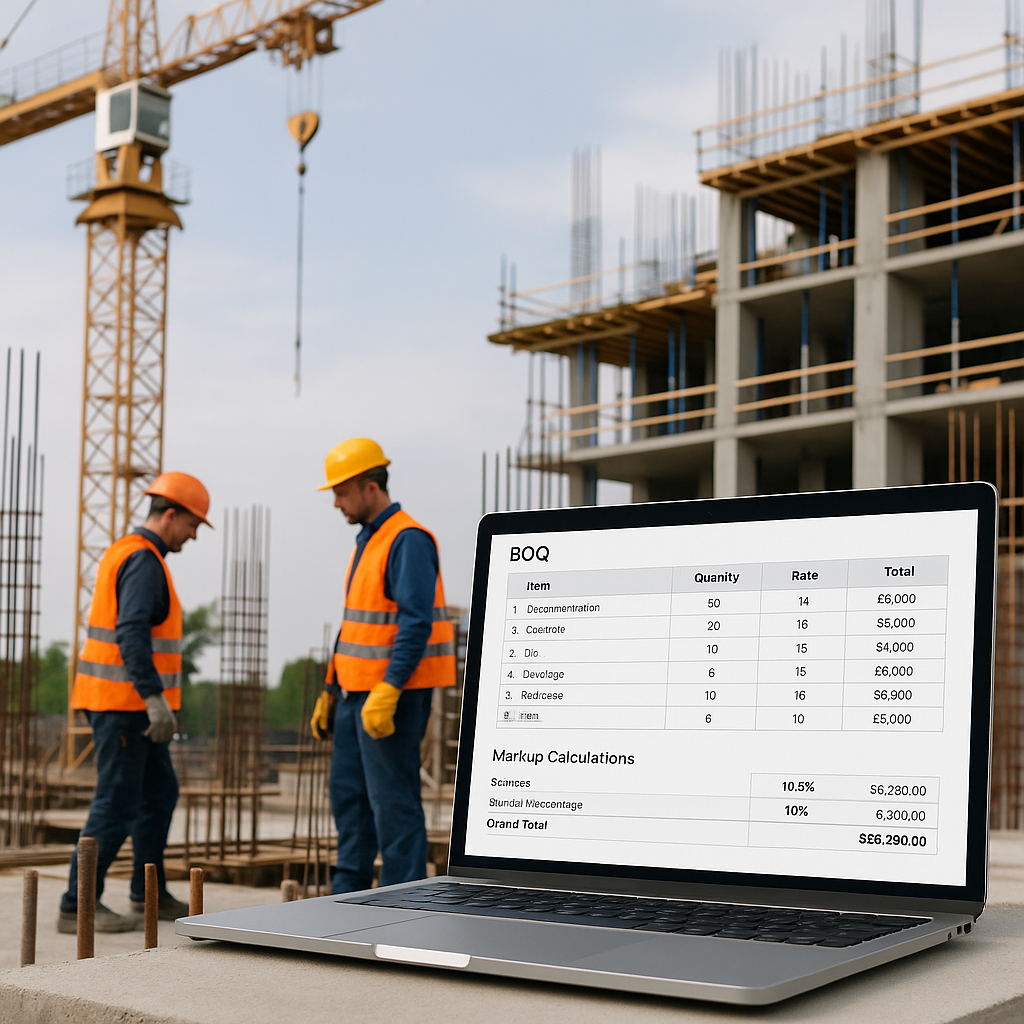
This is where tools like EstimateNext come in. Our platform doesn’t just calculate markup automatically—it applies it dynamically across your Bill of Quantities (BOQ). Change a single rate? The entire estimate updates, including markup, profit, and overhead calculations. No manual recalculations. No hidden errors.
How It Works:
- Upload Your BOQ: Drag and drop an Excel or CSV file. The AI parses it in seconds.
- Set Your Cost Factors: Input your overhead (%), profit margin (%), and any site-specific adjustments.
- Let AI Handle the Math: The platform applies the correct markup formula to every line item, avoiding the “markup vs margin” trap.
- Instant Reports: Generate professional bid packages with the correct pricing pre-applied.
Case Study: Regional Contractor Saves $50,000
A mid-sized contractor in Texas used EstimateNext to streamline their bidding process. Previously, they relied on manual calculations and often missed items. After switching to EstimateNext, they caught a $50,000 error in a $2M bid. That single adjustment paid for the software 10 times over.
Benefits of Automation:
- Error Reduction: Automated calculations eliminate costly mistakes.
- Time Savings: Users report saving 8-12 hours per bid.
- Confidence in Numbers: Teams can focus on strategy, not second-guessing calculations.
Why Overhead % is Just as Critical
Markup isn’t just about profit—it’s also about covering your overhead. And here’s the kicker: most contractors underestimate their true overhead costs. Office leases, software licenses, project management salaries, insurance—it adds up fast.
According to Construction Business Owner, the average contractor underestimates overhead by 5-10%. That’s enough to turn a “profitable” job into a loss. Using a tool like EstimateNext ensures your overhead percentage is factored into the markup calculation every time.
Example Calculation:
- Direct Costs: $150,000
- Overhead: 10%
- Profit Margin: 15%
Correct Bid Price = $150,000 ÷ (1 - 0.10 - 0.15) = $200,000
Without factoring in overhead, you’d price this job at $176,471 (and burn $23,529).
Actionable Steps to Accurately Account for Overhead:
- Audit your expenses quarterly: Know exactly what your overhead costs are.
- Allocate overhead to each project: Use historical data to split overhead proportionally.
- Use software for consistency: Tools like EstimateNext ensure overhead is applied uniformly.
What About Competitive Pressures?
You might be thinking, “Sure, but what if my competitors undercut me?” It’s a valid concern. But chasing low bids rarely ends well. If you’re consistently losing bids, the problem might not be your price—it could be your bid positioning.
Competing on Value vs. Price:
- Price-Driven Strategy: High risk, low margins, and constant undercutting.
- Value-Driven Strategy: Focuses on quality, reliability, and expertise—not just cost.
How EstimateNext Helps:
EstimateNext’s Win IQ feature analyzes bid history, market rates, and tender documents to help you find your margin sweet spot. It doesn’t just tell you where to price—it shows you where you’re likely to win without eroding profit.
Case Study: Winning Without Being the Lowest Bid
A $500M firm used Win IQ to understand their competitors’ pricing trends. They adjusted their bid to emphasize reliability and past performance rather than trying to undercut. Result? They won the project at a 22% margin when their competitors were bidding below 15%.
Decision Framework: Manual Bidding vs. Automated Tools
| Feature | Manual Bidding | EstimateNext |
|---|---|---|
| Accuracy | Prone to errors | Automated calculations |
| Time Investment | 8-12 hours per bid | 1-2 hours per bid |
| Overhead/Profit Consistency | Inconsistent | Consistently applied |
| Competitive Analysis | Manual and time-consuming | AI-driven insights |
| Scalability | Limited | Scales with project size |
Stop Guessing, Start Winning
Pricing construction bids doesn’t have to feel like rolling the dice. With the right formula—and the right tools—you can bid with confidence.
If you’re tired of markup mistakes eating your margins, EstimateNext can help. Get started free →


