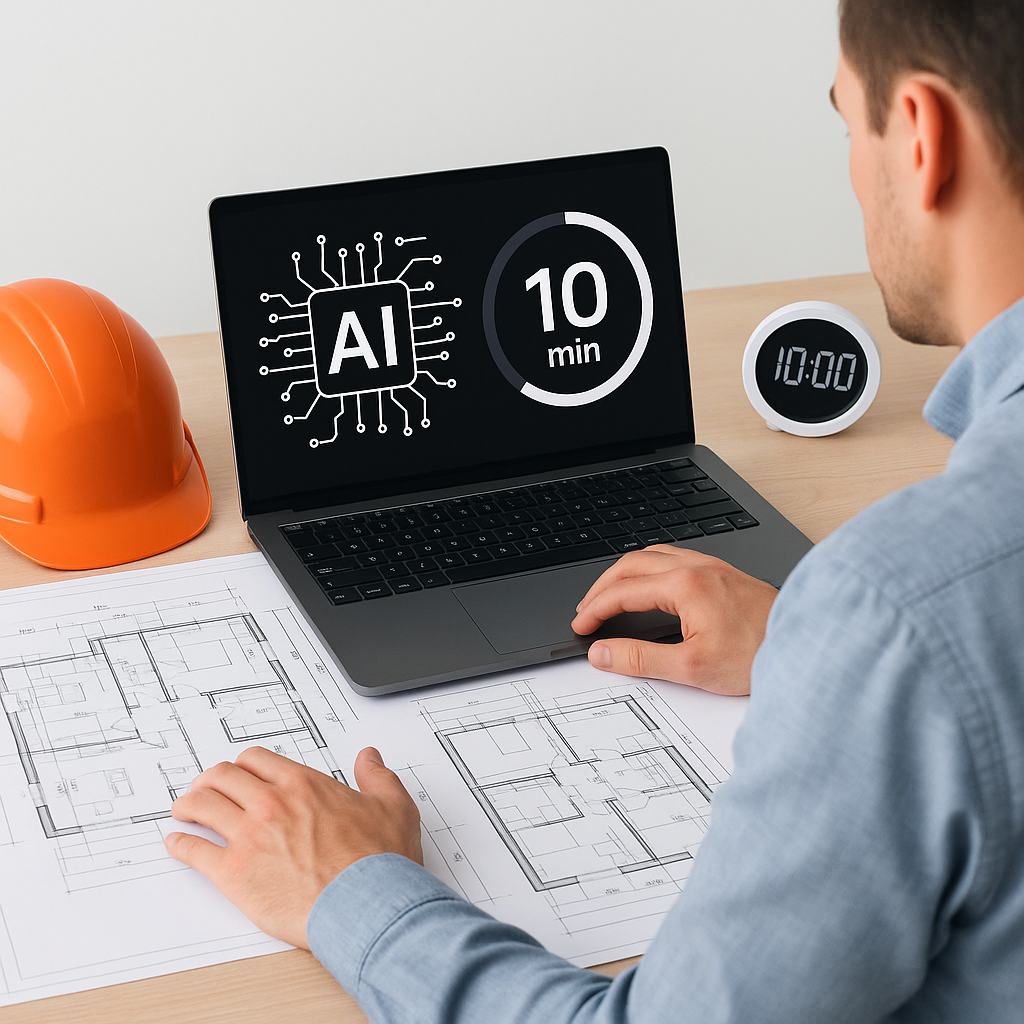
The Hidden Cost of Manual Takeoffs
Let’s start with the obvious: manual drawing takeoffs are a time sink. Whether you’re measuring wall lengths for a high-rise or counting fixtures for a fit-out, it’s 40 hours of painstaking work per project. Two estimators, two days. Multiply that by 5-8 GMP pursuits per year, and you’re looking at 320+ hours wasted. That’s an entire month gone.
But the worst part isn’t the time—it’s the risk. Every manual takeoff introduces human error. Miscounted doors, missed revisions, or inaccurate scaling can cost thousands, or worse, lose bids entirely. For example, a miscount of 10 windows on a commercial project could lead to underordering materials, causing delays and additional costs. This is a nightmare scenario for general contractors (GCs) managing tight project schedules and budgets.
The Financial Impact of Errors
Errors in takeoffs aren’t just inconvenient—they’re expensive. According to a report by PlanGrid, rework caused by errors and omissions costs the construction industry over $31 billion annually in the U.S. alone. A single mistake in your bid can lead to:
- Lost Bids: Underestimating quantities might make your bid uncompetitive or unrealistic.
- Change Orders: Missed items can lead to post-award price adjustments, straining client relationships.
- Profit Margin Erosion: Correcting errors mid-project eats into profits and disrupts cash flow.
The true cost of manual takeoffs isn’t just the hours spent—it’s the missed opportunities, lost revenue, and reputational damage.
AI Takeoffs: Faster, Smarter, Safer
This is where tools like EstimateNext flip the script. Their Vision AI extracts quantities from PDF drawings in just 10 minutes. Not hours. Minutes. Imagine uploading a 200-page drawing set, clicking “Process,” and getting room areas, wall lengths, and fixture counts before your coffee cools.
How It Works
- File Upload: Start by uploading your drawings in PDF format.
- AI Analysis: The AI scans the document, identifying dimensions, annotations, and objects.
- Flagging Low-Confidence Areas: If the AI is unsure about certain measurements, it flags them for manual review.
- Automatic Comparison for Revisions: Upload revised drawings, and the system highlights changes instantly.
This combination of automation and human oversight ensures you get the best of both worlds: speed and accuracy.
Real-World Results
Here’s a concrete example: A mid-sized GC saved 120 hours on a high-rise bid by using Vision AI. That’s two full weeks of labor costs avoided, plus the confidence of knowing every quantity was double-checked. In their own words, “It’s like hiring a full-time estimator without the overhead.”
Another case study from EstimateNext showed that a plumbing subcontractor reduced takeoff errors by 75% on a hospital project. They avoided a $30,000 change order by catching a miscount on fixtures before submitting the bid.
The ROI of AI Tools
To calculate the return on investment (ROI) of AI tools, let’s break it down:
| Metric | Manual Takeoffs | AI-Powered Takeoffs |
|---|---|---|
| Time per project | 40 hours | 2 hours |
| Annual projects (avg.) | 8 | 8 |
| Total hours spent/year | 320 | 16 |
| Labor cost (@$50/hour) | $16,000 | $800 |
| Error correction cost | $5,000 | $1,000 |
| Total Estimated Cost | $21,000 | $1,800 |
By switching to AI takeoffs, companies can save over $19,000 annually while improving accuracy and reducing rework.
The Obvious Objection: “But AI Can’t Think Like an Estimator”
You’re right. AI doesn’t replace your judgment—it amplifies it. You’re still the one deciding on markup, negotiating with subs, and locking down scope. The AI just handles the grunt work, giving you more time to focus on strategy.
Bridging the Gap for Junior Estimators
Junior estimators often lack the experience to spot nuanced issues in drawings. Pairing them with AI tools can:
- Accelerate Learning: AI provides a structured framework for understanding takeoffs.
- Improve Accuracy: Even inexperienced estimators can deliver accurate results with AI guidance.
- Free Up Senior Staff: Senior estimators can focus on high-value tasks instead of micromanaging junior staff.
Think of AI as an apprenticeship program built into your workflow.
Edge Cases: What If My Drawings Are Messy?
Messy drawings are the bane of every estimator’s existence. Scans with faded lines, overlapping annotations, or missing dimensions can trip up even the best AI. That’s why tools like EstimateNext include manual override features. Here’s how to handle messy drawings:
- Flag Problem Areas: The AI will highlight sections it cannot interpret confidently.
- Manual Adjustments: Use the platform’s tools to remeasure or input missing data.
- Audit Trails: Every adjustment is logged, so you can track changes and maintain accountability.
Over time, the system learns from manual inputs, improving its ability to handle poorly scanned or unconventional drawings.
Why Speed Matters
Speed isn’t just a luxury—it’s a competitive advantage. Faster takeoffs mean faster bids. Faster bids mean more opportunities to win projects. And in markets like MEP subcontracting, where turnaround times can make or break deals, shaving 40 hours off your process is a game-changer.
For instance, consider a subcontractor competing for a HVAC installation project. If they can submit their bid a full day earlier than their competitors, they’re more likely to win the contract. In fast-paced construction markets, speed translates directly into dollars.
Call to Action
If you’re tired of wasting 40 hours on manual takeoffs, EstimateNext can help. Upload your first BOQ and get a priced estimate in minutes. Start Free →


