The Takeoff Problem: Why It’s Still a Bottleneck
Let’s be honest: drawing takeoffs have always been a nightmare. Sorting through PDFs, manually tracing areas, counting door openings—it’s slow, tedious, and prone to errors. For general contractors chasing GMP (Guaranteed Maximum Price) pursuits, this is the bottleneck that keeps everyone up late. On average, two estimators spend 40 hours on takeoffs for a single bid. Multiply that by five GMP pursuits a year, and you’re looking at 200 hours of labor just on takeoffs.
What’s worse? These hours don’t add value. They’re grunt work. Nobody wins a bid because their team spent an extra day measuring wall lengths. You win because you priced competitively, calculated risks smartly, and submitted ahead of deadlines. But how do you do that when takeoffs eat half your preconstruction timeline?
The AI Shortcut: From 40 Hours to 10 Minutes
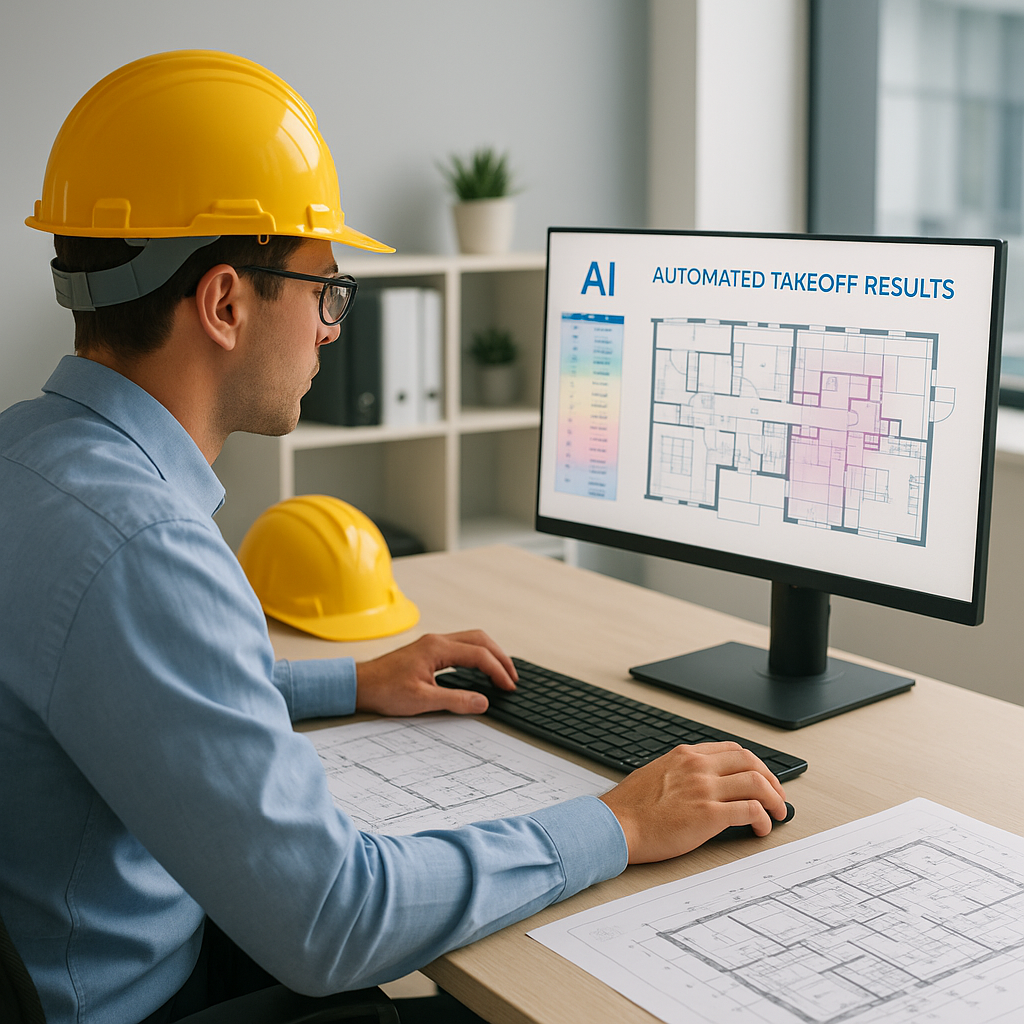
Enter AI-powered takeoff tools like EstimateNext. Their Vision AI reads PDF drawings, extracts room areas, wall lengths, and even door/window counts—all in minutes. No manual tracing, no endless clicking. You upload the drawing set, and the software does the heavy lifting.
For example, a mid-sized general contractor recently tested this on a high-rise bid. Their team saved 120 hours by automating takeoffs. That’s two full weeks of labor costs avoided, all while still meeting tight deadlines. In their words: “It’s like hiring a full-time estimator without the overhead.”
Another case study involves a small construction firm bidding on a school renovation project. By switching to AI takeoff tools, they reduced their bid preparation time from 50 hours to just under 8 hours. The faster turnaround allowed them to submit three proposals in one month—a feat that would have been impossible with manual processes.
Real-Time Accuracy Without the Guesswork
You might be thinking, “Sure, AI is fast, but how accurate is it?” Fair question. AI tools like EstimateNext include confidence scoring for every measurement. Low-confidence lines get flagged for manual review, so you’re not blindly trusting the machine. Plus, there’s an override system for remeasuring problem areas. It’s not perfect, but it’s far better than racing the clock with manual methods.
Here’s another edge: revisions. When the architect uploads new drawings, AI compares changes instantly. No need to start over. You get updated quantities in minutes, not hours. For example, a commercial contractor working on a retail development used AI to handle three rounds of design revisions. Each update was processed in under 15 minutes, saving days of rework compared to traditional methods.
This level of accuracy and adaptability is crucial in industries where even small mistakes can lead to costly overruns or missed deadlines. For instance, a miscalculation in steel framing quantities or HVAC ductwork can derail a project’s budget by tens of thousands of dollars.
The ROI Math: Why It Pays Off
Let’s break down the numbers. If your estimators cost $130/hour, saving 36 hours per bid translates to $4,680 saved. With five GMP pursuits a year, that’s $23,400 in labor costs avoided. Now consider the tool cost: EstimateNext’s GC plan is $99/month. That’s $1,188/year. The ROI? A whopping 20X.
But the benefits go beyond cost savings. Faster takeoffs mean you can handle more bids, negotiate better subcontractor rates, or focus on value engineering. Time saved isn’t just time earned—it’s opportunity gained. Imagine being able to submit two additional bids a year. Even if you win just one, the revenue difference could be substantial. For example, a $5 million project with a typical 10% profit margin adds $500,000 in profit to your bottom line.
Common Objections: “AI Can’t Replace My Estimators”
This is the pushback I hear most. And it’s valid—AI doesn’t think like an estimator. It won’t catch design inconsistencies or suggest alternate materials. But that’s not its job. AI handles the grunt work, freeing your team to focus on high-value tasks.
Think of it as an apprentice. It learns from your feedback, gets smarter with every project, and never takes a sick day. Pair junior estimators with AI platforms, and you’ll see senior staff freed up for strategic work.
For example, a senior estimator at a national construction firm reported that using AI allowed him to spend 50% more time on risk analysis and pricing strategy. The result? His team increased their bid win rate by 15% in a single year.
How to Test AI on Your Next Project
Not ready to jump in? Start small. Use AI tools on a single bid and compare the results to your manual process. Measure the time saved, review the accuracy scores, and gather team feedback. Most platforms, including EstimateNext, offer free trials. Test the waters before committing.
Here’s a simple step-by-step:
- Choose a small project: Select a low-risk bid where you can experiment without significant consequences.
- Run a parallel process: Have one estimator use AI while another completes the takeoff manually. Compare results.
- Review feedback: Gather input from your team on usability, accuracy, and time savings.
- Calculate ROI: Compare the labor hours saved to the cost of the tool. This will give you a clear picture of the financial impact.
Comparison Table: Manual vs. AI-Powered Takeoffs
| Feature | Manual Takeoffs | AI-Powered Takeoffs |
|---|---|---|
| Time Required | 30–50 hours per bid | 10–30 minutes per bid |
| Accuracy | Prone to human error | High, with confidence scoring |
| Revisions | Requires starting over | Automatic updates in minutes |
| Labor Costs | $3,900–$6,500 per bid | ~$99/month for the tool |
| Scalability | Limited | Unlimited |
Call to Action
If you’re tired of losing hours to manual takeoffs, AI tools like EstimateNext can help. Get started free →


