The Problem Nobody Talks About
Every estimator knows the pain of manual drawing takeoffs. It’s mind-numbing, time-consuming, and frankly outdated. Flipping through dozens of PDF pages to trace wall lengths and room areas isn’t just boring—it’s inefficient.
The Cost of Manual Takeoffs
On average, manual takeoffs take 40 hours per bid. That’s two full workdays for two people. Let’s break that down: if your average estimator earns $65/hour, that’s $2,600 in labor costs per bid. And it’s not just the money—it’s the stress of racing against deadlines, knowing there’s a high chance of human error.
A study by Dodge Data & Analytics found that 57% of contractors report losing money on projects due to errors in preconstruction. Many of these errors stem from inaccurate takeoffs, missed details, or rushed work. The stakes are even higher when you’re pursuing large bids. Missing a single measurement could skew your estimate and lose you the project.
The Alternative
What’s the alternative? AI-powered takeoff tools are making manual methods obsolete. Tools like EstimateNext’s Vision AI can extract quantities from drawings in just 10 minutes. Yes, 10 minutes. That’s a 10X speed improvement over the status quo. Imagine reclaiming 36+ hours per bid—hours you can invest in refining your proposals, negotiating with subcontractors, or pursuing additional projects.
How AI Takeoff Tools Work
A Peek Behind the Curtain
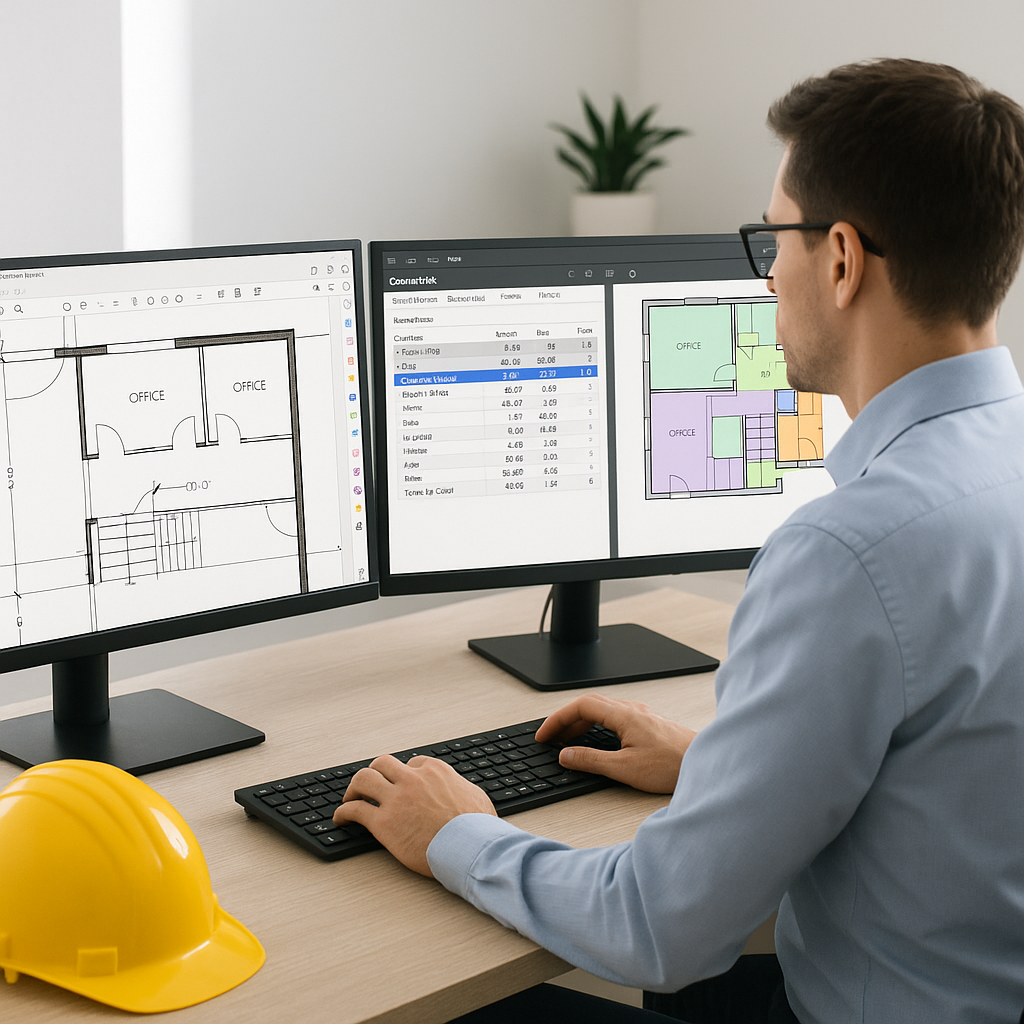
Here’s the magic: AI reads your drawings like a human would—but faster. It scans PDF files, identifies room dimensions, wall lengths, door/window counts, and more. Then, it pulls all those quantities into an organized format for immediate use.
Let’s unpack this with a real-world example. A mid-sized general contractor (GC) recently used Vision AI on a high-rise bid. The manual process would’ve taken them 120 hours. Instead, they wrapped it up in 10 minutes. Their exact words? “It’s like hiring a full-time estimator without the overhead”.
How It Fits Into Your Workflow
AI tools don’t replace estimators—they amplify them. Think of AI as your assistant, handling the grunt work of takeoffs, rate lookups, and what-if recalculations. This frees you up to focus on high-value tasks like subcontractor negotiations, scope reviews, and strategy planning.
For instance, when working on a complex mixed-use development, AI tools can generate a baseline takeoff in minutes. From there, you can refine the estimate, adjust rates, and fine-tune the proposal. The AI acts as a turbocharger, not a replacement.
Actionable Steps to Implement AI Tools
- Start Small: Use AI on a low-stakes project to get comfortable with the interface and features.
- Integrate Gradually: Pair AI takeoffs with manual reviews initially to build confidence in its accuracy.
- Customize Settings: Upload your rate catalogs, material preferences, and project templates for seamless integration.
- Train Your Team: Most tools, like EstimateNext, offer training resources that take less than two weeks to complete.
Why Speed Matters in Preconstruction
Deadlines Are Brutal
Preconstruction deadlines are unforgiving. Missing one can cost you the bid—and potentially damage your reputation. This is why manual takeoffs are risky: they’re slow and prone to errors. Worse, rushing to meet a deadline can lead to oversights, miscalculations, and missed opportunities.
AI tools eliminate both problems. For instance, EstimateNext’s Vision AI doesn’t just speed up the process—it adds a safety net. It highlights low-confidence measurements, so you can double-check them before submitting your estimate.
The ROI of AI Tools
Let’s talk numbers. If your team saves 36 hours per estimate and your labor costs average $130/hour, that’s $4,680 saved per bid. Multiply that by five GMP pursuits a year, and you’re looking at $23,400 in savings. For larger firms pursuing 20+ bids annually, the savings can exceed $100,000.
Beyond the direct savings, AI tools reduce the risk of costly errors. A single mistake in a multi-million-dollar project can result in change orders, disputes, and profit erosion. By improving accuracy and consistency, AI tools protect your bottom line.
Edge Cases: Does AI Work for Small Projects?
Scaling Up or Down
Absolutely. AI tools scale to any project size. Whether you’re handling a $1 million renovation or a $1 billion rail bridge, the process stays the same. In fact, smaller projects benefit even more because tight budgets make efficiency critical.
Consider this: Why spend 40 hours on a takeoff for a $100K tenant improvement when AI can do it in 10 minutes? For small firms, this time savings can be the difference between breaking even and turning a profit.
A Case Study
A boutique construction firm specializing in tenant improvements recently adopted Vision AI. They used it on a small $200K office renovation. The AI completed the takeoff in under 15 minutes, whereas their manual process previously took 12 hours. As a result, they were able to bid on three additional projects that month—all of which they won.
What About Accuracy?
Balancing Automation with Oversight
AI tools are highly accurate, often reducing takeoff discrepancies by up to 80%. However, no system is perfect. That’s why tools like EstimateNext include manual override options. If the AI misinterprets a dimension or misses a detail, you can remeasure it with a few clicks.
This blend of automation and human oversight is key. It’s not about replacing estimators—it’s about helping them work faster and smarter.
Addressing Common Concerns
Some practitioners worry that AI might miss nuances in complex projects, such as irregular geometries or custom specifications. While this is a valid concern, most modern tools include features like confidence scoring, annotation capabilities, and integration with CAD software to address these challenges.
Comparison Table: Manual vs. AI Takeoffs
| Feature | Manual Takeoffs | AI Takeoffs |
|---|---|---|
| Time per Bid | ~40 hours | ~10 minutes |
| Accuracy | Prone to human error | Reduces errors by ~80% |
| Labor Cost per Bid | ~$2,600 | ~$50 (AI subscription fee) |
| Scalability | Limited by manpower | Scales effortlessly |
| Integration | None | Works with Procore, Excel |
Call to Action
If you’re tired of wasting 40 hours on manual takeoffs, EstimateNext’s Vision AI can help. It’s fast, accurate, and designed for estimators who need results. Get started free →


