Stop Wasting Time on Manual Takeoffs
Let’s start with the obvious: manual takeoffs are a grind. For most teams, it’s 40 hours of tracing PDFs, recalibrating scales, and double-checking measurements for every project. That’s 5 full workdays spent on something AI can now handle in 10 minutes. Yes, 10 minutes.
One of our clients, a mid-sized general contractor bidding on a $50M high-rise, saved 120 hours on their takeoff process by switching to AI-powered tools. They didn’t just save time—they used those extra hours to refine their bid strategy and win the project.
Why Manual Takeoffs Are Killing Your Margins
Every estimator knows the pain. You’re flipping between Bluebeam, Excel, and a pile of drawings, trying to make sure your numbers are solid. And if there’s a revision? You’re redoing the entire process. It’s not just tedious—it’s expensive.
At $130 per hour (the average cost of an estimator in the U.S.), that’s $5,200 per bid just for takeoffs. Multiply that by 5-8 GMP pursuits per year, and you’re looking at over $30,000 wasted annually.
And it’s not just about the direct costs of labor. Manual takeoffs often lead to inaccuracies—missed quantities, miscalculated measurements, or overlooked plan revisions. These errors can snowball into missing the bid altogether or underpricing the job. For example, a regional GC lost a $10M warehouse project because their manual takeoff missed a critical structural component, forcing them to revise their bid after submission.
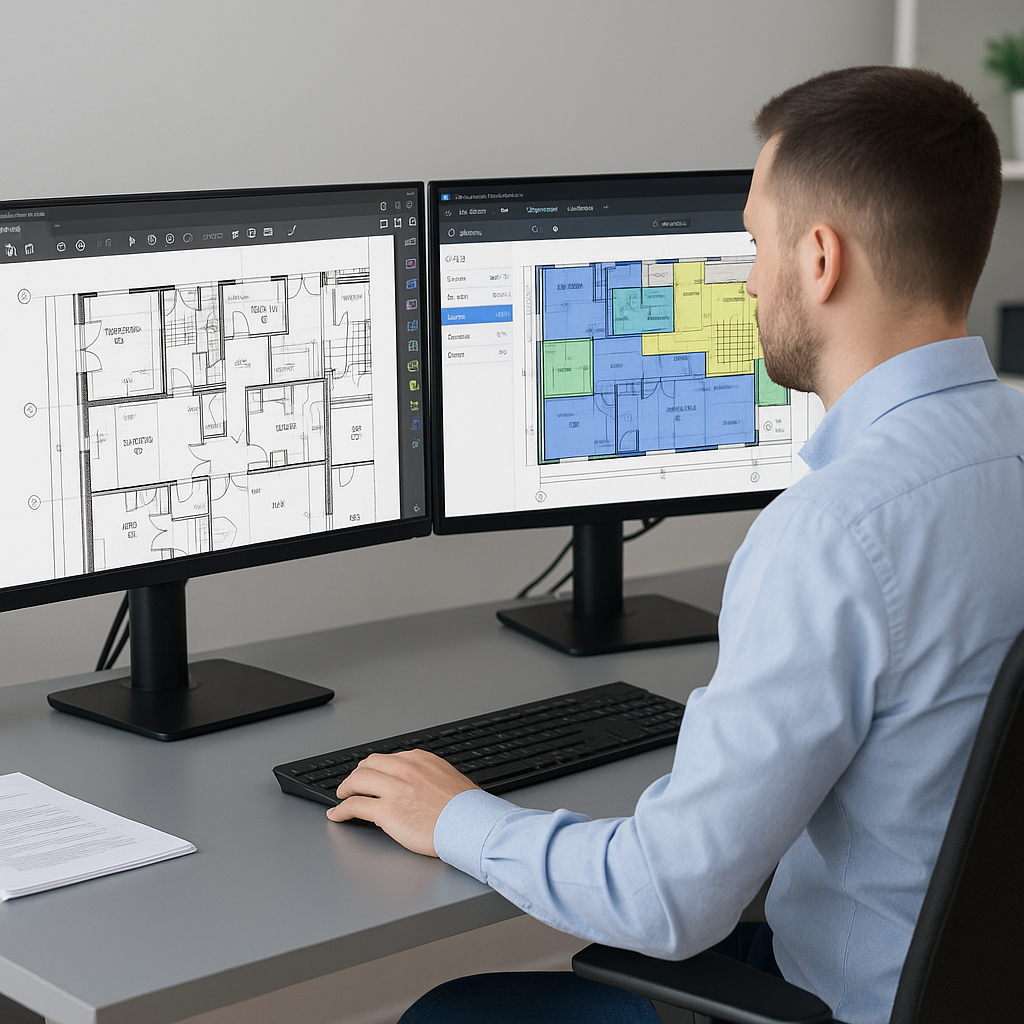
This is where AI tools like EstimateNext come in. Vision AI can read a full set of PDF drawings, extract quantities for walls, rooms, doors, and more, and create a complete QTO in minutes. It’s not perfect—low-confidence items still need a human review—but it’s a massive time-saver.
Actionable Steps to Stop Losing Margins
- Audit Your Current Process: Write down how much time your team spends on manual takeoffs per project. Then calculate the total labor cost.
- Identify Pain Points: Are revisions slowing you down? Are errors in QTOs costing you projects? Pinpoint the biggest inefficiencies.
- Pilot AI Tools: Test one or two AI-powered takeoff platforms to see how well they integrate with your workflow.
How Vision AI Works
Here’s the process in a nutshell:
- Upload Your Drawings: Drag and drop your PDFs into the platform. No need to split files or label pages.
- AI Extraction: The system scans the drawings for linear, area, and count measurements. It even flags “low-confidence” lines for manual review.
- QTO Output: Export the final quantities to Excel, Procore, or your estimating software. Done.
One estimator described it as “hiring a full-time assistant without paying the salary.”
Comparison: Manual vs AI Takeoffs
| Feature | Manual Takeoffs | AI Takeoffs |
|---|---|---|
| Time Required | 30-40 hours/project | 10-30 minutes/project |
| Accuracy | Prone to human error | Up to 80% fewer discrepancies |
| Handling Revisions | Redo entire process | Automatic revision comparison |
| Labor Cost | $5,200/project | ~$300/project (platform cost) |
| Scalability | Limited by team size | Unlimited projects per month |
What About Accuracy?
You might be thinking, “Sure, AI is fast, but can I trust it?” Fair question. The truth is, AI tools are only as good as the input data. Garbage in, garbage out. But when the input is clean, platforms like EstimateNext are highly accurate—often reducing takeoff discrepancies by 80%.
Take the example of a $15M office building renovation. The GC used AI to handle the takeoffs, but their initial input data had mislabeled sheets. The AI flagged the issue early, allowing the team to correct it before generating the QTO. The result? The bid submission was error-free, and the GC won the project.
Actionable Steps to Improve Accuracy
- Clean Your Drawings: Ensure PDF sheets are labeled correctly and scaled accurately before uploading.
- Use the Review Feature: Double-check low-confidence extractions flagged by the AI.
- Train Your Estimators: Familiarize your team with the tool’s capabilities and limitations.
Real Results: A Case Study
Let’s talk numbers. A regional U.S. GC used Vision AI for a $20M school renovation project. Here’s what changed:
- Manual Process: 36 hours for takeoffs (2 estimators x 2 days).
- AI Process: 10 minutes.
- Outcome: An additional day to refine their bid, identify cost-saving opportunities, and negotiate better sub quotes.
The result? They won the bid and came in 5% under budget, thanks to the extra time spent on value engineering.
Another example comes from a concrete subcontractor working on a $5M parking garage project. Switching to AI takeoffs cut their QTO time from 16 hours to 30 minutes. With the extra time, they optimized their bid and secured a 3% higher profit margin.
The Obvious Objection: “But My Team Prefers the Old Way”
Change is hard. I get it. Estimators have been doing manual takeoffs for decades, and switching to AI can feel like uncharted territory. But here’s the thing: the industry is moving forward, whether we like it or not.
Early adopters of AI tools are already seeing 10-20% cost savings per project. Teams that stick to manual methods risk falling behind—not just on efficiency but on profitability.
How to Overcome Objections
- Start Small: Pilot AI tools on a low-risk project to ease your team into the transition.
- Highlight the Benefits: Show your team the cost and time savings from AI takeoffs.
- Provide Training: Invest in short, hands-on training sessions to build confidence.
The Bottom Line
Manual takeoffs are a waste of time and money. AI tools like EstimateNext aren’t just faster—they free up your team to focus on the work that actually matters. If you’re ready to stop grinding through PDFs and start winning more bids, it’s time to give AI a try.


