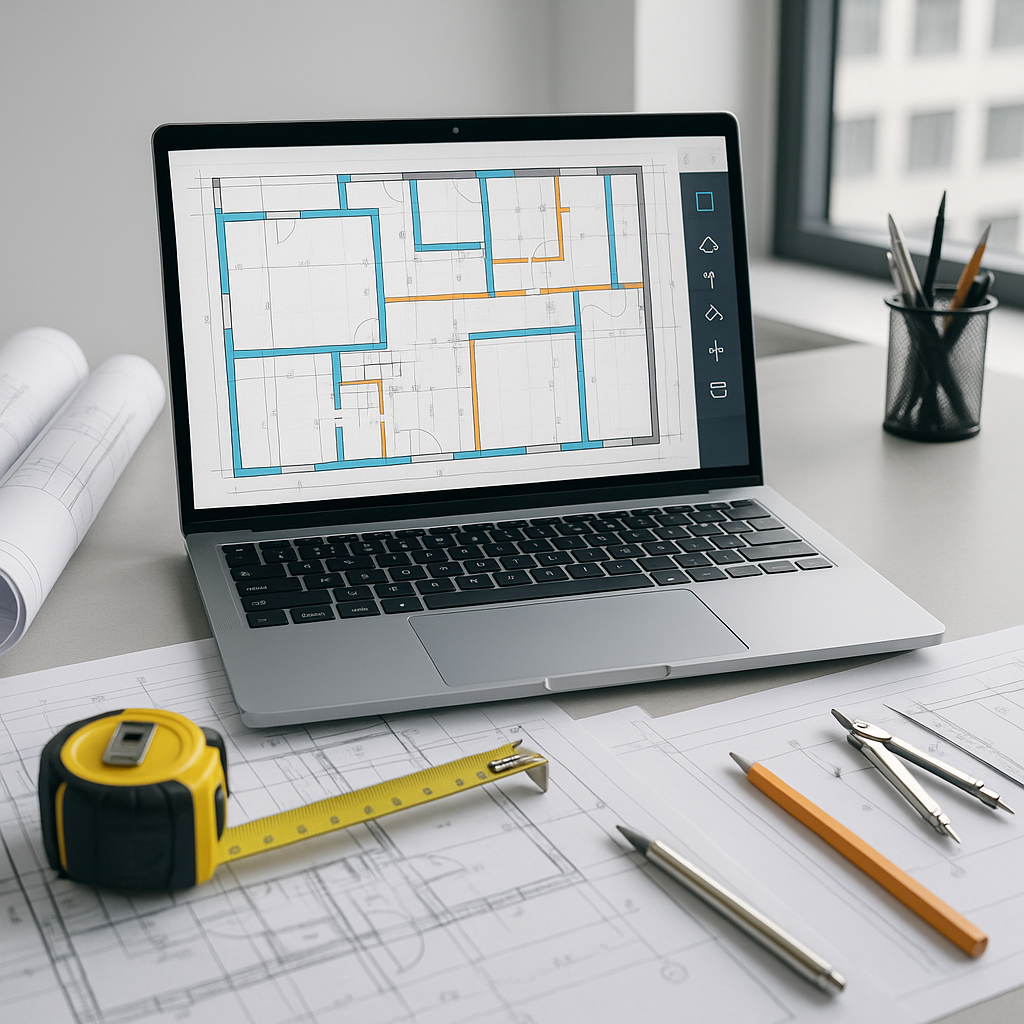
Why Are We Still Wasting 40 Hours on Takeoffs?
Let’s be real—manual takeoffs are a nightmare. You’ve got two estimators buried in drawings for two full days, just to measure quantities. Miss one room or a couple of linear feet? That mistake could cost tens of thousands on bid day. And if the client asks for a revision, guess what? You’re starting over.
This process hasn’t changed in decades. It’s pencil-and-paper thinking in a digital world. Which begs the question: why are we still doing it this way?
The obvious answer is habit. Construction is a conservative industry. We trust what we’ve always done, even if it’s painfully slow. But trust isn’t the same as efficiency. And inefficiency is expensive.
The AI Takeoff Advantage
Here’s where AI-powered tools like EstimateNext flip the script. Instead of spending 40 hours on manual takeoffs, these tools handle it in 10 minutes. Yes, 10 minutes. Don’t believe me? Here’s how it works:
- Upload Your Drawing Set: PDF, DWG, doesn’t matter. The software reads it.
- Run Vision AI: The AI extracts quantities—room areas, wall lengths, door counts—automatically.
- Review Confidence Scores: Check the flagged items for accuracy. Override if needed.
That’s it. No rulers. No back-and-forth emails with the architect. Just a clean QTO you can trust.
Case Study: A Mid-Sized GC Saves 120 Hours
A mid-sized general contractor (GC) recently used EstimateNext for a high-rise bid. Before switching to AI, their takeoff process required three estimators working full-time for five days. After adopting the software, they completed the same takeoff in under 4 hours. That’s a savings of 120 labor hours—equivalent to two full weeks of work.
The client’s feedback? “It’s like hiring a full-time estimator without the overhead.” They also noted that the time saved allowed them to prepare a more competitive bid, securing a project worth $12 million.
What About Accuracy?
You might be thinking, “Sure, AI is fast, but can it really be accurate?” Fair question. Accuracy depends on two things: the quality of your input and the AI’s ability to learn.
Input Quality: Garbage In, Garbage Out
For input, clean drawings are non-negotiable. Uploading blurry PDFs or incomplete sets will yield subpar results regardless of how advanced the AI is. Teams that consistently prepare well-organized drawing sets report far better outcomes.
AI Learning: Improving Over Time
Tools like EstimateNext use machine learning, which means they get smarter with every project. By analyzing patterns in your data and feedback, the AI adapts to your specific workflows. After running three or four projects, most users report accuracy rates exceeding 95%.
Built-In Safeguards
Still skeptical? The software includes features like confidence scoring and manual overrides. Confidence scores flag any areas where the AI is uncertain, allowing you to double-check critical items. Essentially, you’re validating 5% of the work instead of doing 100% of it manually.
Real-World Example: An Accuracy Audit
One electrical subcontractor used AI-assisted takeoffs for a 500,000-square-foot warehouse project. After running a manual audit of the AI’s results, they found a 97% match between their traditional methods and the AI-generated quantities. The discrepancies were minor (e.g., mislabeled door types), and correcting them took less than half an hour.
Why Speed Changes Everything
Here’s the real kicker: speed doesn’t just save time—it changes how you work. When takeoffs take two days, you’re stuck in a reactive cycle. There’s no room for strategic thinking. But when takeoffs take 10 minutes? Suddenly, you’ve got options:
1. Respond to More Bids
Instead of cherry-picking which RFPs to pursue, you can tackle more. More bids = more wins. A small roofing contractor recently shared that AI tools allowed them to bid on 30% more projects in a single quarter, resulting in an additional $400,000 in awarded contracts.
2. Run What-If Scenarios
What happens if you adjust the wall finish? Or swap flooring materials? AI tools recalculate instantly, letting you explore value-engineering ideas without blowing your deadline. For example, a hotel renovation project tested three different flooring materials in under an hour, ultimately saving $75,000 on material costs.
3. Negotiate Better with Subs
If you’ve got quantities locked in early, you can shop around for the best pricing. No more rushing to finalize scope while subs are breathing down your neck. A recent case involved a GC negotiating a 15% discount from a drywall subcontractor after locking in quantities two weeks ahead of schedule.
The Cost Objection
“But Vikrant, these tools must cost a fortune, right?” Not even close. Traditional software like CostX or ProEst can run $5,000–$15,000 per year. That’s a tough pill to swallow for small and mid-sized firms.
EstimateNext starts at $39/month. That’s less than your team spends on coffee. And the ROI? One saved bid covers the subscription for years. It’s not just affordable—it’s a no-brainer.
Real Talk: Why Some Estimators Won’t Adopt
Let’s address the elephant in the room. Some estimators won’t touch AI tools. Not because they don’t work, but because they’re afraid. Afraid of change. Afraid of losing control. Afraid of being replaced.
Here’s the thing: AI isn’t here to replace anyone. It’s here to make you better. Think of it as an apprentice that handles the grunt work so you can focus on strategy. You’re still the expert. You’re still making the calls. The AI just gives you more time to do what you’re good at.
In my view, the teams that embrace this will thrive. The ones that stick to manual processes? They’ll fall behind. It’s that simple.
Comparison Table: Manual Takeoffs vs. AI Takeoffs
| Feature | Manual Takeoffs | AI-Powered Takeoffs |
|---|---|---|
| Time Required | 30–40 hours | 10–20 minutes |
| Accuracy | Highly variable | 90–98% with overrides |
| Cost | Labor-intensive (high) | Low (e.g., $39/month) |
| Scalability | Limited by manpower | Scalable to any project |
| Revision Handling | Tedious and repetitive | Fast and automated |
| Strategic Flexibility | Minimal | High |


