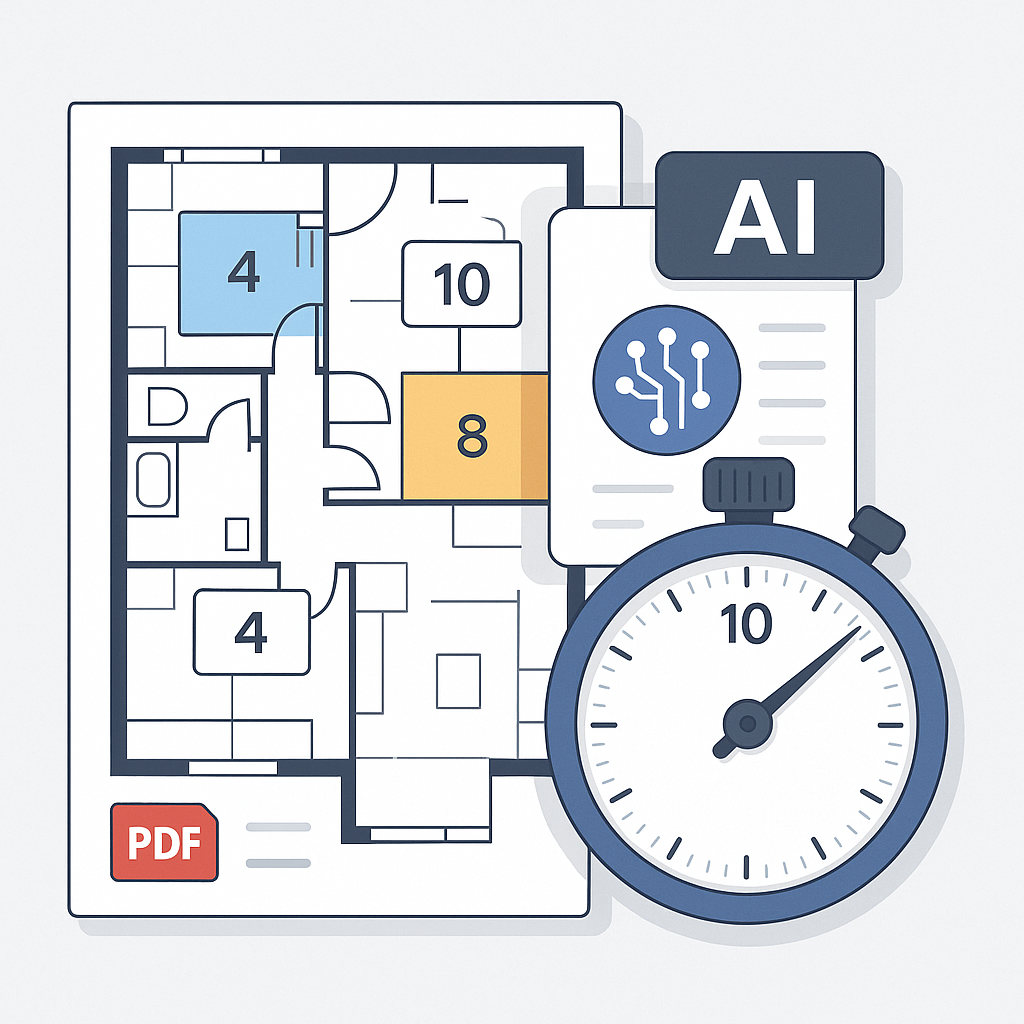
Let’s Face It: Manual Takeoffs Are a Time Sink
If you’re in preconstruction, you already know how much of your job is spent on manual takeoffs. Drawing after drawing, ruler after ruler. It’s tedious, it’s slow, and it’s prone to errors. For a mid-sized project, like a $50M mixed-use building, takeoffs can easily eat up 40 hours. That’s two full workdays—gone—just to get quantities.
Now, imagine being a general contractor chasing five GMP bids simultaneously. That’s 200 hours of labor tied up just in takeoff. And heaven forbid you get a drawing revision halfway through. Start over. Not ideal.
This isn’t just about time. It’s about opportunity cost. While your team is buried in takeoffs, your competitors might already be negotiating with subs or refining their pricing strategy. So, how do you fix this?
AI Takeoff Isn’t Just Faster—It’s Smarter
Enter AI-powered tools like EstimateNext. These platforms use Vision AI to extract quantities directly from your PDF drawings in minutes. For example, a mid-sized contractor recently used EstimateNext on a high-rise project and cut their takeoff time from 40 hours to just 10 minutes (yes, minutes). That’s a 10X speed improvement.
How Does It Work?
The AI scans the entire drawing set, identifies key elements (like walls, windows, and slab areas), and calculates quantities automatically. It even flags low-confidence areas so you can double-check before moving forward.
Here’s a concrete example: A contractor bidding for a 25-story commercial tower uploaded a 200-page drawing set into EstimateNext. Within 15 minutes, the platform generated a complete material takeoff for walls, flooring, and glazing. The contractor reviewed flagged areas (less than 5% of the total), adjusted a couple of measurements, and had a fully accurate takeoff ready to share with the estimating team—all before lunchtime.
Beyond Speed: Reducing Errors
But here’s the kicker: it’s not just about speed. AI-driven takeoff tools are designed to minimize errors by offering confidence scores and audit trails. You know exactly where the numbers are coming from, which means fewer surprises during construction. According to a study by Autodesk, 52% of rework on construction projects is caused by inaccurate or incomplete data. Reducing errors upfront with AI can have a snowball effect, lowering rework costs and keeping projects on schedule.
The Skeptic’s Question: “Can AI Really Replace Human Expertise?”
Short answer: No. And it shouldn’t. AI is a tool, not a replacement for your judgment. It’s there to handle the grunt work, so your team can focus on high-value tasks like scope reviews, pricing strategies, and subcontractor negotiations.
Think of it like this: AI takeoff tools are the equivalent of hiring a super-speedy intern who never gets tired or makes math mistakes. You’re still in charge of the big decisions. The AI just gets you to those decisions faster.
Actionable Steps to Combine AI with Human Expertise:
- Perform Initial Quality Checks: Use the AI-generated takeoff as a baseline but double-check flagged areas for accuracy.
- Focus on Strategy: While the AI crunches numbers, spend your time analyzing project risks or fine-tuning your bid strategy.
- Train Your Team: Ensure your estimators know how to interpret AI outputs and integrate them into larger workflows.
What About Revisions?
This is where AI really shines. With manual takeoffs, a drawing revision is a nightmare. You have to remeasure everything and hope you didn’t miss a change. AI tools like EstimateNext let you upload revision sets and automatically compare changes. The system highlights differences for you—no guessing, no wasted time.
Real-World Example: Handling Revisions
One contractor saved 20 hours on a single project just by using this feature. They received a revised drawing set for a $30M school project two days before the bid deadline. With AI, the system flagged all changes (e.g., a few resized classrooms, modified hallway layouts), allowing the team to adjust quantities in hours rather than days. They submitted their bid ahead of schedule, giving them extra time to negotiate pricing with subcontractors and ultimately secure a competitive edge.
Actionable Tip:
When uploading a revised drawing set, prioritize reviewing changes flagged as high-impact (e.g., structural revisions or major layout shifts). This ensures that critical adjustments are addressed first.
Why Most Teams Are Still Doing It the Hard Way
Despite the obvious benefits, many construction teams are reluctant to adopt AI tools. Why? The common objections sound like this:
- “It’s too expensive.”
- “It won’t work for our projects.”
- “The learning curve is too steep.”
Let’s address these head-on.
Objection 1: “It’s Too Expensive”
Actually, it’s not. Traditional tools like CostX or ProEst cost $5K-$15K per year. EstimateNext starts at just $39/month. That’s less than $500/year. Even at the high end ($99/month), you’re looking at $1,200/year—a fraction of what other tools cost.
Plus, the ROI is undeniable. If you’re saving 40 hours per takeoff at ~$130/hour, that’s $5,200 saved per project. Multiply that by the number of bids you chase annually, and the math speaks for itself.
Objection 2: “It Won’t Work for Our Projects”
This is a fair concern, especially if you handle complex or niche projects. But AI tools are surprisingly versatile. EstimateNext, for example, works across multiple standards (CSI, NRM2, CPWD) and adapts to different project types—from high-rises to infrastructure.
What if your projects use custom materials or specs? No problem. You can upload your own rate catalogs, and the AI integrates them seamlessly for future use.
Objection 3: “The Learning Curve Is Too Steep”
Most AI platforms are designed to be intuitive. Training typically takes under two weeks, and you can start with smaller projects to test the waters. Plus, tools like EstimateNext offer support and tutorials to get your team up to speed quickly.
Comparison Table: Manual vs. AI Takeoffs
| Feature | Manual Takeoffs | AI-Powered Takeoffs |
|---|---|---|
| Time Required | 20-40 hours per project | 10-60 minutes per project |
| Accuracy | Prone to human error | High, with confidence scores |
| Handling Revisions | Time-consuming, error-prone | Automated, highlights changes |
| Learning Curve | None | 1-2 weeks |
| Cost | Labor cost per project | Starting at $39/month |


