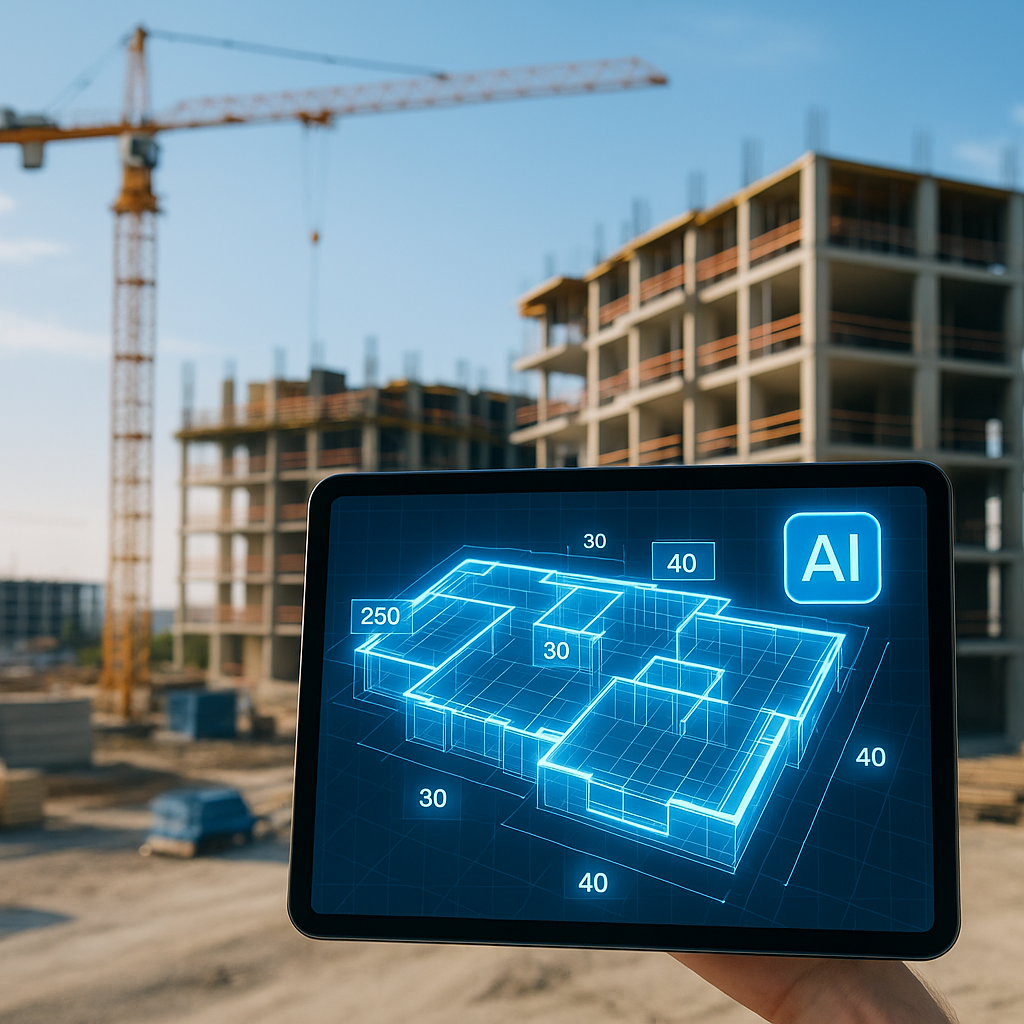
The Brutal Math of Manual Takeoffs
Imagine this: you’ve got a $200M hospital project on the table. The deadline? Five days. Your team spends the first two days just grinding through PDFs, tracing walls and counting doors. By the time you’re done with the takeoff, you’re already behind. Sound familiar?
Manual drawing takeoffs are the ultimate time sink. For most general contractors (GCs), it takes two estimators about 40 hours to extract quantities from a standard set of drawings. That’s an entire workweek per bid. And let’s not even get into the errors. A missed beam or wall could mean thousands of dollars down the drain, not to mention the potential hit to your reputation.
Now, let’s flip this scenario. What if those same takeoffs could be done in 10 minutes?
How Vision AI Turns Hours Into Minutes
AI-powered tools like EstimateNext are changing the game. Their Vision AI feature extracts quantities directly from PDF drawings in minutes. Upload a set of plans, and the system identifies everything—room areas, wall lengths, door counts, you name it. It’s like having a supercharged estimator on your team, working 24/7.
Here’s what’s wild: it doesn’t just save time; it improves accuracy. Vision AI highlights low-confidence areas where manual review might be needed. You’re still in control, but you’re no longer stuck doing the grunt work. Instead of spending two days on takeoffs, you’ve got a finished QTO (Quantity Takeoff) in less time than it takes to grab coffee.
Actionable Steps to Get Started with Vision AI:
- Upload Your Drawings: Drag and drop PDF plans into the AI platform. Tools like EstimateNext automatically process the files without needing CAD expertise.
- Review the Output: The AI generates a detailed takeoff, including quantities like wall lengths, door counts, and material areas. Review any flagged low-confidence areas.
- Export to Your Workflow: Export the takeoff data into Excel, Procore, or your preferred estimating software for further refinement.
- Iterate and Learn: Run a side-by-side comparison of AI-generated takeoffs with manual ones on smaller projects to build trust in the system.
Concrete Example:
Let’s say you’re bidding on a $10M retail project. Traditionally, you’d spend at least 20 hours on manual takeoffs. With Vision AI, that time shrinks to less than an hour. Now, multiply that saved time across five bids a month—it’s like gaining an extra two weeks of labor every month.
Real-World Results: A Mid-Sized GC’s Story
Take a mid-sized GC working on a high-rise bid. Using EstimateNext, they saved 120 hours on takeoffs for a single project. That’s two full weeks of labor costs avoided. And they didn’t just meet their deadline—they had time to refine their bid, negotiate better subcontracts, and still make it home for dinner.
Another example comes from a subcontractor specializing in drywall installation. For a $2M project, they used Vision AI to generate material quantities in under 30 minutes. This gave them enough lead time to negotiate bulk discounts from suppliers, shaving 5% off their material costs—a savings of $50,000 on just one job.
Case Study Comparison:
| Scenario | Traditional Takeoffs | AI-Powered Takeoffs |
|---|---|---|
| Time Spent on Takeoffs | 40 hours | 2 hours |
| Labor Cost (2 Estimators, $50/hr) | $4,000 | $200 |
| Error Rate | 5-10% | <2% |
| Opportunity to Refine Bid | Minimal | Extensive |
| Competitive Advantage | Low | High |
Key Takeaway:
Time savings aren’t just about convenience—they directly translate to better bids, fewer errors, and more opportunities to win work.
Addressing the Skeptics
You might be thinking, “Sure, AI is fast, but it doesn’t understand the nuances of construction.” That’s partially true. AI doesn’t replace your expertise; it amplifies it. You’re still the one making judgment calls and deciding on markups. The AI handles the repetitive stuff—like takeoffs and rate matching—so you can focus on what actually matters.
Common Concerns and Solutions:
-
Concern: "AI won’t understand complex or custom designs."
- Solution: Most AI tools allow for manual overrides and custom annotations, so you can address unique project requirements.
-
Concern: "What if the AI makes a mistake?"
- Solution: AI tools provide confidence scores for each takeoff line item. You can quickly identify and review areas that might need manual adjustment.
-
Concern: "My team isn’t tech-savvy."
- Solution: Platforms like EstimateNext are designed with intuitive interfaces and minimal setup. Training sessions typically take less than two hours.
Why Speed Matters More Than Ever
The construction industry isn’t getting any less competitive. Projects are bigger, timelines are tighter, and skilled labor is harder to find. According to a 2023 McKinsey report, early adopters of AI in construction see average cost savings of 10-20% per project. That’s real money.
For GCs, shaving 36 hours off a single estimate means more than just time saved. It’s the difference between submitting a polished bid and throwing something together at the last minute. For subcontractors, it could mean responding to twice as many RFQs in a given week. Either way, speed translates directly to revenue.
Data Point:
A 2023 Dodge Construction Network survey found that 67% of contractors using AI-powered estimating tools reported higher bid win rates compared to those relying solely on manual methods.
Call to Action
If you’re still spending 40 hours on takeoffs, it’s time to upgrade. EstimateNext’s AI-powered tools can help you save time, reduce errors, and win more bids. Get started free →


