AI-Powered Preconstruction Estimation: Why Speed Matters
Manual drawing takeoffs are a nightmare. If you’ve ever spent 40 hours measuring linear feet, counting doors, or chasing revisions, you know the pain. It’s tedious, prone to errors, and eats up time that should be spent refining bids or negotiating with subs.
Here’s the thing: AI tools like EstimateNext can reduce that 40-hour grind to just 10 minutes. That’s not a typo. 10 minutes. The difference isn’t just speed—it’s what you can do with the time you save.
The Problem: Why Manual Takeoffs Drag Projects Down
Let’s be blunt: manual takeoffs aren’t scalable. On large projects—think $1 billion rail bridges or high-rise towers—teams spend days combing through PDFs, tracing lines, and hoping nothing gets missed. Missed quantities lead to underpricing. Underpricing leads to lost margins. It’s a vicious cycle.
Example: Large Projects and Human Error
Take the construction of a $1.5 billion sports arena. Estimators on the project spent over 500 hours on manual takeoffs across several design iterations. In one instance, a miscalculated concrete quantity led to a $250,000 shortfall in the bid, forcing the GC to eat the cost. These errors aren’t rare—they’re common.
Even smaller projects aren’t immune. A mid-sized GC estimating a $10 million office fit-out could easily burn through 120 labor hours on takeoffs alone. That’s two weeks of payroll sunk before the bid even goes out.
Actionable Steps to Avoid Manual Takeoff Pitfalls
- Standardize Processes: Create a checklist for manual takeoffs to ensure consistency.
- Implement Quality Control: Have a second estimator review critical measurements.
- Adopt Technology: Leverage AI tools to automate repetitive tasks and reduce human error.
What’s worse, revisions add insult to injury. One design tweak means remeasuring everything. And remeasuring means wasted hours.
The Solution: AI-Powered Drawing Takeoff
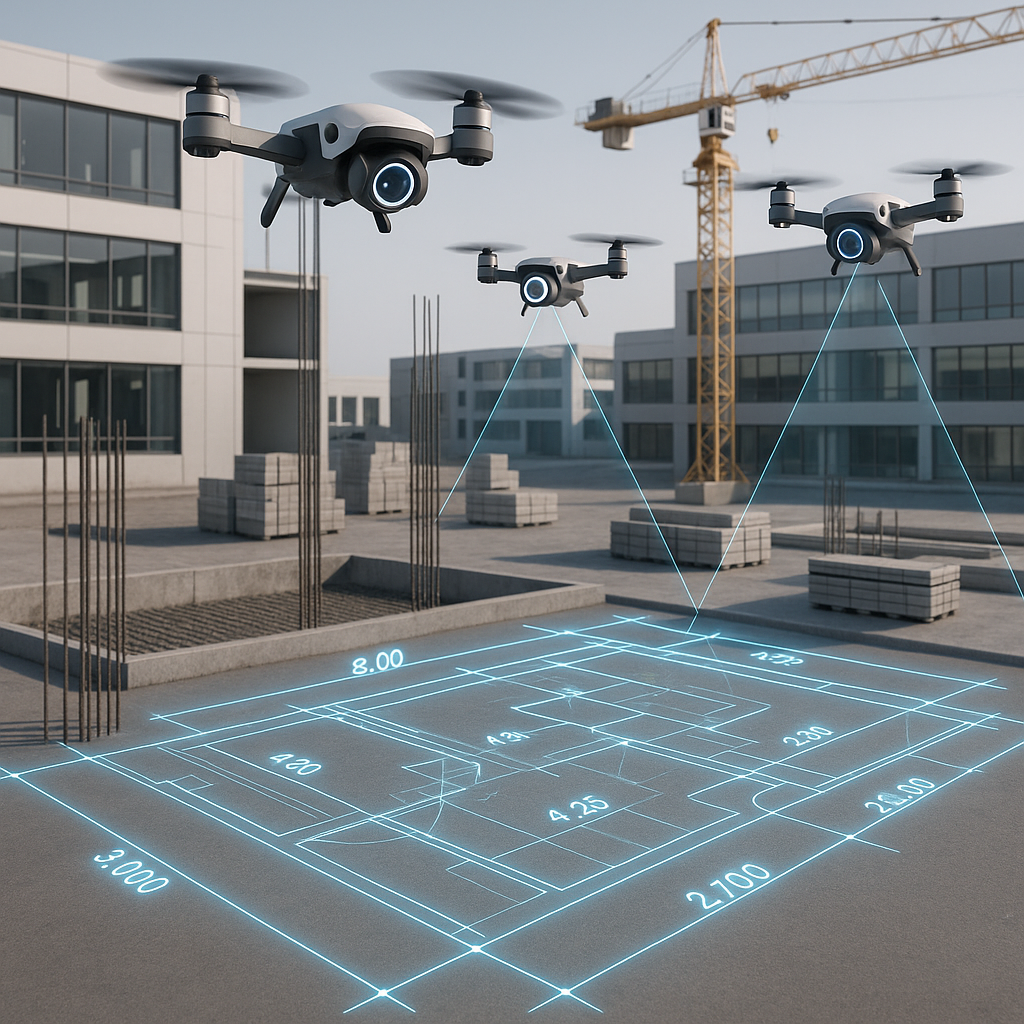
EstimateNext’s Vision AI changes the game. You upload a set of drawings—PDF, CAD, doesn’t matter—and the AI extracts quantities automatically. Room areas, wall lengths, door counts—it’s all done in minutes.
Real-World Case Study: Saving Time on a High-Rise Bid
Here’s a real-world example: A mid-sized GC saved 120 hours on a high-rise bid by using Vision AI for quantity takeoffs. That’s two weeks of labor costs avoided. Their team didn’t just save time—they used those hours to refine their bid strategy and negotiate better terms with subs. The result? They won the bid, with a 15% higher profit margin than their average.
Why It Works
- Speed: AI processes drawings exponentially faster than humans.
- Accuracy: Vision AI flags low-confidence measurements, so estimators can zero in on problem areas.
- Flexibility: Supports various file formats (PDF, CAD, etc.) and integrates with existing workflows.
Actionable Steps to Implement AI Drawing Takeoffs
- Start Small: Use AI on a small project to test its capabilities.
- Train Your Team: Dedicate time to training staff on the software interface.
- Combine AI with Oversight: Use AI for initial takeoffs and have a human estimator review flagged areas.
Why It’s More Than Just Speed
You might be thinking, “Okay, but does AI really understand drawings?” It’s a fair objection. AI doesn’t have the intuition of an experienced estimator, but it doesn’t need to. It’s a tool—not a replacement.
Key Advantages Over Manual Processes
- Accuracy: AI reduces takeoff discrepancies by up to 80%, according to EstimateNext’s own case studies.
- Consistency: Unlike humans, AI doesn’t get tired or distracted. Every measurement is precise.
- Scalability: Whether you’re estimating a $1 million renovation or a $1 billion transit hub, the process scales seamlessly.
Comparison Table: AI vs. Manual Takeoffs
| Feature | Manual Takeoffs | AI-Powered Takeoffs |
|---|---|---|
| Speed | 40+ hours per project | 10 minutes per project |
| Accuracy | Prone to human error | Reduces errors by 80% |
| Scalability | Limited by human labor | Handles projects of any size |
| Cost Efficiency | High labor costs | Low upfront software cost |
| Adaptability | Time-consuming revisions | Automatic revision handling |
The Obvious Objection: “What About Edge Cases?”
Some projects are notoriously messy—irregular shapes, custom finishes, oddball materials. AI handles most of it but won’t catch everything. That’s where human oversight comes in.
Example: Overcoming AI Limitations
On a unique museum project with curved walls and specialty materials, Vision AI completed 90% of the takeoff accurately. The remaining 10% required manual adjustments, saving the team 30 hours compared to fully manual methods.
Actionable Steps for Edge Cases
- Leverage Manual Overrides: Use software tools to adjust AI-generated takeoffs for complex areas.
- Train Estimators: Ensure they’re equipped to manage edge cases effectively.
- Document Learnings: Build a library of tricky project types to improve AI accuracy over time.
ROI You Can’t Ignore
Let’s do the math. The average estimator costs $130/hour. Saving 36 hours per bid translates to $4,680 in labor savings. Multiply that by 5 GMP pursuits per year, and you’re looking at $23,400 saved annually—for just one estimator.
Example: MEP Subcontractor ROI
For MEP subcontractors, the ROI is even more compelling. Faster takeoffs mean faster quotes. Faster quotes mean more bids submitted. More bids submitted means higher revenue. One HVAC subcontractor using Vision AI increased their bid volume by 25% in the first year, generating an additional $1.2 million in revenue.
Actionable Steps to Maximize ROI
- Track Savings: Monitor time saved per project and calculate labor cost reductions.
- Expand Usage: Apply AI tools across all project types to maximize benefits.
- Measure Revenue Impact: Track bid volume increases and associated revenue growth.
Call to Action
If you’re tired of wasting hours on manual takeoffs, EstimateNext can help. Its Vision AI slashes takeoff time to 10 minutes, freeing up your team to focus on what matters. Get started free →


