The Preconstruction Bottleneck No One Talks About
Every estimator knows the grind. You’ve got a PDF with 100+ drawings, and your job is to measure every wall, door, beam, and slab. Manually. It’s tedious, error-prone, and eats up 40 hours (or more) per bid. For a mid-sized general contractor (GC) juggling 5 bids a month, that’s 200 hours of skilled labor—just for takeoffs.
Here’s the kicker: most of this work doesn’t require your expertise. It’s rote. And if you’re honest, you’ve probably thought, Why am I spending my time on this instead of pricing strategy or bid analysis?
That’s where AI-powered takeoff tools like EstimateNext come in. They’re not just speeding up the process—they’re redefining how preconstruction teams work.
How AI Cuts Takeoff Time from 40 Hours to 10 Minutes
The old way is slow for a reason. You’ve got to:
- Open the drawings in Bluebeam or a similar tool.
- Calibrate scales, draw measurement lines, and manually add quantities to your Bill of Quantities (BOQ).
- Cross-check for revisions or missing data.
Even the best teams can miss something, and rework is expensive. A single overlooked measurement can snowball into thousands of dollars of errors once the project is underway. But AI doesn’t need to think like an estimator—it just needs to handle the grunt work.
Here’s how EstimateNext’s Vision AI does it differently:
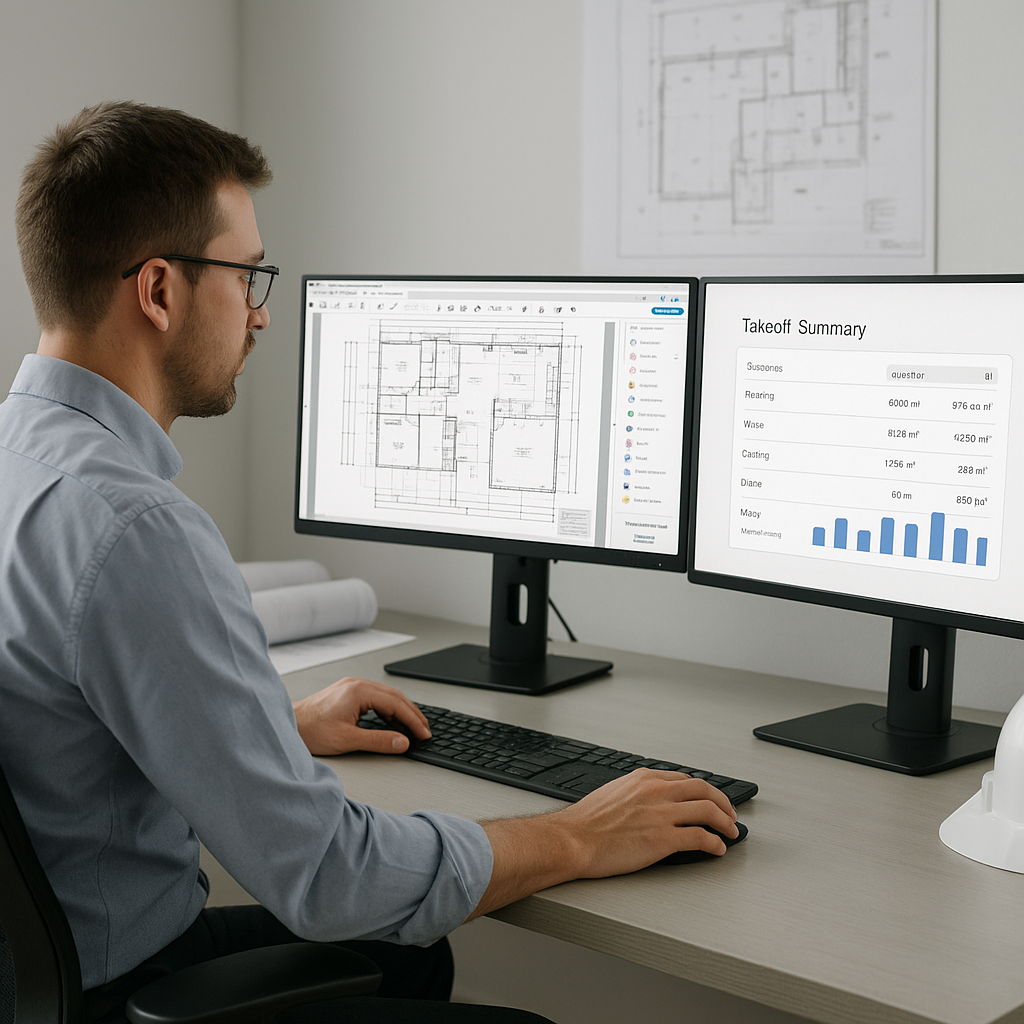
- Upload Your Drawings: Drag and drop your PDF set. The AI instantly reads room areas, wall lengths, slab dimensions, and more.
- Automatic Measurement: Using pre-trained algorithms, it identifies and quantifies elements like doors, windows, and structural components. No calibration or manual tracing.
- Confidence Scoring: Low-confidence measurements are flagged for review, so you can double-check without redoing everything.
The result? What used to take 40 hours now takes 10 minutes.
Concrete Example: A $25M Office Complex Bid
One GC tested AI for a $25M office complex bid. Normally, their senior estimator would spend an entire week on the takeoff process. With AI, the initial measurements were completed in under 15 minutes. They spent an additional 2 hours reviewing flagged items for accuracy and ended up saving 35 hours on that bid alone.
The ROI Isn’t Just Time Saved
You might be thinking, “Sure, it’s faster, but is it worth the investment?” Let’s break it down:
- For a GC Preconstruction Director, a senior estimator costs around $130/hour. Saving 40 hours per estimate translates to $5,200 in labor savings per bid.
- If your team handles 5 GMP pursuits per month, that’s $26,000 saved monthly—or $312,000 annually.
Adding Perspective
Now compare that to the cost of AI tools. EstimateNext’s GC plan starts at $99/month. That’s a 52X ROI. Even for larger enterprise plans that might cost $1,000/month, the return on investment remains massive.
But it’s not just about dollars. Faster takeoffs mean you can:
- Pursue more bids without increasing headcount.
- Improve accuracy, reducing costly errors.
- Focus on higher-value tasks like subcontractor negotiations or bid/no-bid decisions.
Example: Scaling Your Bids
A mid-sized GC in the Pacific Northwest recently adopted AI-powered takeoff tools. Before, they capped their team at 3 bids per month due to time constraints. After implementing AI, they increased capacity to 6 bids per month without hiring additional estimators. By increasing their win rate with more refined estimates, they saw a 15% revenue boost in the first year.
Why Accuracy Still Matters (And How AI Helps)
You might be skeptical, and that’s fair. The obvious objection is, “AI can’t think like an estimator.” And that’s true—it’s not replacing your judgment.
But here’s the thing: AI doesn’t need to be perfect. It just needs to handle the repetitive stuff so you can focus on what matters. Vision AI, for example, includes manual override features. If a measurement looks off, you can remeasure it directly in the app.
Example: Catching Discrepancies
One GC reported that on a hospital project, they noticed the AI flagged a low-confidence area for a mechanical shaft. Upon review, they realized the architect’s drawings had an error in their dimensions. Fixing this early saved the team over $10,000 in potential rework costs.
Plus, the system gets smarter with every project. By the third project, most users report significant accuracy improvements, thanks to feedback loops. It’s like training a junior estimator—except this one never forgets.
Real-World Impact: Case Studies
Case Study 1: $50M School Project
A mid-sized GC working on a $50M school project used Vision AI for takeoffs. Here’s what they reported:
- Time Saved: 56 hours on drawing measurements alone.
- Accuracy: Reduced takeoff discrepancies by 80%.
- Cost Savings: Avoided $7,200 in labor costs for that bid.
More importantly, they used the extra time to refine their pricing strategy and win the project.
Case Study 2: Infrastructure Bids
A civil contractor specializing in highway and bridge projects used AI takeoff tools on a $120M rail bridge. The system flagged potential inconsistencies in the concrete volume calculations. After manual review, the team adjusted their estimate, preventing a $500,000 underbid mistake.
What’s Next for AI in Estimation?
This is just the start. AI tools are evolving to handle more complex tasks like:
- Rate Analysis: AI-driven insights into historical bid data to recommend optimal pricing strategies.
- Bid Leveling: Automatically comparing subcontractor bids to identify inconsistencies.
- Win-Rate Predictions: Predicting the likelihood of winning a bid based on historical performance and market data.
Imagine a future where your team spends 80% of their time on strategy and client relationships, not spreadsheets. That’s where the industry is headed—and early adopters will have a clear advantage.
Comparison Table: Manual Takeoffs vs. AI-Powered Takeoffs
| Feature | Manual Takeoffs | AI-Powered Takeoffs |
|---|---|---|
| Time Per Bid | ~40 hours | ~10 minutes |
| Accuracy | Prone to human error | Improves with feedback |
| Labor Costs | $5,000+ per bid | <$100 per bid |
| Scalability | Limited by team size | Unlimited |
| Focus Areas | Rote work | Strategic tasks |
The Bottom Line
If you’re still spending 40 hours on takeoffs, you’re leaving money on the table. AI-powered tools like EstimateNext can save time, boost accuracy, and help your team focus on what really matters. Early adopters are already capitalizing on these advantages—don’t get left behind.


