The Problem: Preconstruction's Biggest Time Sink
If you've ever been in a bid room, you know the grind. Two estimators, 8 hours a day, heads buried in drawings for a week. That's 40 hours per estimate—just for takeoffs. And that's before you even touch rate matching or bid leveling. How many bids have you lost because you simply ran out of time?
Now, here's the kicker: 70% of that work is repetitive. Identifying room areas, counting fixtures, tracing walls—it's the same process every time. But manual work means errors. A missed measurement here, a forgotten door count there, and suddenly you're eating into your margins.
In my view, this isn't just inefficient—it's outdated. Why are we still grinding through PDFs with rulers and highlighters in 2023 when AI can handle it faster and more accurately?
The Solution: AI-Powered Takeoffs
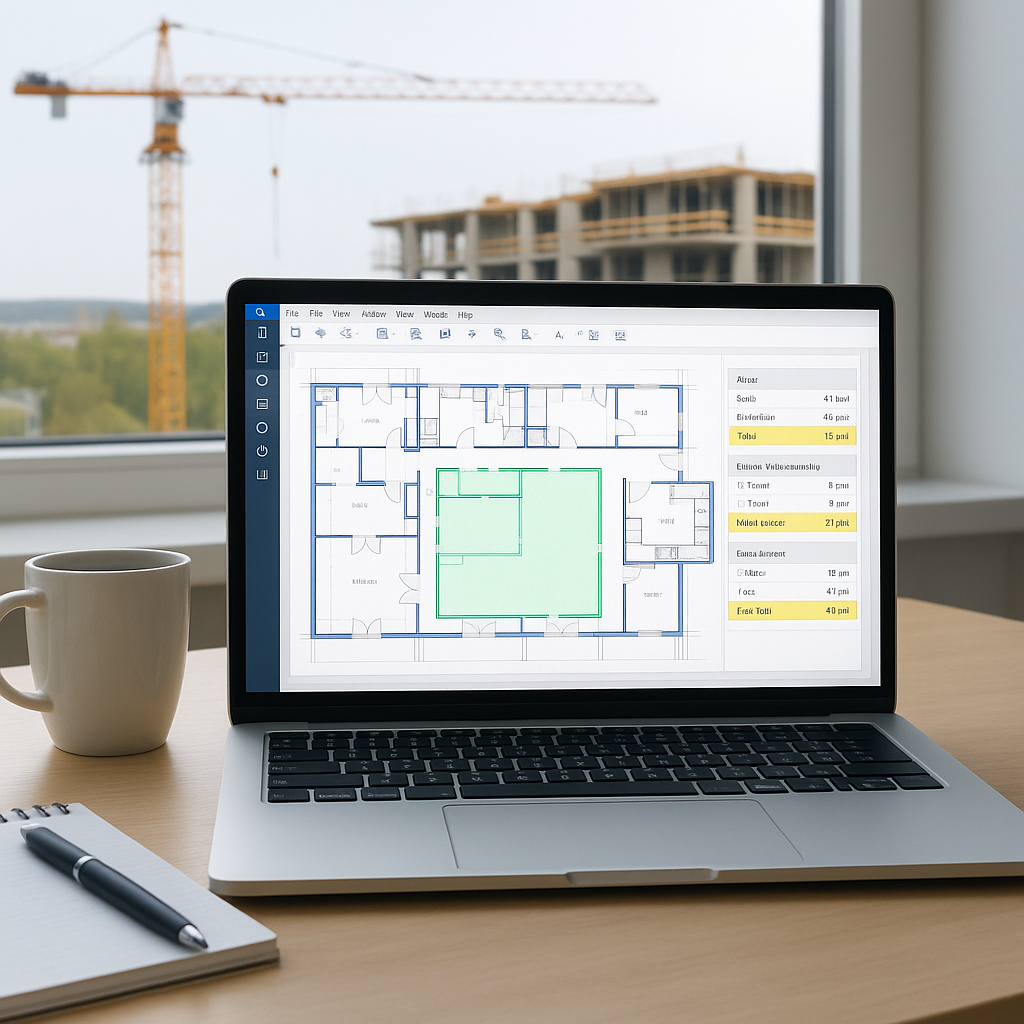
Imagine this: You upload a set of drawings into software, and 10 minutes later you've got room areas, wall lengths, door counts, and even quantities for materials like drywall or concrete. That's what AI-powered tools like EstimateNext can do.
How It Works
Here's how it works:
- PDF Upload: Drop your drawing set into the system.
- AI Recognition: The tool uses Vision AI to scan the drawings, identifying key elements like walls, openings, and fixtures.
- Quantity Output: It spits out a quantity takeoff (QTO) in a structured format—Excel, NRM2, or whatever you need.
What used to take 40 hours now takes 10 minutes. One mid-sized General Contractor (GC) we spoke with saved 120 hours on a high-rise bid using this exact approach. That's two weeks of labor costs avoided—per bid.
Real-World Example
Take BuildersEdge Construction, a mid-sized GC specializing in commercial projects. They implemented EstimateNext on a $12M mixed-use development. Before AI, this project would have consumed 80 hours of manual takeoff labor. Using AI, they completed the takeoff in under 2 hours, freeing up time to focus on refining their bid and negotiating with subs. They ultimately won the project, crediting their faster turnaround as a key factor.
Accuracy: The Other Side of the Coin
But speed alone isn't enough. Accuracy matters. AI tools include confidence scores and manual override features, so your team can review and adjust as needed. You're still in control, but now you're working smarter.
For example, AI can flag ambiguous elements—like a wall type that isn’t clearly labeled—so your team can verify it. This reduces the risk of costly errors, like underestimating material quantities or misidentifying room dimensions.
Why This Matters for GCs
Time savings is the obvious win, but let's talk about the ripple effects:
- More Bids, Better Odds: If you can prep 3 bids in the time it used to take for 1, your win rate improves. Simple math. According to Construction Dive, increasing your bid output by even 20% can significantly boost your revenue pipeline.
- Better Sub Negotiations: Faster takeoffs mean you can get sub quotes earlier, giving you more time to level and negotiate. A survey by Dodge Data & Analytics found that 52% of GCs cite "lack of time for sub evaluation" as a key challenge.
- Reduced Burnout: Your team stops scrambling to hit deadlines and starts focusing on higher-value tasks like cost engineering. Happy employees are productive employees.
And let's not forget the bottom line. If you're a preconstruction director, your job is to deliver accurate bids on time without burning through your budget. AI tools like EstimateNext don't just save time—they save money. At $99/month, it's a fraction of what you'd pay for additional headcount or overtime.
Cost Comparison: Manual vs. AI-Powered Takeoffs
| Cost Component | Manual Process (per bid) | AI-Powered Process (per bid) |
|---|---|---|
| Labor (40 hours @ $50/hour) | $2,000 | $0 (automated) |
| Software Subscription | $0 | $99/month |
| Error Margin Costs | ~$500 | ~$100 (human review) |
| Total | $2,500+ | $199 |
The numbers speak for themselves. Even after factoring in software costs, the savings are substantial.
The Obvious Objection: "But AI Can't Think Like Us"
I hear this all the time: "Sure, AI is fast, but it doesn't understand construction." And you know what? That's partially true. AI doesn't replace your expertise. It amplifies it.
You're still the one making judgment calls, deciding on markups, and negotiating with subs. The AI just handles the grunt work—like takeoffs, rate matching, and what-if recalculations. Think of it as an assistant, not a replacement.
Case Study: AI + Human Expertise
One estimator I spoke with put it perfectly: "It's like having a junior estimator who never sleeps and never makes arithmetic mistakes."
Take Skyline Builders, a GC focusing on high-end residential projects. Their senior estimator used AI-generated takeoffs as a baseline, then applied his expertise to fine-tune the bid. The result? A 15% reduction in bid preparation time and a winning proposal for a $3M luxury home.
Actionable Steps to Get Started
- Start Small: Test the tool on a single project. Upload a BOQ and a drawing set, and compare the AI output to your manual process. Look for discrepancies and verify the accuracy.
- Train Your Team: Most AI tools are designed for ease of use, but a quick training session (2-3 hours) ensures everyone knows how to double-check outputs. Pro tip: Create a checklist for reviewing AI-generated takeoffs.
- Integrate: Use tools that work with your existing stack. EstimateNext, for example, integrates with Bluebeam, Procore, and Excel. Compatibility reduces friction and accelerates adoption.
- Measure ROI: Track how much time and money you save on takeoffs over a 3-month period. Use this data to justify further investment in AI tools.
The goal isn't to replace your process overnight. It's to make incremental improvements that free up your team's time and energy.


