The Real Problem with Preconstruction
Let’s not sugarcoat it—manual preconstruction workflows are a mess. You’ve got estimators flipping through 2,000-page rate books, tracing lines on PDFs, and rebuilding Excel spreadsheets every time a rate changes. It’s slow, error-prone, and expensive. But here’s the kicker: it doesn’t have to be.
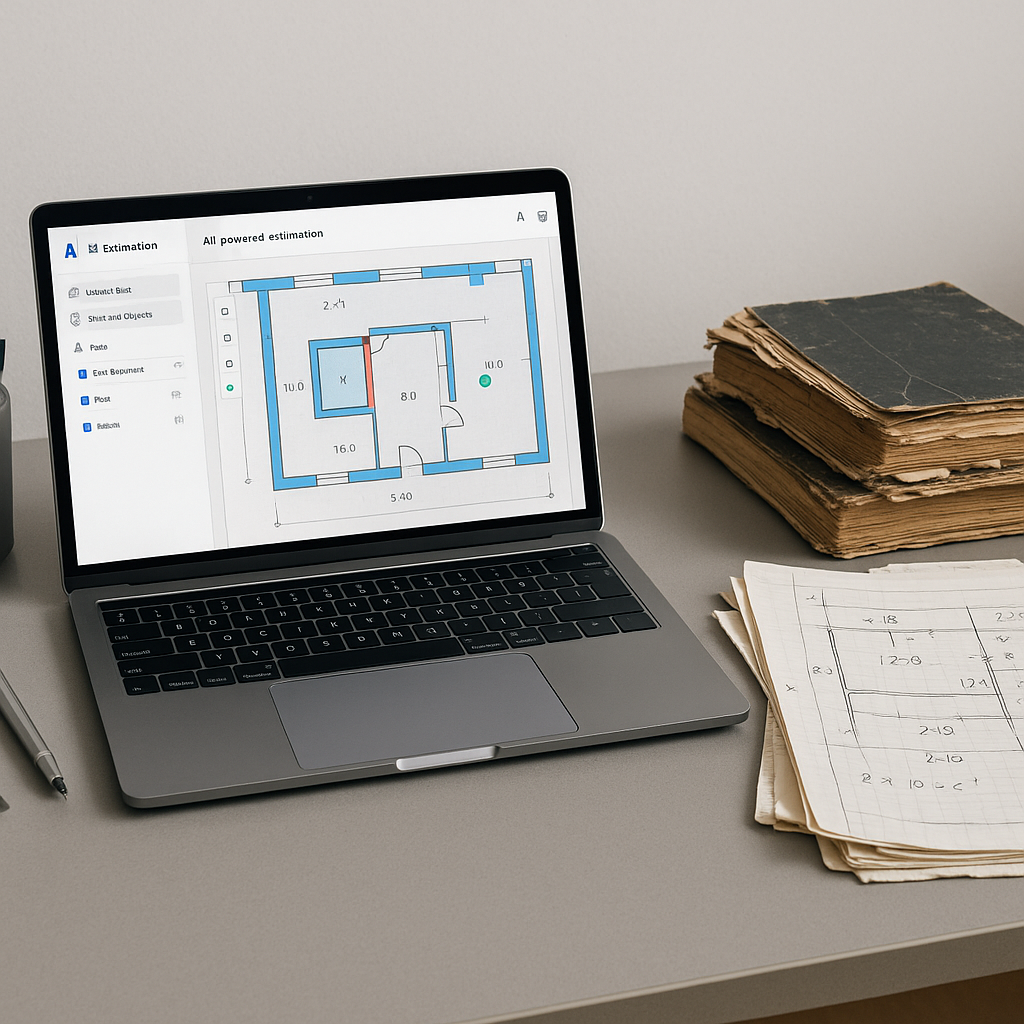
AI-powered preconstruction estimation tools are flipping this process on its head. They’re not just faster; they’re smarter. Take EstimateNext’s Vision AI, for example. It extracts quantities from PDF drawings in 10 minutes flat. For context, manual takeoffs take 40 hours on average—two full workdays for two estimators.
That’s not just about saving time. It’s about freeing your team to focus on strategy, not grunt work. Think about the difference that makes when you’re juggling five GMP pursuits at once.
How Does AI Actually Save Time?
You might be skeptical. “Sure, AI is fast, but how accurate is it?” It’s a fair question. Accuracy depends on the quality of the input data—and yes, human oversight is still essential. But tools like EstimateNext include confidence scoring and manual override options. If a line item looks off, you can flag it and fix it.
A Real-World Example
Let’s look at a real-world example. A mid-sized general contractor working on a high-rise bid saved 120 hours using Vision AI for takeoffs. That’s two weeks of labor they didn’t have to pay for. What did they do with that time? They submitted a more competitive bid and won the project. That win translated into $15 million in revenue. Now imagine scaling this benefit across 10 bids a year.
Actionable Steps to Leverage AI for Time Savings
- Start with the most time-consuming tasks: Begin by using AI for takeoffs or rate lookups, which are often the most labor-intensive parts of preconstruction.
- Set up clear error-checking processes: Use confidence scoring to flag anomalies and have a senior estimator review flagged items.
- Measure time saved: Track how much time your team saves per estimate over a 3-month period to calculate ROI.
The Hidden Cost of Rate Lookups
Manual rate lookups are another time sink no one talks about. Flipping through RSMeans or CPWD DSR PDFs eats up an average of 12 hours per estimate. For high-complexity projects, it can take even longer.
The AI Advantage
AI fixes this too. EstimateNext uses semantic search across 78,000+ SOR items. Need the labor rate for installing pre-stressed concrete girders? Type it in. You’ll get a match in seconds. No more hunting through outdated PDF catalogs or missing critical items.
Case Study: Faster Rate Matching
A civil contractor in India used AI tools to replace manual rate lookups on a government infrastructure project. Previously, rate matching for a single estimate took up to 15 hours. With AI, they reduced it to under 30 minutes, cutting the overall estimation process by nearly 20%. This allowed them to focus on value engineering, which ultimately won them a $10 million bridge project.
Why Consistency Matters
And it’s not just about speed. Consistent rate matching builds trust. Estimators no longer second-guess whether they’ve used the right material or labor rates. That confidence extends to your bids, making them more reliable and easier to defend during negotiations.
What Makes AI Worth the Investment?
You’re probably wondering about ROI. Is AI really worth the cost? Let’s break it down:
ROI Breakdown by Role
-
For GC Directors: Saving 40 hours per estimate at $130/hour means $5,200 saved per pursuit. Multiply that by 5-8 GMP pursuits per year, and you’re looking at $26,000-$41,600 in annual savings. Compare that to $99/month for a tool like EstimateNext. It’s a no-brainer.
-
For MEP Subs: Faster quotes mean more bids. One HVAC contractor reported a 50% increase in bid responses after adopting AI tools. If those extra bids bring in 4-8 additional wins per year at $200K per project, that’s $800K-$1.6M in incremental revenue.
-
For Indian Contractors: AI eliminates the insanity of flipping through 2,000-page DSR PDFs. It’s 1,440 times faster and 100 times cheaper than tools like CostX.
Actionable ROI Steps
- Run a pilot project: Use AI for one high-volume task and measure the time saved.
- Calculate hard savings: Multiply hours saved by your team’s hourly rate.
- Estimate soft savings: Factor in benefits like higher bid accuracy and increased win rates.
Addressing the Skeptics
You might be thinking, “This all sounds great, but AI can’t think like an estimator.” You’re right. It can’t. AI doesn’t replace your expertise—it amplifies it.
How AI Supports Teams
- Junior Estimators: AI handles the grunt work, like takeoffs and rate lookups, so they can learn faster and contribute more.
- Senior Estimators: They spend less time on repetitive tasks and more time on high-value activities like subcontractor negotiations and margin optimization.
The goal isn’t to replace people; it’s to make your team more productive. And it works. Early adopters of AI in construction report cost savings of 10-20% per project, according to a 2023 McKinsey report.
Comparison Table: Manual vs. AI Workflows
| Task | Manual Process Time | AI Process Time | Efficiency Gain |
|---|---|---|---|
| Takeoffs | 40 hours | 10 minutes | 99.6% faster |
| Rate Lookups | 12 hours | 30 seconds | 99.9% faster |
| Error Corrections | 4 hours | 1 hour | 75% faster |
What If You’re Not Ready for AI?
Not every company is ready to overhaul its preconstruction workflow overnight. That’s fine. Start small. Use AI tools for one part of the process—like takeoffs or rate matching—and see the results.
Low-Risk Starting Points
- Try a free trial: Upload a sample BOQ to EstimateNext and see how it performs.
- Use AI for repetitive tasks: Focus on tasks like PDF takeoffs or material rate lookups.
- Train one team member: Start with a tech-savvy estimator to champion the tool.


