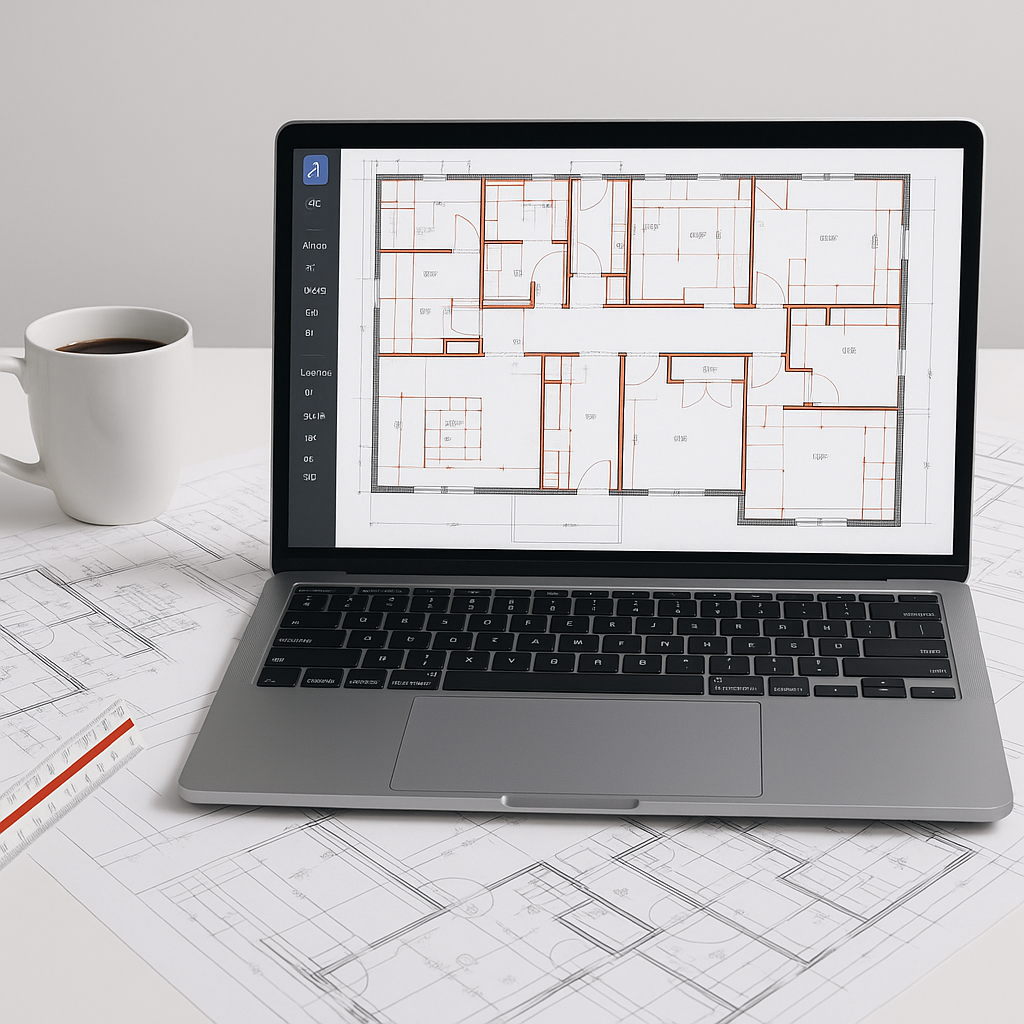
Stop Wasting 40 Hours on Manual Takeoffs
If you’re still doing manual quantity takeoffs, you’re burning time you don’t have. Two estimators can spend 40 hours—an entire workweek—just measuring drawings and calculating quantities for one bid. It’s tedious, error-prone, and frankly, outdated.
We’ve all been there. You’re flipping between Bluebeam, Excel, and a set of drawings that refuse to align. One missed wall length or incorrect beam count, and your bid margin goes out the window. Not ideal.
This is where AI-powered tools like EstimateNext make a difference. With Vision AI, you can extract quantities from even the messiest PDF drawings in just 10 minutes. That’s not marketing fluff; it’s real. Imagine freeing up 36 hours per bid. What could your team do with that time? More bids? Better pricing? Actual work-life balance?
How Vision AI Works
Here’s the magic:
- Upload Your Drawing Set: Drag and drop your PDFs into the platform. Vision AI automatically detects pages, scales, and drawing types. This eliminates the need for painstaking manual preparation.
- Auto-Extract Quantities: The AI reads room dimensions, wall lengths, door/window counts, and more. You get a detailed QTO (quantity takeoff) in minutes. For instance, it can distinguish between structural walls and partitions, saving hours of manual classification.
- Review Low-Confidence Items: If the AI isn’t sure about something—like an unclear dimension or an unusually scaled room—it flags it for manual review. No guessing games, and no blind faith.
- Export to Your Workflow: Push the data directly into Excel, Procore, or your preferred tool. No rework required, and your team can start pricing immediately.
Case Study: How Vision AI Saved 120 Hours
A mid-sized general contractor (GC) recently used Vision AI for a high-rise bid. The project required a detailed takeoff of 300 pages of architectural and structural drawings. Traditionally, their team spent 160 hours per bid for projects of this size. By using Vision AI, they reduced takeoff time to just 40 hours, saving a whopping 120 hours. This allowed them to focus on refining their pricing strategy and identifying cost-saving opportunities. They submitted their proposal ahead of schedule—and ultimately won the bid.
Why Manual Takeoffs Are Killing Your Margins
Manual workflows aren’t just slow—they’re risky. Here’s why:
1. Human Error
Even the best estimator misses things. A forgotten beam or miscalculated area can mean the difference between profit and loss. For example, a missed 10-foot wall could skew material costs by thousands of dollars, depending on the project size.
2. Opportunity Cost
While you’re stuck measuring drawings, your competitors are pricing more bids. Faster turnaround wins jobs. Period. According to FMI research, contractors who submit bids 20% faster than their competitors have a 15% higher win rate.
3. Estimator Burnout
Burnout is real. Spending hours on repetitive tasks saps energy and leads to mistakes. AI takes the grunt work off your plate, allowing your team to focus on high-value tasks like negotiating with suppliers and refining your markup.
Concrete Data: Savings You Can Count On
A 2023 McKinsey report found that early adopters of AI in construction save 10-20% per project. For a $10M project, that’s up to $2M in savings. These savings come from reduced labor, fewer errors, and faster project execution.
The Obvious Objection: “But AI Can’t Think Like an Estimator”
I hear this all the time: “Sure, AI is fast, but it doesn’t understand context.” And you’re right—to a point. AI isn’t a replacement for your expertise. It can’t negotiate with subs, understand regional cost nuances, or make judgment calls on ambiguous drawings. But here’s the thing: AI doesn’t need to.
AI is here to amplify your expertise, not replace it. It takes care of the repetitive, time-consuming tasks—like measuring drawings and calculating quantities—so you can focus on strategy. Think of it like this: you wouldn’t pour concrete without a mixer, right? So why are you doing manual takeoffs when there’s a faster, more accurate way?
Getting Started with AI-Powered Takeoffs
Adopting AI-powered takeoff tools doesn’t need to be overwhelming. Here’s how to make the transition smooth:
1. Start Small
Don’t overhaul your entire workflow overnight. Test AI tools on a smaller project to see how they integrate with your current processes. For example, try using Vision AI for a single trade (like drywall) before expanding to full-project takeoffs.
2. Train Your Team
Most platforms are designed to be user-friendly, but even a one-hour training session can make a world of difference. Consider running a pilot program with one or two team members before scaling.
3. Set Clear Goals
Define what success looks like for your team. Do you want faster turnaround times? Higher accuracy? Reduced labor costs? Decide upfront and measure your results accordingly.
4. Iterate and Improve
AI tools get smarter with feedback. The more you use them, the better they get. Encourage your team to flag errors and provide feedback to the platform. Over time, this will refine the tool’s accuracy.
Comparison Table: Manual Takeoffs vs. AI-Powered Takeoffs
| Feature | Manual Takeoffs | AI-Powered Takeoffs |
|---|---|---|
| Accuracy | Prone to human error | Reduces errors by up to 80% |
| Time Required | 40+ hours per project | 10–20 minutes per project |
| Scalability | Limited by manpower | Scales to large projects easily |
| Burnout Risk | High—repetitive tasks | Low—focus on strategy |
| Integration | Requires manual data entry | Seamlessly integrates with software |
| Cost Savings | Minimal | Saves 10–20% per project |
If you’re tired of wasting time on manual takeoffs, EstimateNext can help. Get started free →


