The 40-Hour Problem No One Talks About
Let’s start with a reality check: manual drawing takeoffs are a time sink. You know what I’m talking about—two estimators, two full days, poring over drawings with highlighters and PDFs. Multiply that by five GMP pursuits a year, and you’re burning 400 hours just on takeoffs. And for what? A process that’s prone to errors and doesn’t scale.
Here’s the kicker: it doesn’t have to be this way. AI-powered tools like EstimateNext can extract quantities from drawings in 10 minutes. Yes, you read that right—10 minutes. That’s not just faster; it’s a paradigm shift for preconstruction teams. Let’s dig into how this works (and where it doesn’t).
How Vision AI Works
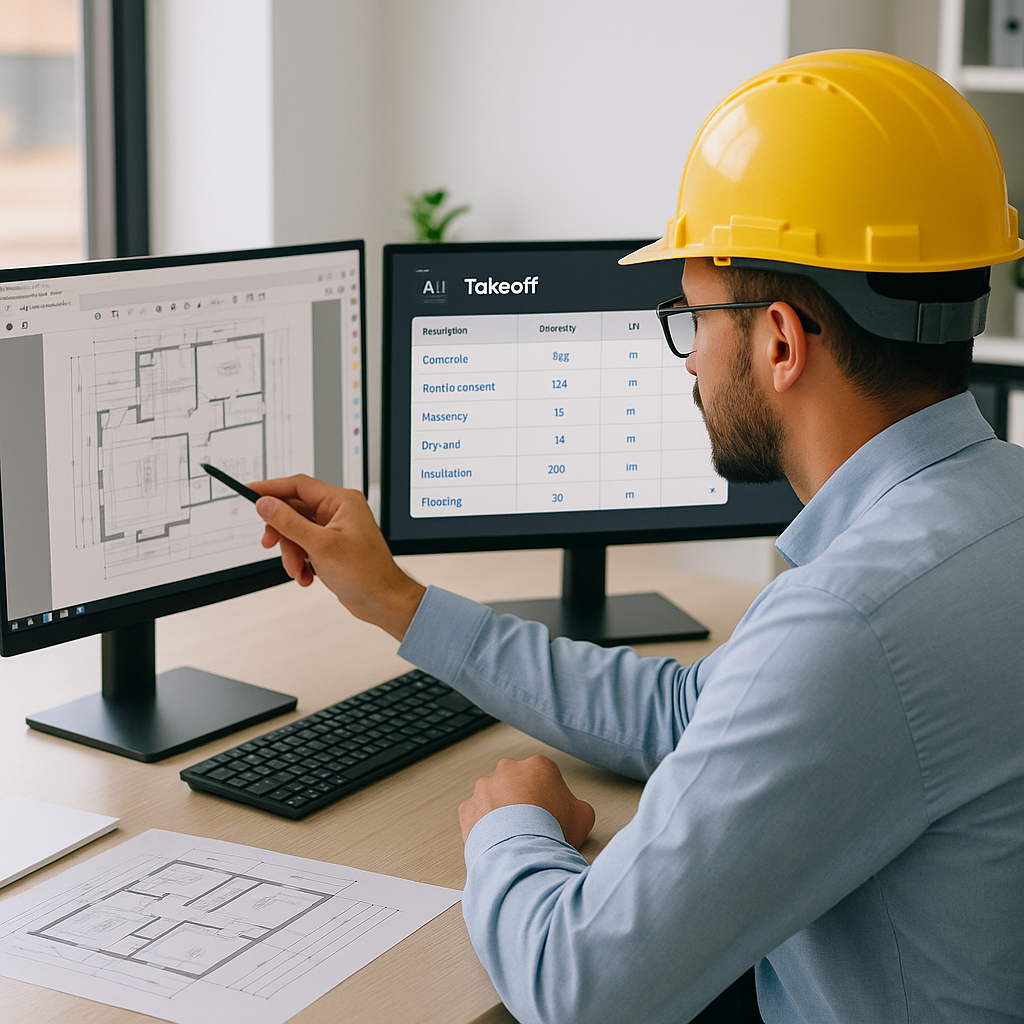
At its core, Vision AI automates what used to be a manual grind. Upload a PDF drawing set, and the tool reads it like a superhuman estimator. It identifies room areas, wall lengths, and even counts doors and windows. Everything gets compiled into a structured QTO (Quantity Takeoff) that’s ready to plug into your estimate.
Here’s a real-world example: A mid-sized general contractor (GC) used EstimateNext’s Vision AI to bid on a high-rise project. The AI extracted quantities for concrete columns, beams, and slabs in under 10 minutes. That’s 36 hours saved compared to their usual manual process. What did they do with that time? They focused on value engineering and refining their bid strategy—things that actually win projects.
Actionable Steps to Implement Vision AI
- Start with a Trial Project: Before rolling out AI on all your bids, test it on a smaller project. This lets your team get familiar with the tool while minimizing risk.
- Integrate with Existing Processes: Most AI tools export data in formats compatible with popular estimating software (e.g., Excel, ProEst). Ensure your team knows how to combine AI outputs with your existing workflows.
- Train Your Team: Even the best AI tools require some level of human interaction. Provide training sessions so estimators understand how to review flagged items and validate outputs.
Case Study: Reducing Errors with Vision AI
A regional construction firm used Vision AI on a healthcare project and discovered an error in their previous manual takeoff process. The AI flagged inconsistencies in wall lengths, which had been overlooked during manual estimation. Correcting the error saved the firm $18,000 in potential cost overruns.
The Skeptics: “AI Can’t Think Like an Estimator”
I hear this all the time: “Sure, AI is fast, but it doesn’t understand the nuances of construction.” And you know what? That’s partially true. AI won’t know that the client prefers a specific brand of fixtures or that local labor costs are spiking this quarter. But that’s not the point.
AI doesn’t replace your expertise—it amplifies it. You’re still the one making judgment calls, negotiating with subs, and deciding on markup. The AI takes care of the grunt work so you can focus on the high-value tasks. Think of it as an apprentice who never gets tired and works at lightning speed.
How to Address Concerns About AI
- Involve Estimators Early: Make your team part of the decision-making process when evaluating AI tools. Their buy-in is crucial.
- Highlight Complementary Roles: Emphasize that AI is a tool to assist, not replace, human judgment.
- Show Tangible Benefits: Share case studies or conduct a side-by-side comparison of AI vs. manual takeoffs to showcase time and cost savings.
Why Speed Isn’t Just About Time
Saving 36 hours per bid sounds great, but the real value is what that speed enables. Faster takeoffs mean you can:
- Respond to more bid opportunities: With AI, you can handle 2-3x the number of bids without hiring additional staff.
- Focus on strategy: Spend more time refining your bid instead of rushing it out the door.
- Improve accuracy: AI reduces the likelihood of costly errors, giving you greater confidence in your numbers.
Example: Scaling Without Additional Overhead
One West Coast GC reported a 40% increase in the number of bids they could submit annually after adopting Vision AI. Instead of hiring another estimator at $90,000/year, they spent $1,188 annually on AI software and redeployed their existing team to higher-value tasks like building relationships with subcontractors.
The Edge Cases: When AI Falls Short
No tool is perfect, and AI is no exception. Here are a few scenarios where you’ll still need human oversight:
- Poor-Quality Drawings: If the drawings are blurry or inconsistent, the AI might struggle to extract accurate quantities.
- Custom Details: Unique materials or one-off designs might require manual tweaks.
- Low-Confidence Lines: The AI flags areas where it’s unsure, so you’ll need to review those manually.
Mitigating AI’s Limitations
- Use High-Quality Drawings: Always request the cleanest, most detailed PDFs from architects.
- Review Flagged Areas: Assign a senior estimator to review any outputs flagged as low-confidence.
- Combine AI with Manual Checks: For complex projects, use AI for the bulk of the work and focus manual efforts on intricate details.
ROI: The Math Is Brutal
Let’s break it down. If you save 36 hours per bid and your team’s blended hourly rate is $130, that’s $4,680 saved per project. Multiply that by five GMP pursuits a year, and you’re looking at $23,400 in savings. Now compare that to the cost of a tool like EstimateNext ($99/month). That’s a 52X ROI.
Decision Framework: Should You Adopt Vision AI?
| Scenario | Adopt AI Now | Hold Off |
|---|---|---|
| You handle 10+ bids annually | ✅ | |
| Your team struggles with deadlines | ✅ | |
| You frequently bid on custom jobs | ✅ | |
| You lack internal tech expertise | ✅ |
The Future of Preconstruction
AI-powered estimation isn’t a luxury anymore; it’s table stakes. As projects get larger and timelines get tighter, the firms that embrace automation will outbid—and outperform—the ones that don’t. The question isn’t whether AI will become standard; it’s whether you’ll be an early adopter or get left behind.
What’s Next?
- Stay Updated: Follow advancements in Vision AI to see how these tools evolve.
- Experiment: Test AI tools on small projects to build confidence and refine workflows.
- Collaborate: Share insights with peers to learn how others are leveraging AI.
If you’re tired of wasting time on manual takeoffs, EstimateNext can help. Upload your first BOQ and get a priced estimate in minutes. Get started free →


