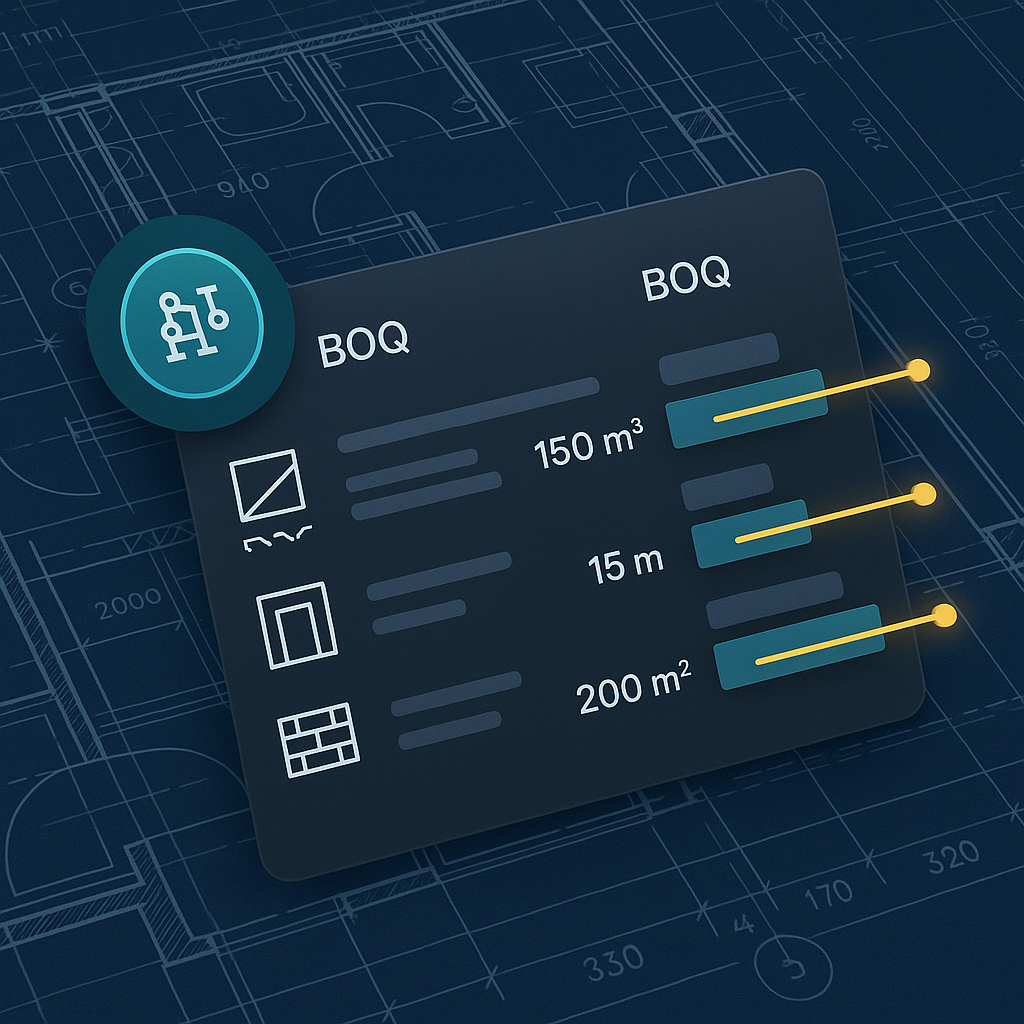
The Brutal Reality of Preconstruction Estimation
If you’ve been in preconstruction long enough, you know the drill. A 300-line BOQ (Bill of Quantities) lands on your desk, and the clock starts ticking. You’ve got two days to extract quantities, match rates, and deliver a priced bid package. Sound familiar?
For most teams, this process involves flipping through massive rate books like RSMeans or CPWD DSR, manually tracing PDFs in Bluebeam, and wrestling with Excel sheets that break the moment you try to make a what-if change. It's slow, painful, and full of opportunities for mistakes. But here’s the kicker: it doesn’t have to be this way anymore.
What’s Killing Your Productivity?
Let’s break down where preconstruction teams typically lose time:
1. Manual Drawing Takeoffs
Even with tools such as Bluebeam, extracting quantities from drawings is a grind. Two estimators can easily burn 40 hours on a single bid. For example, imagine a mid-sized GC working on a commercial office building. They might spend a full week manually measuring areas for flooring, wall panels, and glazing. The process is prone to human error, especially when drawings are unclear or missing key details.
Actionable Tip: Explore automated takeoff tools that integrate directly with your drawing sets. Solutions such as EstimateNext or PlanSwift can drastically cut down the time required for quantity extraction.
2. Rate Matching
Whether you’re flipping through a 2,000-page CPWD DSR or digging into RSMeans, finding the right rate for every line item can take hours. And let’s not even talk about custom items. For instance, pricing a unique architectural feature like curved glass often requires custom rates that demand back-and-forth communication with suppliers.
Actionable Tip: Build a database of frequently used rates and custom items for faster reference. AI-powered tools can auto-suggest rates based on past projects, saving you hours.
3. Sub Bid Leveling
Got seven subcontractor quotes? Normalizing them by scope and ranking your L1/L2/L3 options adds another six hours to the clock. A real-world example: A GC bidding on a healthcare facility received quotes from five subcontractors for HVAC systems. Comparing scope inclusions (ductwork, air handlers, controls) took over a day.
Actionable Tip: Use bid comparison software that automatically highlights scope differences and enables side-by-side comparisons.
Now imagine shaving 90% of that time off. That’s where AI-powered tools like EstimateNext come in.
How AI Fixes the Bottleneck in 10 Minutes
Here’s a real-world scenario: A mid-sized general contractor recently used EstimateNext on a $1B rail project bid. The team uploaded a BOQ and a 200-page drawing set. AI handled the heavy lifting:
1. Smart BOQ Parsing
The system auto-detected merged cells, section headers, and hierarchies from the Excel BOQ—no manual cleanup needed. This saved hours of tedious formatting.
2. Vision AI Takeoff
Quantities for concrete columns, beams, and rail decks were extracted from the drawings in under 10 minutes. Compare that to the usual 40 hours, and it’s a game-changer. A similar approach was used by a European contractor on a stadium bid, where AI reduced takeoff time from 3 days to 2 hours.
3. Rate Matching
The AI searched across 78,000+ SOR items, instantly suggesting the most relevant matches. Even custom rates added to the system were seamlessly integrated.
The result? A priced bid package ready in an afternoon instead of a week.
The Obvious Objection: “AI Doesn’t Understand Construction”
I hear this all the time: “Sure, AI is fast, but it doesn’t get the nuances of construction.” And honestly? That’s partially true. AI won’t replace your expertise. It won’t negotiate with subs or decide on markups. But it doesn’t have to.
A Balanced Perspective
Think of it like this: AI handles the grunt work—takeoffs, rate matching, and recalculations—so you can focus on the high-value tasks that actually win bids. It’s not a replacement; it’s an amplification.
For example, a Florida-based contractor used AI for takeoff but relied on their senior estimator to adjust markups for local labor rates and material cost volatility. The balance between human expertise and AI efficiency made their bid both accurate and competitive.
Real ROI: What’s the Payoff?
Let’s talk numbers. A GC Director typically saves 40 hours per estimate using AI. At $130/hour, that’s $5,200 in savings per bid. Multiply that by 8 GMP pursuits a year, and you’re looking at $41,600 in annual savings. All for a tool that costs $99/month per seat.
Case Study: MEP Subcontractor
For MEP subcontractors, the math is even crazier. Cutting a 3-day quote cycle down to 4 hours means responding to 50% more bids, which translates to 4–8 additional wins a year. At $200K per win, you’re looking at $800K–$1.6M in incremental revenue.
Actionable Tip: Track the time and cost savings on every bid where AI is used. Use this data to justify tool adoption across your team.
Why Now?
The construction industry isn’t exactly known for embracing change. But with inflation squeezing margins and skilled labor hard to find, doing more with less isn’t optional—it’s survival. AI tools are no longer a luxury; they’re a necessity.
Competitive Landscape
Companies that embrace AI tools are already seeing faster turnaround times and higher bid success rates. For example, a top-tier contractor in California reported a 25% increase in awarded projects after integrating AI-driven estimation software.
Comparison Table: Manual Estimation vs AI-Powered Estimation
| Criteria | Manual Estimation | AI-Powered Estimation |
|---|---|---|
| Time for Takeoffs | 40 hours | 2–10 minutes |
| Rate Matching | 4–6 hours | Instant suggestions |
| Sub Bid Leveling | 6 hours | 1–2 hours |
| Error Rate | High (manual input errors) | Low (automated processing) |
| Cost per Bid | $5,200 | $99/month per estimator |
Conclusion
If you’re still spending days on manual estimation, you’re leaving money on the table. AI-powered tools like EstimateNext don’t just save time—they make your team more competitive. Whether you’re a GC pursuing megaprojects or a subcontractor trying to hit tight deadlines, it’s time to rethink how you estimate.


