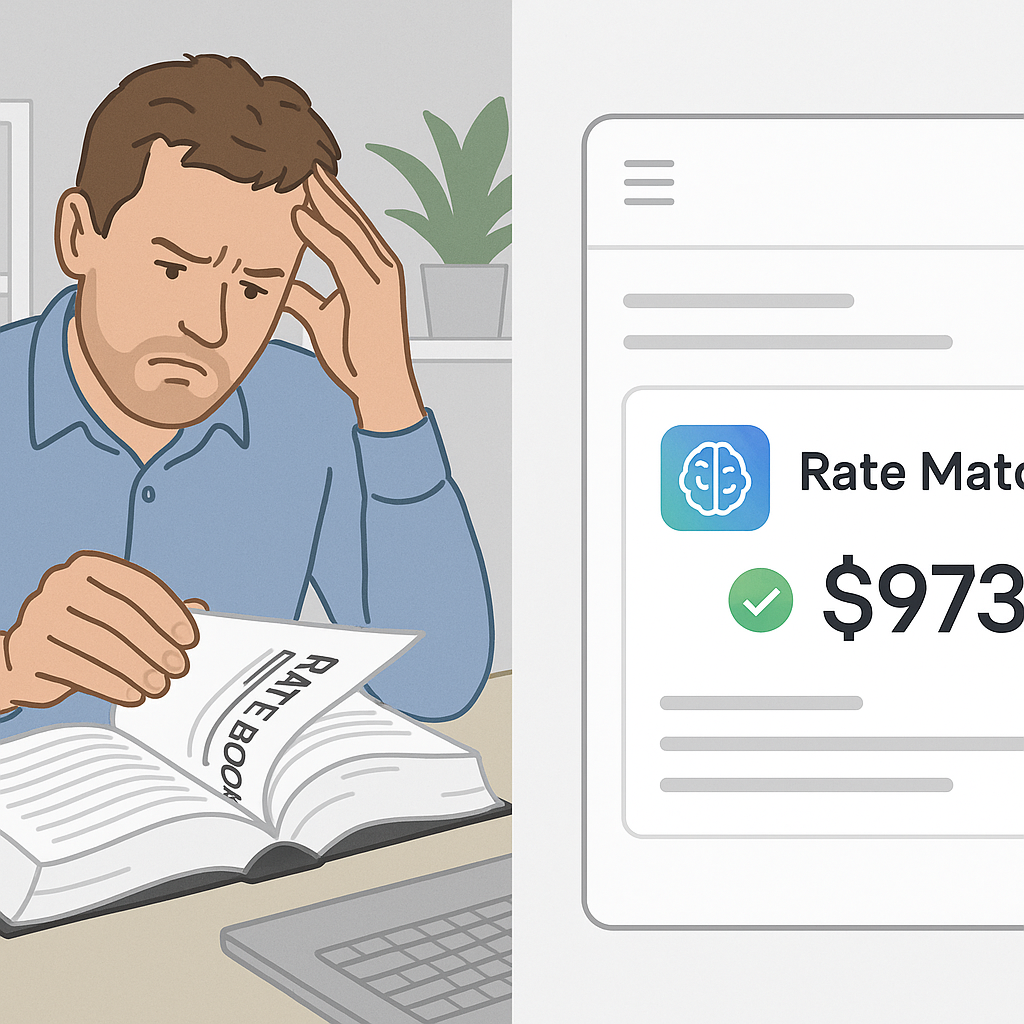
The Brutal Truth About Manual Rate Lookup
If you’ve ever flipped through a 2,000-page rate book looking for a single item, you know the pain. It’s tedious, error-prone, and eats up hours you don’t have. Worse, it’s unreliable—how many times have you second-guessed whether you picked the right rate?
Here’s a stat that should make you pause: estimators spend an average of 12 hours per BOQ just on rate lookup. That’s from a 2023 McKinsey report on construction productivity. For small bids, it’s frustrating. For large bids, it’s unsustainable.
What’s the Alternative?
AI-powered rate matching. Tools like EstimateNext replace hours of manual effort with seconds of semantic search. Imagine typing “excavation for reinforced concrete” into a search bar and instantly getting the exact match from 78,000+ rates, complete with material, labor, and equipment breakdowns. No page flipping. No guesswork.
Let’s look closer: AI doesn’t just automate rate lookup—it redefines it. Instead of cross-referencing catalogs manually, AI leverages algorithms to locate and match the most relevant rates based on your query. Think of it as Google for construction rates.
For example, a contractor working on a multi-story residential project in Mumbai might need rates for M40-grade concrete with admixtures suited for humid climates. Instead of flipping through pages or debating with colleagues, they type exactly what they need, and AI delivers the precise rate, including regional adjustments and inflation factors. That’s the power of automation.
Why Manual Rate Lookup Fails
Let’s break it down:
1. It’s Slow
Even if you’re fast, cross-referencing rates across multiple catalogs takes hours. Multiply that by a 500-line BOQ, and you’re looking at days. Time is your most finite resource, and wasting it on repetitive lookup tasks is counterproductive.
Concrete example: A small general contractor bidding on a 100-line BOQ for a retail center spent two full workdays manually matching rates. Their competitor used AI tools and finished the same task in under an hour. The time savings gave the competitor room to refine their bid and submit it earlier.
2. It’s Inconsistent
Different estimators interpret rates differently. One might pick a generic item; another might dig into a regional catalog. The result? Your estimates lack uniformity, and that erodes client trust.
A real-world case study: A project manager for a mid-sized firm found that two estimators looking at the same BOQ chose different rates for structural steel. One opted for the national average, while the other used rates specific to the region. The inconsistency led to confusion during the client review process, forcing the company to revise their submission.
3. It’s Prone to Errors
Ever misread a rate table or accidentally apply the wrong inflation factor? It happens more often than we admit. And those errors cost real money.
In 2019, a contractor working on a government infrastructure project underestimated rates for asphalt by 3%. The error, discovered post-bid submission, cost them $200,000 in additional expenses. Manual processes leave room for human mistakes that AI can help mitigate.
How AI Fixes This
AI rate matching isn’t magic—it’s methodical. Here’s how it works in tools like EstimateNext:
1. Semantic Search
Type what you need in plain English, and the AI understands. You don’t have to know the exact catalog phrasing. For example, you can input “high-strength rebar for seismic zones,” and the AI delivers precise matches tailored to your needs.
2. Catalog Coverage
With access to 78,000+ rates spanning CPWD, RSMeans, and more, you’re not limited to a single source. This ensures broad applicability across projects of any scale.
3. Custom Rates
Got project-specific materials or finishes? Upload them once, and the AI integrates them for future use. This is especially useful for niche industries like luxury residential or specialized manufacturing facilities.
4. Audit Trails
Every rate match comes with a full breakdown—material, labor, equipment—so you can double-check the math. Transparency like this boosts client confidence and ensures compliance.
Real-World Example
Take a mid-sized general contractor bidding on a $50M school project. Their team spent 12 hours manually matching rates for structural steel, concrete, and HVAC systems. With AI, the same task took under 30 minutes. The result? They submitted their bid two days ahead of schedule.
Another example: A subcontractor specializing in plumbing systems used AI to compare rates for pipe fittings across three catalogs. The tool flagged discrepancies in regional costs they hadn’t considered, saving them $15,000 during procurement.
The Obvious Objection
“But AI doesn’t understand context!”
I hear this all the time. And it’s partially true—AI doesn’t replace your expertise. It doesn’t know if the client wants premium finishes or budget materials. But it doesn’t have to. Your job is to make judgment calls. The AI’s job is to handle the grunt work, like finding rates and applying inflation factors.
Think of AI as your assistant, not your replacement. It speeds up your process, leaving more time for high-value tasks like negotiating with suppliers or refining project timelines.
How to Get Started
Switching to AI isn’t as daunting as it sounds. Tools like EstimateNext integrate directly with your existing stack—Excel, Bluebeam, Procore. Training takes less than two weeks, and the ROI is immediate.
Actionable Steps:
- Start Small: Upload a simple BOQ, let the AI match rates, and compare it to your manual process.
- Pilot a Mid-Sized Project: Test AI with a project involving 200+ line items to gauge its full potential.
- Integrate With Your Workflow: Link AI tools to your preferred platforms, such as Excel or Procore, for seamless adoption.
- Measure ROI: Track time spent on rate lookup pre- and post-AI adoption. The savings will speak for themselves.
Comparison Table: Manual Rate Lookup vs. AI-Powered Rate Matching
| Feature | Manual Lookup | AI-Powered Lookup |
|---|---|---|
| Time Per BOQ | 12+ hours | Under 30 minutes |
| Error Rate | High (due to human mistakes) | Low (less than 5%) |
| Consistency | Varies by estimator | Uniform across projects |
| Catalog Coverage | Limited to specific books | 78,000+ rates across multiple sources |
| Custom Rate Integration | Manual and repetitive | One-time upload, reusable |
| Audit Trails | None | Full transparency |
If you’re dealing with slow, inconsistent rate matching, EstimateNext can help. Get started free →


