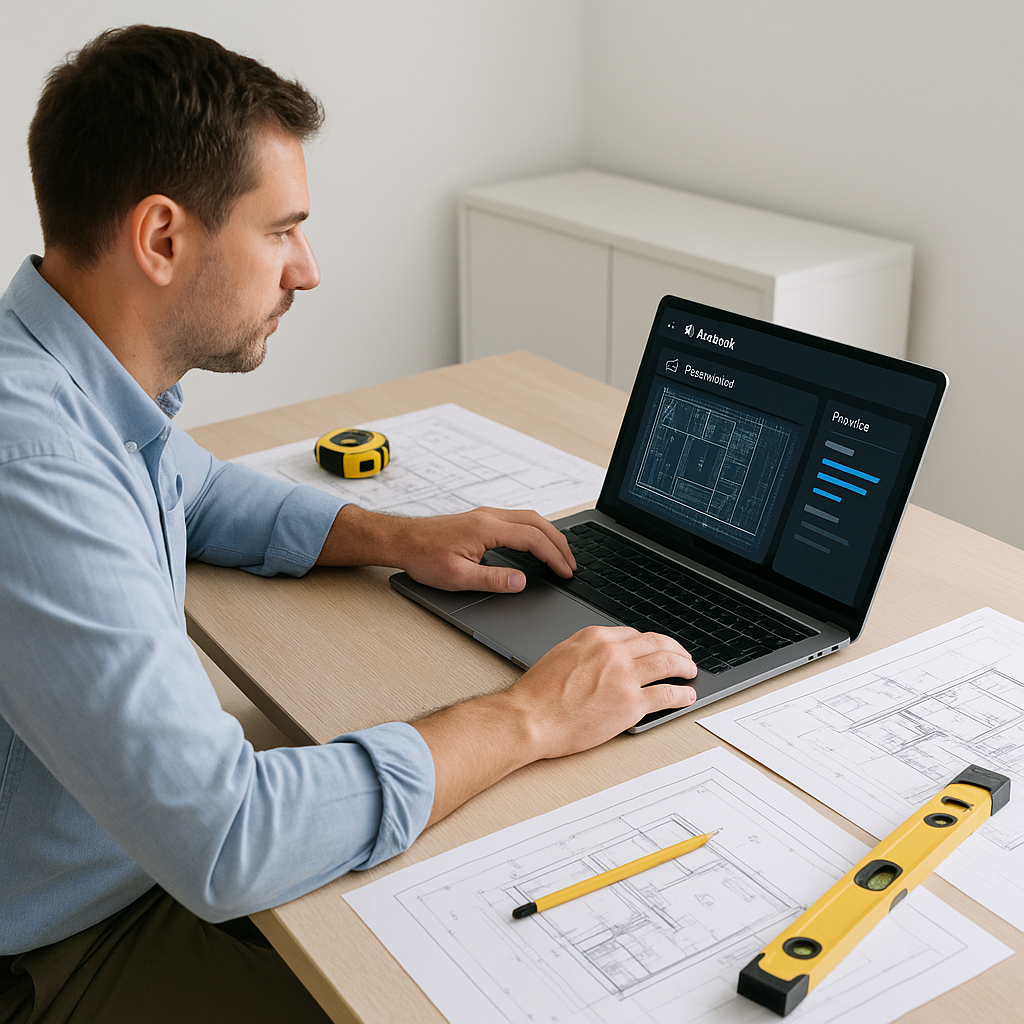
10 Minutes to Win: How AI Takeoffs Save 40 Hours Per Estimate
Imagine this: You've got two days to submit a bid for a $50M project. Your team is already stretched thin, you're flipping through stacks of drawings, and the clock is ticking. Sound familiar? It’s the reality of preconstruction estimation for most contractors. But here's the thing—what if you could cut 40+ hours of manual takeoff down to just 10 minutes? That’s not a pipe dream. It’s what AI-powered tools like EstimateNext’s Vision AI are doing for contractors right now.
The Problem: Manual Takeoffs Are Killing Productivity
Manual takeoffs are the bane of every estimator’s life. They take forever. Two estimators can spend 40 hours—yes, an entire workweek—just measuring drawings, counting items, and double-checking details. And let’s be honest, mistakes happen. A missed measurement or a duplicate count can cost you the project or eat into your margin if you underbid.
Here’s a real-world example: A mid-sized general contractor bidding on a high-rise project spent 120 hours on takeoffs. That’s three full workweeks of grueling manual work. They barely made the deadline, and their team was burnt out. Sound familiar? You’re not alone. Manual processes aren’t just slow; they’re prone to human error. In fact, according to an analysis by PlanGrid and FMI, 35% of construction professionals’ time is spent on non-productive activities like resolving errors and searching for information.
Compounding the issue, the construction industry faces a massive labor shortage. A 2023 report from the Associated Builders and Contractors estimates that the industry needs 500,000 additional workers to meet demand. With fewer hands to share the load, inefficiencies like manual takeoffs become even more unsustainable.
The AI Fix: 10-Minute Takeoffs with Vision AI
This is where AI steps in. Tools like EstimateNext’s Vision AI can take raw PDF drawings and extract quantities in just 10 minutes. Yes, you read that right—10 minutes. It’s like having a superhuman estimator on your team who doesn’t need coffee breaks.
How It Works
-
Upload your PDF drawings. Forget about printing blueprints or manually tracing walls and windows. Simply upload the digital file.
-
Let the AI extract quantities. Vision AI scans every page for dimensions, counts, and areas. It identifies room areas, wall lengths, and even door/window counts automatically, producing a detailed takeoff report.
-
Review and adjust. No system is flawless, and that’s okay. Vision AI highlights low-confidence areas so you can remeasure if needed. This ensures human oversight and maintains accuracy.
Real-World Results
Let’s revisit that mid-sized general contractor who spent 120 hours on takeoffs. On their next project, they used Vision AI and reduced the process to just 10 minutes. They saved two full workweeks of labor. What did they do with that time? They focused on refining their bid and developing stronger relationships with subcontractors, which ultimately helped them win the project.
Another example comes from an electrical subcontractor bidding on a $3M commercial project. They used AI-powered takeoff software for the first time and reduced their takeoff time by 95%, from 20 hours to just 1 hour. This allowed them to submit a polished proposal three days ahead of their competition, which impressed the general contractor and helped secure the job.
Skeptical? You’re Not Alone
You might be thinking, “Sure, AI is fast, but can it really be accurate?” Here’s the deal: AI doesn’t replace your expertise; it enhances it. According to a McKinsey report, early adopters of AI in construction have seen cost savings of 10-20% per project. That’s because AI takes care of the grunt work, so you can focus on the bigger picture—like strategy, risk management, and winning more bids.
Why Accuracy Improves
AI systems like Vision AI use machine learning to get better over time. The more projects you feed into the system, the more it learns your preferences, material catalogs, and project-specific nuances. Some tools even allow you to set up templates that match your company’s unique workflow, ensuring greater consistency and precision.
Training Isn’t Hard
Worried about the learning curve? Don’t be. Most AI tools, including EstimateNext, are designed with usability in mind. Training usually takes less than two weeks, and if your team can handle Excel, they can handle this. Plus, most tools come with onboarding support to help you integrate the software into your existing processes seamlessly.
Why Time Matters in Preconstruction
Time isn’t just money—it’s opportunity. Let’s break it down:
-
More bids: If you’re spending less time on each estimate, you can bid on more projects. For MEP subcontractors, this can mean responding to 50% more bid packages annually, potentially winning an additional 4-8 projects worth $200K each.
-
Better decisions: With time to spare, you can perform thorough bid/no-bid evaluations instead of relying on gut feelings. That’s a game-changer for your win rate.
-
Stronger relationships: Faster, more accurate bids make you a favorite among GCs and clients. Being reliable isn’t just good business—it’s essential. In the competitive world of construction, trust is often the deciding factor between winning and losing a bid.
What’s the Catch?
No tool is perfect. AI is only as good as the data you feed it. Poor-quality drawings or outdated catalogs can lead to errors. But that’s why manual review is still part of the process. Think of AI as your junior estimator—not flawless, but a massive time-saver.
Another concern: cost. But let’s put it in perspective. EstimateNext costs $39-$99/month. Compare that to CostX at $5,000-$15,000/year. For most teams, the ROI is obvious—save 40 hours per estimate, and the tool pays for itself in a single project.
How to Get Started
Ready to make the switch? Here’s how to dip your toes into AI-powered preconstruction:
-
Start small. Test the tool on a smaller project to see how it fits your workflow.
-
Train your team. Pair junior estimators with AI tools to free up senior staff for high-value tasks.
-
Evaluate the ROI. Track time saved and bids won to measure the tool’s impact.
-
Iterate and improve. Use analytics provided by the software to refine your processes and improve accuracy.
The Bottom Line
If you’re still spending 40 hours on manual takeoffs, you’re leaving money—and time—on the table. AI-powered tools like EstimateNext’s Vision AI can cut that time to 10 minutes, freeing your team to focus on what really matters: winning bids and growing your business.
| Feature | Manual Takeoffs | AI-Powered Takeoffs |
|---|---|---|
| Time Required | 40+ hours per estimate | 10 minutes per estimate |
| Error Risk | High | Low (with manual review) |
| Cost | Labor cost for 40+ hours | $39-$99/month |
| Usability | Labor-intensive | User-friendly |
| Data Analysis | Minimal | Robust insights |


