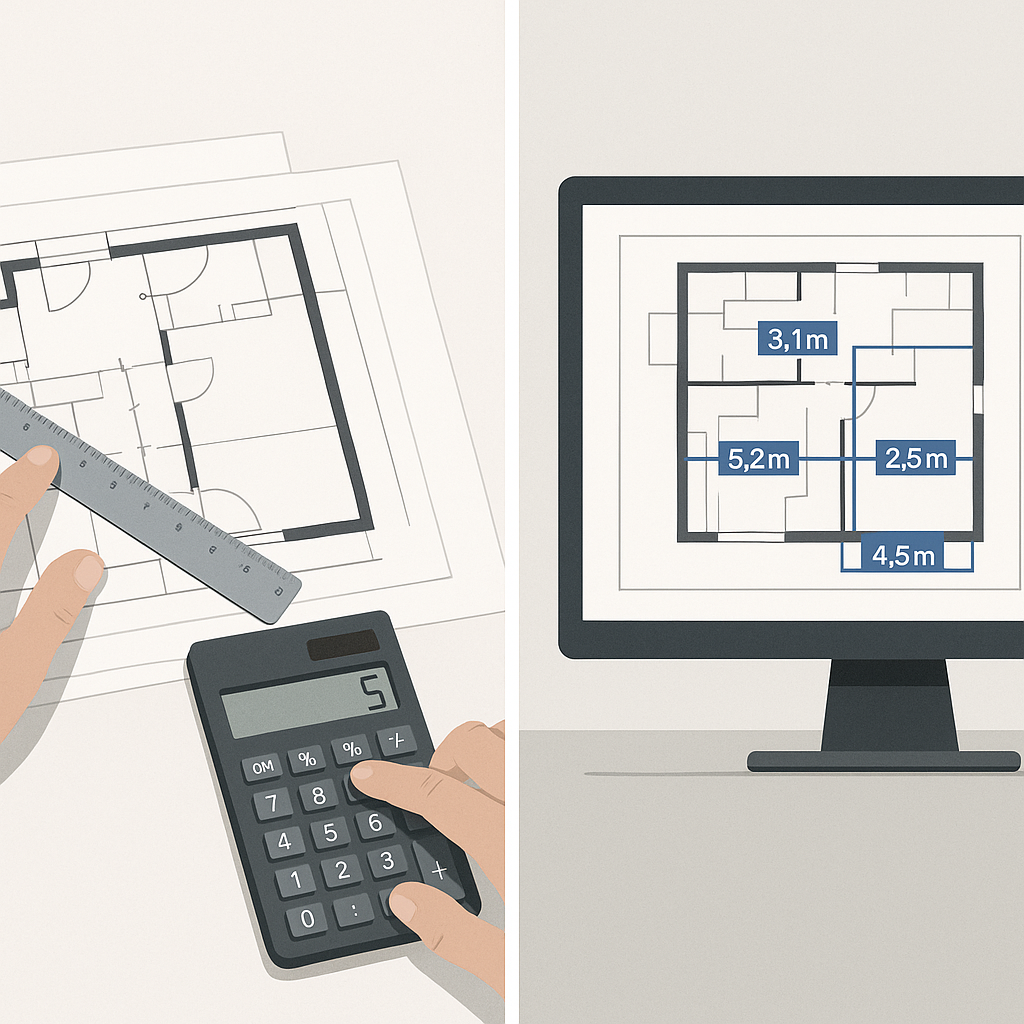
The Problem: Time is Killing Your Margins
Every estimator knows the grind. You’ve got a 300-page PDF of drawings, and somehow, you’re expected to turn that into a detailed quantity takeoff—fast. Manually measuring wall lengths, counting fixtures, or calculating slab areas can take days. If you’re juggling multiple bids, it’s a nightmare.
Take a typical $50 million mixed-use project. Two estimators working full-time might spend 40 hours each just on takeoffs. That’s 80 hours of labor before you’ve even started pricing. And here’s the kicker: mistakes are inevitable. A missed dimension or an overlooked drawing revision can cost hundreds of thousands later on.
This isn’t just anecdotal. A study by FMI Corp found that rework driven by errors in estimation and planning accounts for 5% of total project costs on average. For a $50 million project, that’s an avoidable $2.5 million lost to inefficiencies and errors.
So, what’s the alternative? AI-powered takeoff tools.
How AI Shrinks Takeoff Time from 40 Hours to 10 Minutes
AI tools like EstimateNext are designed to handle the grunt work of takeoffs. Instead of you manually tracing drawings, the system uses Vision AI to extract quantities directly from your PDFs. Room areas, wall lengths, door/window counts—it’s all automated. What used to take a week is now done in 10 minutes.
Concrete Example: Real-Time Savings
For example, a mid-sized general contractor (GC) recently tackled a high-rise bid using EstimateNext. Instead of spending 120 hours on takeoffs across multiple estimators, they completed the task in under an hour. That’s 119 hours saved, which they reinvested into refining their bid and negotiating with subs. The result? Their bid was submitted early, with tighter pricing, and they won the job.
Industry-Wide Adoption
This isn’t an isolated case. Major national general contractors have incorporated AI-powered tools into their workflows to stay competitive. A McKinsey report on construction technology adoption highlights that firms using AI tools for estimation are 50% more likely to meet deadlines and reduce cost overruns compared to their peers.
What About Accuracy?
You might be thinking, "Sure, it’s fast, but is it accurate?" Fair question. AI tools aren’t perfect, but they’re shockingly good. EstimateNext includes features like confidence scoring and manual override, so you can double-check low-confidence areas. The system learns from your adjustments, getting smarter with every project. By the third bid, many users report accuracy improvements of 90% or more.
Manual vs. AI: A Comparison
| Factor | Manual Takeoffs | AI-Powered Takeoffs |
|---|---|---|
| Time Required | 40+ hours per project | 10 minutes to 1 hour |
| Error Rate | High (human fatigue, revisions) | Low (AI consistency + review) |
| Scalability | Limited by human labor | Scales effortlessly |
| Cost per Project | $5,200 (labor for 40 hours) | <$100 (subscription cost) |
And let’s be honest—manual takeoffs aren’t flawless either. A tired estimator at 2 AM is far more likely to miss a detail than an AI system trained on millions of data points.
Case Study: Avoiding Costly Errors
A regional subcontractor specializing in drywall and framing switched to AI takeoffs after missing a key revision in a manual estimate. The error cost them $150,000 in unaccounted materials and labor. With AI, they’ve reduced their error rate by 80% in less than six months.
Real ROI: It’s Not Just About Time
Let’s talk numbers. For a GC director, saving 40 hours per estimate at an average labor rate of $130/hour means $5,200 saved—per bid. If your team prices 10 bids a year, that’s $52,000. Now compare that to the cost of an AI tool like EstimateNext: $99/month, or $1,188/year. The math is brutal—in a good way.
Subcontractor Perspective
For subcontractors, the ROI is even clearer. Faster takeoffs mean you can respond to more bids. If you win just one extra project a year because you hit a deadline you’d otherwise miss, the tool has more than paid for itself. Let’s say that project nets you $200,000 in profit—an extra $1,188 for AI is a no-brainer.
Additional Savings: Soft Costs
Beyond direct labor savings, AI tools reduce soft costs like:
- Rework expenses: Catching errors early prevents costly fixes later.
- Opportunity costs: Freeing up estimators lets them pursue more bids.
- Employee burnout: Reducing repetitive tasks improves morale and retention.
The Obvious Objection: “But AI Can’t Think Like an Estimator”
I hear this all the time. You’re right—AI won’t replace your judgment. It doesn’t know that the architect’s spec for “polished concrete” is actually a placeholder for a specific terrazzo finish. But that’s not the point. AI handles the repetitive, time-consuming tasks so you can focus on the high-value decisions. Think of it as an apprentice that never gets tired.
Human + AI: A Winning Combo
The most successful AI adopters don’t treat it as a replacement but as a force multiplier. Estimators use AI to handle 80% of the grunt work, then apply their expertise to the remaining 20%. The result? Faster, more accurate bids without sacrificing quality.
Getting Started with AI Takeoff Tools
If you’re new to AI estimation, start small. Choose a mid-sized project with straightforward scope. Upload your BOQ, calibrate the drawings, and let the system do its thing. Review the output carefully, make adjustments, and provide feedback. By your second or third project, you’ll wonder how you ever worked without it.
Tips for a Smooth Transition:
- Train Your Team: Most AI tools come with training resources. Use them.
- Integrate with Existing Tools: Platforms like EstimateNext work with Bluebeam and Procore.
- Start with Low-Risk Projects: Build confidence before tackling complex bids.
- Track Metrics: Measure time saved, error reduction, and ROI.
Conclusion: Stop Wasting Time
If you’re still spending 40 hours on manual takeoffs, you’re leaving money on the table. AI-powered tools like EstimateNext are no longer optional—they’re essential. Whether you’re a GC chasing GMP contracts or a sub trying to meet tight bid deadlines, the time savings are undeniable.
Want to see it in action? Get started free →
Stop wasting time. Start winning more bids.


