The Problem: Manual Takeoffs Are Killing Productivity
Every estimator knows this grind: a new bid drops in your inbox, and you’re staring at a PDF full of drawings. You calibrate scales, measure areas, count fixtures—and somehow, it's 40 hours later. Two full workdays gone.
That’s just for takeoffs. Rate matching, sub bid leveling, and what-if scenarios haven’t even started yet. It’s a brutal bottleneck for preconstruction teams. And when deadlines are tight (which they always are), it’s easy to miss details or make mistakes.
Manual takeoffs are a legacy process in an industry that’s increasingly embracing tech. They’re slow, prone to human error, and don’t scale well when project complexity increases. At a time when construction margins are razor-thin—averaging around 5%–10%—the inefficiencies in preconstruction are costing companies real money.
The Fix: AI-Powered Tools Are Revolutionizing Preconstruction
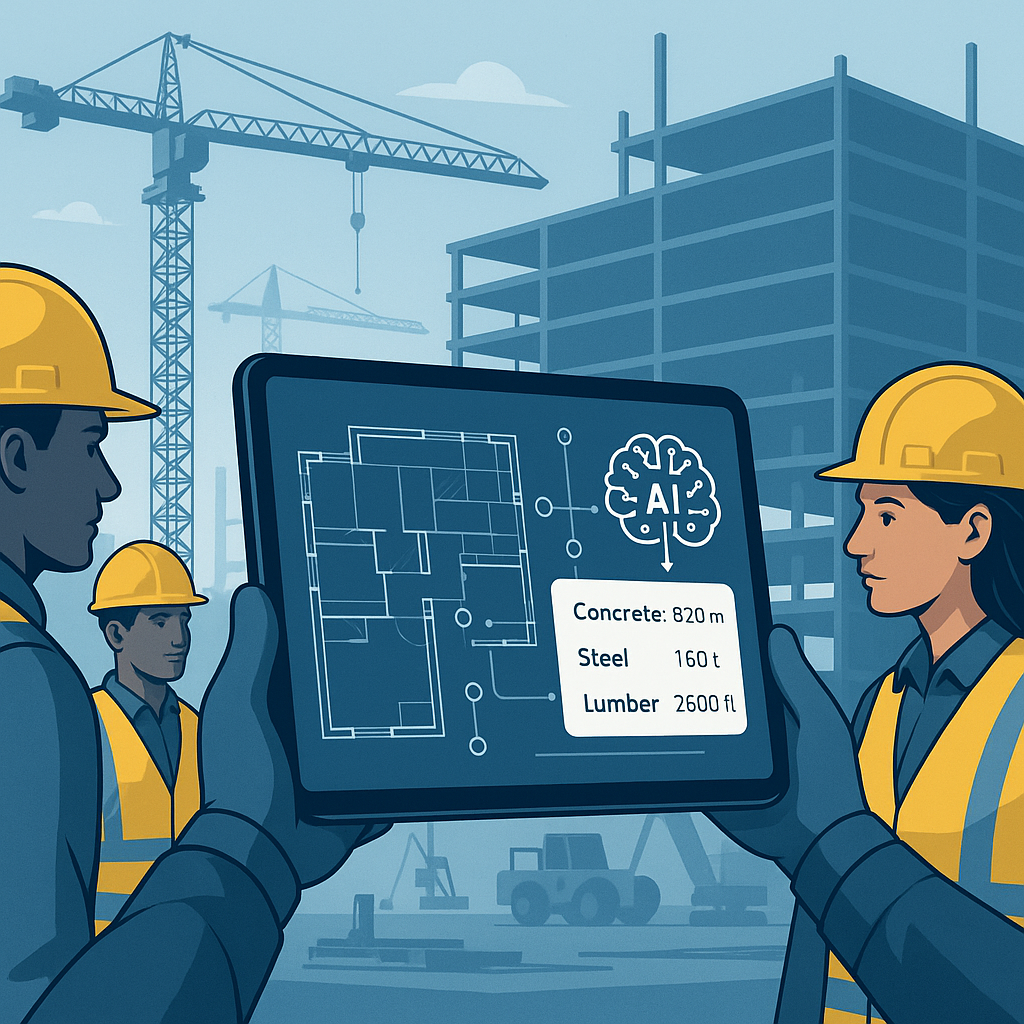
AI-powered tools like EstimateNext are reshaping this process. Vision AI, for example, can extract quantities from drawings in just 10 minutes. That’s not marketing fluff—it’s real data from contractors who’ve shaved weeks off their workflows,.
Let’s break it down step by step:
How Does AI Takeoff Work?
1. Upload the Drawings
You drop your PDF set into the system. Vision AI reads the sheets, calibrates scales automatically, and identifies elements like walls, doors, windows, and areas. No manual tracing, no double-checking scale calibrations. This alone can save hours of tedious setup.
2. Quantity Extraction
The AI extracts quantities—linear feet of piping, square footage of flooring, fixture counts—all broken down by room, section, or even material type. Confidence scoring highlights ambiguous areas so you can review and validate them. For example, if a room's perimeter isn’t clearly defined due to missing lines, the system flags it for manual inspection.
3. Export to BOQ
Once the quantities are verified, they’re auto-mapped into your Bill of Quantities (BOQ). No copy-pasting, no manual entry errors. You can even set custom rate mappings to ensure alignment with your project-specific costs.
Real-World Example
One mid-sized general contractor reported saving 120 hours on a high-rise bid by using EstimateNext. That’s three full weeks of work condensed into a single afternoon. They described the tool as “like having a full-time estimator without the payroll hit”.
4. Integration with Existing Tools
Most AI estimation platforms integrate seamlessly with existing workflows, including common tools like Bluebeam, Procore, and Excel. This eliminates the need to overhaul your entire system—AI becomes an enhancement, not a replacement.
The Obvious Objection: “But AI Can’t Think Like an Estimator”
You might be skeptical. “Sure, AI is fast, but does it understand construction?”
Fair question. AI won’t replace your judgment, experience, or intuition. It’s not negotiating with subs, deciding on markup, or analyzing risk. But it does handle the grunt work—takeoffs, rate matching, recalculations—so you can focus on high-value tasks.
Think of it as a productivity multiplier. You’re still in control; the AI just frees up your time for strategy, decision-making, and client interactions.
Addressing Edge Cases
A common fear is that AI will miss edge cases. That’s why the best platforms include confidence scoring and manual overrides. For example, if the AI isn’t sure whether an object on a drawing is a window or a vent, it flags it for human review. This collaboration between AI and human estimators ensures accuracy without sacrificing speed.
Why Speed Matters: More Bids, Better Outcomes
Time isn’t just money—it’s opportunity. Let’s break this down with some numbers:
- A typical estimate eats up 40 hours of preconstruction team time.
- At $130/hour (average loaded cost), that’s $5,200 sunk into one bid.
- Multiply that across 5-8 GMP pursuits per year, and the math gets brutal.
With AI takeoffs, those 40 hours shrink to 10 minutes. That’s an 80% time reduction, freeing your estimators to focus on tasks that directly drive project wins—like subcontractor negotiations, value engineering, or pricing strategy.
Case Study: A Major Contractor’s Rail Bridge Project
A large national general contractor applied AI estimation tools on a $1B rail bridge project. The bid required detailed rate matching for structural steel, rail ties, and concrete decks. Normally, flipping through rate books would eat up 12 hours per estimate. AI tools cut that down to seconds.
The result? Faster decision-making, fewer errors, and better alignment with DOT-approved catalogs. The team was able to submit a competitive bid without compromising accuracy—proof that speed and precision aren’t mutually exclusive.
Compounding Benefits
Speed also enables volume. With AI tools, teams can bid on more projects in the same amount of time. Even if your win rate stays the same, bidding on more projects means more awarded contracts—and higher revenue.
Comparison Table: Manual vs. AI-Powered Takeoffs
| Aspect | Manual Takeoffs | AI-Powered Takeoffs |
|---|---|---|
| Time Required | 40 hours per estimate | 10 minutes per estimate |
| Error Rate | Higher (prone to human error) | Lower (confidence scoring built-in) |
| Scalability | Limited | Highly scalable |
| Team Resources Needed | Entire precon team | Single operator |
| ROI Potential | Moderate | High |
The Bottom Line
Manual takeoffs are a productivity black hole. AI-powered tools like EstimateNext turn that around, saving teams weeks per bid and freeing up resources for the work that actually moves the needle.
If you're tired of wasting time on manual takeoffs, EstimateNext can help. Get started free →


