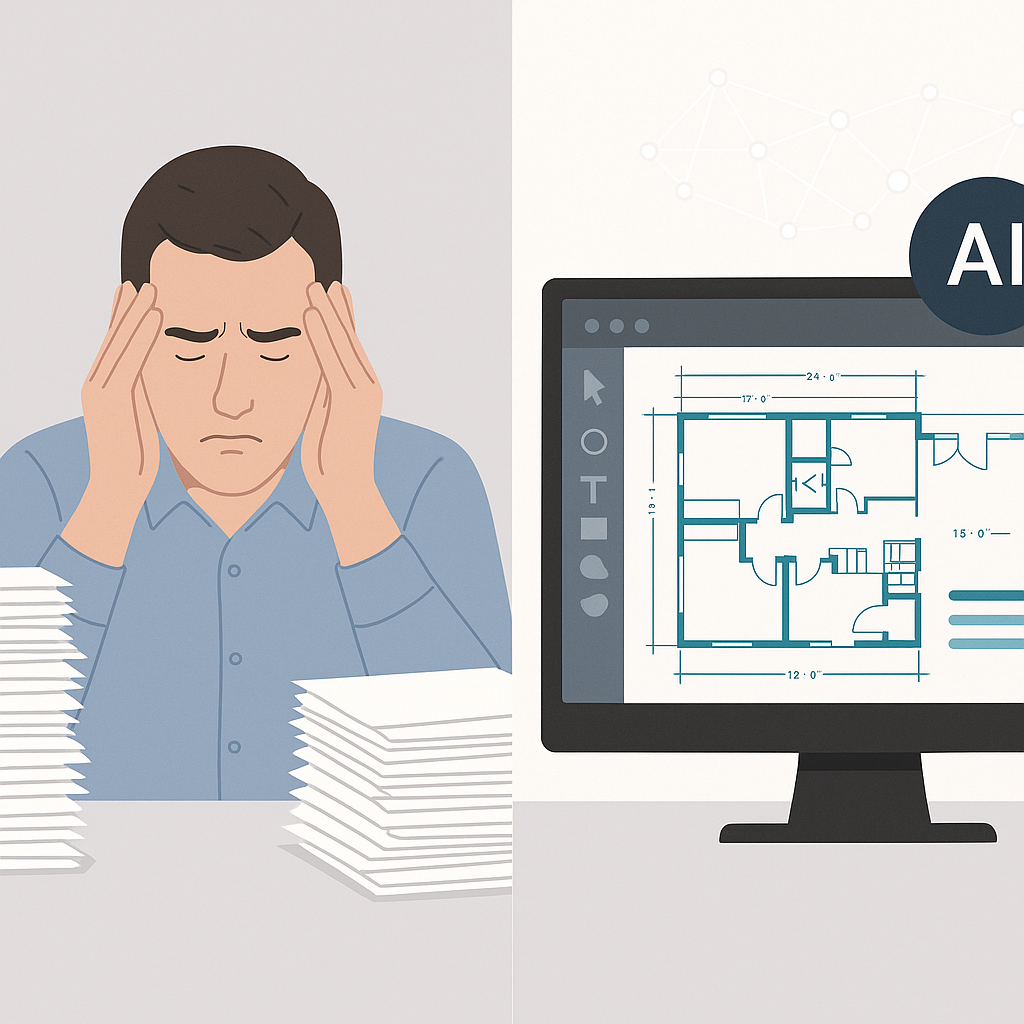
Manual Takeoffs: The Hidden Time Sink
Let’s start with a common scenario. You’ve got a 200-page PDF with drawings for a mid-sized commercial project. Two estimators spend 40 hours painstakingly tracing every room, wall, and fixture. By Friday, you’ve got your quantities—but you’re exhausted, and there’s still rate matching and bid leveling to handle. Sound familiar?
Here’s the kicker: even after all that effort, manual takeoffs are error-prone. A missed beam here, a miscalculated wall area there—it adds up. According to a McKinsey report, errors in estimation can inflate costs by 10-20% on large bids. For a $10 million project, that’s as much as $2 million in potential overruns—a catastrophic blow for tight-margin industries like construction.
So why are we still doing this manually? Because the tools we’ve relied on (Bluebeam, Excel, and a ruler) haven’t evolved. Until now.
How AI Turns 40 Hours Into 10 Minutes
AI-powered estimation tools like EstimateNext flip this script entirely. Instead of manually tracing drawings, you upload your PDF. The platform’s Vision AI scans the document, automatically extracting quantities like room areas, wall lengths, and fixture counts. What used to take 40 hours now takes 10 minutes.
Real-World Success Story
A mid-sized general contractor recently tested this on a high-rise bid. Their team saved 120 hours—three full workweeks—on takeoffs alone. That’s time they redirected toward refining their bid strategy and improving subcontractor coordination. The result? A more competitive bid and a project win.
Time savings are only part of the story. AI tools eliminate the typical fatigue and human error that come with manual takeoffs. Vision AI doesn’t get tired, and it doesn’t skip a section because your estimator got distracted or rushed to meet a deadline.
Actionable Steps
- Automate Repetitive Tasks: Use AI tools for tasks like takeoffs and quantities extraction.
- Review High-Risk Areas: Leverage features like flagged low-confidence zones to focus on critical details.
- Use Time Savings Strategically: Allocate saved hours to tasks that require human judgment, such as subcontractor negotiations or value engineering.
Think of AI as delegating grunt work to a tireless assistant while you focus on strategy.
The Obvious Pushback: “AI Doesn’t Think Like an Estimator”
I hear this all the time. “Sure, AI is fast, but it doesn’t understand the nuances of construction.” True—AI won’t know that a specific room needs special fireproofing unless you tell it. But that’s missing the point.
AI isn’t replacing your expertise; it’s amplifying it. You’re still making judgment calls, negotiating with subs, and deciding on markup. The AI just handles the repetitive tasks—like takeoffs, rate matching, and what-if recalculations. Think of it as a junior estimator that never sleeps.
Comparison: Manual vs. AI Estimation
| Aspect | Manual Estimation | AI-Driven Estimation |
|---|---|---|
| Time Required | 40+ hours per takeoff | 10 minutes per takeoff |
| Error Rate | 5-20% (human errors) | Less than 2% (with review) |
| Adaptability | Limited by user expertise | Adapts to new inputs |
| Fatigue Factor | High | None |
Actionable Steps for Adopting AI
- Start Small: Test AI tools on a single project to evaluate ROI.
- Train Your Team: Ensure your estimators understand how to use the tool effectively.
- Integrate Gradually: Use AI for repetitive tasks first, then expand its use as your team grows comfortable.
Practical Example: Rate Matching Across 78,000+ Items
Let’s say your takeoffs are done. Now comes the next headache: rate matching. Flipping through a 2,000-page RSMeans book or CPWD DSR catalog can easily eat up another 12 hours. And that’s assuming you find the right rate on the first try.
AI tools like EstimateNext solve this with semantic search. Need the labor rate for installing pre-stressed concrete girders? Type it in. The tool scans 78,000+ SOR items and gives you matches in seconds. Done.
Case Study: Infrastructure Project
A subcontractor bidding on a $1B rail project used this feature to price materials and labor from DOT-approved catalogs. The result? They saved two days of manual rate matching and eliminated errors in rate selection. This accuracy helped them win the bid by presenting a more competitive, precise estimate.
Comparison: Manual vs. AI Rate Matching
| Aspect | Manual Rate Matching | AI-Driven Rate Matching |
|---|---|---|
| Time Required | 12+ hours per project | 5-10 minutes per project |
| Error Likelihood | Moderate (human oversight) | Minimal (semantic search) |
| Adaptability | Static | Dynamic with user input |
What About Multi-Market Complexity?
Here’s another common pain point: different markets, different rules. A QS in India working with CPWD rates has entirely different needs than a GC in the U.S. using CSI MasterFormat. Managing these differences manually is a nightmare.
EstimateNext’s MarketProfile feature handles this seamlessly. It adapts to local measurement standards (CSI, NRM2, CPWD, CESMM3), currencies, tax regimes, and even labor rules. Whether you’re pricing a metro station in Mumbai or a high-rise in Chicago, the platform adjusts automatically.
Actionable Steps
- Define Market Profiles: Use AI tools to set up profiles for each market you operate in.
- Standardize Processes: Leverage the platform’s adaptability to unify your workflows across regions.
- Regular Updates: Ensure your rate catalogs and tax codes are updated in the system.
The ROI of AI Estimation
Let’s talk numbers. A preconstruction director at a top-100 GC earns around $130/hour. Saving 40 hours per estimate translates to $5,200 per bid. Multiply that by 5-8 GMP pursuits per year, and you’re looking at $26,000-$41,600 in savings annually.
For subcontractors, the ROI is even clearer. Responding to 50% more bids means 4-8 additional wins per year. At an average project value of $200K, that’s $800K-$1.6M in incremental revenue.
Is the $99/month subscription worth it? You do the math.


