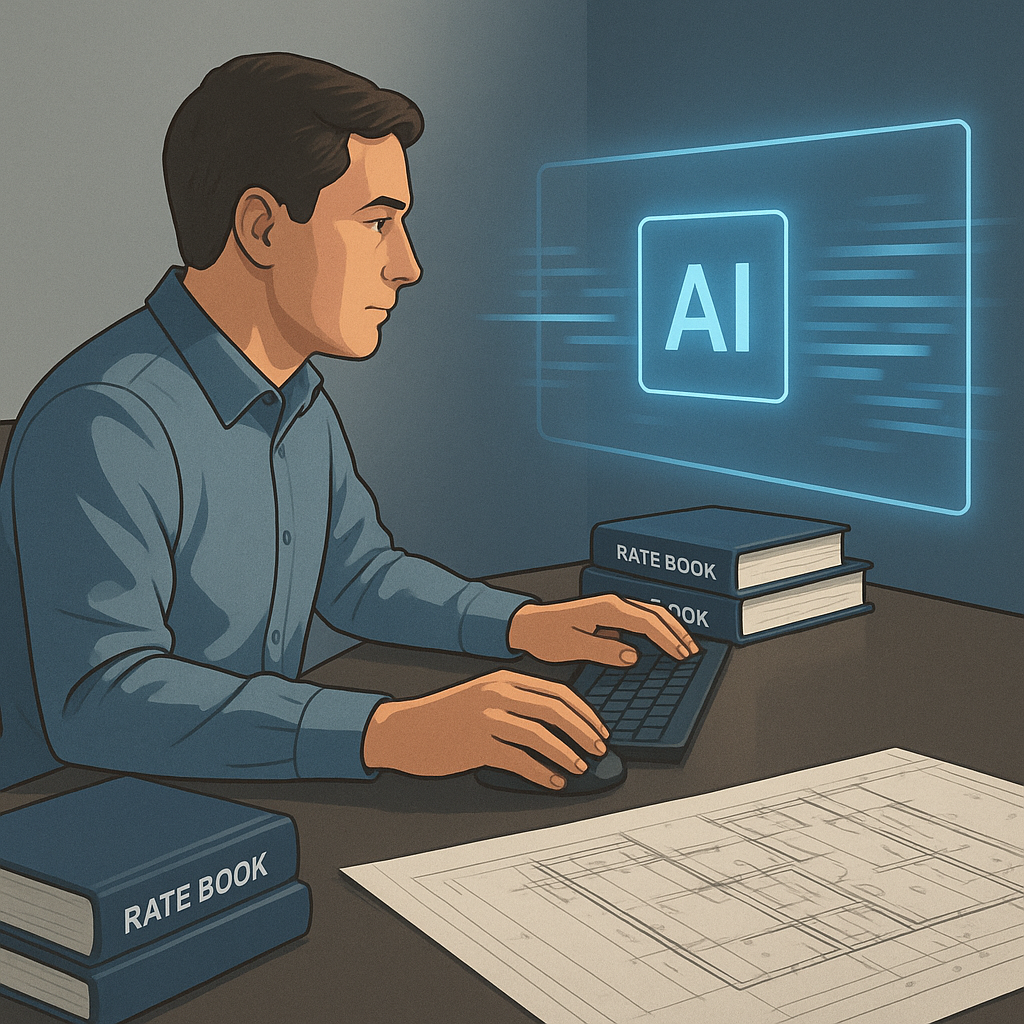
Flipping Rate Books: Why Are We Still Doing This?
Estimators know the pain. You're pricing a bid and need accurate rates for everything from concrete to HVAC ductwork. You crack open the 2,000-page RSMeans catalog or CPWD DSR, flip to the right section, and hope the rate you're looking for is there. If not, it's back to digging.
How long does this take? Hours. On a large infrastructure project, estimators can spend over 12 hours just looking up and cross-referencing rates. It's manual, tedious, and prone to errors. And if you're handling tenders in multiple markets, like the USA and GCC, you're juggling different standards and labor rates.
But here's the kicker: this doesn’t scale. When you're pricing five GMP pursuits a year or responding to 60 bid packages annually, you can't afford to waste days flipping pages. Something's got to give.
The Real Cost of Manual Rate Lookups
Let’s break this down further. If you’re an estimator working on a $50M commercial project and need to price out 1,500 line items, you’re manually flipping through rate books or PDFs for each one. A conservative estimate is 30 seconds per lookup. That’s 12.5 hours spent on just rate matching—assuming you don’t make mistakes or need to double-check your work.
Now consider the error rate. According to a 2021 study by Dodge Data & Analytics, manual estimations have an average error rate of 5-7% due to overlooked details or incorrect data entry. For a $50M bid, even a 1% error could mean absorbing a $500,000 cost overrun if you win the project. The stakes are high.
Enter AI-Powered Rate Matching
This is where AI steps in. Tools like EstimateNext are changing the game with semantic search across massive rate databases. We're talking 78,000+ SOR (Schedule of Rates) items spread across catalogs like RSMeans, CPWD DSR, and AECOM Middle East. Instead of flipping pages, you type what you need. AI does the rest.
Need the labor rate for installing pre-stressed concrete girders? Type it in. The AI scans the database, pulls the rate, and suggests alternatives if your input is ambiguous. It’s not just fast—it’s precise. According to their own case study, AI rate matching reduces lookup time from hours to seconds.
How Semantic Search Works
Unlike traditional search functions that rely on exact keywords, semantic search understands the context of your query. For example:
- Typing “steel rebar installation labor” might pull rates for not just rebar labor but also related items like tying wire or epoxy coating.
- Searching “HVAC ductwork 18-gauge” will return rates for both materials and labor, ensuring nothing is missed.
The technology uses natural language processing (NLP) and machine learning to improve accuracy over time. The more you use it, the better it gets at predicting what you need.
Real Example: A Mid-Sized GC’s Rail Project
Take the example of a mid-sized general contractor bidding on a $1B rail bridge project. They needed rates for custom structural steel and rail ties from DOT-approved catalogs. Normally, this process would take days, with multiple estimators cross-checking rates and verifying compliance.
Using EstimateNext’s AI-powered rate matching, they completed the rate lookup and compliance checks in under an hour. That’s two full workdays saved. The result? They submitted the bid early, giving them time to negotiate better terms with subcontractors.
But it’s not just about time saved. By submitting early, they avoided the last-minute rush that often leads to errors or omissions. They also had more bandwidth to focus on value engineering, which helped them reduce overall costs by 3%—a significant edge in a competitive bid.
But Can AI Handle Custom Rates?
You might be thinking, “What about custom materials or project-specific rates? AI can’t know those.” True, but it doesn’t need to. Tools like EstimateNext allow you to upload your own rate catalogs or define custom rates for specific items. Once added, the AI integrates them seamlessly for future use.
Example: Custom Rates in Action
A subcontractor specializing in high-end millwork often works with unique materials like reclaimed wood or custom laminates. By uploading their own rate database, they found that EstimateNext could:
- Match their custom rates to similar items in standard catalogs for benchmarking.
- Automatically suggest updates when material costs fluctuated (e.g., rising lumber prices in 2021).
- Save these rates for future bids, reducing setup time on subsequent projects by 40%.
The system also learns. After a few projects, it gets smarter at predicting the rates you're likely to use. By the third bid, most users report significant accuracy improvements. It’s like training a junior estimator—except this one works 24/7.
The ROI Math: Why This Matters
Let’s do the math. If AI saves 12 hours per estimate and your team prices five GMP pursuits annually, that’s 60 hours saved every year. At $130/hour (average estimator billing rate), you're saving $7,800 annually per seat. Compare that to the tool cost—$99/month for GC teams—and the ROI is staggering.
For subcontractors responding to smaller bid packages, the ROI is even clearer. Faster rate lookup means faster quotes. Faster quotes mean hitting deadlines and winning more work. Industry-wide, early adopters of AI tools see 10-20% cost savings per project, according to a 2023 McKinsey report.
ROI Comparison Table
| Metric | Manual Process | AI-Powered Process |
|---|---|---|
| Time per rate lookup | 30 seconds | 2-3 seconds |
| Error rate | 5-7% | <1% |
| Cost per hour (estimator) | $130 | $130 |
| Annual savings per seat | $0 | $7,800+ |
What AI Can't Do
Let’s keep it real. AI isn’t magic. It doesn’t replace your expertise or judgment. You’re still the one deciding on markup, negotiating with subs, and verifying compliance. AI just handles the grunt work—rate lookups, takeoffs, and what-if recalculations.
And yes, there’s a learning curve. Most systems take a few projects to adapt to your workflow. But once trained, they’re like having an extra estimator on your team—without the payroll hit.
Final Thoughts
Flipping rate books is a waste of time. AI-powered tools like EstimateNext fix this problem, saving hours and reducing errors. If you're pricing multiple bids a year, the ROI is too good to ignore.


