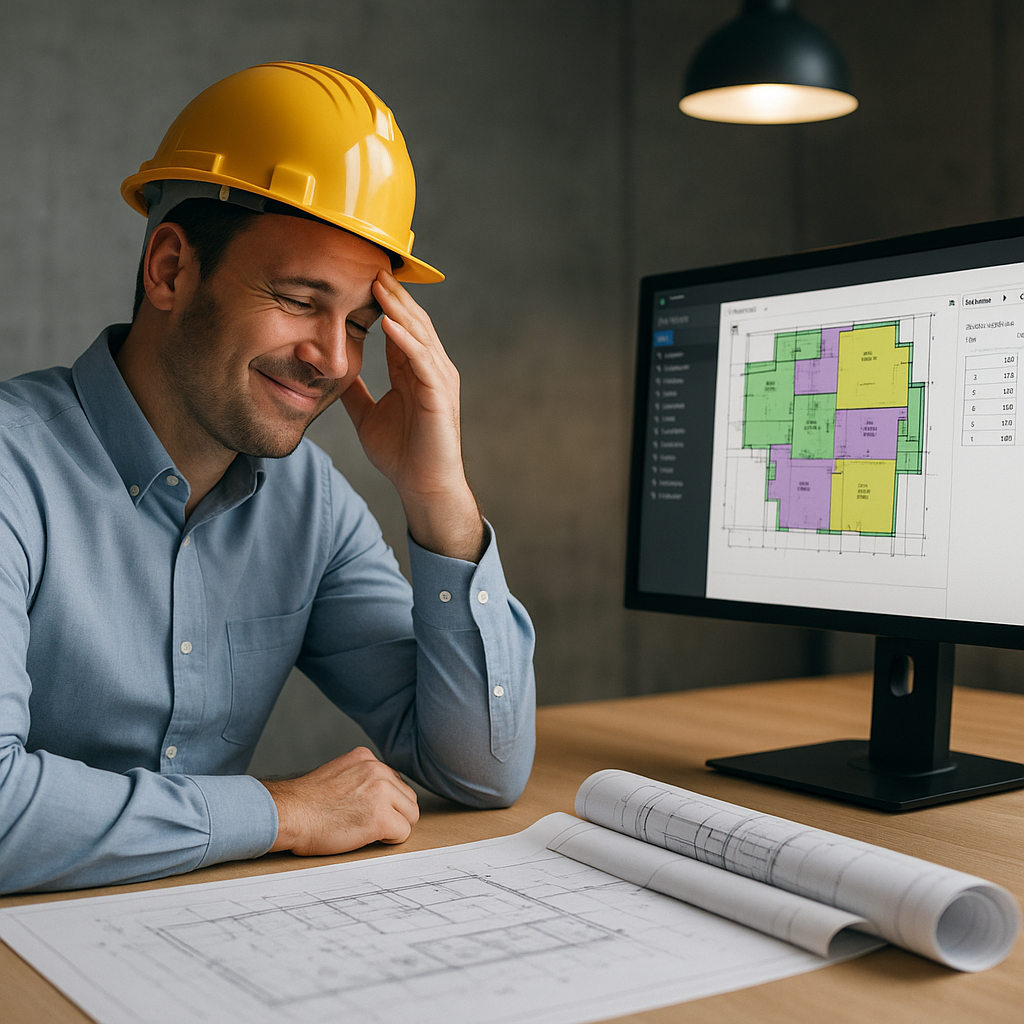
The Brutal Math of Manual Estimation
Let’s start with a painful truth: Manual quantity takeoffs eat up 40 hours per project. That’s two full days for two estimators just staring at drawings, measuring lengths, counting fixtures, and hoping they don’t miss anything. Multiply that by five GMP (Guaranteed Maximum Price) pursuits a year, and you’re looking at 200 hours wasted per estimator. For a GC (general contractor) team with four estimators? That’s 800 hours. Gone.
You might be thinking, “Sure, manual takeoffs take forever, but it’s the only way to guarantee accuracy.” Wrong. Human error creeps in—miscounts, mislabeled sections, forgotten revisions. The result? Discrepancies that cost you thousands in change orders or worse, lost bids.
Consider this: Industry studies show that even experienced estimators make errors in up to 7% of manual takeoffs due to oversight, fatigue, or misinterpretation of drawings. If you’re estimating a $10 million project, that’s potentially hundreds of thousands of dollars in errors. These aren’t just theoretical risks—real-world examples abound of projects where inaccurate takeoffs led to underbidding, thin margins, and even lawsuits.
How AI Slashes Takeoff Time
This is where tools like EstimateNext come in. Their Vision AI can extract quantities from PDF drawings in just 10 minutes. Here’s how it works:
- Upload Your Drawing Set: Any format—PDF, DWG, scanned images. The AI reads them all.
- Automated Takeoff: The system identifies areas, lengths, counts, and volumes automatically. Need wall lengths for drywall? Done. Door counts for hardware? Easy.
- Confidence Scoring: Low-confidence lines are flagged for manual review, so you're not blindly trusting the AI.
- Revision Handling: Upload updated drawings, and the system compares changes instantly.
Take the example of a mid-sized GC working on a $50M high-rise. By using Vision AI, they saved 120 hours on takeoffs alone. That’s two full weeks of labor costs avoided while meeting a tight deadline. In their own words, “It’s like hiring a full-time estimator without the overhead.”
More Examples of Savings with AI Takeoff Tools
- Case Study: A Regional GC: A regional contractor in the Midwest handling 10 projects per year, each averaging $20 million, adopted an AI takeoff tool for their operations. Previously, they dedicated 400 hours annually to manual takeoffs. After adopting an AI solution, that number dropped to just 40 hours annually—a 90% reduction. This freed up their estimators to focus on bidding new projects and refining cost data.
- Case Study: A Specialty Subcontractor: A subcontractor specializing in HVAC systems saved 60 hours on a single $5M hospital project by using AI to count diffusers, ductwork, and piping. This allowed them to bid on an additional project that same week, which they ended up winning.
The takeaway? AI tools don’t just save you time—they enable you to do more work, better.
The Obvious Objection: “But AI Can’t Think Like an Estimator”
I hear this all the time. You might be thinking, “Sure, AI is fast, but it doesn’t understand the nuances of construction.” That’s partially true—but it’s also missing the point.
AI doesn’t replace your expertise; it amplifies it. You’re still the one making judgment calls, negotiating with subs, and deciding on markup. The AI just handles the grunt work—like takeoffs, rate matching, and what-if recalculations. It’s a tool, not a replacement.
Actionable Ways to Use AI Without Losing Control
- Leverage Confidence Scoring: Use the AI’s confidence scoring to focus your manual checks where they’re needed most. Instead of manually reviewing 100% of the drawings, you can focus on the 10% the system flags as uncertain.
- Layer Human Insights on Top of AI Outputs: AI tools give you the raw data, but it’s your experience that turns it into an actionable estimate. For instance, if the system flags unusually high quantities of fire-rated drywall, you may want to check for design changes or over-specification.
- Iterate Faster with Revision Handling: Upload revised drawings and let the AI instantly compare changes. This is especially valuable when dealing with fast-moving design-build or design-assist projects where revisions come in weekly, if not daily.
ROI: Why Every Estimator Should Care
Let’s talk numbers. For a GC Director, saving 40 hours per estimate at $130/hour translates to $5,200 saved per pursuit. Multiply that by five GMP pursuits annually, and you’re looking at $26,000 saved per estimator. For a team of four? That’s over $100,000 saved in a year.
But this goes beyond direct labor costs. Consider the opportunity cost: Every hour spent on manual takeoffs is an hour you’re not bidding on new work, refining your cost models, or negotiating better deals with subcontractors. If your team can bid on even two additional projects per year because of saved time, and you win one, the revenue impact could easily exceed $1 million, depending on your margins.
A Practical ROI Breakdown
| Metric | Manual Takeoff | AI-Powered Takeoff |
|---|---|---|
| Time per project | 40 hours | 2 hours |
| Cost per project (@$130/hr) | $5,200 | $260 |
| Annual time (5 projects) | 200 hours | 10 hours |
| Annual labor cost | $26,000 | $1,300 |
| Net savings per estimator | $24,700 | |
| Team of 4 estimators | $104,000 saved/year |
Using AI for takeoffs doesn’t just save time—it delivers measurable financial benefits that can significantly impact your bottom line.
Call to Action
If you’re tired of losing hours to manual takeoffs, EstimateNext can help. With its easy-to-use interface and powerful AI capabilities, you can reclaim your time, reduce errors, and win more bids. Get started for free today and see the difference AI-powered estimation makes. Try it now →


