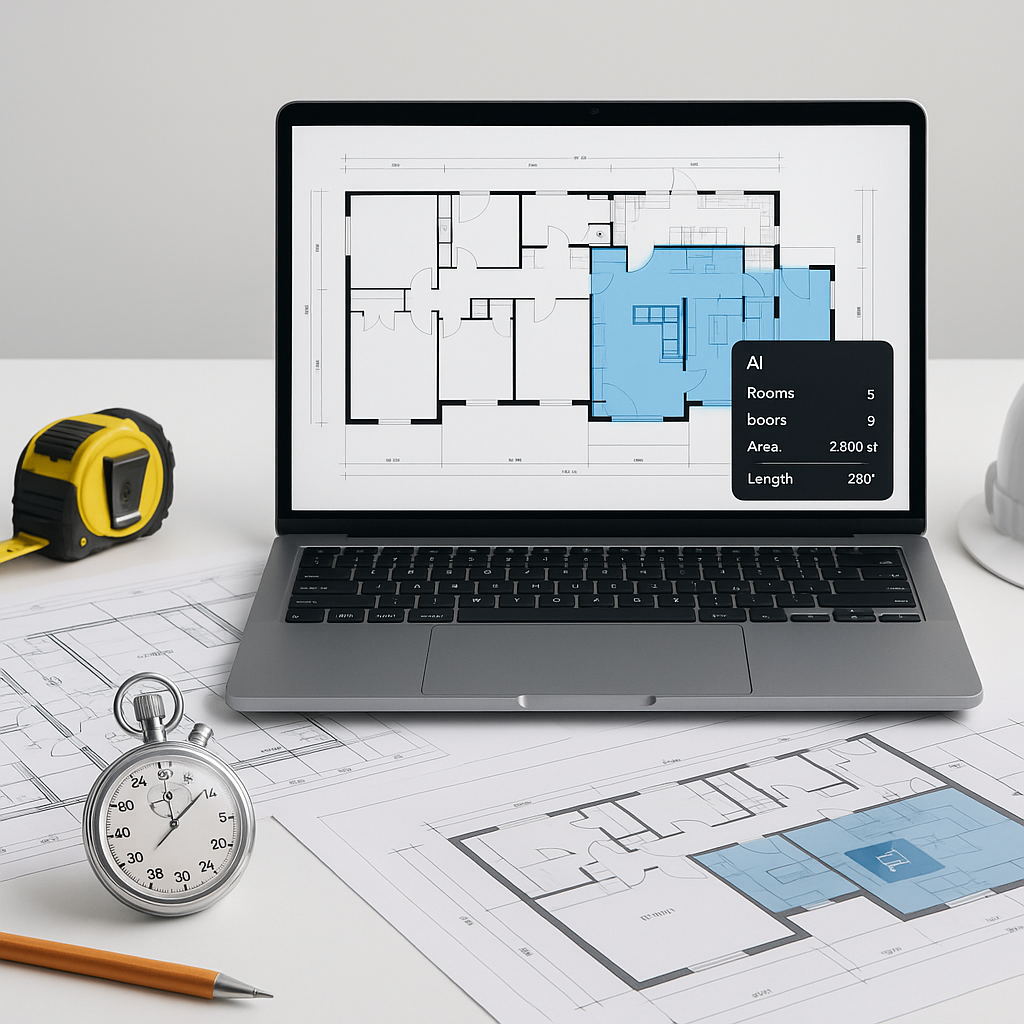
The Dirty Secret of Construction Estimation
Let’s not sugarcoat it: manual takeoffs are a time-suck. Two estimators, two days — that’s 40 hours gone just to measure and count. And for what? To end up with a spreadsheet that still needs rates, adjustments, and double-checks. It’s painful. It’s outdated. And it’s holding your team back.
You might think, "Sure, it’s tedious, but we’ve always done it this way." That’s exactly the problem. While your competition is still squinting at PDFs and flipping through rate books, AI-powered tools are turning this process into a 10-minute task. Yes, 10 minutes. Let me show you how.
Why Vision AI Changes the Game
At the core of AI preconstruction estimation is one standout feature: Vision AI. This is the tool that reads your drawings, extracts quantities, and spits out usable data in minutes. No ruler. No mouse clicks. No missed details. It’s like hiring a full-time estimator who works at lightning speed — without the payroll.
How It Works in Practice
For example, a mid-sized contractor recently used EstimateNext’s Vision AI on a high-rise bid. The manual process would’ve taken 40 hours. Vision AI did it in 10 minutes. That’s 36 hours saved. In their words, "It’s like getting two weeks of work done before lunch."
Here’s how simple it is:
- Upload your drawing set — PDFs, DWGs, whatever you’ve got.
- AI scans and extracts quantities for walls, doors, windows, beams, slabs — you name it.
- Review and adjust low-confidence areas if needed. (Yes, you’re still in control.)
- Export your data to Excel, Procore, or your preferred workflow.
No more tracing lines in Bluebeam. No more re-checking dimensions. Just clean, accurate outputs.
A Practical Example
Let’s say you’re bidding on a 25,000-square-foot commercial office project. Traditionally, this would require manually measuring square footage for flooring, walls, and ceiling tiles. You’d also need to count fixtures like doors, HVAC units, and windows. With Vision AI, you upload the drawings, and the system gives you:
- 12,500 sq. ft. of flooring
- 1,200 linear feet of partition walls
- 55 windows
- 45 light fixtures
This takes minutes instead of days, and you can trust the outputs to be accurate within a small margin of error.
The $5,200 Question: Is It Worth It?
Let’s talk numbers. Say you’re a GC Director managing five GMP bids a year. Each estimate saves 40 hours, and your estimators cost $130/hour fully loaded. That’s $5,200 saved per bid. Multiply that by five, and you’re looking at $26,000 annually. All from a tool that costs $99/month per seat.
Breaking Down the ROI
Here’s a simple calculation:
| Metric | Manual Process | AI-Powered Process |
|---|---|---|
| Time per estimate | 40 hours | 10 minutes |
| Estimator cost/hour | $130 | $130 |
| Cost per estimate | $5,200 | $22 (approx.) |
| Annual cost (5 bids) | $26,000 | $1,188 |
For less than $1,200 a year, you’re saving $24,812 — and that’s just in labor costs. The time savings can be reinvested in securing more bids, refining strategies, or even giving your team much-needed breathing room.
Beyond Time: Reducing Errors
Time isn’t the only thing you’re saving. AI-powered takeoffs reduce errors by up to 80%, according to industry case studies. Fewer mistakes mean fewer change orders, fewer headaches, and ultimately, more profitable projects.
Actionable Tip
Still skeptical? Test it on a small project first. Many tools, including EstimateNext, offer free tiers or trials. Prove the ROI to yourself before rolling it out company-wide. Start with a simple bid, measure time saved, and compare accuracy to your current process.
Objection Handling: "But AI Can’t Think Like an Estimator"
I hear this a lot: "AI doesn’t understand construction. It can’t replace my expertise." You’re right — it can’t.
But here’s the thing: it doesn’t need to. AI isn’t replacing you; it’s amplifying you. It handles the grunt work so you can focus on high-value tasks like negotiating with subs, refining your pricing strategy, and closing the deal. Think of it like an apprentice that never sleeps.
Addressing Common Concerns
-
"It’s too complicated to learn." Most teams report that they’re comfortable with these tools within two weeks. If you can use Bluebeam or Excel, you can use AI estimation software.
-
"What if the AI misses something?" Most tools include confidence scoring and allow manual adjustments. You’re still in control, but with far less effort.
-
"We only do small projects." AI scales to any project size. Whether it’s a $1M renovation or a $1B infrastructure bid, the time savings are significant.
Real-World Use Cases
-
$1B Rail Project A contractor bidding on a $1B rail bridge used AI tools to extract quantities for concrete columns, beams, and rail decks. The manual process would’ve taken 56 hours. AI did it in 10 minutes. That’s a 99% time reduction. Source
-
High-Rise Bid A mid-sized GC saved 120 hours using Vision AI for a 50-story high-rise bid. They reinvested that time into securing more subcontractor quotes, which improved their bid competitiveness. Source
-
Residential Contractor A small firm saved 40% of their time on takeoffs and rate lookups. They used the extra bandwidth to price 50% more bids, winning $800K in incremental revenue. Source
Why This Matters
The construction industry is under pressure. Margins are tight. Skilled labor is scarce. Deadlines are brutal. You can’t afford to waste time on manual processes that AI can handle in minutes. Tools like EstimateNext aren’t just “nice to have” anymore; they’re essential.
If you’re still spending 40 hours on takeoffs, it’s time to rethink your process. Try an AI-powered tool on your next project and see the difference. You might never go back.
If you're done with wasting time on manual takeoffs, EstimateNext can help. Get started free →


