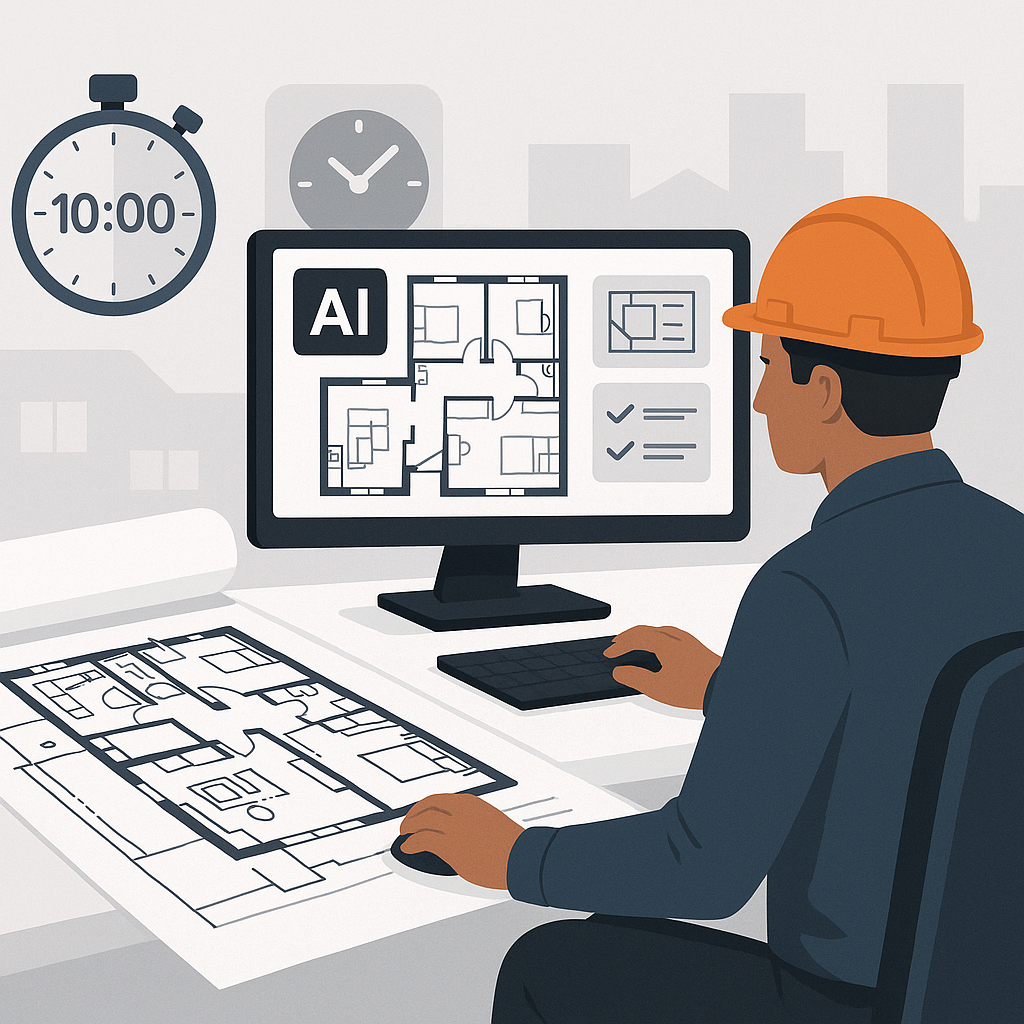
Why Preconstruction Teams Are Losing 40 Hours Per Project
Let’s be honest: manual drawing takeoffs are a nightmare. Two estimators spend two full days measuring room areas, wall lengths, and fixture counts — all while juggling errors from outdated PDFs. Every GC director knows this is time no team can afford in a competitive bid environment.
It’s not just the time sink, though. Manual takeoffs introduce human error, especially when drawings aren't perfectly scaled or revisions come in last-minute. Miss a dimension or miscalculate a volume, and your bid could be blown out of the water.
But what if you could do it all in 10 minutes? No, that’s not an exaggeration. AI-powered tools like EstimateNext change the game completely.
The 10-Minute Solution: Vision AI for Drawing Takeoffs
Drawing takeoffs are one of the biggest bottlenecks in preconstruction. Here’s how AI tools eliminate the pain:
How It Works
Vision AI scans your PDF drawings and extracts quantities automatically. Room areas, wall lengths, door/window counts — it's all done in minutes, not hours. For example:
- A mid-sized general contractor (GC) used EstimateNext for a high-rise bid and saved 120 hours. That’s two full weeks of labor costs avoided.
- A $5M school renovation project in California saw a 25-hour reduction in takeoff time, allowing the team to focus on refining their bid strategy.
Key Features:
- Auto-Extraction: Highlights dimensions, counts, and areas directly from drawings, eliminating repetitive manual calculations.
- Revision Handling: Upload new drawing sets, and the system flags changes automatically, saving hours of combing through sheets.
- Confidence Levels: Low-confidence areas are flagged for human review, ensuring critical dimensions are cross-checked for accuracy.
Why does this matter? Because it frees up your team to focus on strategic priorities instead of grunt work. Imagine using those saved hours to improve subcontractor negotiations, refine your margin strategy, or even bid on more projects. That’s how you win bids.
The Obvious Objection: “But AI Can’t Think Like an Estimator”
True. AI isn’t a replacement for skilled estimators. It’s a tool — and like any tool, it’s only as good as the person using it. But here’s the kicker: AI doesn’t forget, doesn’t get tired, and doesn’t make arithmetic mistakes.
Case Study: School Renovation Bid
One GC in California tested EstimateNext on a $5M school renovation. Using AI, they saved 25 hours previously spent on manual takeoffs and improved overall accuracy. The estimator still reviewed the AI-generated data, but the heavy lifting was already done. The end result? A more competitive bid submitted ahead of schedule.
Human-AI Collaboration
Here’s the real advantage: AI handles repetitive tasks with speed and precision, while estimators bring human judgment to complex decisions. For instance:
- AI identifies all wall lengths and openings, but the estimator decides how to price them based on material preferences and local labor costs.
- AI propagates changes across the BOQ, but the estimator confirms the impact on the project’s profit margins.
In short, AI doesn’t replace the estimator — it amplifies their capabilities.
Real-Time Scenario Planning: The “What-If” Problem Solved
Ever had a client ask to swap materials mid-bid? Copper cables for aluminum, for example. Normally, that means redoing the entire workbook. With AI tools, you update one rate, and it propagates changes across the BOQ instantly.
Here’s how that works in practice:
- Material Cost Swaps: Suppose a client requests switching flooring material from hardwood to vinyl. AI recalculates the new cost, labor requirements, and waste factors instantly.
- Margin Analysis: As rates are updated, the system visually displays the margin impact, enabling you to decide whether to absorb the cost change or adjust your bid.
- Scenario Comparisons: Generate multiple versions of the BOQ to compare scenarios side-by-side, giving clients a clear, data-backed picture of trade-offs.
This kind of speed isn’t just convenient — it’s critical when deadlines are tight. In an industry where bid deadlines can mean the difference between winning or losing a project, tools like EstimateNext are game-changers.
How to Get Started
If you’re tired of watching your team slog through 40-hour takeoff marathons, here’s what you can do:
Step-by-Step Guide
- Start Small: Pick a small project to test AI tools. Upload a BOQ into EstimateNext and see how it handles rate matching and takeoff extraction.
- Benchmark Results: Compare the AI-generated output with your manual process. Pay attention to accuracy, speed, and ease of use.
- Refine Your Workflow: Incorporate AI into your existing processes. Use the time saved to focus on bid strategy, subcontractor relationships, or estimator training.
- Scale Gradually: Once you’re confident in the tool’s performance, deploy it across larger projects and train your team on advanced features like revision tracking and scenario planning.
Common Pitfalls to Avoid
- Ignoring the Learning Curve: While tools like EstimateNext are intuitive, give your team time to familiarize themselves with the interface.
- Over-Reliance on AI: Always review AI-generated outputs. Human oversight ensures that edge cases or unique project requirements aren’t overlooked.
- Skipping Training: Invest in proper training to maximize the tool’s potential. Most vendors, including EstimateNext, offer detailed onboarding resources.
Comparison Table: Manual Takeoffs vs. AI-Powered Takeoffs
| Feature/Metric | Manual Takeoffs | AI-Powered Takeoffs (e.g., EstimateNext) |
|---|---|---|
| Time Required | 40+ hours per project | 10 minutes per drawing |
| Accuracy | 85-90% (prone to errors) | 95-98% with human review |
| Handling Revisions | Time-consuming and manual | Automatic, with flagged changes |
| Scenario Planning | Difficult and slow | Instant updates across BOQ |
| Cost Efficiency | High labor costs | Significantly reduced labor hours |
Call to Action
If your team is stuck spending 40 hours on takeoffs, it’s time to rethink your tools. EstimateNext’s Vision AI can help you save time, reduce errors, and bid smarter. Get started free →


