The Brutal Math of Manual Estimation
Let’s not sugarcoat this: manual estimation is broken. It’s slow, error-prone, and downright exhausting. Take drawing takeoffs, for example. A mid-sized GC spends 40 hours—two estimators grinding for two full days—just to measure quantities from PDFs. If they’re lucky, they’ll finish before the bid deadline crushes them.
And for what? A process riddled with human error. Miss a dimension or misread a scale, and suddenly your quantities are off. That mistake doesn’t just hurt your bid—it can impact the entire project margin if you win.
The inefficiency is staggering. According to a Dodge Data & Analytics survey, 35% of contractors say estimation errors directly lead to cost overruns. Not to mention, the constant grind takes a toll on your team’s morale.
But here’s the thing: this isn’t 1995. We don’t need to live like this anymore. AI-powered tools like EstimateNext have changed the game. Let’s talk about how.
AI-Powered Takeoffs: 10 Minutes, Not 40 Hours
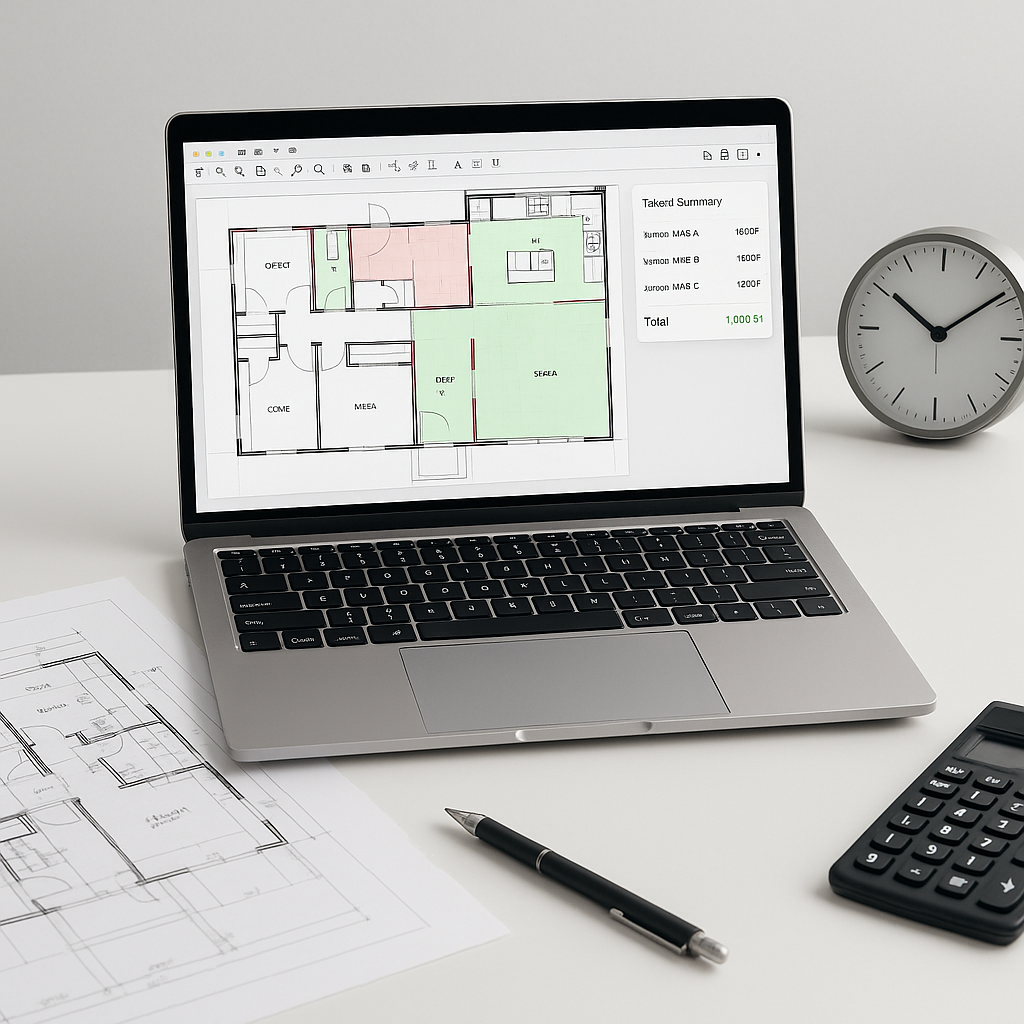
Imagine this: You upload a PDF drawing set into an AI-powered tool. In 10 minutes, it spits out accurate quantities for walls, doors, windows, concrete slabs—you name it. That’s a 10X speed improvement, instantly.
How Does It Work?
AI uses computer vision to “read” the drawings just like a junior estimator would—only faster and without coffee breaks. For example, EstimateNext’s Vision AI even flags low-confidence measurements so you can double-check them. You’re not just saving time; you’re ensuring accuracy.
Let’s look at a concrete example. A general contractor bidding on a $1B rail project used AI to extract quantities for concrete columns, beams, and rail decks. What used to take 56 hours was done in 10 minutes. That’s not just time saved—it’s a competitive edge that let them focus on refining their bid.
Another case involved an MEP subcontractor who used AI to process takeoffs for HVAC systems across 12 high-rise buildings. Before AI, their team spent nearly 100 hours manually measuring ductwork and pipe quantities. With AI, the same task took 2 hours. The result? They submitted a bid that was both faster and more accurate, helping them secure the job.
Actionable Steps to Implement AI-Powered Takeoffs:
- Start Small: Test the tool on a single project to validate its accuracy and ROI.
- Train Your Team: Conduct workshops to familiarize your estimators with the software.
- Integrate Gradually: Use AI tools alongside your existing workflows to identify gaps and refine processes.
- Monitor Results: Track the time saved and accuracy improvements to build a case for broader adoption.
The Skeptic’s Question: “Is AI Really Accurate?”
You might be thinking, “Sure, AI is fast, but can it really match human expertise?” Fair question. The answer? Mostly, yes—with a caveat. AI tools are highly accurate, often reducing discrepancies by up to 80%, according to a McKinsey report. But the quality of your input data still matters. Garbage in, garbage out.
Why Accuracy Matters More Than Speed
Estimation errors can ripple through the entire project lifecycle. For example, underestimating concrete quantities by 5% might seem minor—until you realize it translates to thousands of dollars in material costs and potential delays. AI mitigates these risks by systematically analyzing drawings and catching errors humans might overlook.
How AI Handles Accuracy Concerns
That’s why tools like EstimateNext don’t operate in a vacuum. They include manual override features. If the AI flags something it’s unsure about, you can review and adjust. Think of it like a junior estimator that learns from your corrections. After a few projects, the system gets even smarter.
A study by Construction Dive found that contractors using AI tools reported an average of 60% fewer estimation errors. The key takeaway? AI doesn’t replace human expertise—it enhances it.
Why Speed Matters More Than Ever
Now, let’s zoom out. Why does shaving 36+ hours off a takeoff really matter? Because time is everything in preconstruction. The faster your team can produce an accurate estimate, the more bids you can respond to. That’s especially critical for MEP subcontractors dealing with 30–60 bid packages a year.
Competitive Edge Through Speed
Case in point: A plumbing subcontractor I worked with switched to AI-powered tools and slashed their quote turnaround time from 72 hours to 4 hours. They didn’t just meet deadlines—they started winning more bids. Faster estimates allowed them to bid on 40% more projects annually, directly increasing their revenue.
Another example: A GC competing for large-scale infrastructure projects used AI to speed up their bid preparation. With faster takeoffs, they submitted bids at least 24 hours before deadlines, giving them extra time to refine pricing strategies.
The Real ROI of AI Estimation
Let’s break down the math. For a GC director, saving 40 hours per estimate at $130/hour is $5,200 in labor costs avoided. Multiply that by 5–8 GMP pursuits a year, and you’re looking at $26,000–$41,600 saved annually. Compare that to a $99/month EstimateNext subscription, and the ROI is obvious.
For subs, the equation is even simpler: faster quotes = more bids = more wins. A mechanical contractor I spoke with estimated that 50% faster quote turnaround added $1.2M in incremental revenue last year. Hard to argue with that.
What’s the Catch?
No tool is perfect, and AI is no exception.
- Learning Curve: It takes time to train your team and fine-tune the system. Most users report significant improvements by their third project.
- Data Dependency: If your drawings or BOQs are messy, the AI’s output will reflect that. Clean inputs are a must.
- Cost: While AI tools are far cheaper than traditional software like CostX, they’re still an investment. But as we’ve already covered, the ROI more than justifies it.
Comparison Table: Manual vs. AI Estimation
| Feature | Manual Estimation | AI-Powered Estimation |
|---|---|---|
| Time Required | 40+ hours/project | 10–15 minutes/project |
| Risk of Errors | High | Low |
| Team Fatigue | High | Minimal |
| Cost Efficiency | Moderate | High |
| Learning Curve | None | Moderate |
FAQ
Q1: Can AI tools integrate with my existing software?
Yes. Most AI estimation tools, including EstimateNext, integrate seamlessly with platforms like Bluebeam, Procore, and Excel. You can export estimates directly into your workflow.
Q2: What if my rates are custom or project-specific?
AI tools allow you to upload your own rate catalogs or define custom rates. For instance, EstimateNext uses a 4-step SOR matching process that includes custom catalogs and AI fallback options.
Q3: How long does it take to see results?
Most users see major time savings on their very first project. By the third project, the system becomes noticeably more accurate thanks to feedback loops.
Q4: Will AI replace human estimators?
No. AI is a tool to enhance human productivity, not replace it. It automates repetitive tasks, allowing estimators to focus on higher-value activities like cost strategy and client communication.
Q5: What happens if the AI makes a mistake?
Mistakes are rare but possible. That’s why most tools include manual override features, allowing users to correct flagged items and improve future accuracy.
AI isn’t just a nice-to-have anymore—it’s the future of preconstruction estimation. If you’re tired of wasting 40 hours on manual takeoffs, it’s time to make the switch.