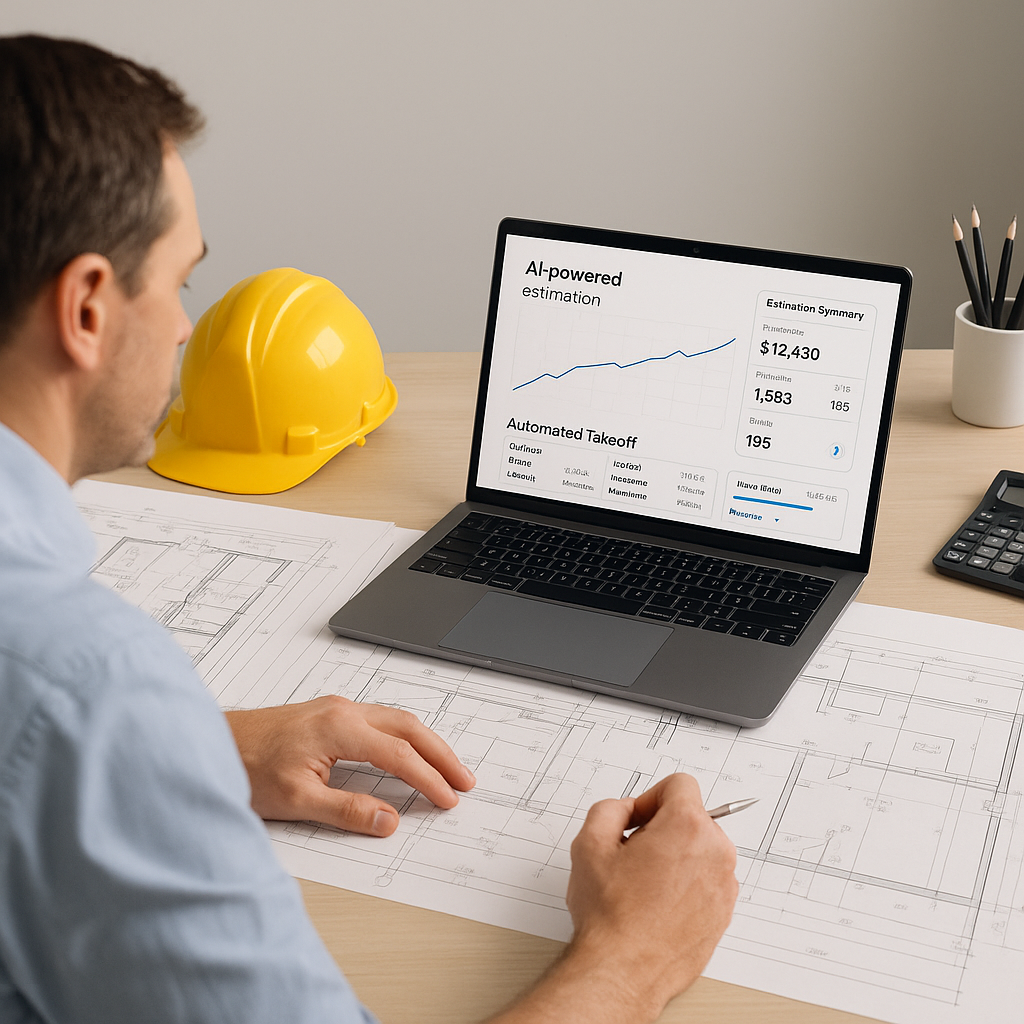
Stop Wasting Time on Manual Takeoffs
Let’s be real: If you’re still doing manual drawing takeoffs, you’re throwing away time and money. Two estimators spend 40 hours—an entire workweek—just to calculate quantities from a set of drawings. That’s not just inefficient; it’s brutal. And for what? A process that’s prone to human error and doesn’t scale when deadlines pile up.
AI-powered preconstruction tools like EstimateNext are changing the game. Instead of spending days manually measuring walls, doors, and beams, you can now extract quantities from a PDF drawing set in just 10 minutes. Yes, minutes.
The Numbers Don’t Lie
According to a 2023 McKinsey report, early adopters of AI in construction see cost savings of 10-20% on average per project. That’s massive. For a $10 million project, you’re potentially saving up to $2 million. And when it comes to takeoffs, AI tools like EstimateNext are reducing manual labor by over 90%.
Real-World Example
Here’s an example: A mid-sized general contractor recently used EstimateNext to bid on a $50 million high-rise project. Instead of spending 80 hours on takeoffs across two estimators, they completed the task in under an hour. That’s 79 hours saved—essentially two full-time weeks of labor costs avoided. What did they do with that time? They focused on refining their bid strategy, negotiating better subcontractor rates, and preparing for client presentations.
Additional Data Points
- Labor Savings: The average construction estimator earns $75/hour. Saving 79 hours translates into $5,925 in direct labor costs avoided on just one project.
- Error Reduction: Manual takeoffs have an error rate of approximately 5-10%, according to a Construction Dive study. AI tools reduce errors to under 1%, minimizing costly rework and change orders.
- Scalability: Large-scale infrastructure projects often involve hundreds of drawings. AI tools can process these in hours compared to weeks manually, allowing contractors to bid on more projects.
How Does It Work?
The magic lies in Vision AI, one of the standout features of tools like EstimateNext. Here’s how it works:
- Upload Drawings: Drag and drop your PDF or CAD files into the software. No need to worry about file types—it handles them all.
- AI Extraction: The tool automatically reads the drawings, identifies key elements like wall lengths, room areas, or door counts, and calculates quantities.
- Review Confidence Scores: The AI assigns a confidence score to each extracted quantity. If something looks off, you can manually override it.
- Export and Go: Once the takeoff is complete, export the data into your existing tools like Excel, Procore, or Bluebeam. No extra data entry required.
It’s like having an intern who never sleeps, works 10X faster, and makes fewer mistakes.
Actionable Steps to Implement AI Takeoffs
- Start Small: Test an AI-powered tool like EstimateNext on a smaller project first to evaluate its accuracy and ease of use.
- Standardize Your Inputs: Ensure your drawings follow a consistent naming and layering convention. AI tools perform better with clean, organized files.
- Train Your Team: While the tools are intuitive, a short onboarding session can significantly improve adoption rates within your team.
- Monitor and Adjust: Use the confidence scoring feature to review flagged items and provide feedback. The more you use the tool, the smarter it gets.
The Obvious Objection: “AI Can’t Think Like Me”
I get it. You’re an experienced estimator. You’ve been doing this for years. You know the nuances of your market, your subcontractors, and your materials.
But here’s the thing: AI isn’t trying to replace you. It’s not going to walk into a room and negotiate with a subcontractor. It’s not going to decide whether to include a contingency buffer on a risky bid. What it will do is handle the grunt work—faster and more accurately than any human ever could.
A Comparison: Manual vs. AI-Powered Takeoffs
| Feature | Manual Takeoffs | AI-Powered Takeoffs |
|---|---|---|
| Speed | 40-80 hours/project | 10-60 minutes/project |
| Accuracy | 90-95% (human error) | 99%+ (with overrides) |
| Scalability | Limited by manpower | Scales automatically |
| Integration with Tools | Manual data entry | Automatic export |
| Cost Impact | High labor costs | Low operational cost |
Think of it this way: If AI saves you 36 hours on a single bid, that’s 36 hours you can spend on strategy, client discussions, or actually winning more work. It’s about working smarter, not harder.
Real-World Edge Cases
You might be wondering, “What happens if the AI gets it wrong?” That’s fair. AI isn’t perfect, and no one’s claiming it is. That’s why tools like EstimateNext include features like confidence scoring and manual override. If the AI isn’t 100% sure about a quantity, it flags it for review. You’re still in control.
Complex Projects? No Problem
Another question we hear a lot: “Can AI handle complex projects?” Absolutely. Whether you’re bidding on a $1 million office fit-out or a $1 billion infrastructure project, the AI scales with you. In fact, on large projects with hundreds of drawings, AI’s speed advantage becomes even more critical.
For instance, a global contractor bidding on a $500 million mixed-use development used AI to reduce takeoff time from 3 weeks to 3 days. That’s a competitive edge that’s hard to ignore.
The Bottom Line
Manual takeoffs are a thing of the past. They’re slow, error-prone, and unsustainable in today’s competitive construction market. AI tools like EstimateNext aren’t just nice-to-have—they’re becoming essential. If you’re not using them, your competitors probably are.
Want to see the difference for yourself? Try EstimateNext for free →
If you’re tired of wasting time on manual takeoffs, it’s time to make the switch. Get started with EstimateNext today →


