Why Manual Takeoffs Are Killing Your Productivity
Let’s start with the elephant in the room: manual takeoffs are a time sink. On average, estimators spend 40 hours per project extracting quantities from drawings. That’s an entire workweek—two estimators, locked in a room, flipping through drawings and clicking through PDF viewers. Sound familiar?
The problem isn’t just the time. It’s the bottleneck this creates. When every bid needs days of manual effort, your team can’t chase more opportunities. Worse, tight deadlines force shortcuts that lead to errors—errors that cost money.
Here’s where AI-powered takeoff tools like EstimateNext come in. They don’t just speed things up; they fundamentally change how takeoffs happen.
How AI Takeoffs Work (In Plain English)
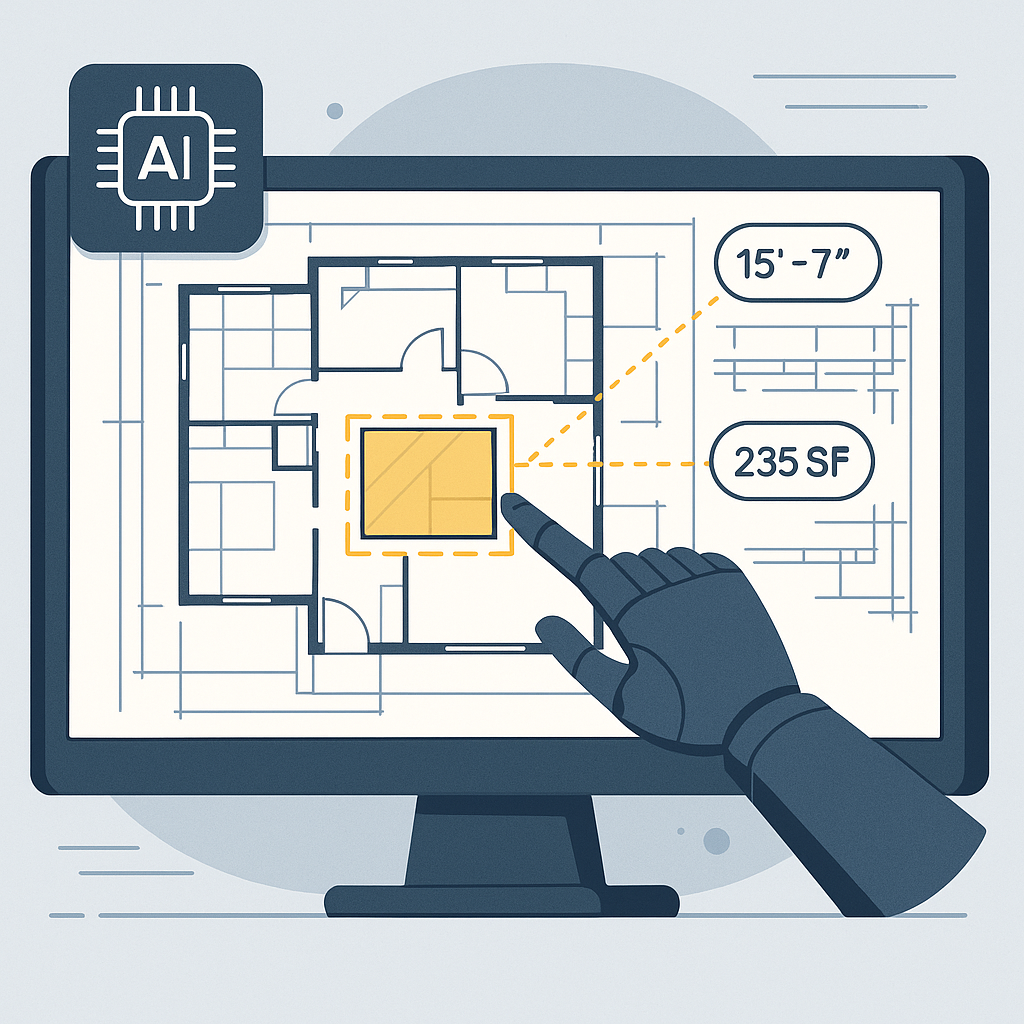
AI takeoff tools use computer vision—essentially, a machine reading your drawings. Here’s what happens when you upload a set of PDFs into EstimateNext:
- Drawing Calibration: The tool automatically detects scales from your drawings. No manual calibration needed.
- Quantity Extraction: AI scans for quantities like room areas, wall lengths, or door counts. It recognizes patterns and labels from the drawing directly.
- Confidence Scoring: Low-confidence extractions are flagged for human review. You can remeasure these with a simple override—a safety net for accuracy.
- Revision Handling: Upload a new drawing set? The system tracks changes and highlights what’s different.
What used to take 40 hours now takes 10 minutes. And it’s not just faster—it’s smarter. You can spend your time reviewing the results instead of creating them.
A Practical Example: Residential Project
Imagine you’re bidding on a $500,000 residential construction project. Typically, pulling quantities manually would take around 30 hours. With AI, you upload the PDFs, calibrate the drawings automatically, and get accurate quantities in minutes. Instead of spending the next two days on takeoffs, your team can focus on refining prices, sourcing materials, and strategizing the bid.
Real-World Impact: A Case Study
Let’s talk numbers. A mid-sized general contractor bidding on a high-rise project saved 120 hours using AI-powered takeoffs. That’s two full weeks of labor costs avoided. Instead of rushing to meet the deadline, they had time to refine their pricing and negotiate with subs.
They described it as “like hiring a full-time estimator without the overhead.” Think about that. What could your team do with an extra two weeks per bid?
Case Study: Small Renovation Firm
A smaller renovation firm specializing in $1M projects ran a trial with EstimateNext on a commercial office remodel. In their first test, they saved 25 hours by automating takeoffs. This allowed them to bid on two additional projects in the same month, winning one contract worth $80,000. The ROI was immediate.
The Obvious Objection: Can AI Really Be Trusted?
You might be thinking, “Sure, AI is fast, but can it really understand my drawings the way a human does?”
Fair question. AI isn’t perfect, and it won’t replace your expertise. But that’s not the point. Tools like EstimateNext are designed to amplify your skills, not replace them.
For example, the system might extract a wall length but flag it with low confidence. You still make the final call. It’s a collaboration, not a handover. And with every project, the tool learns from your adjustments, getting better over time.
Comparing Manual and AI Takeoffs
| Feature | Manual Takeoffs | AI-Powered Takeoffs |
|---|---|---|
| Time per project | ~40 hours | 10–30 minutes |
| Accuracy | Human-dependent | AI + human review |
| Handling revisions | Error-prone | Automatic tracking |
| Scalability | Limited by manpower | Scales with automation |
Why This Matters for Your Bottom Line
Let’s do some quick math.
- Time Saved: 40 hours/manual takeoff – 10 minutes/AI takeoff = 39.83 hours saved per bid.
- Cost Saved: At $130/hr (average estimator rate), that’s $5,177 saved on labor per bid.
- Opportunity Gained: Freeing up labor means your team can handle more bids. Even one extra win could mean hundreds of thousands in revenue.
It’s not just about efficiency. It’s about scaling your capacity without scaling your headcount.
Beyond Cost Savings
AI takeoffs also reduce stress. Teams no longer scramble to meet deadlines with rushed calculations. More accurate bids mean fewer disputes later, which can save thousands in potential rework or legal fees.
Actionable Steps to Get Started
- Start Small: Test AI takeoffs on a manageable project. This helps you build trust in the tool without risking a major bid.
- Train Your Team: Even the best tools need skilled users. Invest a few hours in training to maximize ROI. Most platforms, including EstimateNext, are intuitive enough to learn in under two weeks.
- Integrate with Your Workflow: AI tools don’t have to replace your existing stack. EstimateNext, for example, integrates directly with Bluebeam, Procore, and Excel.
- Review and Refine: Use the tool’s confidence scoring to focus your reviews where they matter most. The goal isn’t perfection—it’s better accuracy in less time.
Long-Term Optimization
Once you’re comfortable with AI takeoffs, start tracking metrics like bid turnaround time, win rate, and estimator workload. These KPIs will help you refine your processes and identify areas for further improvement.


