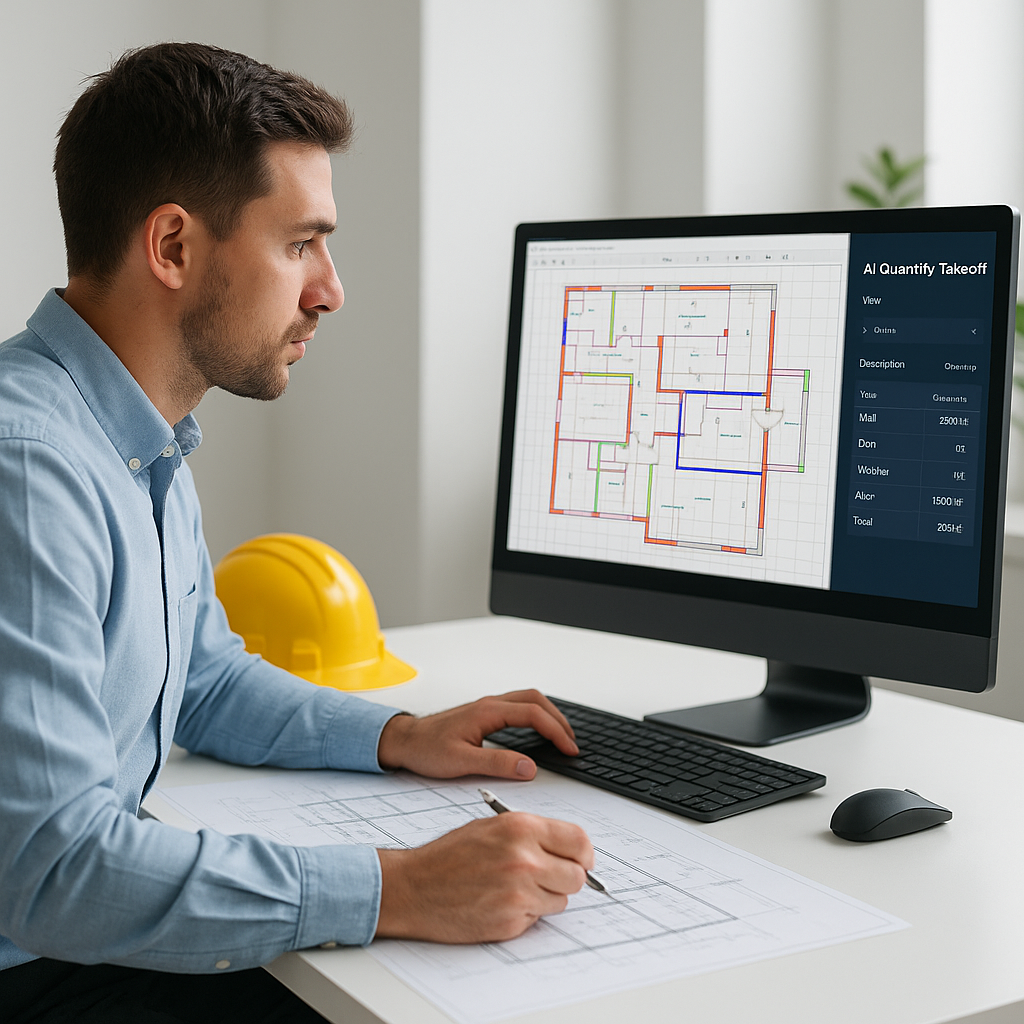
The Problem: Manual Takeoffs Are Killing Productivity
If you've ever spent two days hunched over drawings for a quantity takeoff, you know the pain. Countless hours measuring room areas, tracing wall lengths, and manually inputting data into Excel. Multiply that by five or six bids a year, and you're burning weeks of labor. For what? A process that could be automated.
Here's the brutal math: manual takeoffs eat up 40 hours per project. That's two estimators tied up for two full days instead of focusing on value engineering or bid strategy. Worse, human error creeps in—miscounted windows, missed beam lengths, incorrect scaling. We've all been there. It sucks.
Case Study: The Toll of Manual Takeoffs
Take the example of a regional general contractor bidding on a school renovation project. Their team spent 72 hours on manual takeoffs, measuring every room and wall, recalibrating scales, and inputting data into spreadsheets. By the time they submitted the bid, they were exhausted—and they'd missed a key cost driver: fire-rated doors. The oversight cost them $15,000 in rework. Manual takeoffs aren’t just inefficient; they’re risky.
The AI Fix: 10 Minutes to Extract Quantities
AI-powered tools like EstimateNext are flipping the script. Take its Vision AI, for example. You upload a PDF drawing set, and within 10 minutes, it extracts quantities for walls, doors, windows, beams, and more. No rulers, no Excel gymnastics. Just verified data ready to plug into your BOQ.
Real-World Example: Time Saved, Deadlines Met
Let me give you a real example. A mid-sized general contractor bidding on a high-rise project saved 120 hours by using Vision AI for takeoffs. That's two full weeks of labor costs avoided—and they still met their deadline. The estimator in charge said it best: “It’s like hiring another estimator without the overhead.”
Actionable Steps to Automate Takeoffs
- Identify Pain Points: Track how much time your team spends on takeoffs today. If it’s eating up more than 30 hours per bid, you’ve got a problem.
- Choose an AI Tool: Compare solutions like EstimateNext, Stack, and On-Screen Takeoff. Look for features like object recognition, integration options, and confidence scoring.
- Pilot Testing: Run a small project through the AI tool. Evaluate its accuracy and time savings.
- Train Your Team: Most AI tools are intuitive, but proper onboarding ensures everyone knows how to use advanced features.
How It Works: Vision AI Under the Hood
So, what's actually happening in those 10 minutes? Here's the breakdown:
- Drawing Ingestion: The AI reads your PDF or CAD files and calibrates scaling automatically. No need to fuss with manual measurements.
- Object Recognition: Using machine learning, it identifies key elements like walls, doors, and windows. For instance, it can distinguish between a load-bearing wall and a partition.
- Quantity Calculation: It computes lengths, areas, and counts based on recognized elements. For example, it knows a 3-meter wall needs X amount of drywall.
- Confidence Scoring: Not everything is perfect. The system flags uncertain measurements so you can review and override if needed.
Comparison of AI vs. Manual Takeoffs
| Feature | Manual Takeoffs | AI-Powered Takeoffs |
|---|---|---|
| Time Required | 40 hours/project | 10 minutes/project |
| Accuracy | Prone to human error | Reduces discrepancies by ~80% |
| Cost | Labor costs: $5,200/bid | Tool subscription: $99/month |
| Scalability | Limited by estimator capacity | Scale to more bids easily |
| Integration | Manual Excel updates | Seamless software exports |
Objection: "AI Can't Think Like an Estimator"
I hear this all the time: "Sure, AI is fast, but it doesn’t understand the nuances of construction." True. AI won’t decide if a beam should be steel or timber, or if a client’s spec is unrealistic. But that’s not the point. AI isn’t here to replace you—it’s here to free you up.
Think of it like this: AI handles the grunt work, so you can focus on strategy. You’re still the one making judgment calls, negotiating with subs, and deciding on markup. The AI just gets you to that point faster—and with fewer mistakes.
The Balance Between Human Expertise and AI
For example, an estimator at a commercial GC used Vision AI to cut down takeoff time by 80%. However, they still spent time reviewing flagged areas and making judgment calls on atypical specs. The result? A highly accurate bid submitted in half the time, without compromising quality.
The ROI: Why This Matters
Let’s talk dollars and cents. Here’s what 10 minutes vs. 40 hours looks like in real terms:
- Estimator Labor Savings: 40 hours x $130/hour = $5,200 saved per bid.
- More Bids, Higher Revenue: If your team can bid on three extra projects a year, that’s potentially $1.5M in additional revenue (assuming a $500K margin per win).
- Reduced Errors: Catching just one major error (like underestimating drywall) can save you tens of thousands in rework costs.
Example ROI Breakdown
A concrete subcontractor implemented AI-powered takeoffs and reduced their labor costs by $45,000 annually. At the same time, they increased their bid volume by 30%, landing two new projects worth $2M. The investment in AI paid for itself within months.
What If You're a Subcontractor?
This isn’t just for GCs. MEP subcontractors, for example, spend 72 hours on average preparing quotes. With AI tools, that drops to four hours. A plumbing sub I spoke to said they now respond to 50% more bids because they’re not bogged down in manual work. That’s real, scalable growth.
Actionable Steps for Subcontractors
- Evaluate Bid Volume: Are you missing opportunities because of slow takeoffs?
- Test AI Efficiency: Run one of your most complex projects through the AI tool to see if it handles your needs.
- Expand Market Reach: Use saved time to target more bids or explore new regions.
Conclusion
If you’re still spending days on quantity takeoffs, you’re leaving money and time on the table. AI-powered tools like EstimateNext are the future of preconstruction estimation. They’re fast, accurate, and practical.
Want to see it in action? Get started free →


