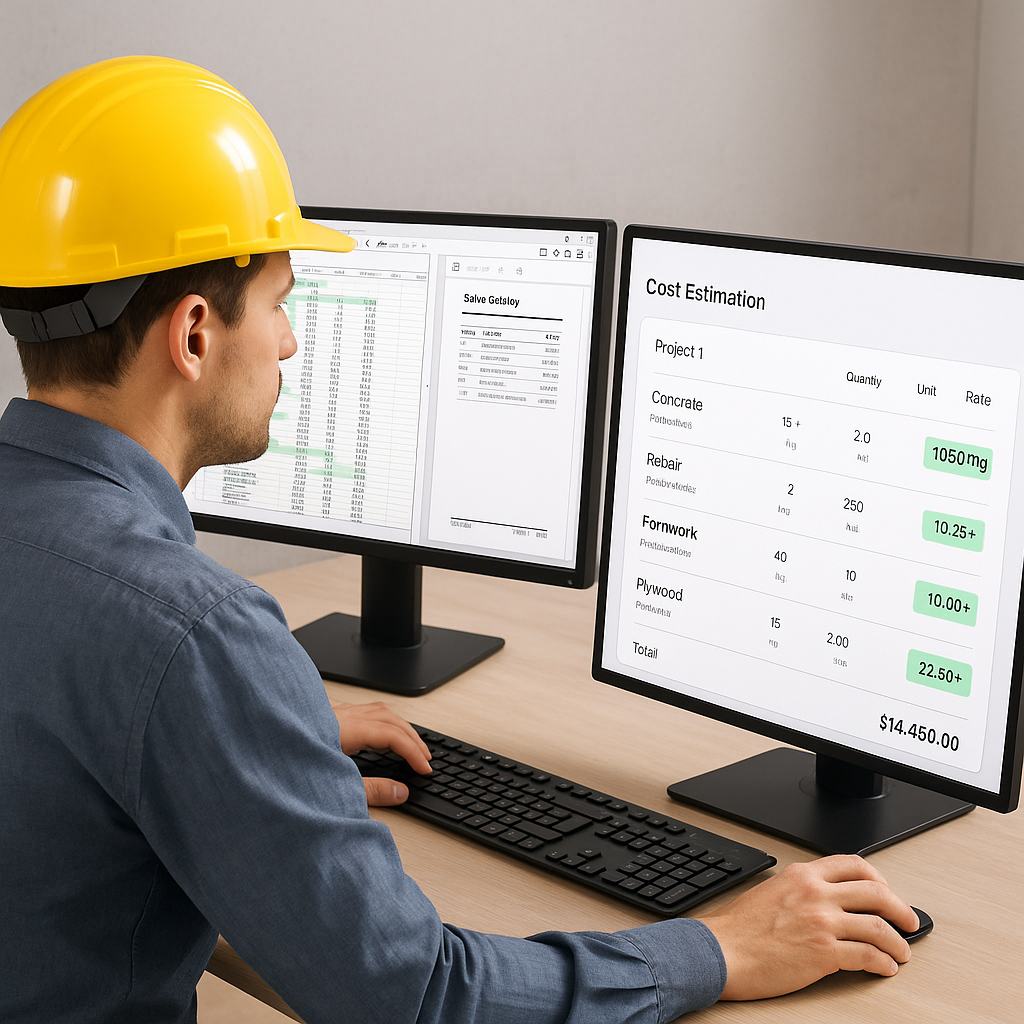
The Brutal Reality of Manual Estimation
If you're still flipping through 2,000-page rate books or remeasuring every line in a PDF, you're not alone. It's how most teams operate. But let’s be honest—this process is slow, error-prone, and expensive. A mid-sized general contractor (GC) recently told me their team spends 40 hours on quantity takeoffs for a single bid. That’s two full workweeks burned on just one task.
And rate lookups? Another nightmare. Trying to match project-specific costs to standard Schedule of Rates (SOR) items can take 12 hours or more per estimate. Multiply that by 5-8 GMP bids per year, and you’re looking at weeks of lost productivity.
Here’s the kicker: these inefficiencies don’t just waste time—they directly eat into your profits. Missed deadlines mean fewer bids. Inaccurate estimates mean razor-thin margins (or worse, losses). That’s why teams are turning to AI-powered tools like EstimateNext. Let me show you how it works.
What Does Manual Estimation Cost You?
Let’s break this down with some hard data:
- Time Costs: On average, estimators spend 35-40% of their time on quantity takeoffs. For a team of four estimators working full-time, that’s roughly 3,200 hours annually—just for takeoffs. At an average hourly rate of $65, that’s $208,000 burned on repetitive tasks.
- Error Costs: Studies show that manual estimation has an error rate of 10-20%. For a $5M project, a 10% error equates to $500,000 in potential losses or rework.
- Opportunity Costs: The time spent on manual processes could be used to bid on more projects. If a GC submits five fewer bids annually due to inefficiencies, that’s $1M+ in potential revenue left on the table (assuming an average awarded project value of $200,000).
These numbers highlight a simple truth: sticking to manual methods isn’t just inconvenient—it’s actively holding your business back.
AI-Powered Rate Matching: The Shortcut You Need
One of the most underrated, time-saving features of AI estimation tools is rate matching. It’s a simple idea: instead of manually hunting for rates in a PDF or Excel file, AI does the heavy lifting.
How It Works
Let’s say you need the cost of installing pre-stressed concrete girders. With traditional methods, you'd spend hours flipping through RSMeans or state DOT catalogs. With EstimateNext, you just type in the item description, and the AI spits out the exact rate in seconds. It even cross-references 78,000+ items across 135 catalogs to ensure accuracy.
Customization Matters
What if your rates are custom? No problem. You can upload your own catalog, and the AI integrates it seamlessly for future use. By the third project, most users report significant accuracy improvements because the system learns from your feedback.
Actionable Steps to Leverage AI Rate Matching
- Upload Your Historical Data: Start by feeding the AI with your past projects and rate sheets. The more data you provide, the better the tool performs.
- Use Confidence Scores: Tools like EstimateNext provide confidence levels for each rate match. Focus on reviewing low-confidence matches to ensure accuracy.
- Set Up Automated Updates: Ensure your catalogs are updated regularly, especially for volatile materials like steel or lumber.
Real-World ROI: Two Case Studies
Case Study 1: General Contractor Saves 120 Hours on a High-Rise Bid
A mid-sized GC saved 120 hours on a high-rise bid using EstimateNext. That’s three full weeks of labor avoided. Here’s how:
- Quantity Takeoffs: Vision AI handled the takeoffs in just 10 minutes, compared to 40 hours manually.
- Rate Matching: The tool shaved off another 12 hours by automating rate lookups.
The result? The GC freed up their team to focus on refining their bid strategy and securing better subcontractor pricing. The project manager summed it up: “It’s like hiring a full-time estimator without the payroll hit.”
Case Study 2: HVAC Contractor Boosts Bid Volume by 50%
One HVAC contractor I spoke with increased their bid response rate by 50% after adopting an AI tool. Here’s the math:
- Before AI: 30 bids/year, with a 20% win rate (6 awarded projects). Average project value: $200K.
- After AI: 45 bids/year, with the same 20% win rate (9 awarded projects).
That’s an additional $600K in annual revenue—with no extra staff. For a business operating on tight margins, this was a game-changer.
Objection: “AI Can’t Think Like an Estimator”
I hear this a lot. And it’s true—AI doesn’t have your years of expertise. But it doesn’t need to. It’s a tool, not a replacement. You’re still the one making judgment calls on markups, scope, and exclusions. The AI just handles the grunt work, like takeoffs and rate matching.
The Real Question
Would you rather spend your time:
- Negotiating with subcontractors, refining your bid strategy, and building client relationships?
- Or tracing wall lengths on a PDF and flipping through rate books?
AI lets you focus on value-added tasks while it takes care of the repetitive ones.
Getting Started with AI Estimation
If you’re ready to ditch manual methods, here’s how to get started:
- Start Small: Test AI on a smaller project to see how it fits into your workflow.
- Leverage Historical Data: Upload your past project data and rate catalogs to train the system.
- Use Confidence Scoring: Tools like EstimateNext include confidence scores so you can quickly spot and adjust low-certainty matches.
- Integrate with Your Stack: Most AI tools integrate with platforms like Procore or Bluebeam. This ensures your estimates flow seamlessly into your existing processes.
Comparison Table: Manual vs. AI Estimation
| Aspect | Manual Estimation | AI-Powered Estimation |
|---|---|---|
| Time for Takeoffs | 30-40 hours per project | 10-15 minutes |
| Rate Matching | 10-12 hours per project | Seconds |
| Error Rate | 10-20% | <5% (with human oversight) |
| Cost | $65/hour x hours spent | $99/month (EstimateNext) |
| Scalability | Limited by team size | Bid volume increases without staff |
The Bottom Line
Manual estimation isn’t just outdated—it’s costing you time and money. AI tools like EstimateNext are changing the game, making processes 10X faster and far more accurate.
If you're tired of wasting hours on takeoffs and rate lookups, it’s time to make the switch. Get started free →


