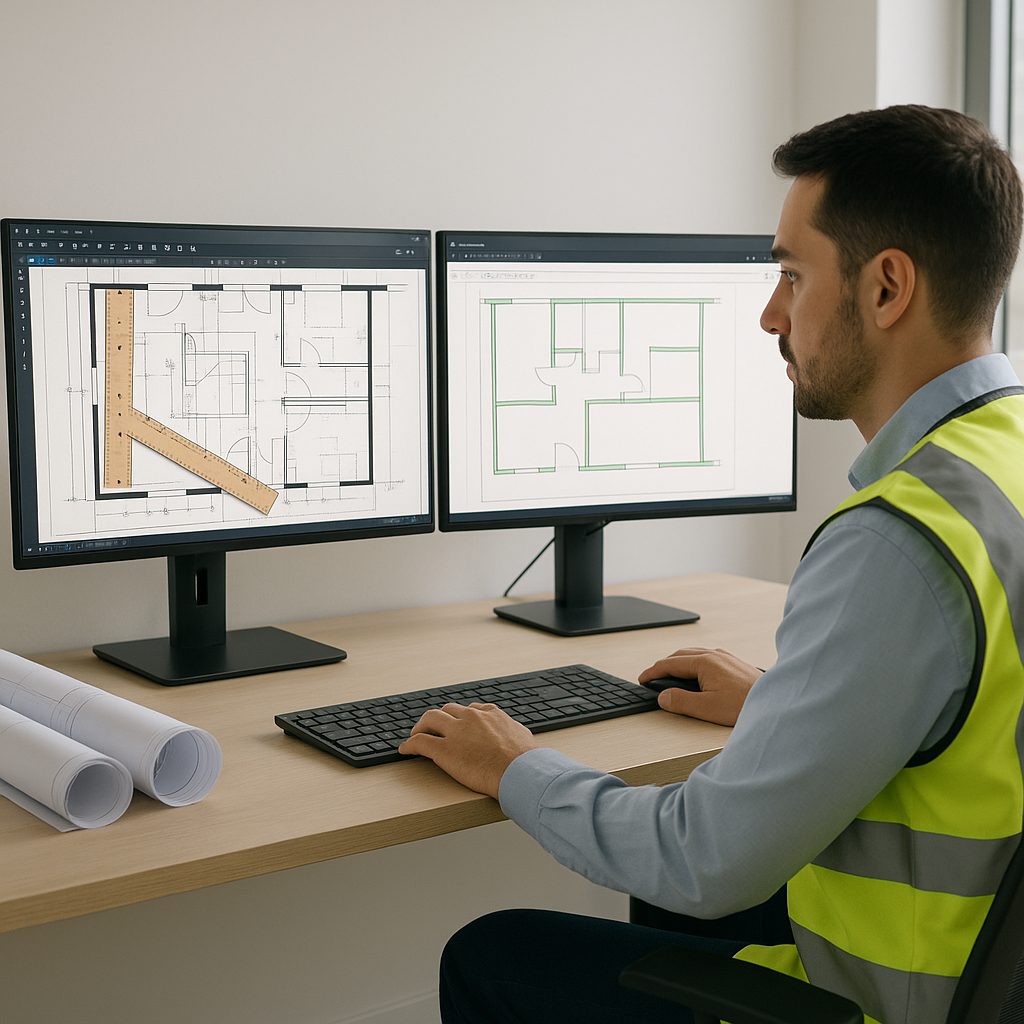
The Problem: Manual Takeoffs Are Killing Your Productivity
If you've ever spent two days hunched over drawings with a scale ruler and a highlighter, you know exactly how painful manual takeoffs are. They’re slow, tedious, and prone to mistakes. Yet, most general contractors and subcontractors still rely on this outdated process. Why? Because it's how it's always been done.
The Cost of Manual Takeoffs
Let’s break it down. For a typical mid-sized project, manual takeoffs take roughly 40 hours. That’s two estimators working full-time for two days. Multiply that across five GMP pursuits a year, and you’re looking at 200 hours wasted on drudgery. Worse, mistakes in quantity takeoff (QTO) can cascade into underbidding, busted budgets, and lost clients.
Consider these real-world examples:
- Case Study 1: A general contractor in Texas lost a $10M project due to an underbid caused by a manual takeoff error. A single missed measurement on the drawings led to underestimating the concrete quantities by 20%, which crushed their margins.
- Case Study 2: An electrical subcontractor spent 60 hours manually estimating a large hospital project. When they submitted their bid, they realized they had miscounted the number of lighting fixtures, leading to delays and ultimately losing the job.
These examples highlight how manual takeoffs don’t just waste time—they compromise accuracy and profitability.
The Solution: AI-Powered Takeoffs in 10 Minutes
EstimateNext’s AI-driven takeoff tool flips the script. Instead of spending days on manual QTOs, Vision AI can process an entire set of drawings in just 10 minutes. This isn’t futuristic hype—it’s real-world performance.
Real-World Performance
Example: A mid-sized general contractor used Vision AI to estimate a high-rise project and saved 36 hours per estimate. That’s nearly a full workweek freed up for other critical tasks. What would you do with that time back? Respond to more bids? Refine your pricing strategy? Or simply reduce stress?
Step-by-Step Process
Here’s how EstimateNext works:
- Upload Your Drawings: Whether it’s PDFs, DWGs, or scanned images, the AI handles them all.
- Automatic QTO Extraction: Room areas, wall lengths, door/window counts—everything is pulled directly from the drawings.
- Confidence Scoring: Not sure the AI got it right? Low-confidence lines are flagged for manual review, so you stay in control.
- Instant Export: Spit it out into Excel, Procore, or your favorite preconstruction tool.
Actionable Steps
To maximize the benefits of AI-powered takeoffs:
- Standardize Your Drawing Formats: Make sure your drawings are cleaned up and organized before uploading. AI tools work better with high-quality inputs.
- Use Confidence Scoring Wisely: Review flagged items and train your team to interpret confidence scores efficiently.
- Integrate with Existing Software: Tools like Procore or Bluebeam can streamline your workflow when paired with AI outputs.
The Skeptic’s Corner: What About Edge Cases?
You might be thinking, "Sure, AI is fast, but what about custom projects with weird edge cases?" Good question. AI doesn’t replace your expertise—it amplifies it. Vision AI handles the grunt work, like extracting quantities and matching rates, so you can focus on the high-value stuff.
Why AI Supports, Not Replaces, Estimators
- Human Expertise Matters: AI flags low-confidence areas for manual review, ensuring experts can step in when needed.
- Learning Curve: Vision AI improves with use. By the third project, most users report noticeable accuracy improvements.
Example: An estimator from a Colorado-based GC said, "It’s like having a junior estimator who works 24/7 but always asks for help when needed."
Real ROI: The Numbers Don’t Lie
Let’s talk money. For GC directors and subcontractors, the math is simple:
Cost Savings
- 40 hours saved/estimate × $130/hour = $5,200 saved per pursuit.
- If you’re chasing five bids a year, that’s $26,000 saved annually.
Revenue Growth
For MEP subcontractors who live and die by fast quote turnarounds, it’s even better. Faster takeoffs mean more bids and more wins. A $200M revenue subcontractor estimating 30 packages a year could add 4–8 wins annually, translating to $800K–$1.6M in incremental revenue.
Example: A plumbing subcontractor in Florida used EstimateNext for 20 bids and saw a 15% increase in successful pursuits. That’s nearly $1M in additional revenue.
Decision Framework: Manual vs. AI-Powered Takeoffs
| Factor | Manual Takeoffs | AI-Powered Takeoffs |
|---|---|---|
| Speed | 40 hours per estimate | 10 minutes per estimate |
| Accuracy | Prone to human error | Confidence scoring + review |
| Scalability | Limited by manpower | Unlimited scalability |
| Cost | High labor costs | Software subscription cost |
| ROI | $0 (time wasted) | Up to $1.6M/year in revenue |
The Takeaway: Stop Wasting Time
Manual takeoffs are a relic of the past. They drain your time, your energy, and your margins. Tools like EstimateNext are here to change that. Whether you’re a GC director trying to meet tight GMP deadlines or a trade sub scrambling to hit bid dates, AI-powered takeoffs are non-negotiable.
Time is money, and AI lets you keep more of both.
Ready to Save 36 Hours Per Estimate?
If you’re tired of wasting time on manual QTOs, EstimateNext can help. Get started free →


