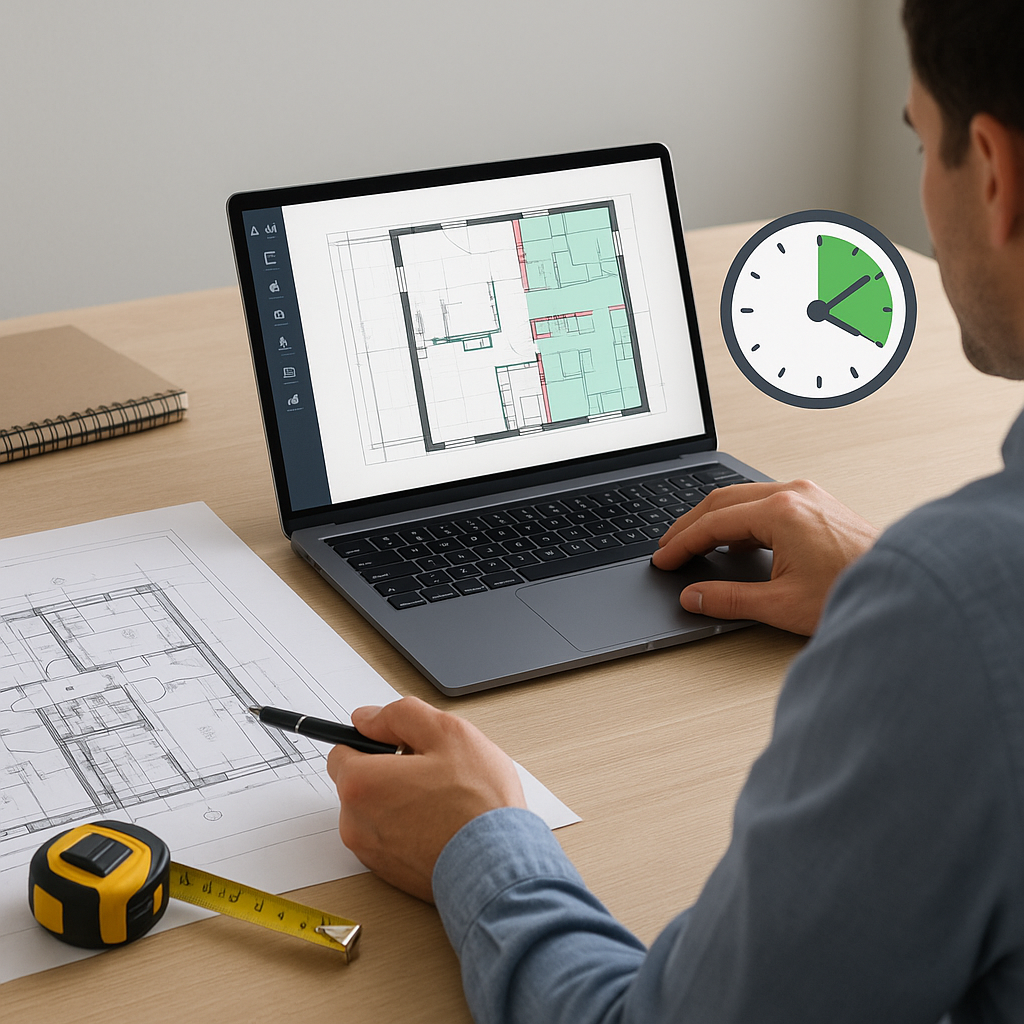
Ever Spent Two Days on a Takeoff?
If you’re in preconstruction, you know the pain. Two estimators, two full days, flipping through drawings and manually measuring every line, room, and wall. It’s slow, tedious, and honestly, outdated.
Here’s the thing: those 40 hours per estimate aren’t just wasted—they’re a bottleneck. The more time you spend on takeoffs, the fewer bids you can submit. And fewer bids mean fewer chances to win work.
But what if you could cut that process to 10 minutes? That’s not a typo. Ten. Minutes.
AI-Powered Takeoffs: What’s the Deal?
AI tools like EstimateNext are changing the game. Instead of manually tracing every drawing, you upload your PDFs, and the software extracts quantities automatically. It’s like having an extra estimator who works 24/7 and never takes a coffee break.
Here’s how it works:
- Upload your drawings. Whether it’s a single-page PDF or a 200-page set, the AI processes it all. No need to spend hours flipping through endless sheets.
- Calibrate measurements. Got scale issues or inconsistent dimensions? The AI adjusts based on your input, ensuring precision.
- Get quantities in minutes. Room areas, wall lengths, door counts—it’s all there, ready for review. You can download the data in formats compatible with your existing tools.
A Practical Example: Residential Projects
Take a mid-sized residential builder working on a 100-unit apartment complex. Traditional takeoffs would require two estimators spending five days measuring kitchen layouts, bathroom sizes, and wall lengths. With AI-powered takeoff software, this process can be completed in under an hour. That’s five full workdays saved—and those estimators can focus on other tasks like bid strategy or client communication.
Real-World Savings
A mid-sized general contractor (GC) recently tested AI takeoff tools on a $1B rail project. Their team saved 56 hours on takeoffs alone. Think about that: 56 hours. That’s more than a full workweek. And it wasn’t just about speed. The AI flagged discrepancies in the drawings—issues the human team had missed.
Here’s the breakdown:
- Time Saved: 56 hours
- Errors Flagged: 14 discrepancies that could have impacted project timelines and costs
- Manpower Cost Savings: Approximately $4,000 saved on labor (based on average estimator salaries)
In their words, “It’s like hiring a full-time estimator without the payroll hit.”
Case Study: Infrastructure Projects
For a $500M bridge construction project, a contractor used AI-powered takeoff software to estimate quantities for concrete, steel reinforcement, and drainage systems. The result? They saved 40% of the time they would have spent on manual measurements. Additionally, the AI flagged inconsistencies in drainage layouts, allowing for corrections before bidding.
The Obvious Pushback: “Can AI Really Replace My Expertise?”
No, and it shouldn’t. AI tools don’t replace you; they multiply your impact. You’re still in charge of judgment calls, scope reviews, and final markups. The AI just handles the grunt work.
And if you’re worried about accuracy, most platforms include confidence scores and manual overrides. You’re still in control—just without the headaches.
Comparisons: Manual vs. AI
| Aspect | Manual Takeoff | AI-Powered Takeoff |
|---|---|---|
| Time per Estimate | 40 hours | 10-15 minutes |
| Error Detection | Human-dependent | Automated + flagged areas |
| Human Labor Costs | High | Reduced |
| Integration Options | Limited | Compatible with Procore, Bluebeam, etc. |
| Scalability | Low | High |
Manual methods rely on human precision, but they’re slow and prone to errors. AI tools complement your expertise, allowing you to work faster and smarter.
Why This Matters Now
Here’s the reality: construction is moving faster than ever. Clients expect tighter timelines, and budgets leave no room for error. If your competitors are quoting in hours while you’re stuck in days, you’ll lose out. Period.
Consider this:
- Average Bidding Time: Contractors using AI can generate bids 70% faster than those using manual methods.
- Win Rates: Faster estimates mean more bids submitted, increasing the likelihood of winning projects.
AI takeoff tools aren’t a “nice-to-have” anymore. They’re table stakes.
Actionable Steps to Get Started
- Start Small: Test AI software on a smaller project to understand the workflow.
- Integrate with Existing Tools: Most platforms work seamlessly with software you already use, like Bluebeam or Procore.
- Train Your Team: Ensure your estimators know how to use the software effectively. Many providers offer free training.
- Evaluate ROI: Track time saved and accuracy improvements after your first few projects.
Final Thought
AI isn’t here to replace you—it’s here to free you. Stop spending days on tasks that should take minutes. If you want to win more bids and stay ahead, now’s the time to act.


