The Brutal Truth About Manual Takeoffs
If you've ever spent two full days measuring drawings by hand, you know exactly how painful preconstruction estimation can be. It's slow. It's repetitive. And the margin for error is massive. Miscalculate a wall length or room area, and you're staring at a bid that's either overpriced or unprofitable. Worse, these mistakes usually show up too late—after the bid is locked.
This isn't just a small inefficiency. Across a typical $100M GMP (Guaranteed Maximum Price) pursuit, manual takeoffs alone eat up 40 hours of labor. That’s two estimators grinding away for two full days. For smaller firms, it's even worse. You might only have a handful of staff, and every minute spent redlining drawings is a minute not spent on higher-value tasks like subcontractor negotiation or margin strategy.
Let’s look at the bigger picture. According to the Construction Industry Institute (CII), preconstruction inefficiencies cost the average contractor or GC (General Contractor) up to 12% of project budgets annually. For a firm managing $50M in annual projects, that’s $6M wasted due to outdated manual processes.
The AI Fix: Vision AI Takeoffs
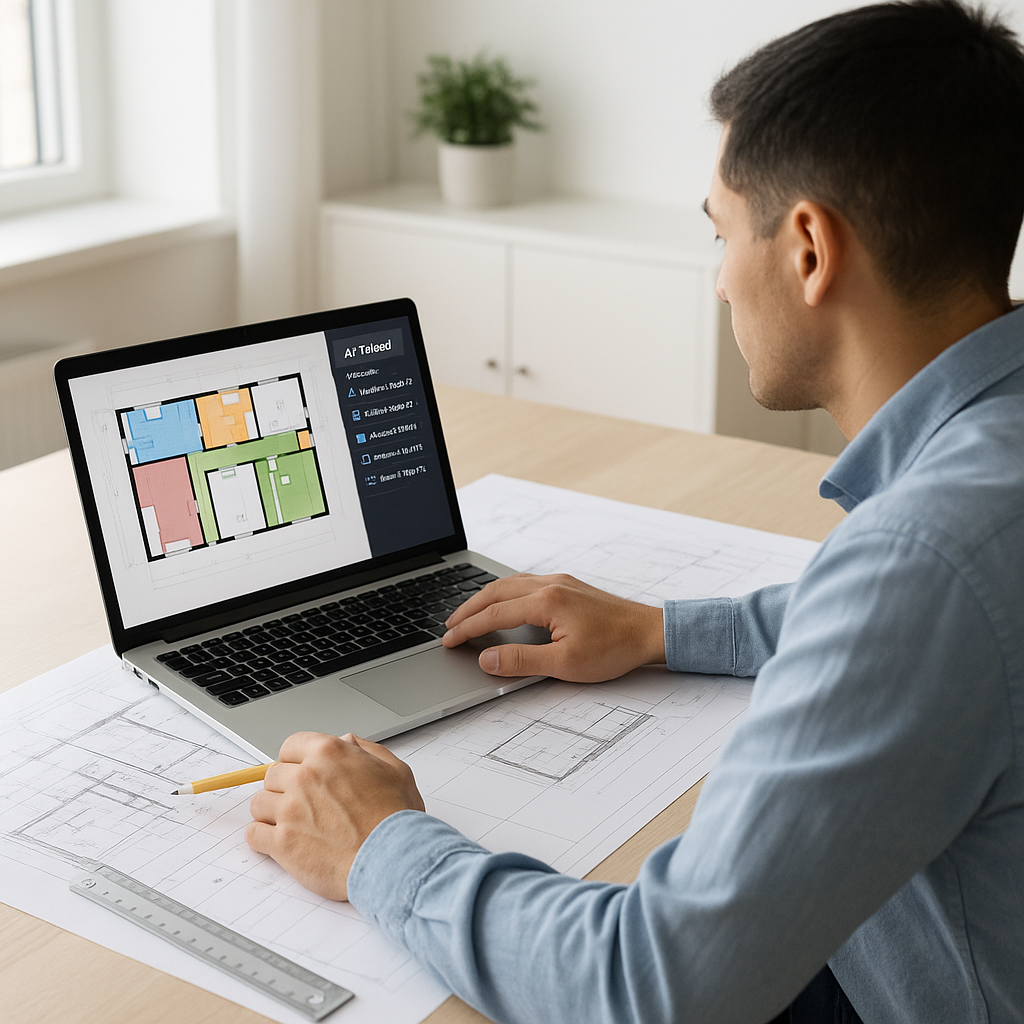
This is where AI-powered tools like EstimateNext come in. Their Vision AI technology can extract quantities directly from PDF drawings in 10 minutes—yes, 10 minutes. You upload the drawing set, and the system calculates room areas, wall lengths, door/window counts, and more. It even flags any low-confidence measurements so you can manually review them before moving on.
Let’s break this down with a real-world example. A case study from a mid-sized GC showed how Vision AI transformed their bid process for a high-rise project. Using manual methods, their two estimators would have spent close to 120 hours measuring and verifying quantities. With Vision AI, this was reduced to just 8 hours of work—saving two full weeks of effort and nearly $12,000 in payroll costs. Their team described the tool as "like hiring an extra estimator without the overhead."
This isn’t an isolated result. Another study from a $1B rail project showed that AI takeoff tools reduced discrepancies by 80% compared to manual methods. These tools excel at identifying patterns in drawings that humans might overlook or misinterpret, improving both speed and accuracy.
What About Accuracy?
You might be thinking, "Sure, AI is fast, but can it really match the precision of manual takeoffs?" Fair question. AI-powered takeoff tools are highly accurate, but they rely on the quality of the input data. If your drawings are poorly labeled, outdated, or inconsistent, no tool—AI or otherwise—can deliver perfect results.
This is where human oversight becomes critical. A hybrid workflow that combines AI tools with manual review is often the best approach. For example, junior estimators can focus on verifying critical dimensions and catching edge cases flagged by the AI, while senior staff handle strategic tasks.
Consider this comparison:
| Manual Takeoffs | AI-Powered Takeoffs |
|---|---|
| Time-intensive | Fast (10 minutes/drawing) |
| Prone to human error | Reduced discrepancies |
| Limited scalability | Scales across projects |
| Requires expertise | User-friendly interfaces |
By leveraging AI for repetitive tasks, your team can focus on higher-value activities like validating assumptions, negotiating subcontractor pricing, or refining bid strategies.
The Real ROI
Let’s do the math. For GC preconstruction directors, the average hourly cost of senior estimators is $130. Saving 40 hours per pursuit means $5,200 saved—per bid. Multiply that across 5-8 GMP pursuits per year, and you're looking at $26,000-$41,600 saved annually. Compare that to the $99/month cost of EstimateNext’s GC plan, and the ROI is obvious: 52X.
But the financial ROI is only one side of the equation. Faster takeoffs mean quicker bid turnaround times. Quicker bids mean more opportunities to pursue high-value projects. In competitive markets, speed isn’t just an advantage—it’s a necessity. According to McKinsey, firms that adopt AI-powered tools report a 20-30% improvement in their bid win rates, largely due to improved accuracy and faster response times.
Edge Cases: Where AI Struggles
AI tools aren’t perfect. They struggle with highly irregular drawings—think hand-sketched layouts, poorly scanned PDFs, or overly complex layering. In these cases, manual measurement tools like Bluebeam or AutoDesk Construction Cloud remain essential backup options. But for 90% of standard projects, AI takeoffs deliver significant time savings.
Another major challenge is adoption. Estimators who’ve spent decades perfecting manual methods often resist change. It’s not that they can’t learn AI tools—it’s that they don’t want to. Overcoming this requires leadership buy-in and clear evidence of ROI. Start with smaller projects to test accuracy and build trust before scaling up.
Actionable Steps
Want to test AI-powered takeoff tools without committing upfront? Here’s a simple process:
- Start with a free trial: Many platforms, including EstimateNext, offer free tiers. Upload a BOQ (Bill of Quantities) and see how the system handles it.
- Compare results: Run the same takeoff manually and with AI. Measure time saved and crosscheck accuracy.
- Train your team: Pair junior estimators with AI tools to free up senior staff for higher-value tasks.
- Scale gradually: Begin with smaller bids before deploying AI on larger, more complex projects.
If you're dealing with manual takeoff headaches, EstimateNext can help. Get started free →


