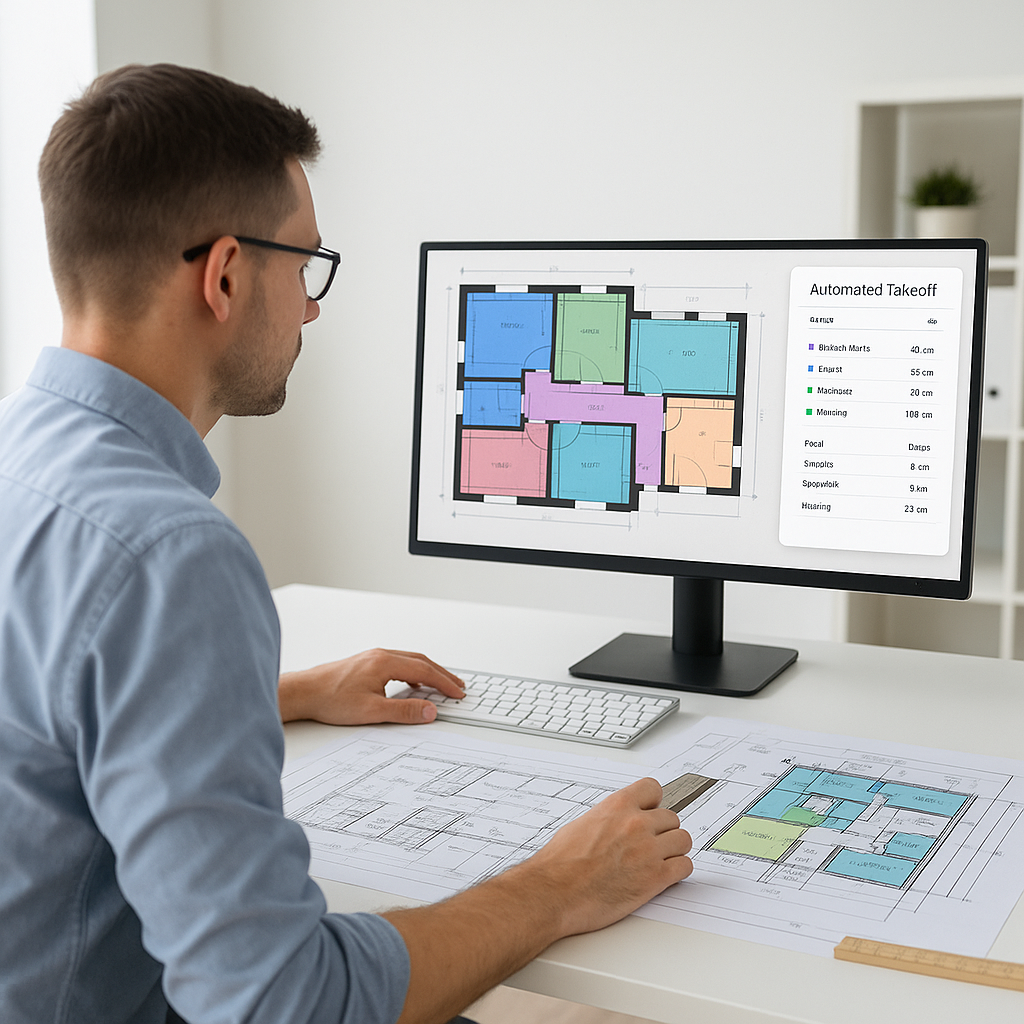
The Problem: Manual Takeoffs Are Killing Productivity
If you're in preconstruction, you already know the pain. Takeoff—the process of extracting quantities from drawings—should be straightforward. But in reality, it's a time-sink. Two estimators might spend 40 hours on a single bid, manually measuring areas, lengths, and counts from PDFs. Multiply that by five GMP (Guaranteed Maximum Price) bids a year, and you're hemorrhaging hundreds of hours.
Why is this still happening? Because traditional tools like Bluebeam, while functional, are slow and require heavy manual input. Sure, you can measure a room or a wall, but doing it across dozens of pages? Forget it.
This inefficiency isn’t just annoying—it’s expensive. At $130/hour for senior estimators, that’s $5,200 per bid wasted on repetitive tasks. And what happens when the architect sends a revision at the last minute? You start over.
A Realistic Breakdown of the Costs
Let’s break it down further. If a mid-sized general contractor (GC) processes five major bids annually, that’s $26,000 in estimator time spent on manual takeoffs alone. And that doesn’t account for overtime costs, burnout, or the opportunity cost of not working on more strategic tasks, like value engineering or subcontractor negotiations. Over a five-year period, this adds up to $130,000—money that could have been invested in better tools, training, or profit margins.
The Solution: AI-Powered Drawing Intelligence
EstimateNext’s Vision AI flips the script. Instead of spending 40 hours tracing lines, you upload your PDF drawings, and the AI extracts quantities in 10 minutes. Yes, 10 minutes. It’s not magic—just smarter technology. Here’s how it works:
- Upload Your Drawings: Any format works—PDF, DWG, even scanned files.
- AI Quantity Extraction: The system reads the drawings, identifies areas, linear measurements, and counts (like doors, windows, or fixtures).
- Confidence Scoring: Low-confidence measurements are flagged for manual review, so you stay in control.
- Revision Handling: Upload new drawing sets, and the AI compares changes automatically. No starting over.
A Step-by-Step Walkthrough
Imagine you’re bidding on a mid-rise condo project. Here’s what the AI-driven workflow looks like:
- Traditional Method: Two estimators spend 40 hours manually measuring room areas, wall lengths, and window counts across 50 pages of drawings. They input the data into Excel, cross-check for errors, and start over when revisions come in.
- AI Method: You upload the same 50 pages into Vision AI. In under 10 minutes, you get a complete takeoff report, including flagged items for manual review. You adjust a few measurements, export the data, and you’re done. Total time? Two hours, max.
That’s two full days saved—per bid. Over a year, this could save your team hundreds of hours, freeing up resources for high-value tasks.
Real-World Example: Saving 120 Hours on a High-Rise Bid
A mid-sized GC recently tested Vision AI on a high-rise project. The traditional process would have taken two estimators 60 hours each. Instead, they used EstimateNext and completed the takeoff in under 3 hours.
The Business Impact
What did they do with the 120 hours saved? Focused on subcontractor negotiations and refining their margin strategy. The result? A more competitive bid—and a win.
This isn’t just theoretical. According to McKinsey, early adopters of AI in construction see cost savings of 10-20% per project. For a $50M bid, that’s $5M-$10M saved annually. Even smaller firms bidding $5M-$10M annually could save hundreds of thousands by eliminating inefficiencies in the preconstruction phase.
The Objection: “AI Can’t Think Like an Estimator”
I hear this all the time. “Sure, AI is fast, but it doesn’t understand the nuances of construction.” And that’s partially true—but it misses the point. AI doesn’t replace your expertise; it amplifies it.
Why This Objection Misses the Mark
Let’s break this down:
- AI Handles Repetition: The tedious, repetitive tasks—like tracing walls or recalculating after a revision—are exactly what AI excels at.
- You Handle Strategy: Estimators still make judgment calls, negotiate with subs, and decide on markups. AI doesn’t replace critical thinking; it supports it.
Think of it like hiring an assistant who never gets tired or makes math errors. The result? Estimators can focus on what they do best: value engineering, risk assessment, and bid strategy.
Practical Tips for Using AI in Estimation
Want to integrate AI into your workflow? Here’s a simple roadmap:
- Start Small: Test AI tools on smaller projects to build confidence. Don’t roll it out company-wide immediately.
- Example: Try processing a single-family home bid before tackling a 200-unit apartment complex.
- Train Your Team: Pair junior estimators with AI platforms to free up senior staff for high-value tasks.
- Tip: Most platforms, like EstimateNext, offer free training and support to help teams ramp up quickly.
- Integrate with Existing Tools: Platforms like EstimateNext sync with Excel, Procore, and Bluebeam, so you don’t need to overhaul your stack.
- Example: Use Bluebeam for markups and send the data directly into Vision AI for takeoffs.
- Review AI Outputs: Use confidence scoring and manual override features to ensure accuracy. AI is smart, but it’s not perfect.
Comparison Table: Traditional Takeoff vs. AI-Powered Takeoff
| Feature | Traditional Takeoff | AI-Powered Takeoff |
|---|---|---|
| Time Required | 40+ hours per bid | Under 2 hours |
| Accuracy | Prone to human error | 80-90% accurate out of the box |
| Revision Handling | Manual rework required | Automatic comparison |
| Cost per Hour | High (senior estimators) | Low (junior staff + AI) |
| Scalability | Limited by human resources | Rapid, scalable |
Call to Action
If you’re tired of wasting 40 hours on manual takeoffs, EstimateNext can help. Start saving time and money today. Get started free →


