10 Minutes vs 40 Hours: The Brutal Math of AI Takeoffs
Preconstruction estimation is a grind. If you’ve ever spent days tracing drawings, flipping through rate books, and rebuilding spreadsheets every time a client changes their mind, you know the pain. It’s not just tedious—it’s expensive.
Let’s break down the math. A typical manual takeoff for a mid-sized project (say a high-rise or a public works bid) takes 40 hours. That’s two estimators locked in for two full days, just to extract quantities from drawings. Add rate lookup, scope normalization, and revisions, and you’re easily burning through 60-80 hours per bid. Multiply that by five GMP pursuits a year, and you’ve spent nearly half your team’s time just getting numbers on paper.
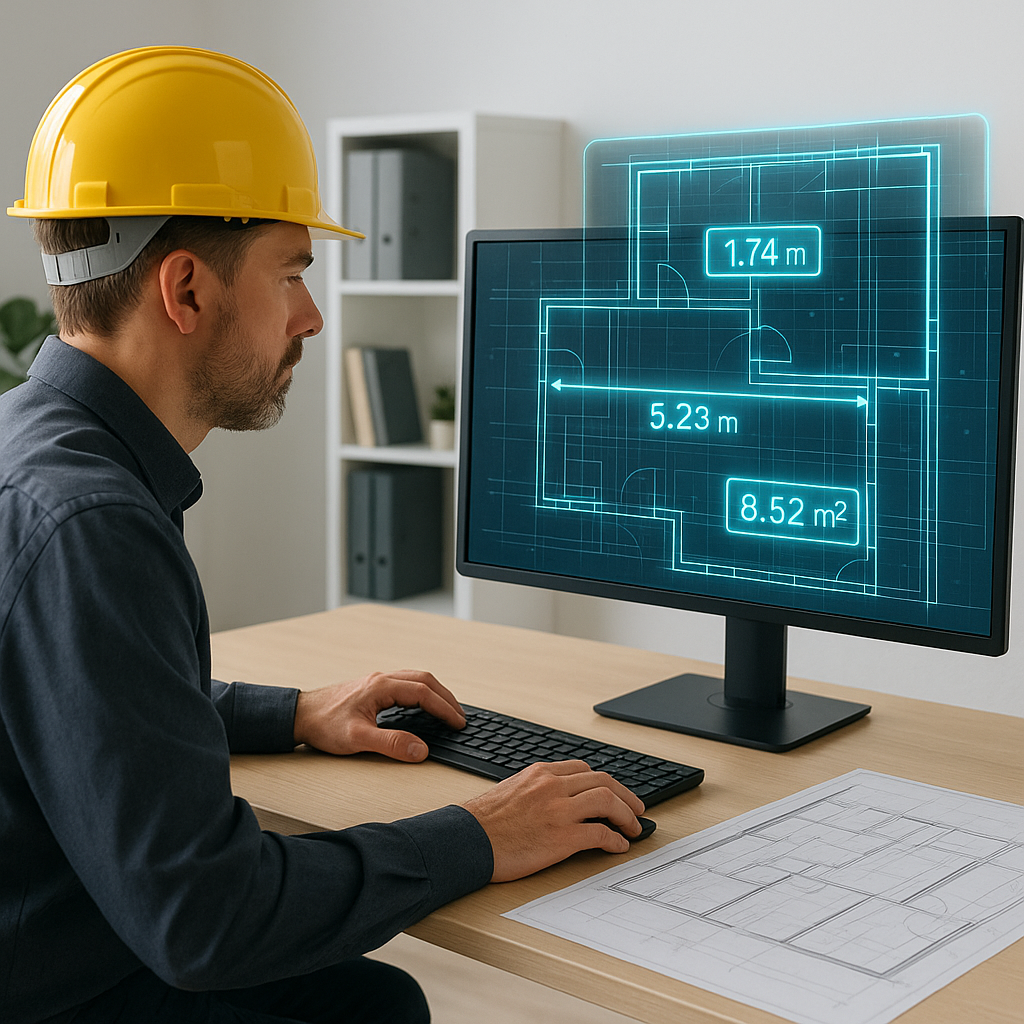
What’s the alternative? AI-powered tools like EstimateNext cut drawing takeoff to 10 minutes. Not hours—minutes. That’s a 10X improvement right out of the gate.
Why Takeoff Bottlenecks Are Killing Productivity
Manual takeoffs don’t just waste time—they create bottlenecks. You’re stuck waiting for quantities before you can price, scope, or finalize your bid. Meanwhile, the clock is ticking on submission deadlines, leaving little room for error or creativity in your proposals.
A real-world example: A mid-sized general contractor saved 120 hours on a high-rise bid by using EstimateNext’s Vision AI to automate quantity takeoffs. That’s two full weeks of labor costs avoided while still meeting tight deadlines. In their words, “It’s like hiring a full-time estimator without the overhead.”
But the benefits go beyond time savings. Reducing bottlenecks allows your team to focus on higher-value activities, like:
- Running more competitive analyses: With time freed up, you can dig deeper into market rates or scout for better subcontractor pricing.
- Improving bid accuracy: Accurate quantities mean fewer surprises during execution, reducing the risk of costly change orders.
- Boosting overall bid volume: Imagine being able to pursue twice as many projects in the same timeframe.
Case Study: A Small Subcontractor’s Transformation
A regional drywall subcontractor, struggling to compete in a saturated market, adopted AI takeoff tools to save time. By cutting their takeoff process from 12 hours to 30 minutes per project, they doubled their bid volume in one year, winning an extra $1.2 million in contracts. This freed them to invest more time in client relationships and negotiate better terms with suppliers.
How AI Takeoff Works
Here’s how tools like EstimateNext simplify the process:
-
Upload the Drawings
Drop your PDFs into the platform. EstimateNext’s Vision AI reads them like a human estimator, identifying rooms, walls, beams, and fixtures. Whether your drawings are CAD-based or scanned PDFs, the AI adapts to extract relevant data. -
Extract Quantities
The AI extracts quantities in 10 minutes or less. Room areas, wall lengths, door counts—it’s all done automatically. Low-confidence lines? You’ll get flagged for manual review with full transparency, ensuring you stay in control. -
Revisions? No Problem.
Upload revised drawings, and the system compares changes instantly. You don’t need to start over, unlike manual methods, where one change can derail an entire workflow. -
Export to Excel or Other Tools
Once quantities are extracted, export them directly into your pricing workbook or preconstruction software. Most AI tools integrate seamlessly with platforms like Bluebeam, Procore, and even custom ERP systems.
Actionable Steps to Get Started with AI Takeoff:
- Start with a pilot project: Test the AI tool on a smaller or less critical project to assess accuracy and efficiency.
- Train your team: Most platforms offer onboarding sessions that take less than two weeks to master. Allocate time for your estimators to get comfortable with the software.
- Set up custom catalogs: Load your custom rate books or frequently-used assemblies into the tool for more precise results.
The Obvious Objection: “But AI Can’t Think Like an Estimator”
You might be thinking, “Sure, AI is fast, but it doesn’t understand the nuances of construction.” True—but that’s missing the point. AI doesn’t replace your expertise; it amplifies it.
Here’s how:
- You remain the decision-maker: AI handles the repetitive tasks, but you’re still the one interpreting results, negotiating with subs, and applying experience-based judgment.
- AI improves iteration speed: Need to explore five "what-if" scenarios for different materials or designs? AI lets you revise and re-run takeoffs in minutes, not hours.
- AI learns with you: Many platforms allow you to train the tool on your unique workflows, improving accuracy over time.
Example: Enhancing Decision-Making
A GC bidding on a $50 million office build used AI to compare two facade options (traditional brick vs. glass curtain wall). By automating takeoffs for both designs, the team saved 15 hours, allowing them to focus on analyzing long-term maintenance costs and energy savings. The AI didn’t make the final decision—they did—but it gave them the data faster.
Edge Cases: What If My Drawings Are Messy?
Messy PDFs (low-resolution scans, hand-drawn annotations) can trip up even the best AI tools. That’s why platforms like EstimateNext include manual override features. You can:
- Remeasure flagged lines: Adjust quantities directly in the tool for added precision.
- Add notes or comments: Document assumptions or clarifications for team transparency.
- Maintain an audit trail: Keep a clear record of manual changes for future reference or client inquiries.
For highly complex or inconsistent drawings, consider pre-processing them with PDF optimization tools to boost AI accuracy.
Real ROI: The Numbers Don’t Lie
Let’s talk dollars and cents. For a GC preconstruction director, here’s the math:
| Task | Manual Takeoff | AI-Powered Takeoff |
|---|---|---|
| Time per bid | 40 hours | 10 minutes |
| Cost per bid (@$130/hr) | $5,200 | $22 |
| Annual cost (5 bids) | $26,000 | $110 |
That’s a savings of $25,890 per year. And remember, these savings grow exponentially as you scale.
For subcontractors, the story is even more compelling. Faster takeoffs mean faster quotes, which means more bids submitted. More bids = more wins = more revenue. For example, one MEP subcontractor using EstimateNext reported a 50% increase in bid responses, leading to 4-8 additional wins per year at $200K average revenue per project.
FAQ: Common Questions About AI Takeoffs
Q: How accurate are AI-generated takeoffs?
AI tools like EstimateNext are highly accurate but include confidence scoring for transparency. Flagged items allow for manual review to ensure precision.
Q: Can AI handle custom rates or catalogs?
Yes. EstimateNext allows you to upload your own rate catalogs or define custom rates for specific items. This ensures your estimates reflect your actual costs and preferences.
Q: What if my team isn’t tech-savvy?
Most AI platforms are intuitive and designed for ease of use. Training typically takes under two weeks. Once your team is up to speed, the time savings are immediate.
Q: Does AI work for smaller projects?
Absolutely. AI tools scale to any project size, whether you’re handling a $1 million renovation or a $1 billion rail bridge. Start small, test accuracy, then scale.
Q: How do AI tools integrate with existing software?
EstimateNext integrates seamlessly with popular platforms like Bluebeam, Procore, and Excel. You can export estimates directly into your existing workflows for a smooth transition.
Ready to Fix Your Takeoff Bottleneck?
If you’re tired of wasting 40 hours per bid on manual takeoffs, EstimateNext can help. Its Vision AI extracts quantities in 10 minutes, saving you time, money, and sanity. Get started free →